Skip to content
TechnologyDots
TechnologyDots
  • Home
  • Google Drive
  • Outlook
  • Mac
  • Blogs

Google Drive

Google Drive is a cloud storage service that allows users in the United States and worldwide to store, share, and access files from any device. Offering up to 15GB of free storage, Google Drive is integral for document collaboration, data backup, and file sharing. It supports various file types, such as documents, images, and videos. Check out all our practical and real-time Google Drive tutorials.

How to Install (and Uninstall) Google Drive on Windows 10 and 11
October 30, 2026November 6, 2023 by Carissa Gudino
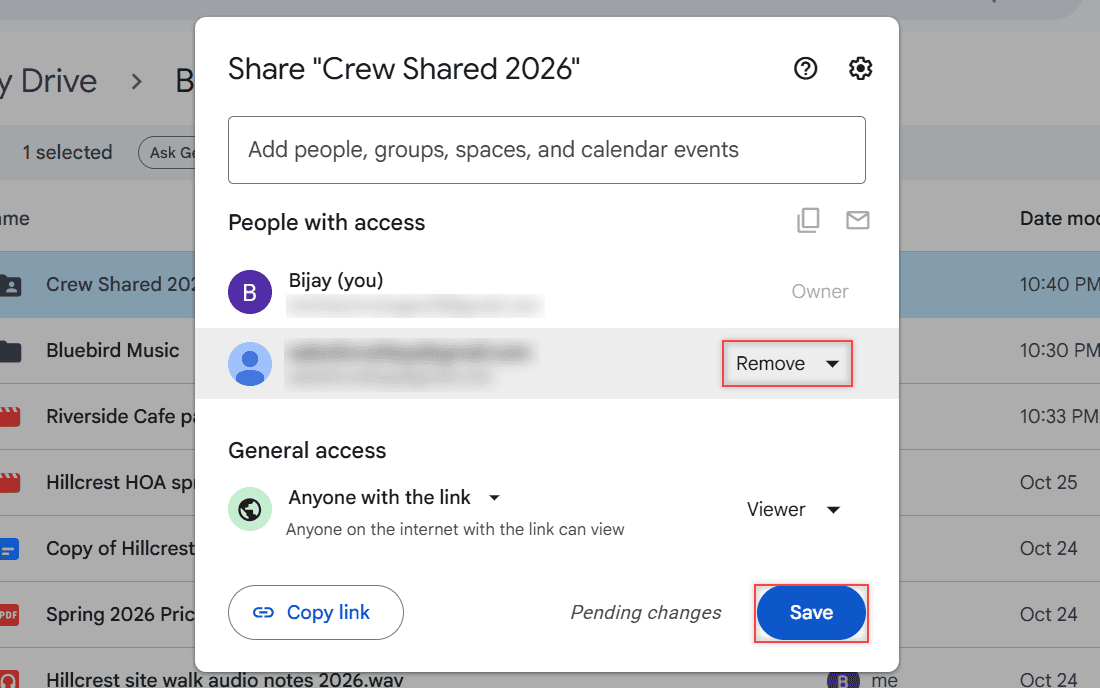
Windows File Explorer showing Google Drive (G:) open to My Drive with the Bluebird Landscaping folder

Download Google Drive for desktop, run GoogleDriveSetup.exe, sign in and pick Stream or Mirror. Plus how to uninstall it cleanly on Windows 10 and 11.

How to Unshare a Folder in Google Drive (and a Single Doc or File)

October 26, 2026November 3, 2023 by Carissa Gudino
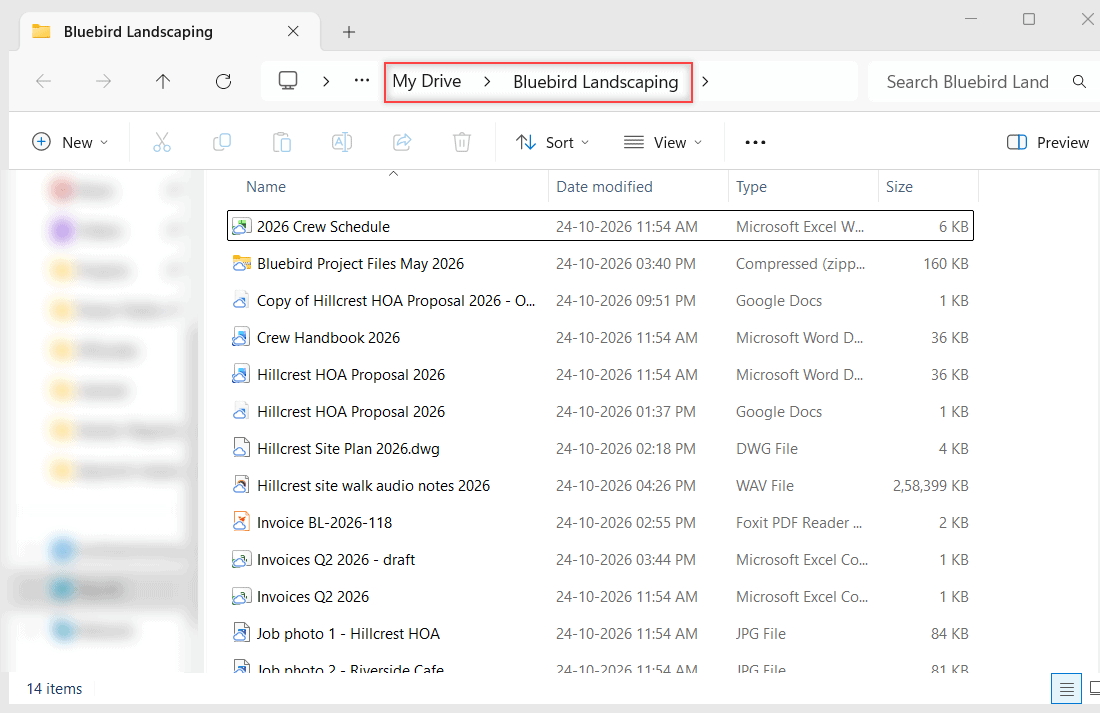
Share dialog with the removed person struck through, Pending changes and the Save button highlighted

Unshare a folder in Google Drive: remove a person, save, switch the link to Restricted, and do the same for one Doc, several files, or the phone app.
How to See Who Has Viewed a Google Doc (and What Personal Accounts Get)

October 24, 2026November 1, 2023 by Carissa Gudino
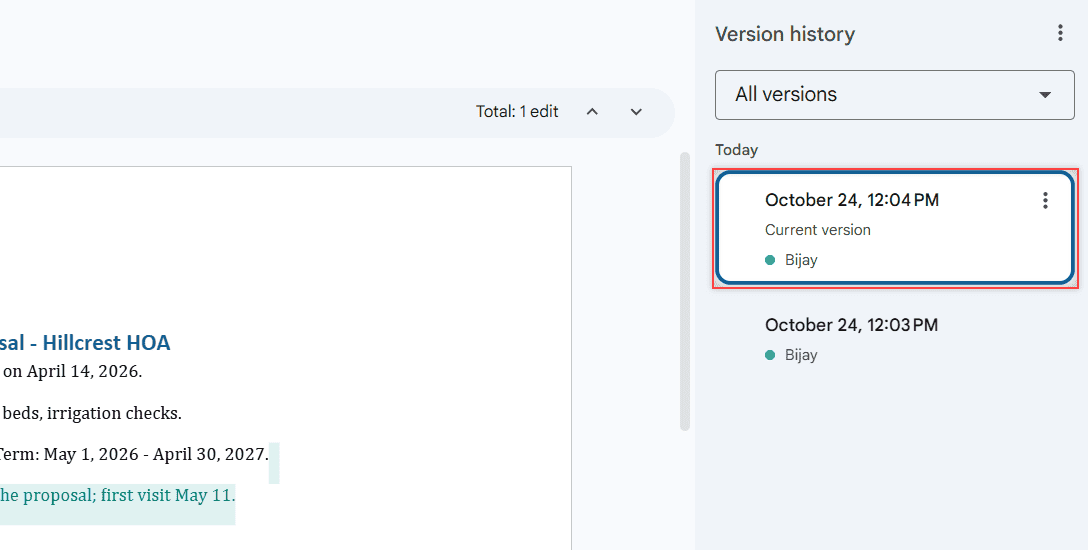
Google Docs version history side panel listing editors and edit times for the Hillcrest HOA Proposal 2026

See who has viewed a Google Doc with the Activity dashboard, what a personal Gmail account can’t see, and how to check edits, shares, and access instead.
How to Select Multiple Files on Google Drive (Ctrl, Shift, Select All)

October 24, 2026October 31, 2023 by Carissa Gudino
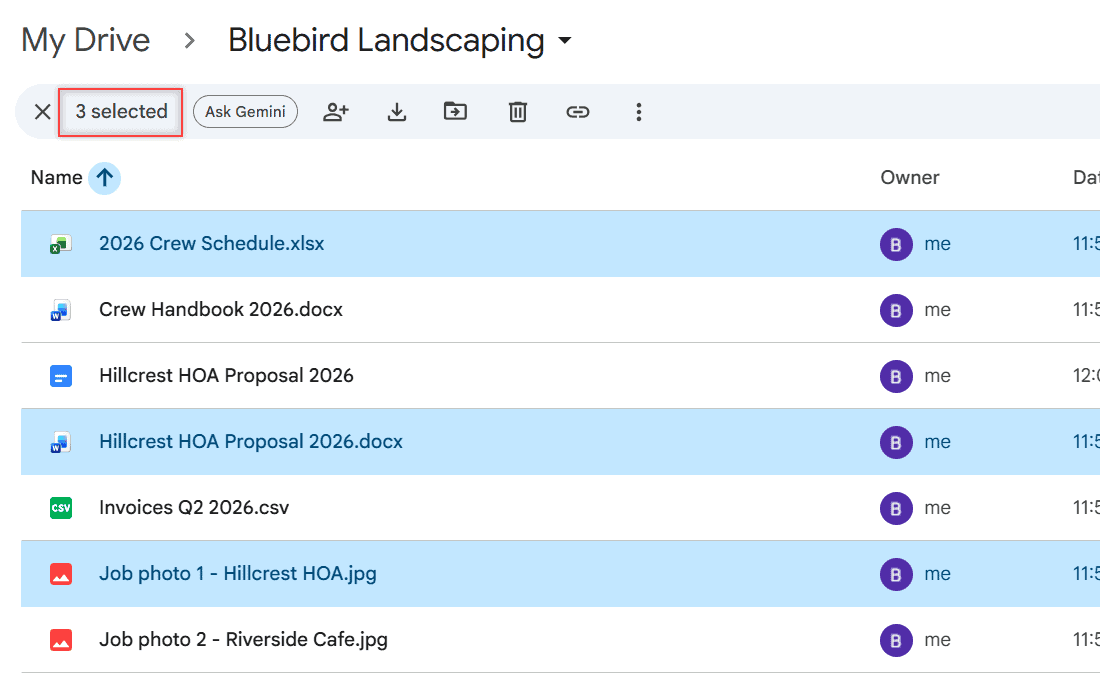
Bluebird Landscaping folder with 2026 Crew Schedule.xlsx, Hillcrest HOA Proposal 2026.docx and Job photo 1 - Hillcrest HOA.jpg selected and 3 selected in the toolbar

Hold Ctrl (Command on Mac) and click, Shift+click a range, or press Ctrl+A to select all. Then move, share, download, or trash them at once.
How to Upload Large Files to Google Drive (Including Big Videos)

October 24, 2026October 31, 2023 by Carissa Gudino
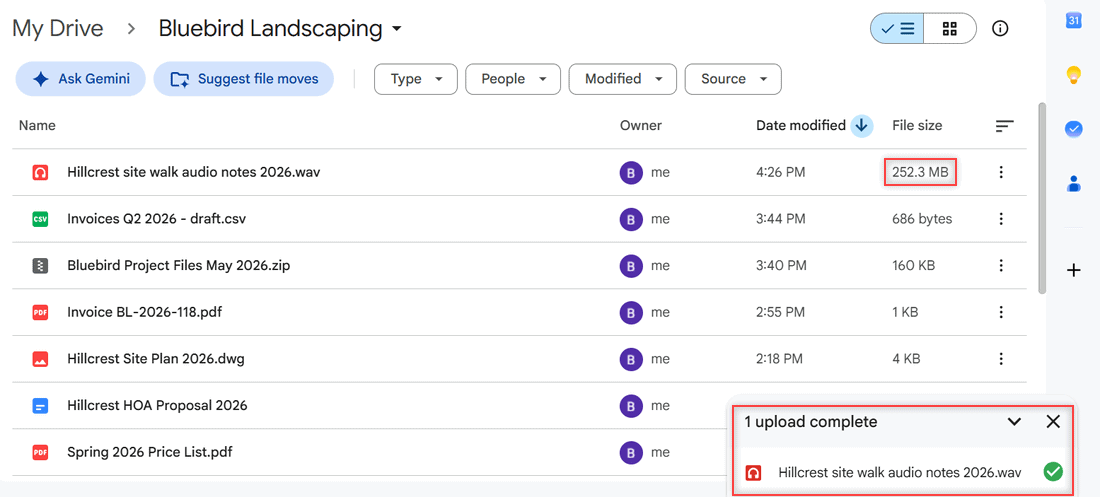
Bluebird Landscaping folder sorted by Date modified with the new WAV file at the top at 252.3 MB and the panel showing 1 upload complete

Upload large files and big videos to Google Drive from a browser, Drive for desktop, or your phone, plus the 5 TB file limit and 750 GB daily cap.
How to Print an Entire Folder in Google Drive (3 Methods That Work)

October 28, 2026May 5, 2022 by Carissa Gudino
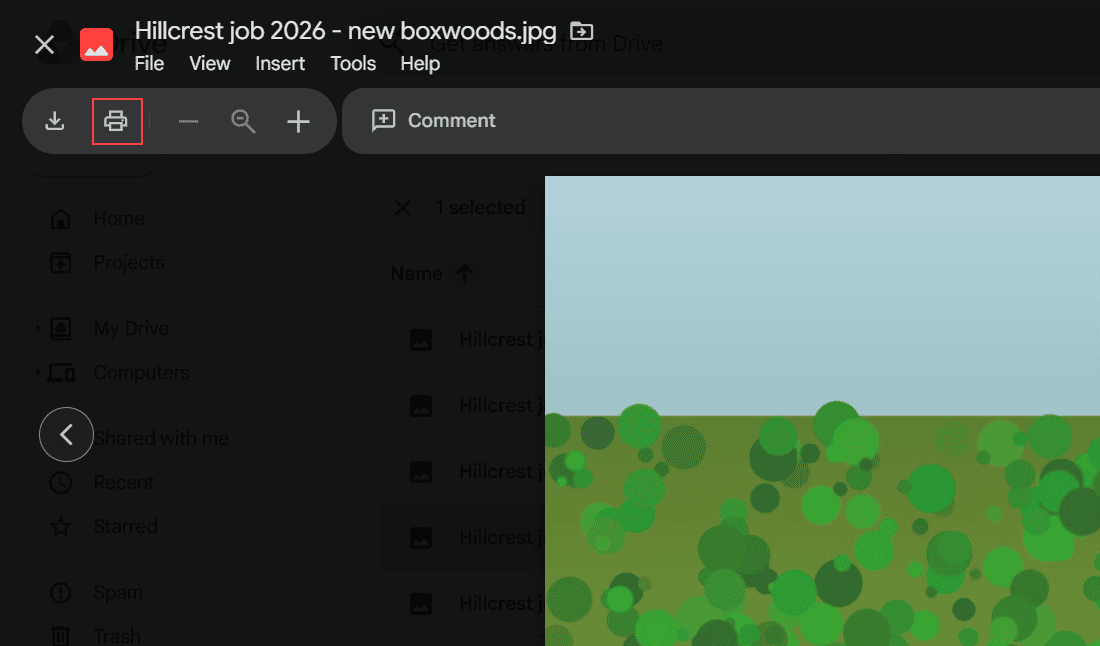
Google Drive image preview of Hillcrest job 2026 - new boxwoods.jpg with the print icon highlighted in the toolbar

Google Drive has no Print option for folders. 3 ways to print an entire folder: download it as a ZIP, print from preview, or merge files into one Doc.
“Unable to Access Document” in Google Drive: How I Fix It

October 24, 2026May 5, 2022 by Carissa Gudino
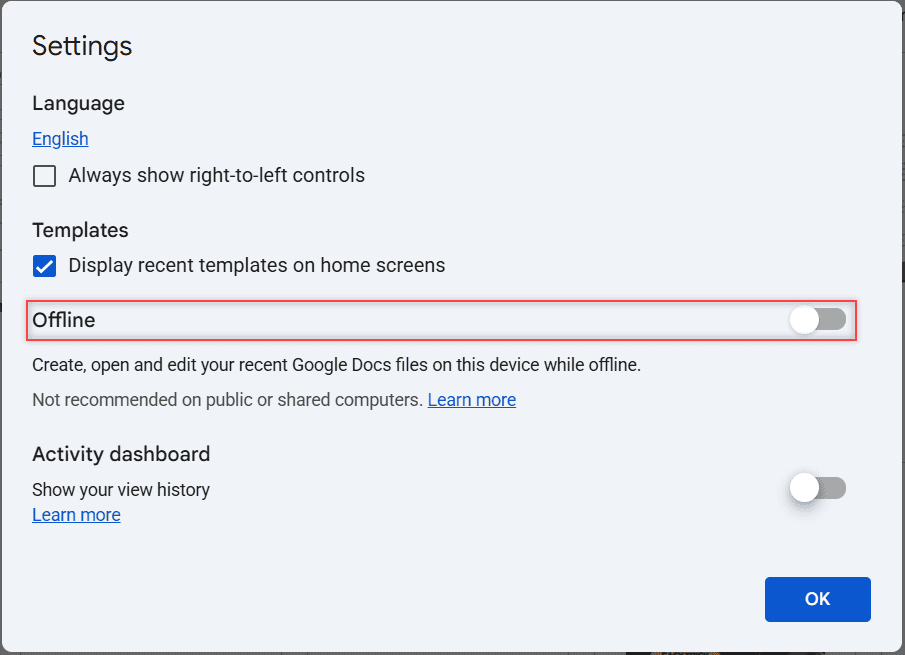
Google Docs Settings dialog with the Offline toggle row boxed and switched off

Getting “Unable to access document” in Google Drive or Docs? Find out which version you have, then try 8 fixes in order, from connection to offline mode.
Backup to Google Drive Disabled by Admin: What It Means and What You Can Do

October 30, 2026April 28, 2022 by Carissa Gudino
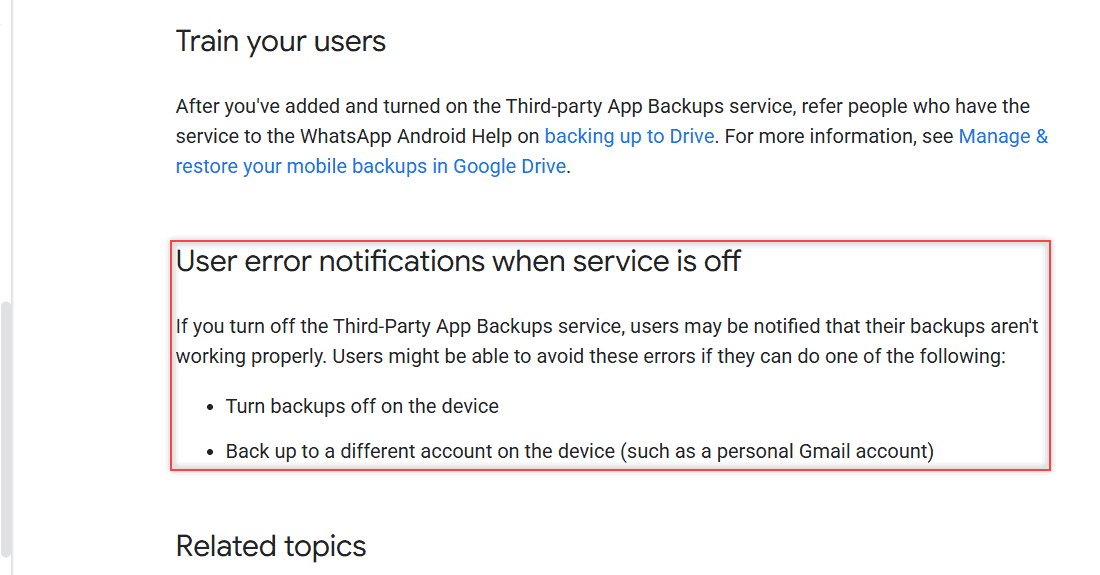
User error notifications when service is off section boxed, saying users can turn backups off or back up to a personal Gmail account

Seeing “Your admin has disabled backing up to Google Drive”? Learn who controls it, how admins turn it on, and the options Google lists for you.
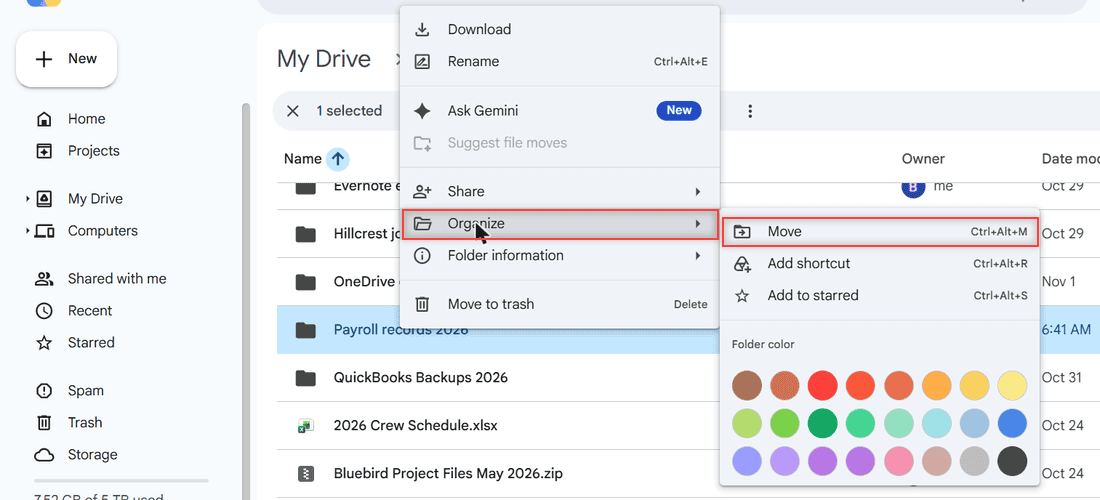
How to Hide a Folder in Google Drive (What Works in 2026)

November 1, 2026April 18, 2022 by Carissa Gudino
Right-click menu on a Google Drive folder with Organize and Move highlighted and no Hide option

Google Drive has no hide button. Here are 4 tested ways to keep a folder out of sight: move it, restrict sharing, clear Home and remove shared items.
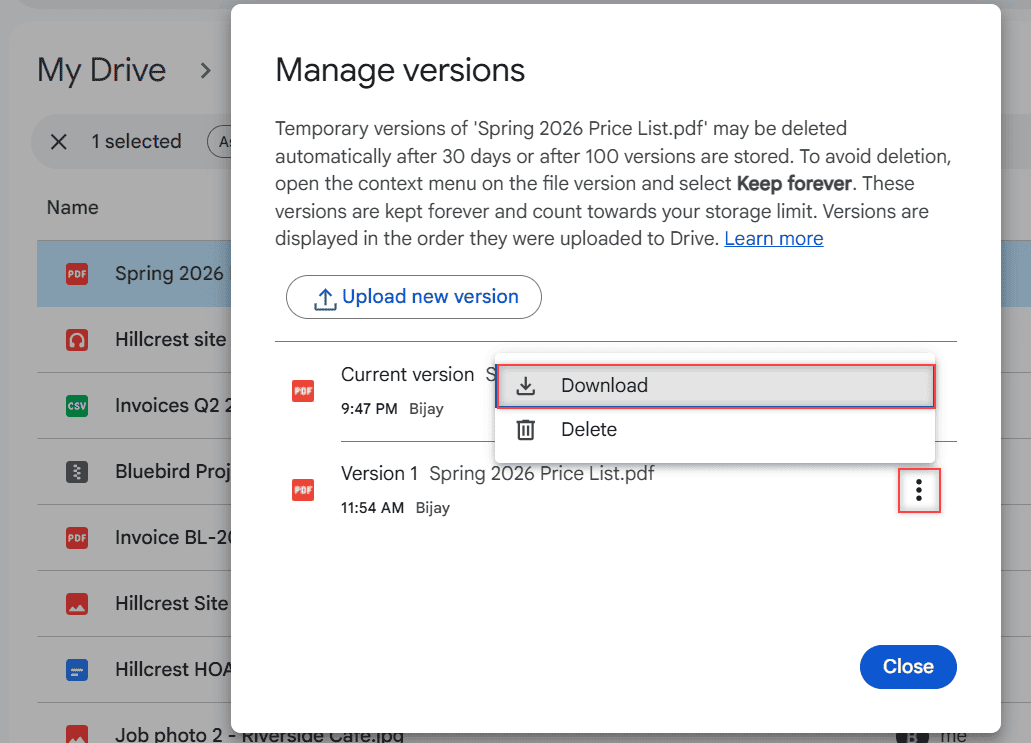
Can’t Download a File from Version History in Google Drive? Here’s How

October 24, 2026March 29, 2022 by Carissa Gudino
Manage versions dialog for Spring 2026 Price List.pdf with the three-dot menu of Version 1 open, showing Download and Delete, with Download highlighted

Can’t find Download in Google Drive version history? Here’s how to download older PDF or Word versions and save an old Google Docs version as a copy.

Older posts
Newer posts
← Previous Page1 … Page8 Page9 Page10 Next →

Recent Posts

  • How to Upload Files to Google Drive (Computer, Phone and Desktop App)
  • How to Delete Files From Google Drive (Computer and Phone)
  • How to Upload a Video to Google Drive (Computer, Phone and Big Folders)
  • How to Share a Google Drive Folder (Email, Link, and Phone)
  • How to Create an Email Group in Outlook (Contact List Step by Step)
  • About TechnologyDots.com
  • Contact
  • Privacy Policy
  • Sitemap
© 2026 Technology Dots