Google Drive Not Uploading From Your Phone? Fixes for Android and iPhone
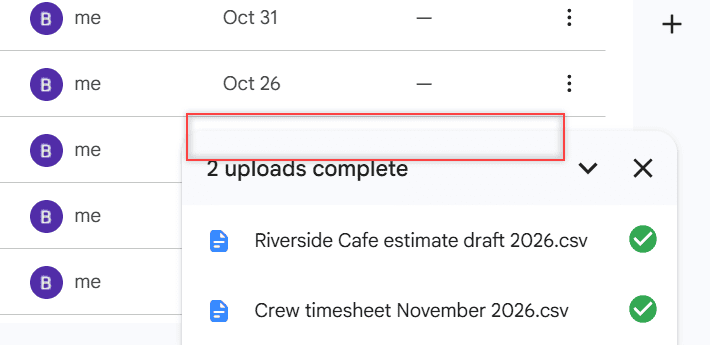
Google Drive not uploading from your Android phone or iPhone? Here are the fixes that work most often, from mobile data settings to full storage.

Google Drive is a cloud storage service that allows users in the United States and worldwide to store, share, and access files from any device. Offering up to 15GB of free storage, Google Drive is integral for document collaboration, data backup, and file sharing. It supports various file types, such as documents, images, and videos. Check out all our practical and real-time Google Drive tutorials.
Google Drive not uploading from your Android phone or iPhone? Here are the fixes that work most often, from mobile data settings to full storage.
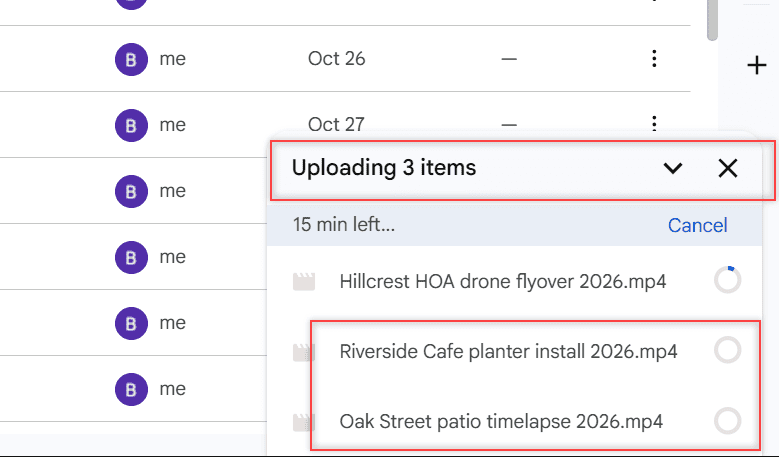
Files stuck on “Waiting to upload” in Google Drive? Here are 8 fixes for Android, iPhone, the web and Drive for desktop, in the order most likely to work.
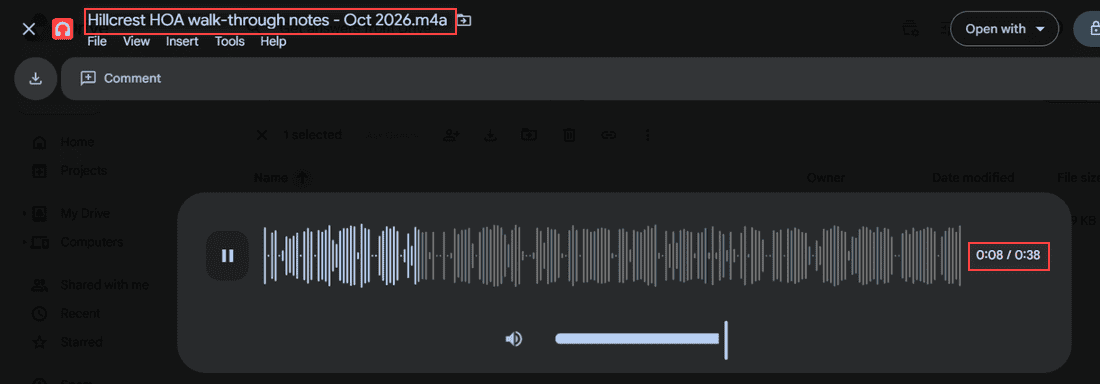
Upload voice memos to Google Drive from an iPhone, a Mac or any computer, then play the .m4a file right in Drive and find every recording fast.
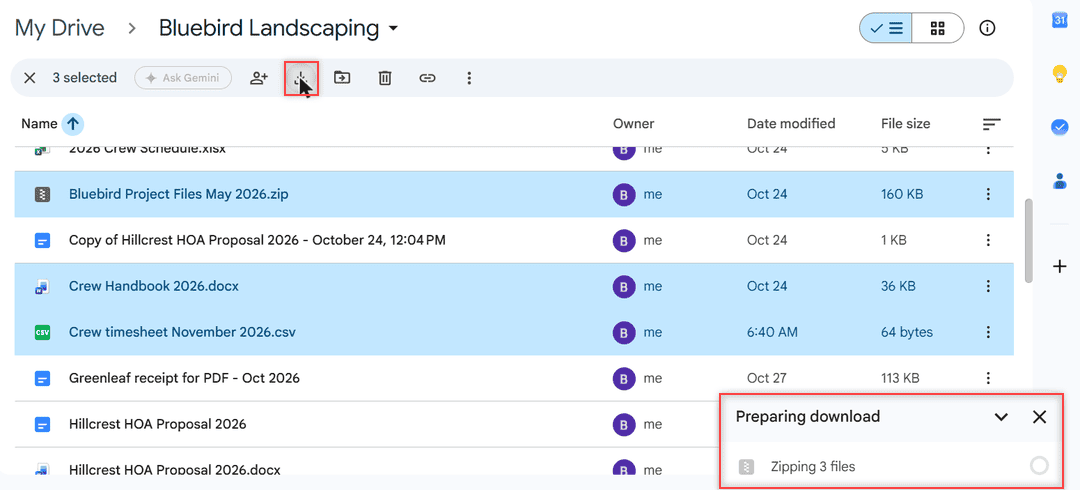
Google Drive zips multiple files and every folder. Here are 4 tested ways to download without zipping, from single files to Drive for desktop.
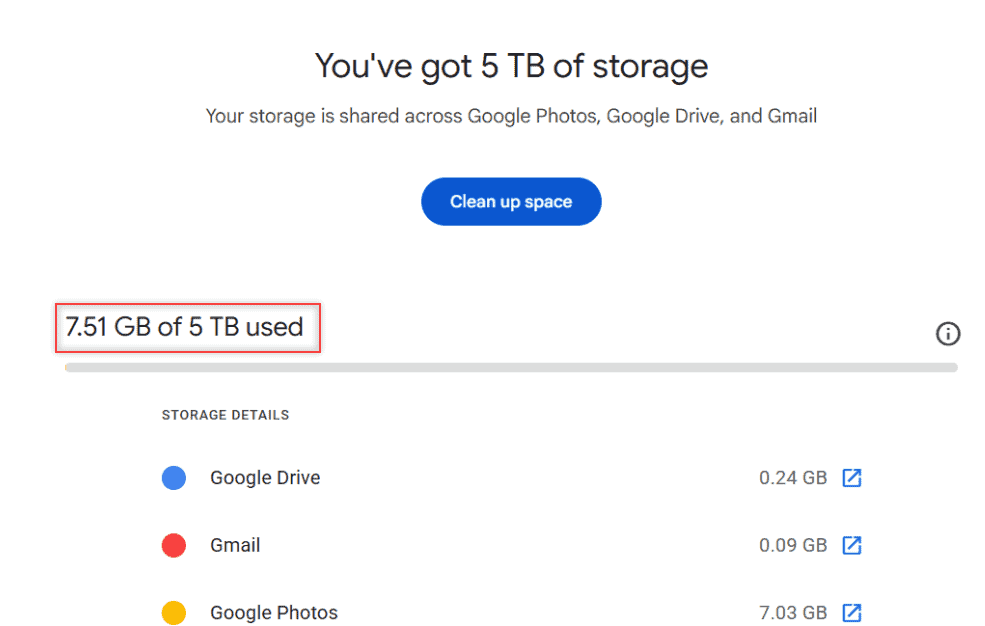
Google Drive vs MEGA compared: free storage, end-to-end encryption, transfer limits, sharing, version history, apps, and which one fits how you work.
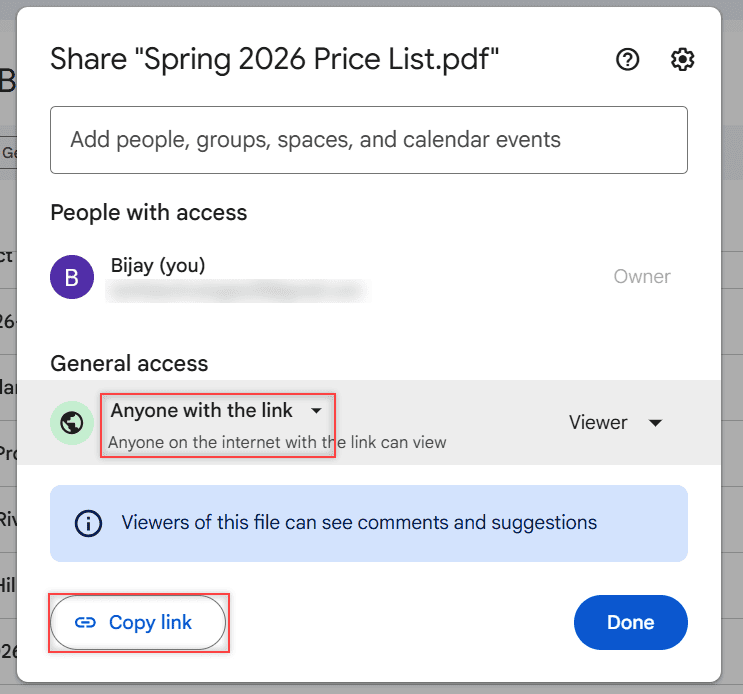
Turn on link sharing in Google Drive with Anyone with the link, pick Viewer or Editor, copy the link, and switch it back to Restricted later.
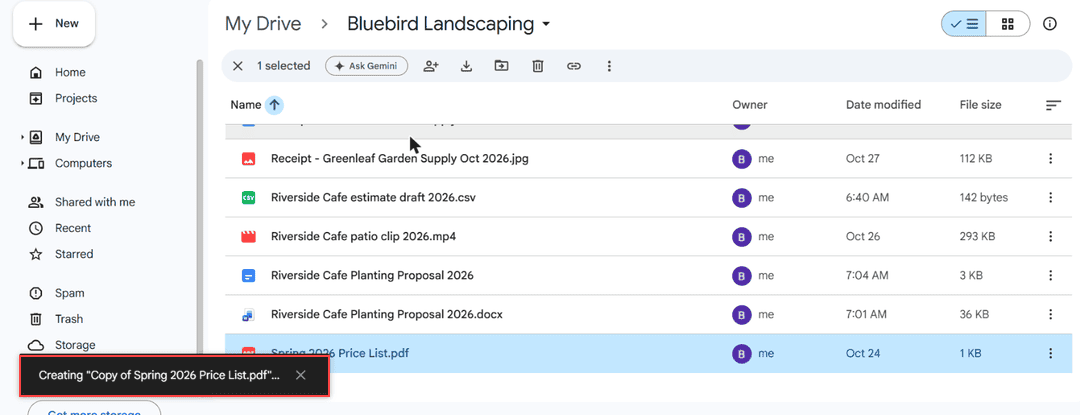
Seeing “Too many users have viewed or downloaded this file recently” in Google Drive? Make a copy, wait out the 24-hour reset, or share it better.
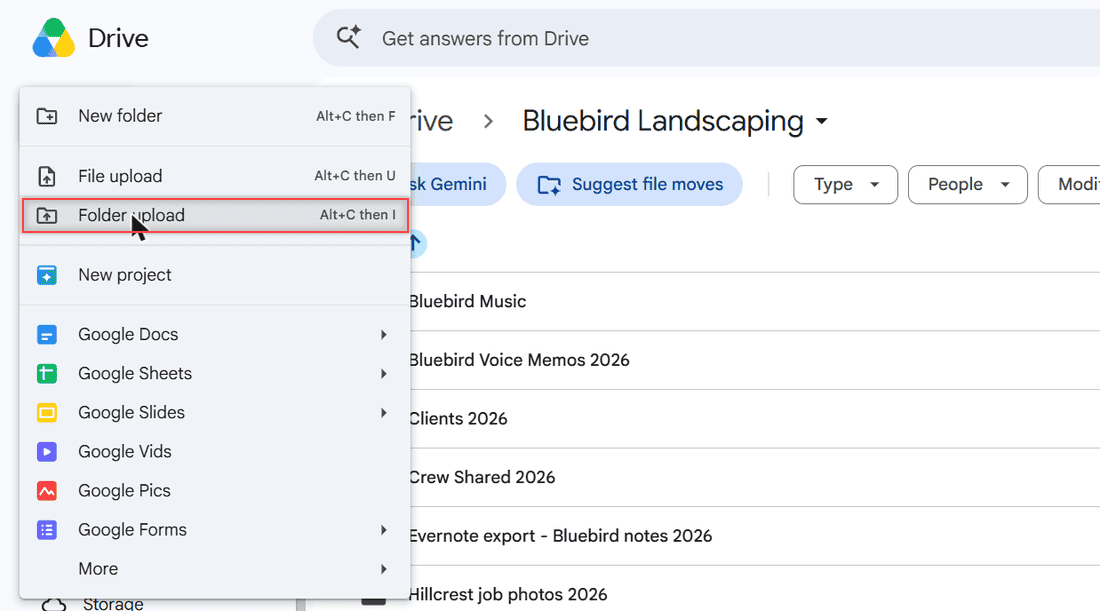
The Drive app on Android uploads files, not folders. Here’s how to rebuild the folder in the app, send it as a ZIP, or upload it from a computer.
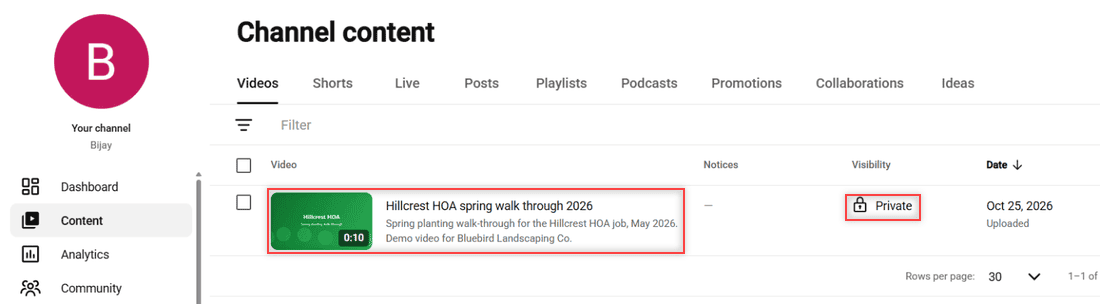
There is no direct Drive-to-YouTube button. Download the video from Google Drive, upload it in YouTube Studio or the app, and pick its visibility.
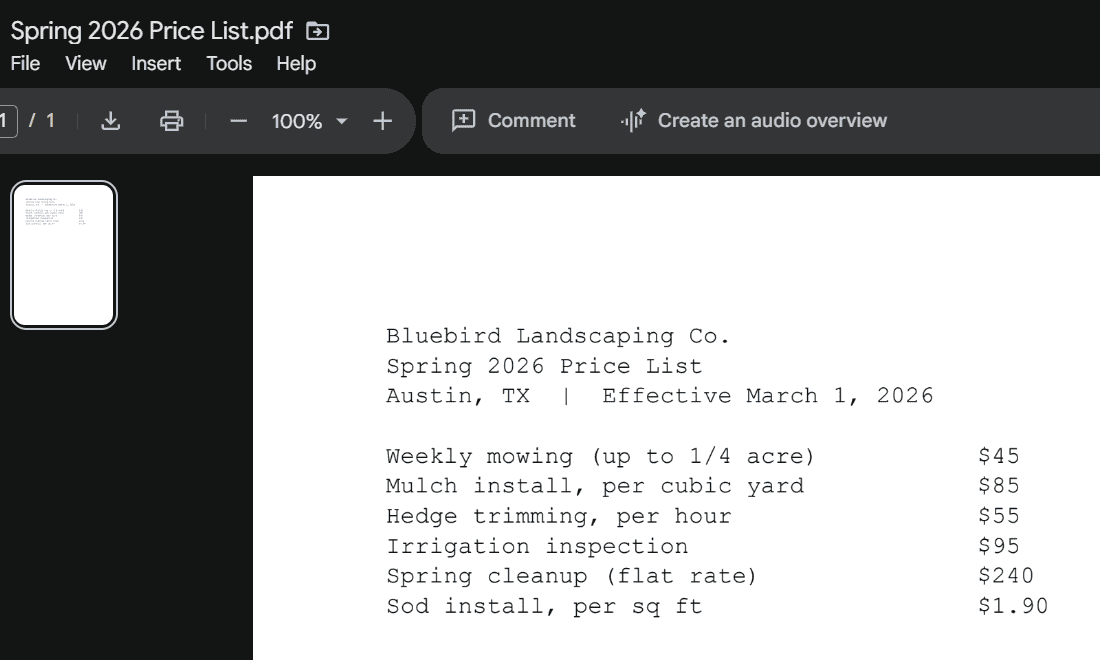
I ran a small business setup on Google Drive to test it. Here are the real advantages, the disadvantages to plan for, and who should pick something else.