Skip to content
TechnologyDots
TechnologyDots
  • Home
  • Google Drive
  • Outlook
  • Mac
  • Blogs

How to Share a Folder in OneDrive (Web, PC and Phone)
Published on November 11, 2026 by Carissa Gudino
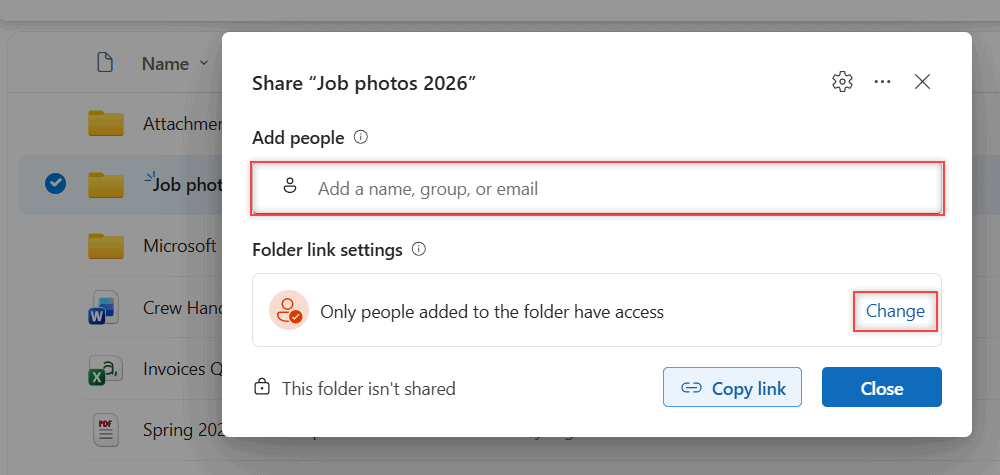
OneDrive Share Job photos 2026 dialog with the Add people field and Folder link settings

Share a folder in OneDrive by email or link, pick Can edit or Can view, see why some link options are missing and stop sharing later. Tested in 2026.

How to Delete Files From OneDrive (Web, PC and Phone)

Published on November 11, 2026 by Carissa Gudino
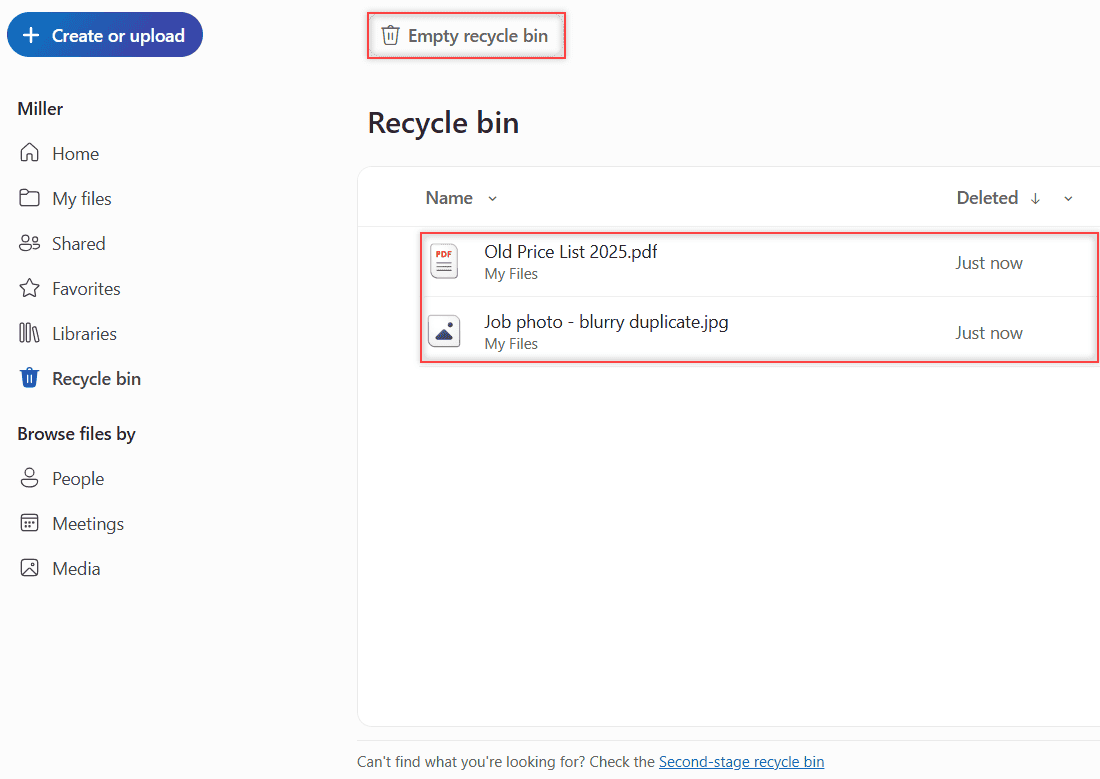
OneDrive Recycle bin listing the two deleted files with the Empty recycle bin button highlighted

Delete files from OneDrive on the web, in File Explorer or on your phone, empty the recycle bin and see what changes for work accounts. Tested in 2026.
Google Drive vs Google Photos: Which One Should Hold Your Pictures?

Updated on November 11, 2026 by Carissa Gudino
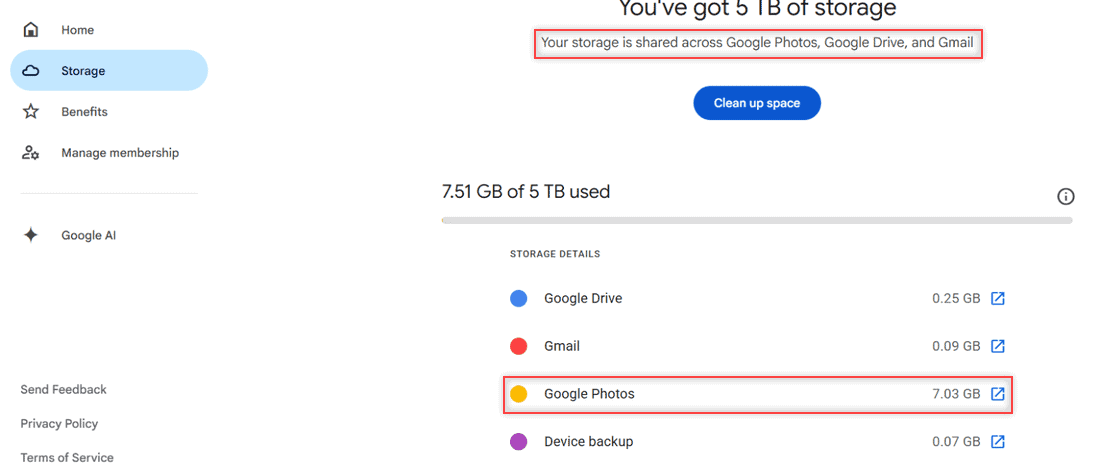
Google One storage page showing storage shared across Google Photos, Google Drive and Gmail with Google Photos using 7.03 GB

Google Drive vs Google Photos compared: storage they share, backup quality, organizing, sharing and phone backup, plus which one to use for your pictures.
Do Shared Folders Take Up Space in Google Drive? Who Pays for the Storage

Updated on November 11, 2026 by Carissa Gudino
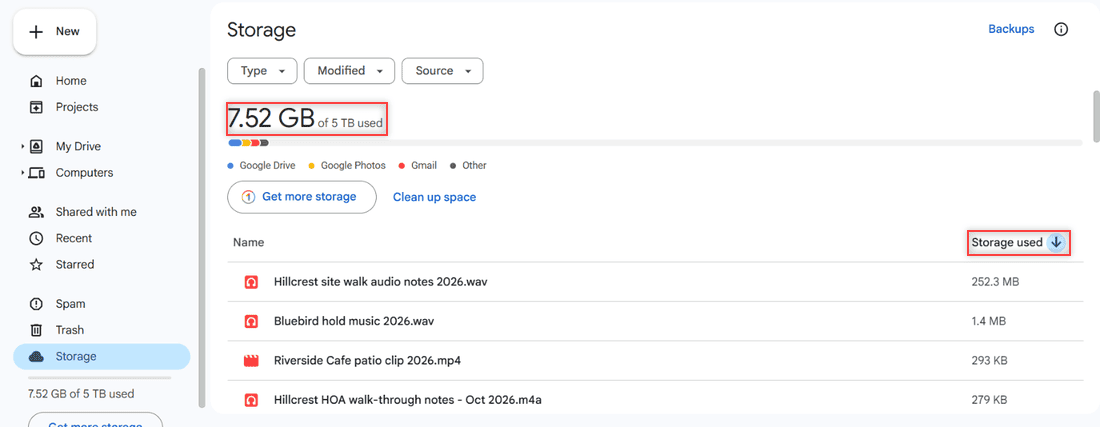
Google Drive Storage page showing 7.52 GB of 5 TB used and a file list sorted by Storage used

No, files shared with you use the owner’s Google Drive storage. See when a shared file starts counting against yours, and how shared drives work.
How to Edit a Document in Google Drive (Google Docs and Word Files)

Updated on November 11, 2026 by Carissa Gudino
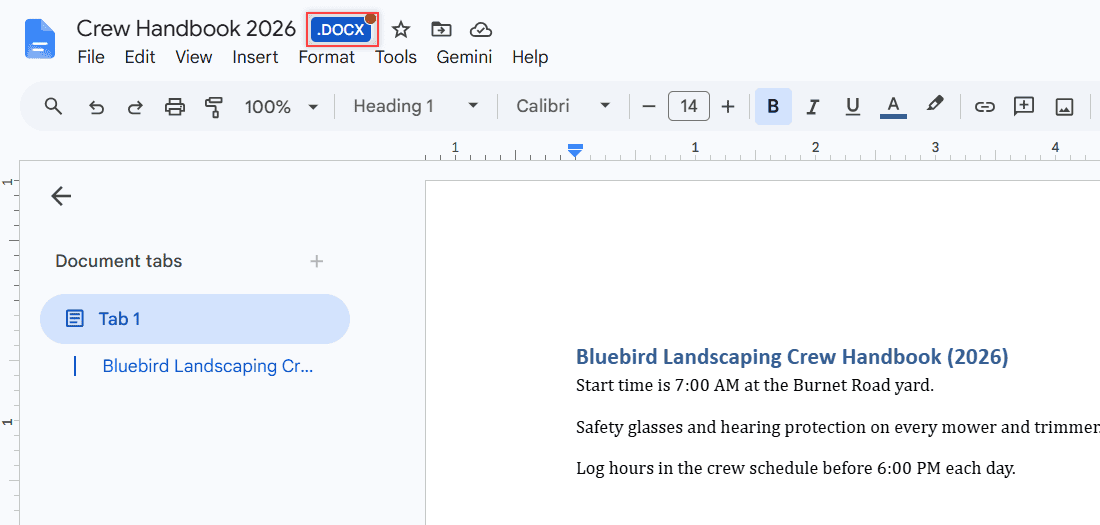
Crew Handbook 2026 open in Google Docs with the blue .DOCX badge next to the title highlighted

Edit a document in Google Drive on a computer or phone: Google Docs, Word .docx files without converting, Save as Google Docs, and suggesting mode.
How to Empty Trash in Google Drive (Computer and Phone)

Updated on November 11, 2026 by Carissa Gudino
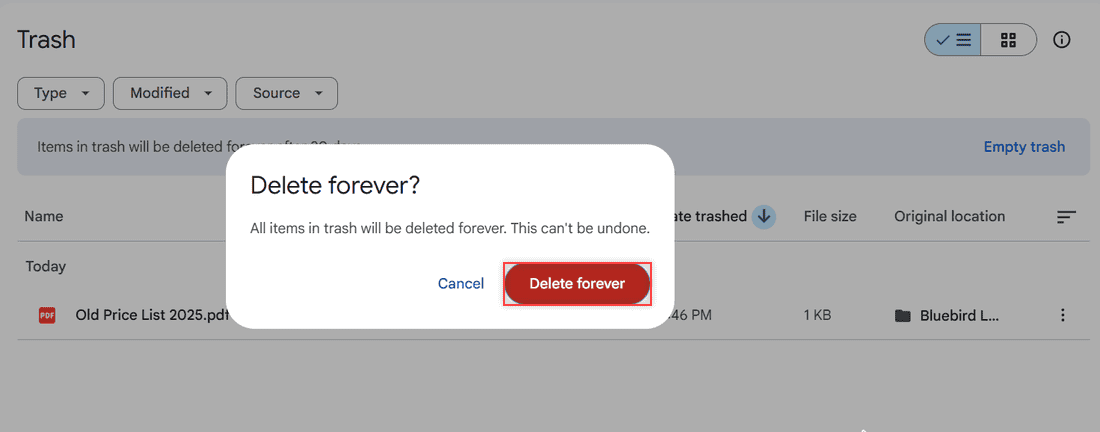
Delete forever dialog in Google Drive saying all items in trash will be deleted forever, with Delete forever highlighted

Empty your Google Drive trash in a few clicks: open Trash, click Empty trash, then Delete forever. Plus phone steps and what happens to shared files.
How to Convert an Image (JPG) to PDF in Google Drive

Updated on November 11, 2026 by Carissa Gudino
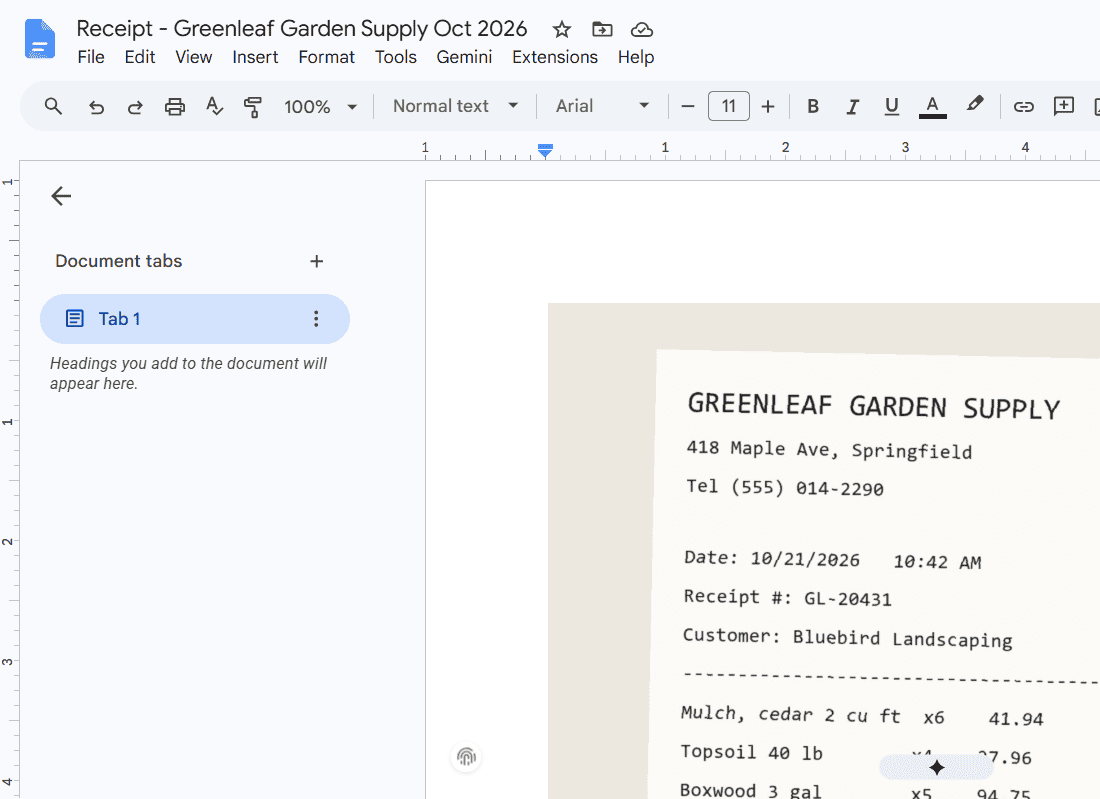
New Google Doc named Receipt - Greenleaf Garden Supply Oct 2026 with the receipt image on page 1

Convert a JPG or other image to PDF in Google Drive with Google Docs: insert it, fit the page, download as PDF, plus the phone scan option.
How to Add Music to Google Drive (Computer, Android, iPhone)

Updated on November 11, 2026 by Carissa Gudino
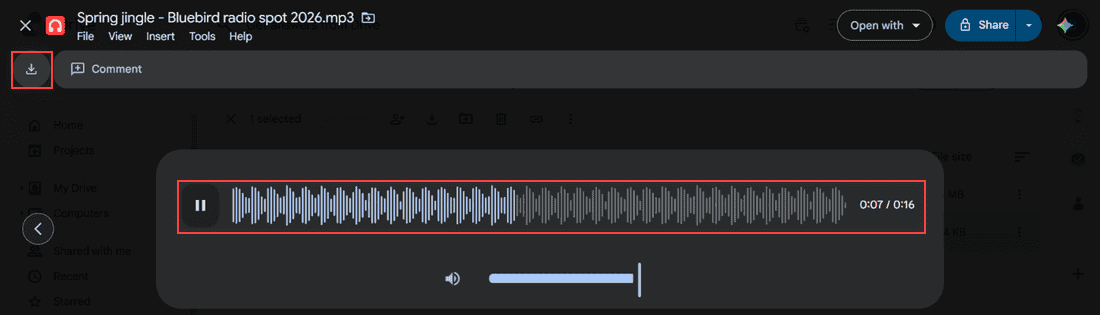
Google Drive audio preview playing Spring jingle - Bluebird radio spot 2026.mp3 with waveform, pause button, 0:07 of 0:16 and the Download icon highlighted

Upload songs and audio files to Google Drive from a computer, Android or iPhone, sync a music folder, play tracks in Drive, and download them back.
How to Manage Google Drive Storage (Find, Clean Up and Keep It Under Control)

Published on November 10, 2026 by Carissa Gudino
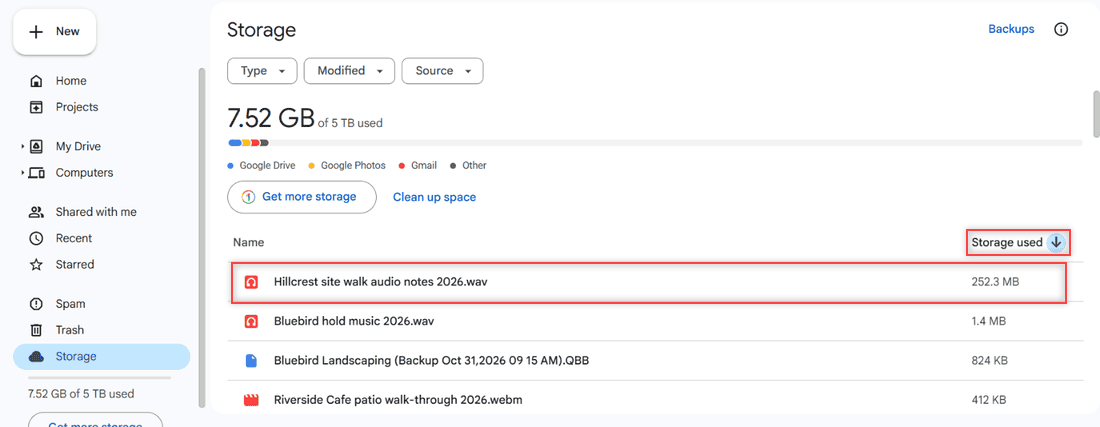
Google Drive Storage page sorted by Storage used with Hillcrest site walk audio notes 2026.wav at 252.3 MB highlighted at the top of the list

Manage Google Drive storage: see what uses your space, sort files by size, use Google One cleanup, empty Trash and learn what counts toward the limit.
How to Edit a PDF in Google Drive (and What Drive Can’t Do)

Published on November 10, 2026 by Carissa Gudino
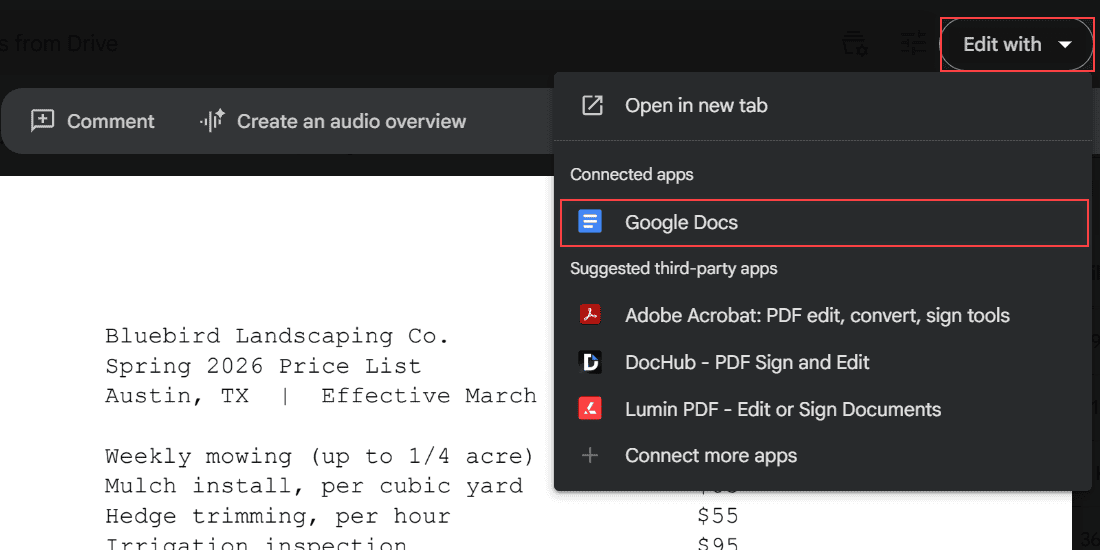
Spring 2026 Price List PDF in Google Drive preview with the Edit with dropdown open and Google Docs highlighted under Connected apps

Google Drive can’t change PDF text directly. Convert the PDF with Google Docs, fix the layout, download a new PDF, or add comments instead.

Older posts
Page1 Page2 … Page16 Next →

Recent Posts

  • How to Share a Folder in OneDrive (Web, PC and Phone)
  • How to Delete Files From OneDrive (Web, PC and Phone)
  • How to Manage Google Drive Storage (Find, Clean Up and Keep It Under Control)
  • How to Edit a PDF in Google Drive (and What Drive Can’t Do)
  • How to Add Photos to Google Drive From a Computer (Windows or Mac)
  • About TechnologyDots.com
  • Contact
  • Privacy Policy
  • Sitemap
© 2026 Technology Dots