Skip to content
TechnologyDots
TechnologyDots
  • Home
  • Google Drive
  • Outlook
  • Mac
  • Blogs

Google Drive

Google Drive is a cloud storage service that allows users in the United States and worldwide to store, share, and access files from any device. Offering up to 15GB of free storage, Google Drive is integral for document collaboration, data backup, and file sharing. It supports various file types, such as documents, images, and videos. Check out all our practical and real-time Google Drive tutorials.

How to Empty Trash in Google Drive (Computer and Phone)
October 24, 2026November 22, 2023 by Carissa Gudino
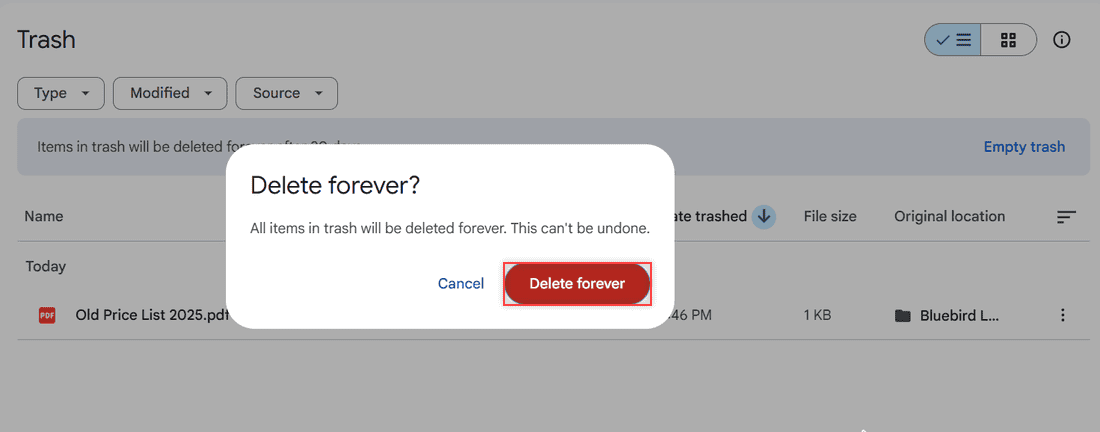
Delete forever dialog in Google Drive saying all items in trash will be deleted forever, with Delete forever highlighted

Empty your Google Drive trash in a few clicks: open Trash, click Empty trash, then Delete forever. Plus phone steps and what happens to shared files.

How to Back Up QuickBooks to Google Drive (Desktop and Online)

October 31, 2026November 21, 2023 by Carissa Gudino
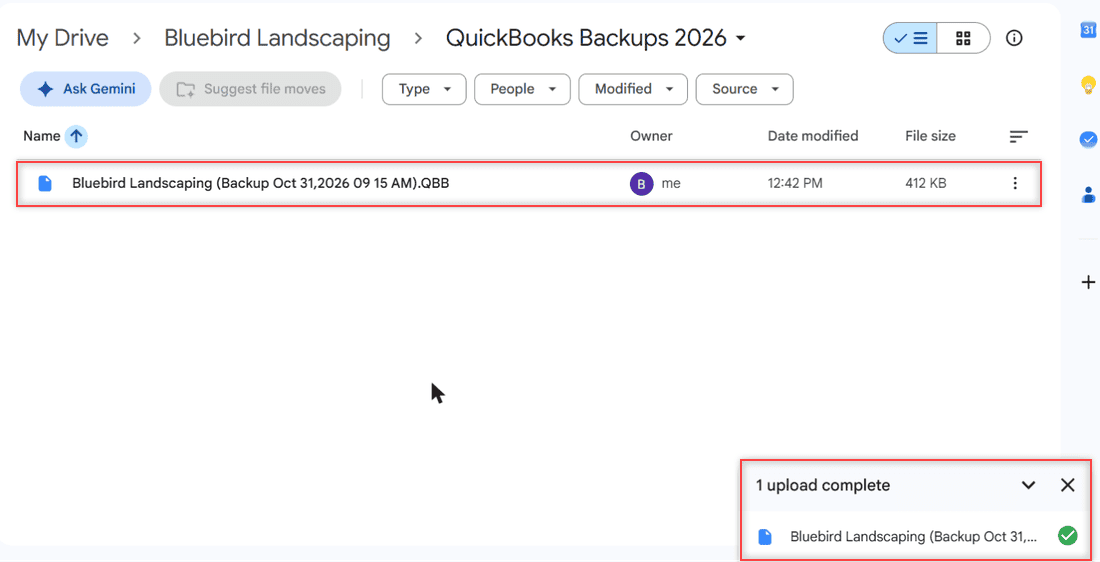
Google Drive folder QuickBooks Backups 2026 with a sample QuickBooks .QBB backup file uploaded and the 1 upload complete panel

Save a QuickBooks .QBB backup, upload it to a private Google Drive folder, handle versions, auto-sync with Drive for desktop and restore it safely.
What Does the Green Checkmark Mean on Google Drive?

November 1, 2026November 21, 2023 by Carissa Gudino
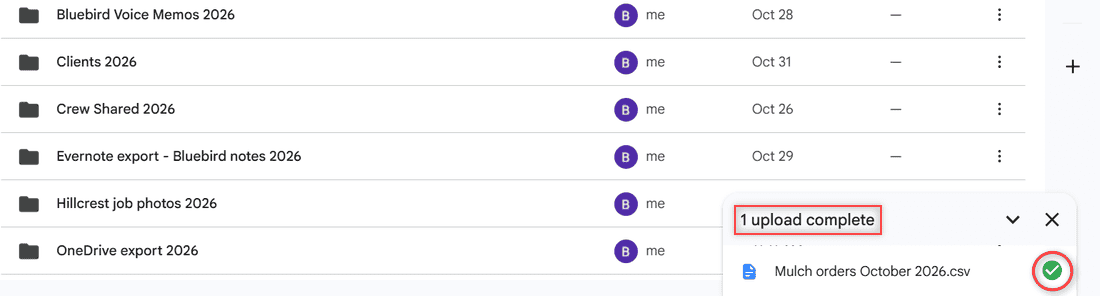
Google Drive upload panel showing 1 upload complete and a green circle check next to Mulch orders October 2026.csv

The green checkmark on Google Drive means a file is available offline in Drive for desktop. See every Drive check icon and how to add or remove it.
Google Drive vs OneDrive: Which One Should You Use in 2026?

October 24, 2026November 20, 2023 by Carissa Gudino
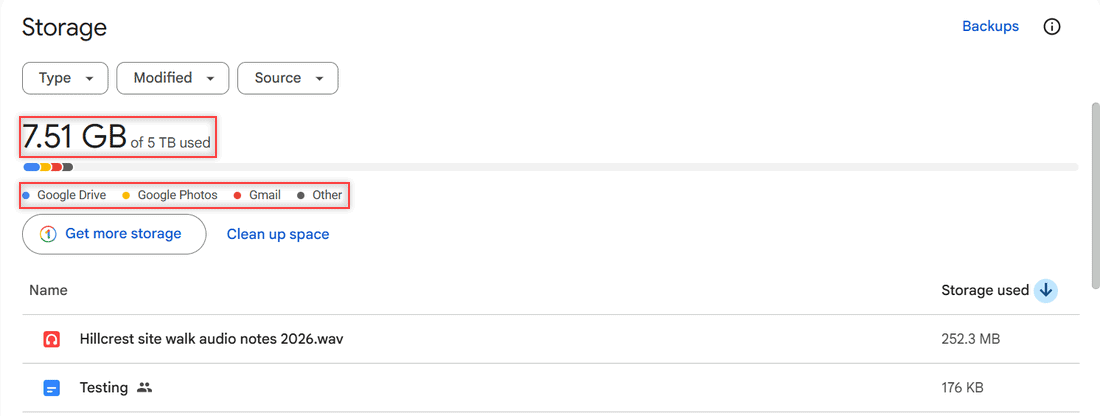
Google Drive Storage page showing 7.51 GB of 5 TB used and one colored bar split between Google Drive, Google Photos, Gmail, and Other

Google Drive vs OneDrive compared: free storage, paid plans, Office apps, syncing, sharing, security, and which one fits your devices and your work.
Google Drive vs Google Docs: What Each One Does and How They Work Together

October 24, 2026November 18, 2023 by Carissa Gudino
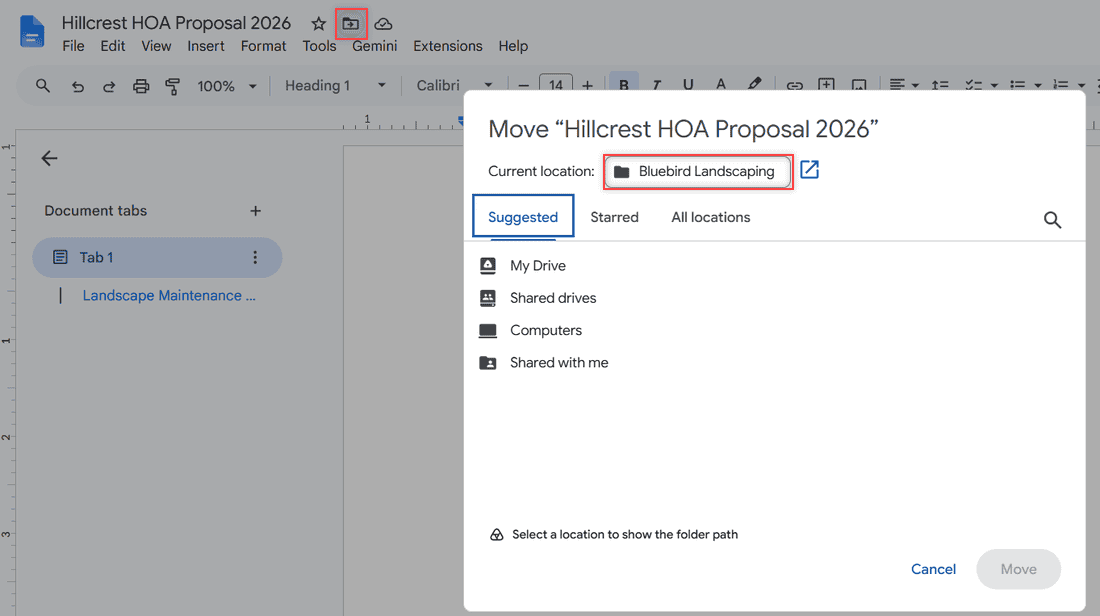
Google Docs editor with the folder icon next to the title opening a Move dialog that shows Current location: Bluebird Landscaping

Google Drive stores and shares any file; Google Docs is the word processor inside it. See how they fit together, the limits, and which to open when.
How to See Folder Size in Google Drive (4 Ways That Work)

October 24, 2026November 17, 2023 by Carissa Gudino
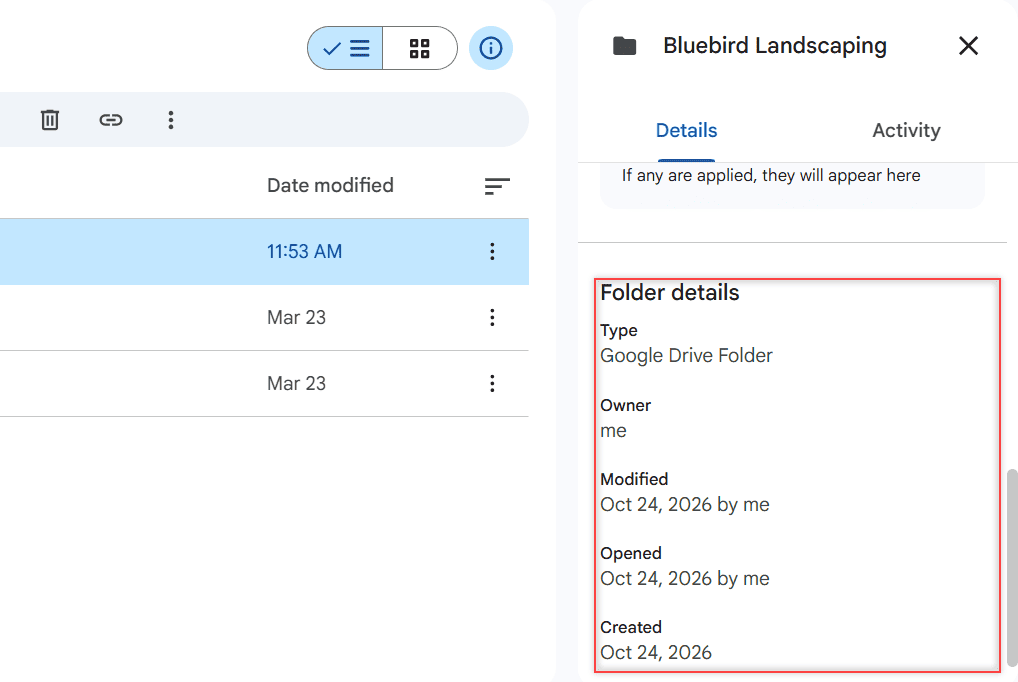
Details panel for the Bluebird Landscaping folder showing Folder details with Type, Owner, Modified, Opened and Created, and no size

Google Drive doesn’t show a folder’s size on the web. Here are 4 ways that work: file sizes, the Storage page, a download, and Drive for desktop.
How to Reduce File Size in Google Drive (6 Ways That Free Up Space)

October 24, 2026November 16, 2023 by Carissa Gudino
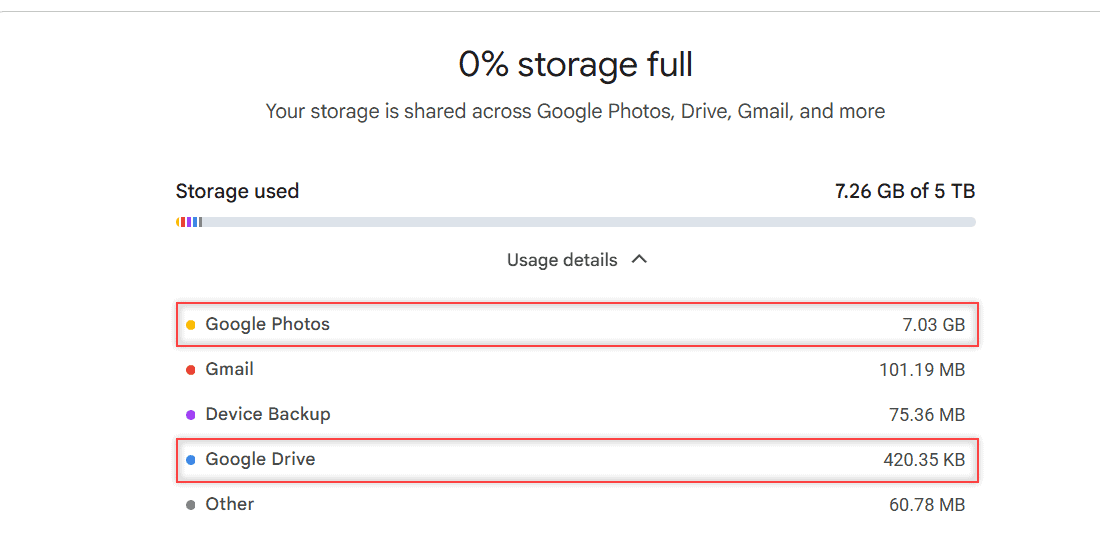
Google One Storage manager showing 7.26 GB of 5 TB used with Google Photos at 7.03 GB and Google Drive at 420.35 KB

Google Drive has no compress button. Here’s how to find your biggest files, convert Office files, clean up storage, and shrink files before you upload.
How to Turn Off Google Drive Sync (Pause, Stop, or Disconnect)

October 24, 2026November 15, 2023 by Carissa Gudino
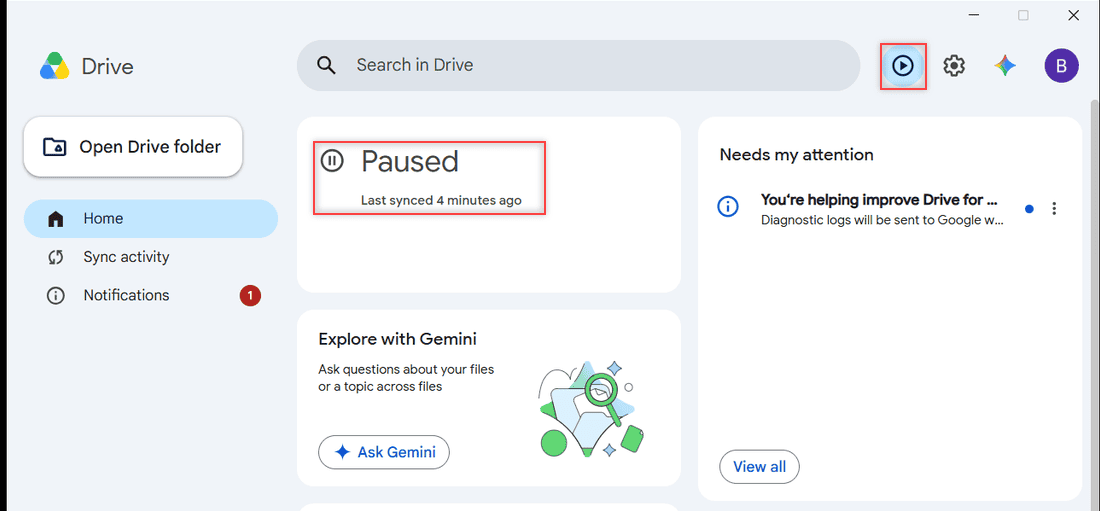
Google Drive for desktop Sync status card showing Paused and Last synced 4 minutes ago with the Resume syncing play button

Stop Google Drive from syncing: pause it from the Drive for desktop window, quit the app, disconnect your account, or uninstall. Tested on Windows 11.
How to Get the Google Drive Icon on Your Taskbar (Windows and Mac)

October 27, 2026November 15, 2023 by Carissa Gudino
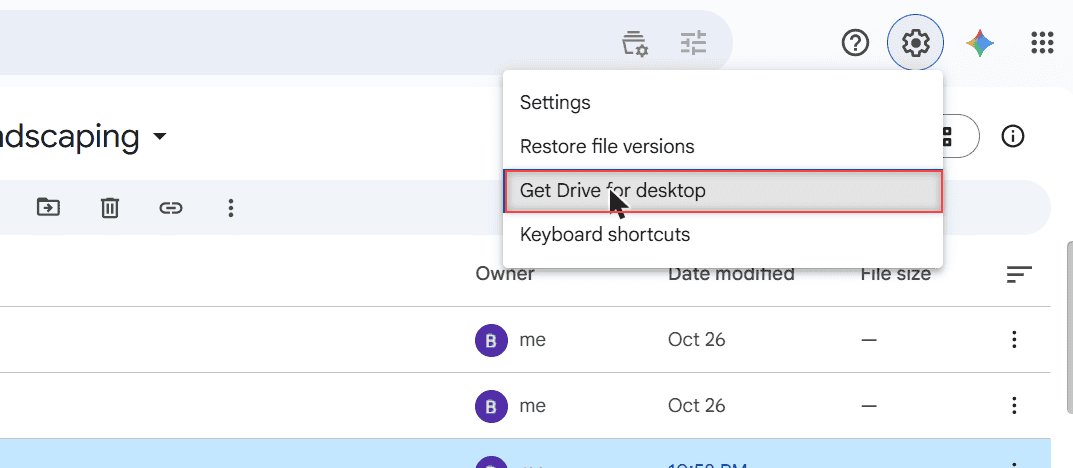
Google Drive Settings gear menu with Settings, Restore file versions, Get Drive for desktop highlighted, and Keyboard shortcuts

Get a Google Drive icon on your taskbar: install Drive as a Chrome app and pin it, or pin Drive for desktop. Works for Google Docs too, plus the Mac Dock.
Google Drive vs Dropbox: Which One Is Better for You in 2026?

November 1, 2026November 9, 2023 by Carissa Gudino
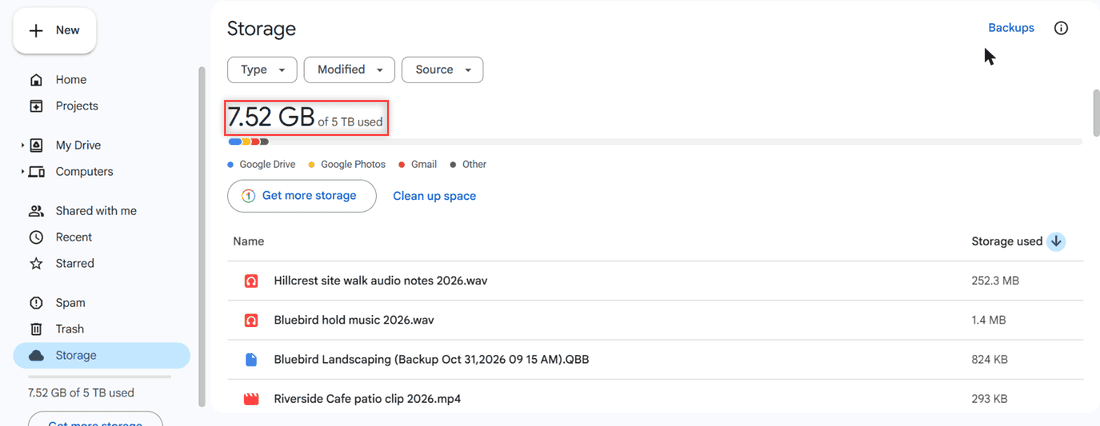
Google Drive Storage page showing 7.52 GB of 5 TB used, a colored bar for Google Drive, Google Photos, Gmail and Other, and the largest files sorted by storage used

Google Drive vs Dropbox compared: free storage, plans, sharing, version history, offline use and device limits, plus who should pick each one.

Older posts
Newer posts
← Previous Page1 … Page7 Page8 Page9 Page10 Next →

Recent Posts

  • How to Upload Files to Google Drive (Computer, Phone and Desktop App)
  • How to Delete Files From Google Drive (Computer and Phone)
  • How to Upload a Video to Google Drive (Computer, Phone and Big Folders)
  • How to Share a Google Drive Folder (Email, Link, and Phone)
  • How to Create an Email Group in Outlook (Contact List Step by Step)
  • About TechnologyDots.com
  • Contact
  • Privacy Policy
  • Sitemap
© 2026 Technology Dots