Skip to content
TechnologyDots
TechnologyDots
  • Home
  • Google Drive
  • Outlook
  • Mac
  • Blogs

Google Drive

Google Drive is a cloud storage service that allows users in the United States and worldwide to store, share, and access files from any device. Offering up to 15GB of free storage, Google Drive is integral for document collaboration, data backup, and file sharing. It supports various file types, such as documents, images, and videos. Check out all our practical and real-time Google Drive tutorials.

Google Drive Notification When a File Is Added to a Folder: What Actually Works
October 24, 2026January 9, 2024 by Carissa Gudino
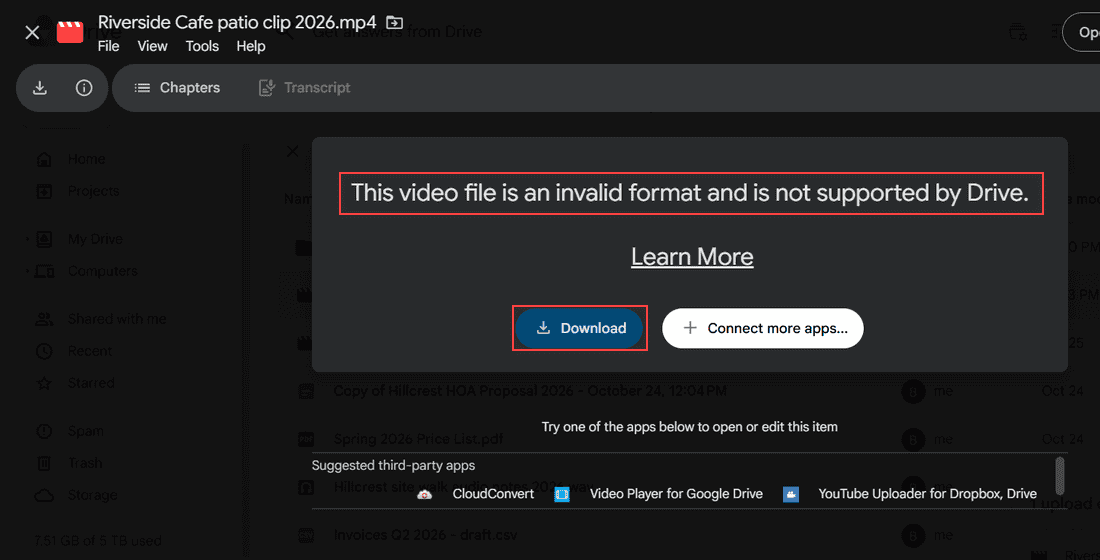
Apps Script project Bluebird folder alerts with Code.gs and the function picker showing checkNewFiles and createTrigger boxed

Google Drive has no built-in alert for new files in a folder. See what it does notify you about, how to check Activity, and a free Apps Script alert.

This Video Cannot Be Played in Google Drive: 7 Fixes I Use

October 26, 2026January 9, 2024 by Carissa Gudino
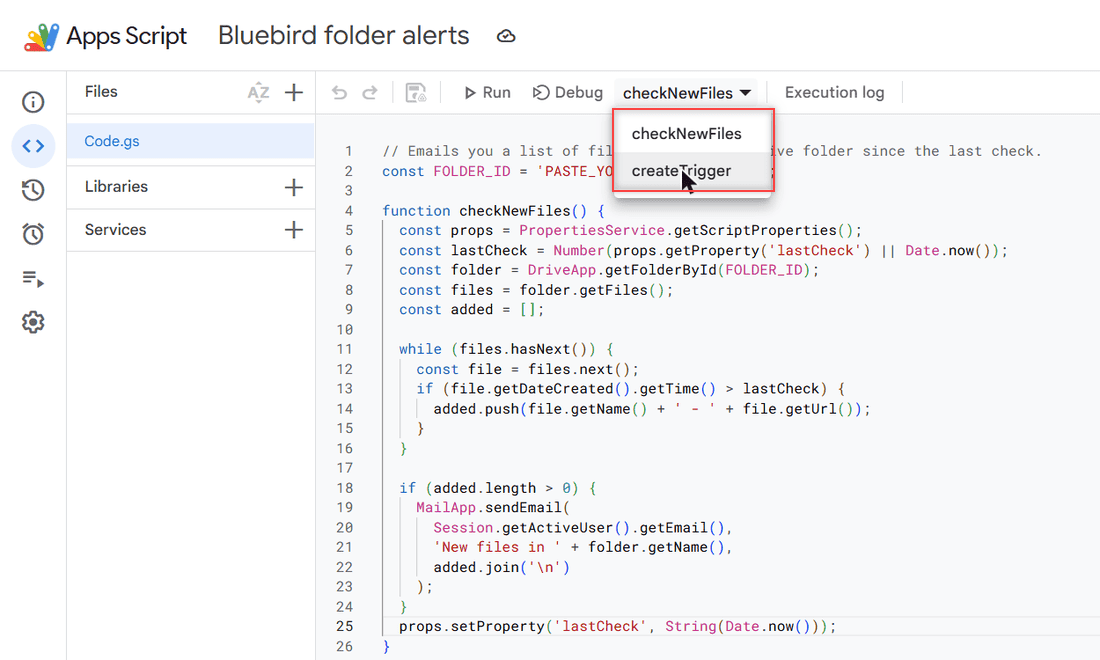
Google Drive preview of Riverside Cafe patio clip 2026.mp4 showing This video file is an invalid format and is not supported by Drive, with Download highlighted

Google Drive video won’t play? Check processing, format, cookies, extensions, cache and quality with these 7 fixes, in the order I try them.
Google Drive vs Koofr: Which Cloud Storage Fits You Better?

October 24, 2026January 6, 2024 by Carissa Gudino
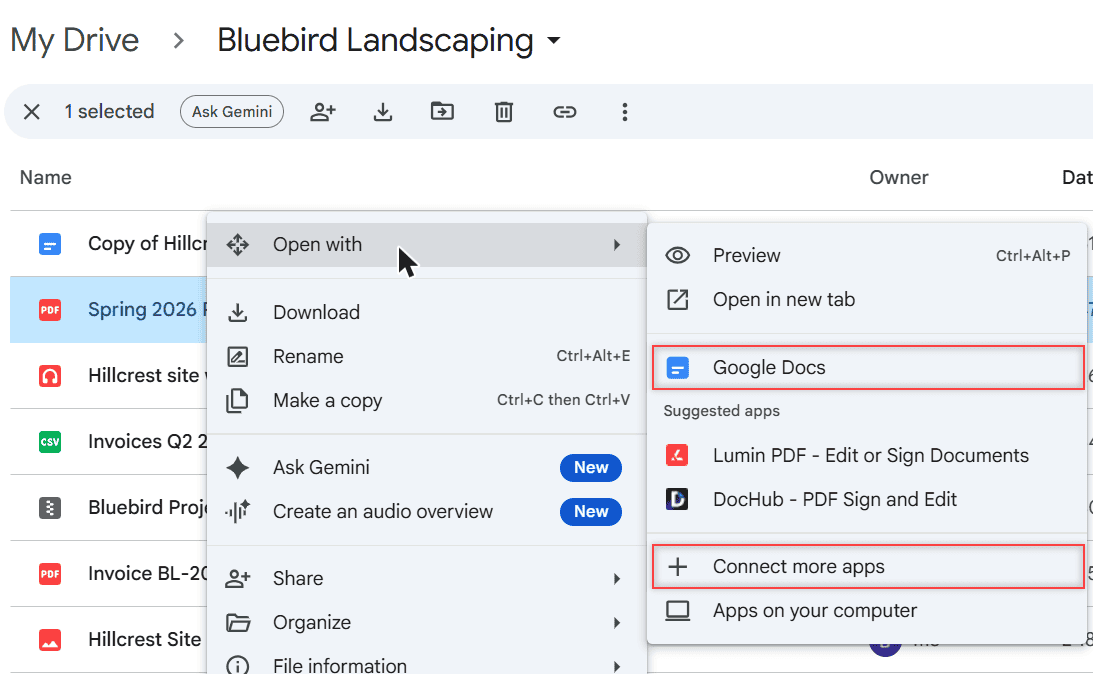
Google Drive Open with menu for Spring 2026 Price List.pdf showing Google Docs, suggested apps Lumin PDF and DocHub, and Connect more apps

Google Drive vs Koofr: free storage, EU privacy, sharing limits, version history, apps, and which cloud storage fits the way you work in 2026.
How to Create Subfolders in Google Drive (Computer, Android and iPhone)

October 31, 2026January 5, 2024 by Carissa Gudino
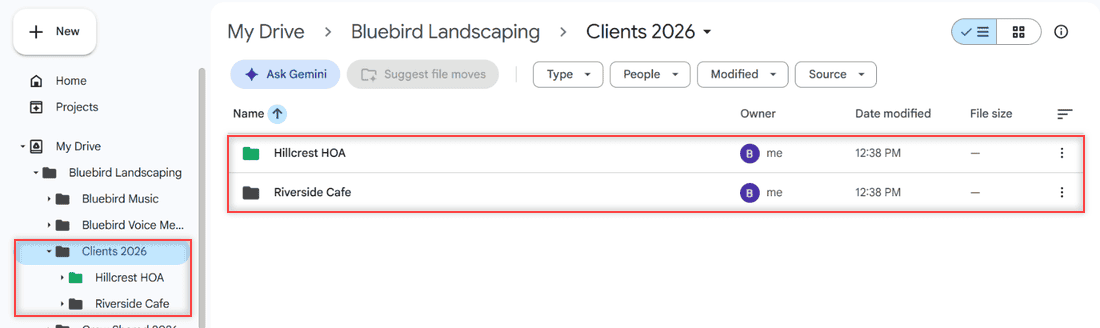
Clients 2026 folder in Google Drive with the Hillcrest HOA and Riverside Cafe subfolders, also nested in the left folder tree

Make a folder inside a folder in Google Drive with the New button, a right-click, or the phone app, then color-code your subfolders so they stand out.
How to Save a Link to Google Drive (3 Methods That Work)

October 27, 2026January 4, 2024 by Carissa Gudino
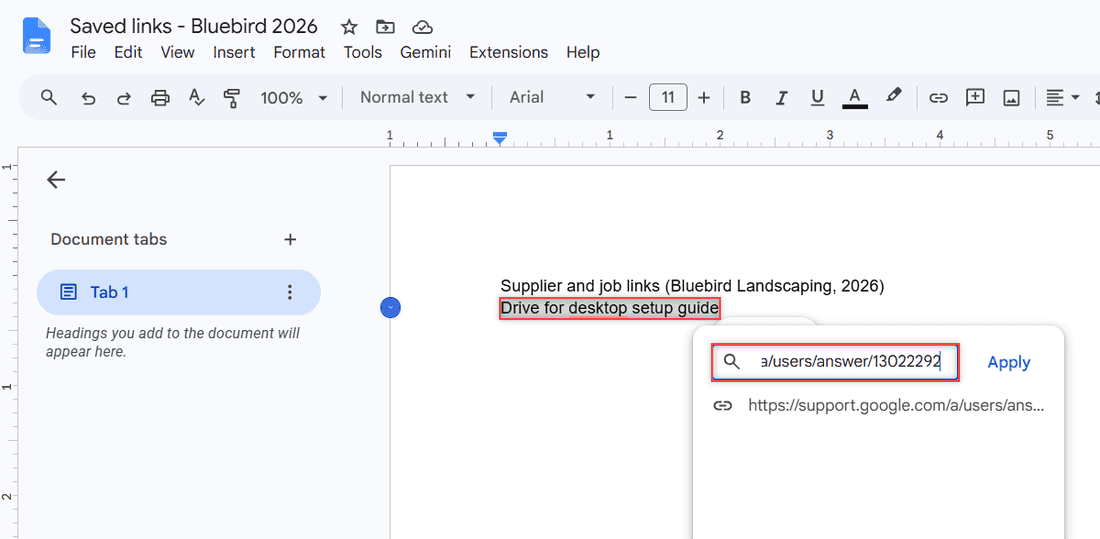
Google Docs link box with the selected text Drive for desktop setup guide and a pasted support.google.com URL ready to apply

Google Drive has no bookmark file, so here is how to save a link to Google Drive in a Doc or Sheet, find it with search, and copy links to Drive files.
Google Drive Version History: How to See and Restore Old Versions

October 24, 2026January 4, 2024 by Carissa Gudino
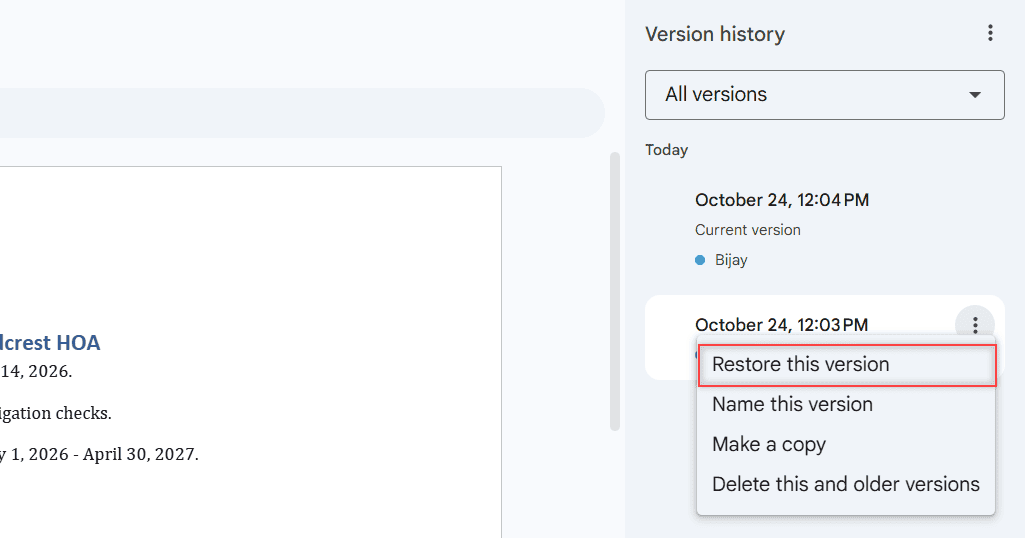
Version history panel with the October 24, 12:03 PM version menu open: Restore this version, Name this version, Make a copy, Delete this and older versions

Open version history in Google Docs, Sheets, and Slides, restore or name a version, and manage versions of PDFs and Office files with Keep forever.
Do Shared Folders Take Up Space in Google Drive? Who Pays for the Storage

October 30, 2026January 3, 2024 by Carissa Gudino
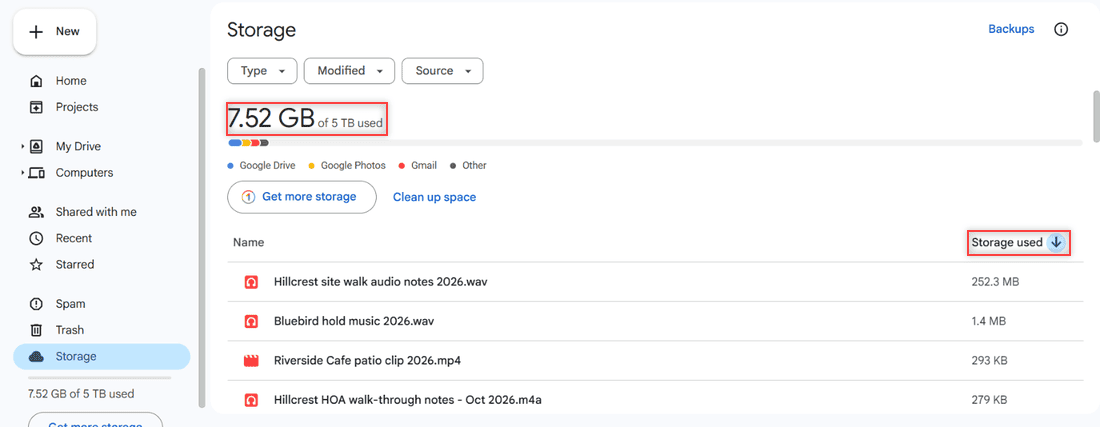
Google Drive Storage page showing 7.52 GB of 5 TB used and a file list sorted by Storage used

No, files shared with you use the owner’s Google Drive storage. See when a shared file starts counting against yours, and how shared drives work.
How to Clear Cache in Google Drive (Web, Android, iPhone and Desktop)

October 29, 2026January 3, 2024 by Carissa Gudino
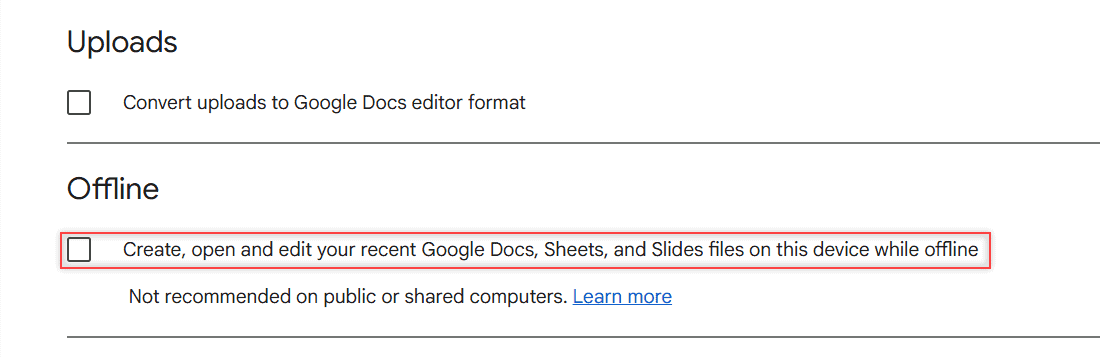
Google Drive web Settings General tab with the Offline checkbox highlighted below the Uploads setting

Clear cache in Google Drive the safe way: Chrome site data, the Android app, iPhone and Drive for desktop, plus the Offline toggle Google recommends.
Does Google Drive Scan for Viruses? What It Checks and What It Skips

October 24, 2026December 22, 2023 by Carissa Gudino
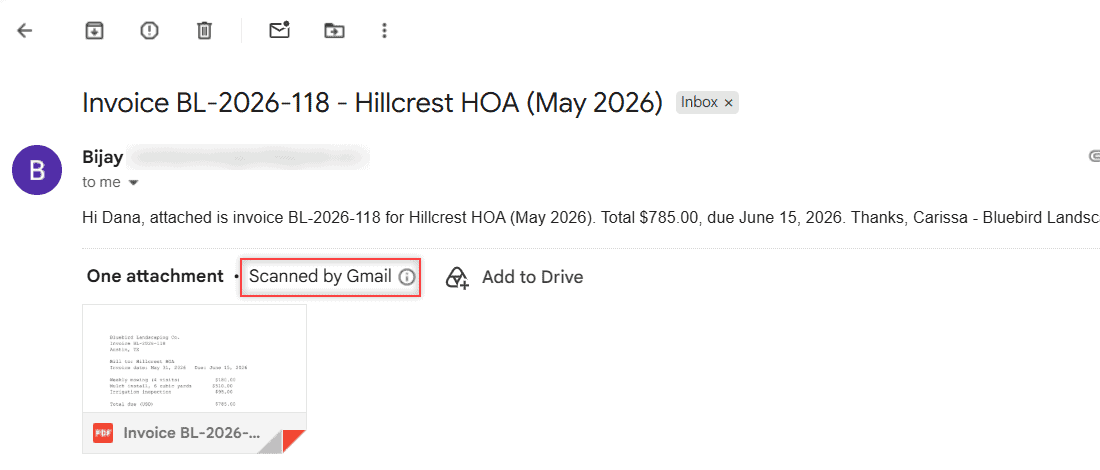
Gmail message with a PDF attachment named Invoice BL-2026-118.pdf, showing One attachment, Scanned by Gmail, and an Add to Drive button

Google Drive scans files for malware before you download or share them, but not files over 100 MB. Here’s what it checks, what it skips, and what to do.
Can You See Who Downloaded Your Google Drive Files? What Actually Works

October 24, 2026December 19, 2023 by Carissa Gudino
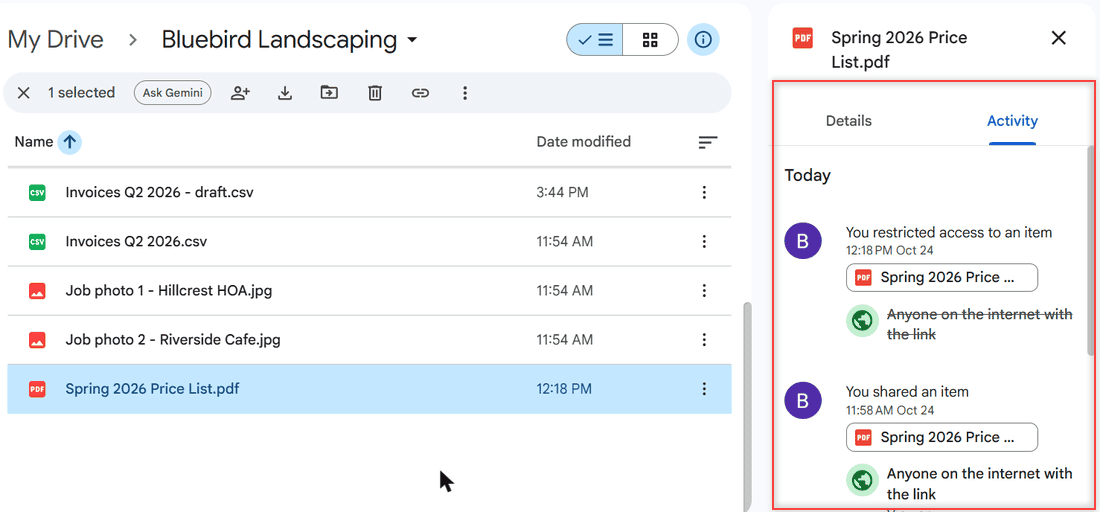
Google Drive Activity panel for Spring 2026 Price List.pdf showing a share with Anyone on the internet with the link and a later access restriction

Personal Google Drive has no download log. Here’s how Workspace admins check Download events, and how owners limit who can download a file.

Older posts
Newer posts
← Previous Page1 … Page5 Page6 Page7 … Page10 Next →

Recent Posts

  • How to Upload Files to Google Drive (Computer, Phone and Desktop App)
  • How to Delete Files From Google Drive (Computer and Phone)
  • How to Upload a Video to Google Drive (Computer, Phone and Big Folders)
  • How to Share a Google Drive Folder (Email, Link, and Phone)
  • How to Create an Email Group in Outlook (Contact List Step by Step)
  • About TechnologyDots.com
  • Contact
  • Privacy Policy
  • Sitemap
© 2026 Technology Dots