Skip to content
TechnologyDots
TechnologyDots
  • Home
  • Google Drive
  • Outlook
  • Mac
  • Blogs

Google Drive

Google Drive is a cloud storage service that allows users in the United States and worldwide to store, share, and access files from any device. Offering up to 15GB of free storage, Google Drive is integral for document collaboration, data backup, and file sharing. It supports various file types, such as documents, images, and videos. Check out all our practical and real-time Google Drive tutorials.

Google Drive Upload Failure 38: 8 Fixes That Actually Work
October 24, 2026January 18, 2024 by Carissa Gudino
Google Drive upload progress panel at the bottom right listing Bluebird Landscaping sample files

Seeing “Upload failure 38” in Google Drive? Here is what Google does and does not say about it, plus 8 tested fixes in the order most likely to work.

How to Convert an Image (JPG) to PDF in Google Drive

October 27, 2026January 18, 2024 by Carissa Gudino
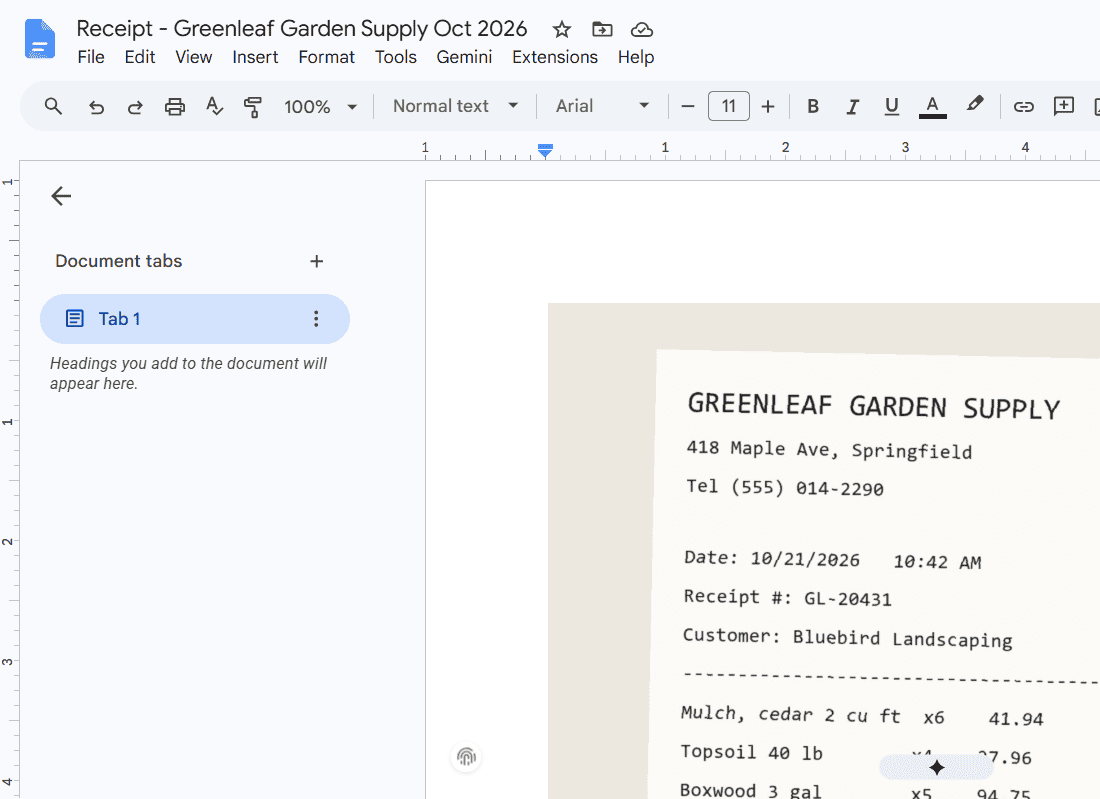
New Google Doc named Receipt - Greenleaf Garden Supply Oct 2026 with the receipt image on page 1

Convert a JPG or other image to PDF in Google Drive with Google Docs: insert it, fit the page, download as PDF, plus the phone scan option.
Can’t Launch Drive for Desktop? 6 Fixes That Get Google Drive Opening Again

November 1, 2026January 17, 2024 by Carissa Gudino
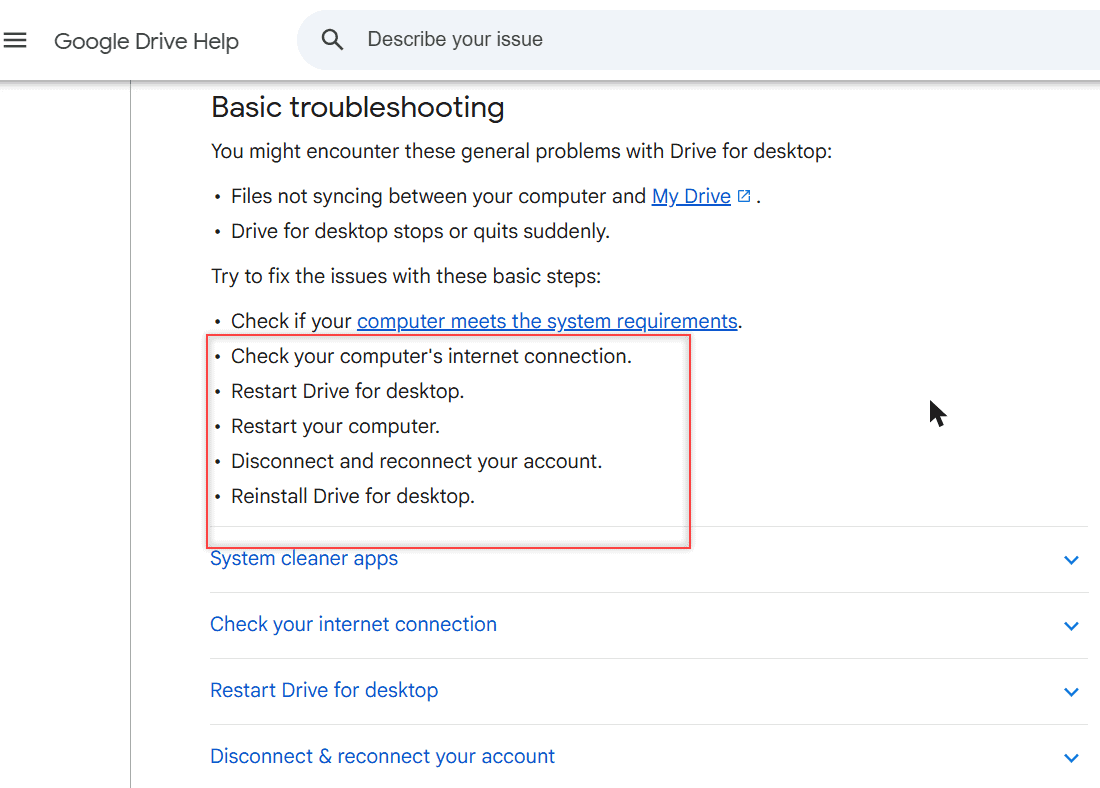
Google Drive Help page showing the basic troubleshooting steps for Drive for desktop

Can’t launch Drive for desktop? Quit and reopen it, check proxy, antivirus, cleaner apps and folder permissions, or reinstall. Windows and Mac steps.
How to Stop Google Drive Spam (Block, Report and Clean Up Shared Files)

October 30, 2026January 17, 2024 by Carissa Gudino
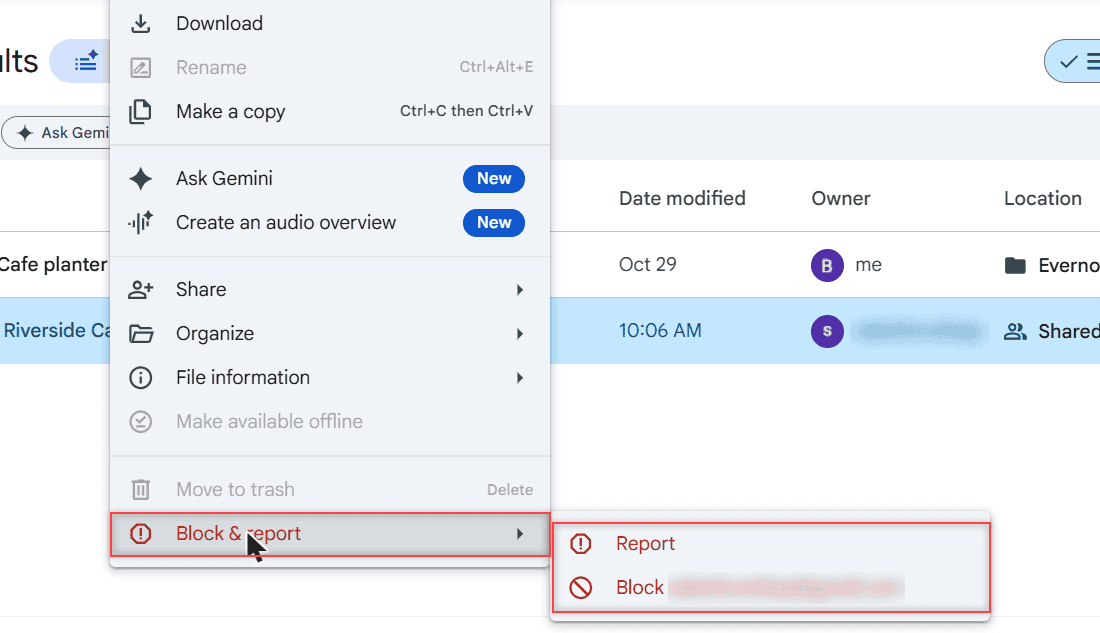
Google Drive right-click menu on a shared file with Block and report open, showing Report and Block options

Stop Google Drive spam in a minute: block the sender, report the file, use the Spam folder, and fix the share emails in Gmail. Web, Android and iPhone.
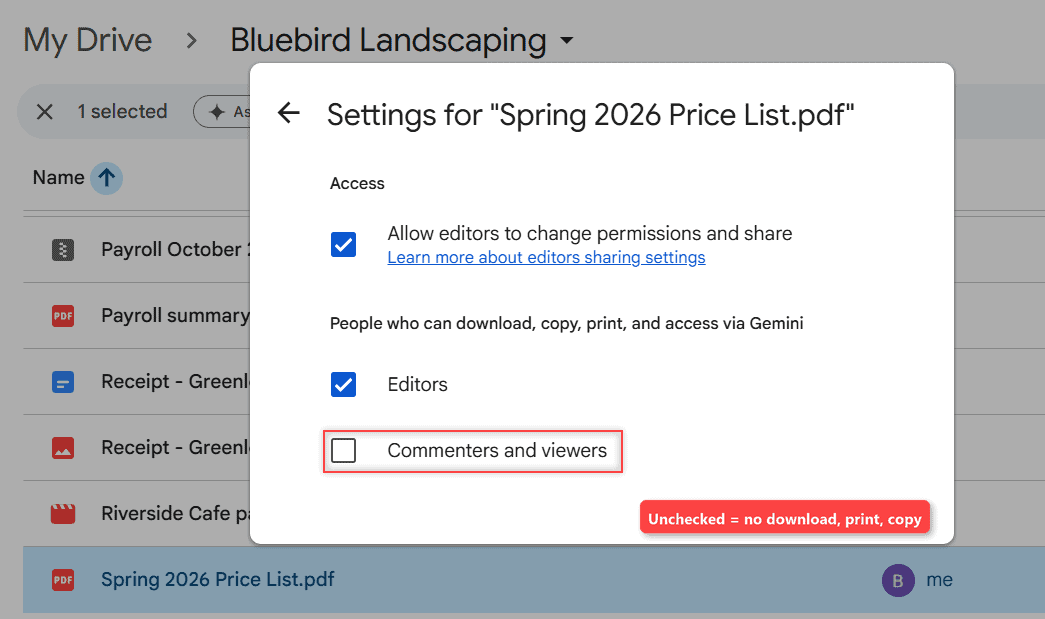
How to Disable the Download Option in Google Drive (3 Ways)

November 1, 2026January 16, 2024 by Carissa Gudino
Google Drive Settings for Spring 2026 Price List.pdf with Commenters and viewers unchecked under People who can download, copy, print, and access via Gemini

Stop viewers and commenters from downloading, printing or copying a Drive file, stop editors from re-sharing it, and see why folders work differently.
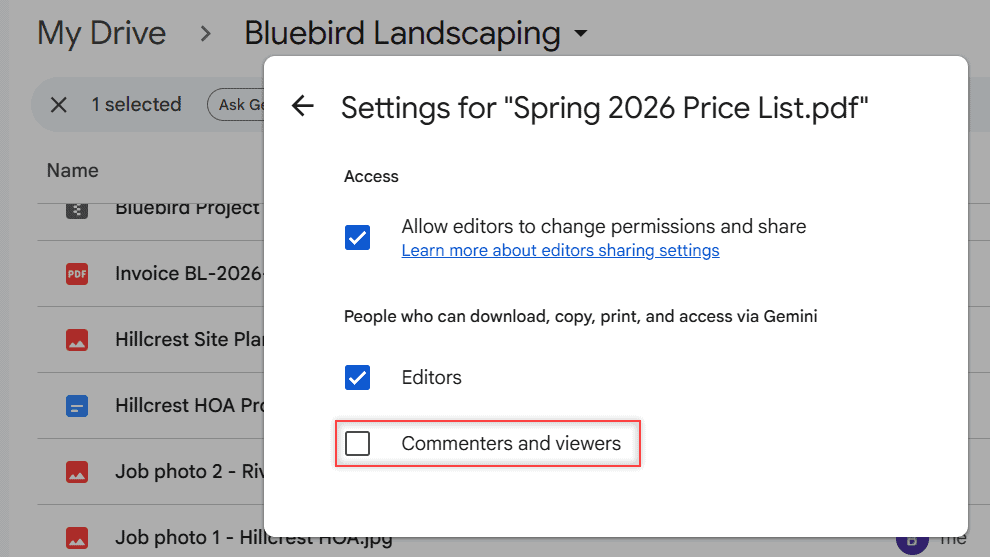
Printing Is Disabled for This File on Google Drive: How to Fix It

October 24, 2026January 15, 2024 by Carissa Gudino
Settings for Spring 2026 Price List.pdf with Commenters and viewers unchecked under People who can download, copy, print, and access via Gemini

Seeing “Printing is disabled for this file” in Google Drive? Here’s why it happens, how the owner turns printing on, and what a viewer can do.
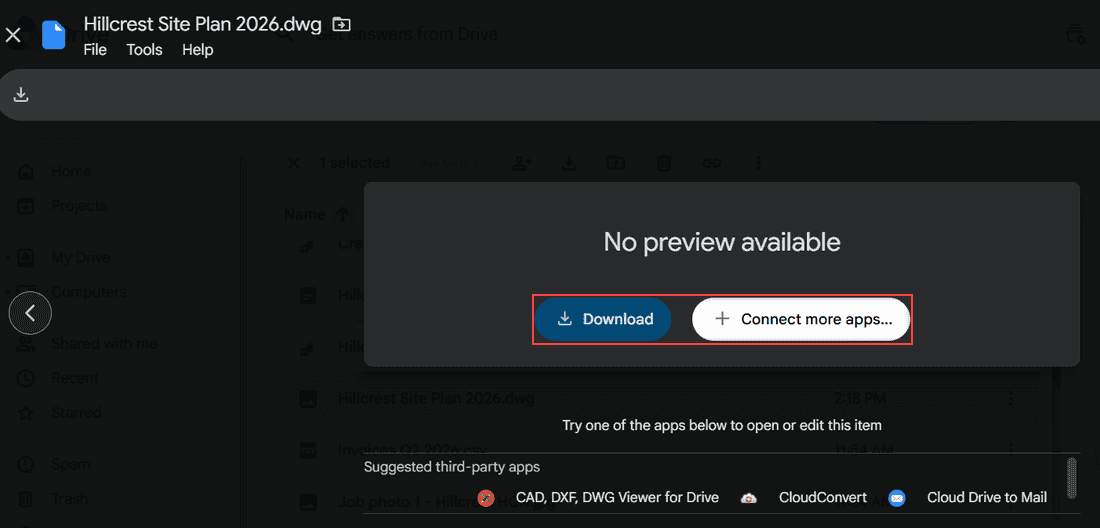
How to Open Unsupported Files on Google Drive (What Works and What Doesn’t)

October 24, 2026January 15, 2024 by Carissa Gudino
Hillcrest Site Plan 2026.dwg preview showing No preview available with the Download and Connect more apps buttons boxed and a row of suggested third-party apps

Google Drive stores any file but only previews some. See which types open, why you get “No preview available,” and how to open, convert, or play the rest.
Google Drive Error List and “Retry All”: How to Clear It for Good

October 24, 2026January 12, 2024 by Carissa Gudino
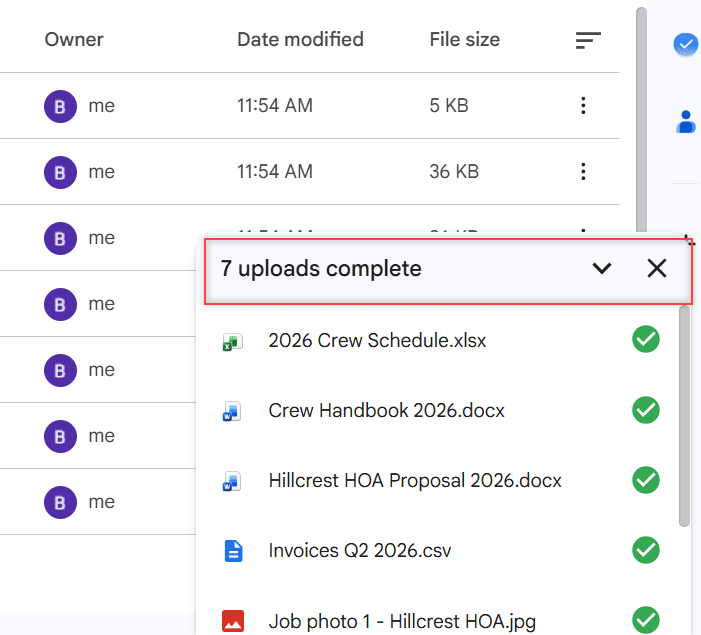
Google Drive upload panel showing 7 uploads complete with green checks next to Bluebird Landscaping files

Google Drive showing an error list with Retry all? See what it means and how I fix it in Drive for desktop, the browser and the phone app.
Failed Server Error in Google Drive: How I Fix Uploads and Downloads

October 24, 2026January 12, 2024 by Carissa Gudino
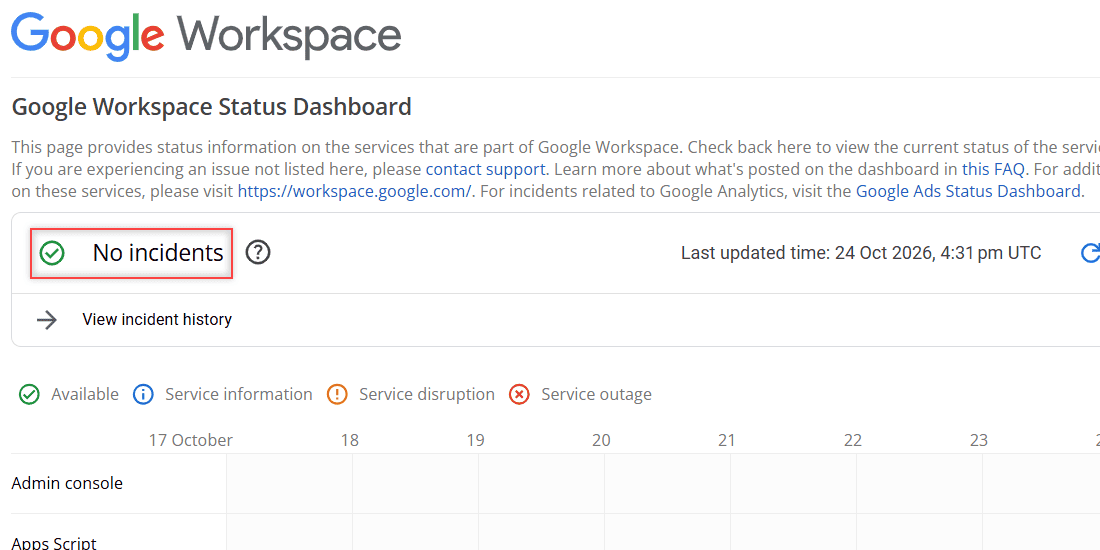
Google Workspace Status Dashboard showing No incidents, last updated 24 Oct 2026, with service rows from 17 to 24 October

Google Drive upload or download failed with a server error or “Failed – Forbidden”? Check the status, storage, cookies and access with these fixes.
Google Drive Files Missing? 8 Ways to Find and Restore Them

November 1, 2026January 10, 2024 by Carissa Gudino
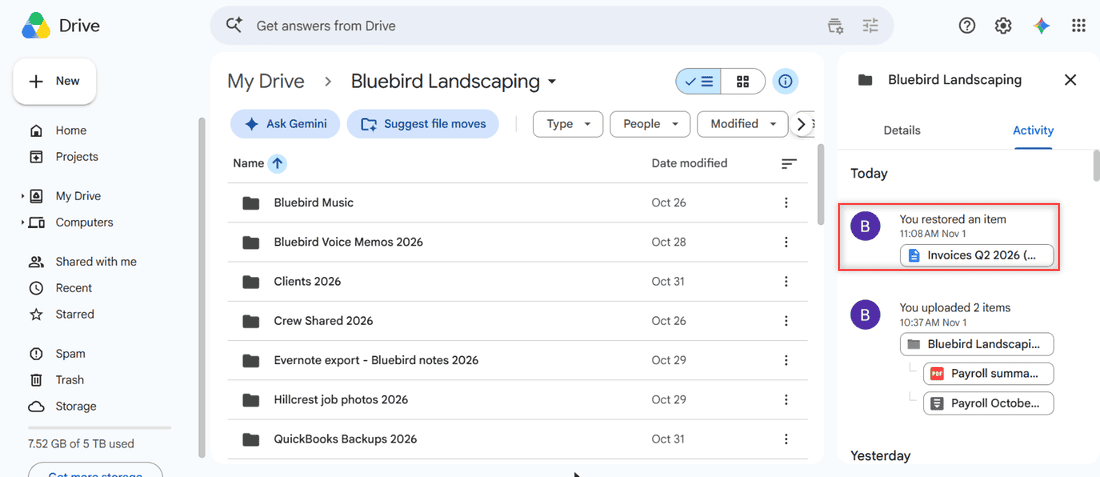
Google Drive details panel Activity tab for the Bluebird Landscaping folder showing You restored an item at 11:08 AM Nov 1 highlighted

Find missing Google Drive files with search, Trash, Activity and is:unorganized, fix lost shared files and sync gaps, and see when an admin can restore.

Older posts
Newer posts
← Previous Page1 … Page4 Page5 Page6 … Page10 Next →

Recent Posts

  • How to Upload Files to Google Drive (Computer, Phone and Desktop App)
  • How to Delete Files From Google Drive (Computer and Phone)
  • How to Upload a Video to Google Drive (Computer, Phone and Big Folders)
  • How to Share a Google Drive Folder (Email, Link, and Phone)
  • How to Create an Email Group in Outlook (Contact List Step by Step)
  • About TechnologyDots.com
  • Contact
  • Privacy Policy
  • Sitemap
© 2026 Technology Dots