Skip to content
TechnologyDots
TechnologyDots
  • Home
  • Google Drive
  • Outlook
  • Mac
  • Blogs

Google Drive

Google Drive is a cloud storage service that allows users in the United States and worldwide to store, share, and access files from any device. Offering up to 15GB of free storage, Google Drive is integral for document collaboration, data backup, and file sharing. It supports various file types, such as documents, images, and videos. Check out all our practical and real-time Google Drive tutorials.

Google Drive Keeps Going Offline? 8 Fixes for Web, Desktop and Mobile
October 30, 2026December 18, 2023 by Carissa Gudino
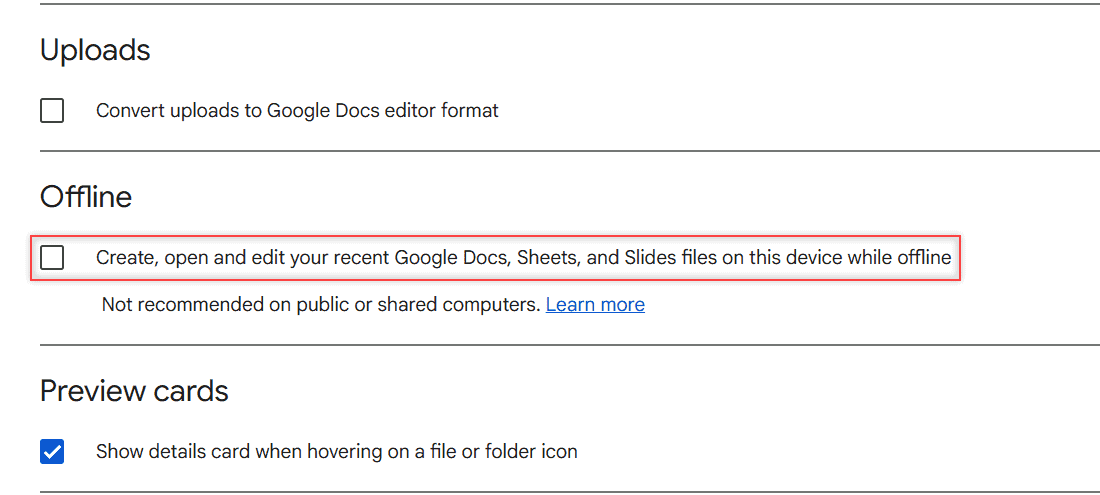
Google Drive Settings page with the Offline checkbox for recent Docs, Sheets, and Slides files highlighted

Google Drive says you are offline or keeps disconnecting? Fix it on the web, in Drive for desktop and in the mobile app, most likely fix first.

How to Add Music to Google Drive (Computer, Android, iPhone)

October 26, 2026December 18, 2023 by Carissa Gudino
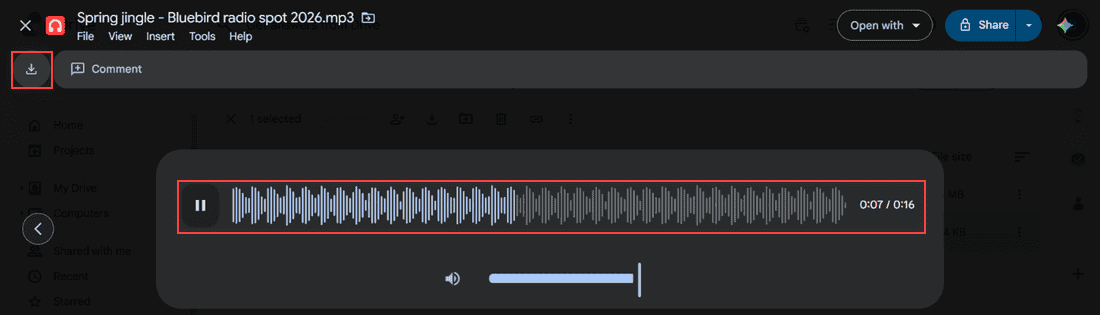
Google Drive audio preview playing Spring jingle - Bluebird radio spot 2026.mp3 with waveform, pause button, 0:07 of 0:16 and the Download icon highlighted

Upload songs and audio files to Google Drive from a computer, Android or iPhone, sync a music folder, play tracks in Drive, and download them back.
How to Migrate from Evernote to Google Drive (and Turn Notes into Google Docs)

October 29, 2026December 15, 2023 by Carissa Gudino
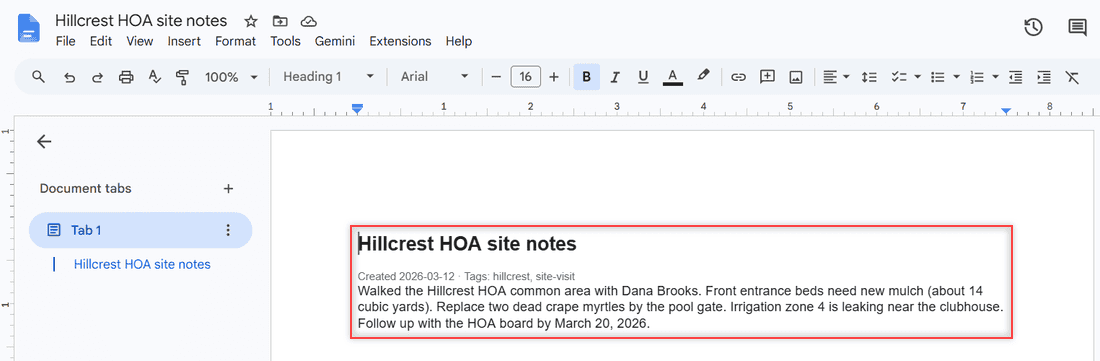
Google Doc Hillcrest HOA site notes created from an Evernote HTML export, with the heading, tags line and note text highlighted

Export Evernote notes as HTML or ENEX, upload them to Google Drive, and turn each note into an editable Google Doc. Tested steps, no paid tools.
Can Viewers on Google Drive Download Files? What Each Role Can Do

October 24, 2026December 14, 2023 by Carissa Gudino
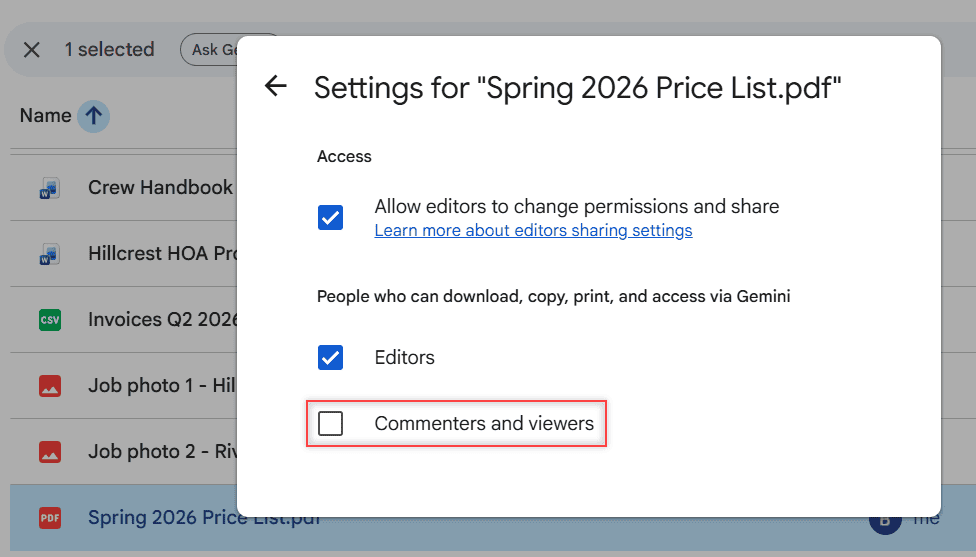
Settings for Spring 2026 Price List.pdf with Commenters and viewers unchecked under People who can download, copy, print, and access via Gemini

Yes, by default viewers and commenters can download Google Drive files. See how owners turn it off, what editors can do, and what viewers can try.
Best Google Drive Clients for Linux (No Official App Yet)

October 24, 2026December 11, 2023 by Carissa Gudino
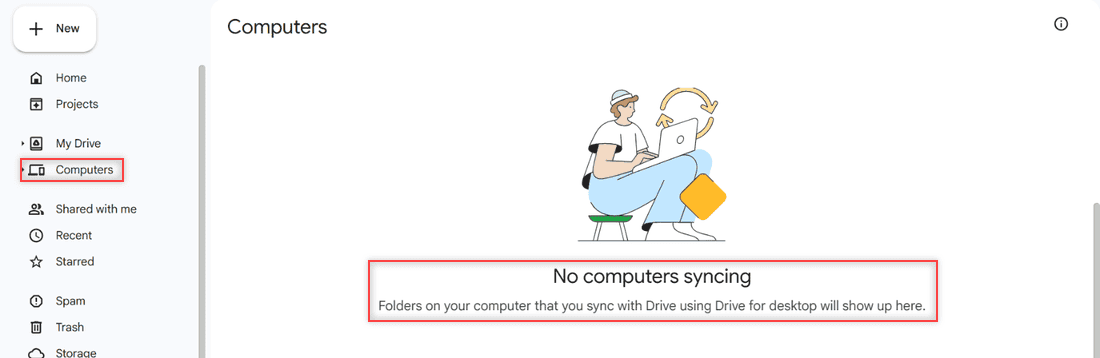
Google Drive Computers page in the left navigation showing No computers syncing, with the note that folders synced using Drive for desktop show up here

Google has no Drive app for Linux. Compare rclone, Insync, google-drive-ocamlfuse, ExpanDrive and the browser, and see which Linux client fits you.
Why Is Google Drive So Slow? 8 Fixes I Use for Lag, Uploads and Sync

October 26, 2026December 4, 2023 by Carissa Gudino
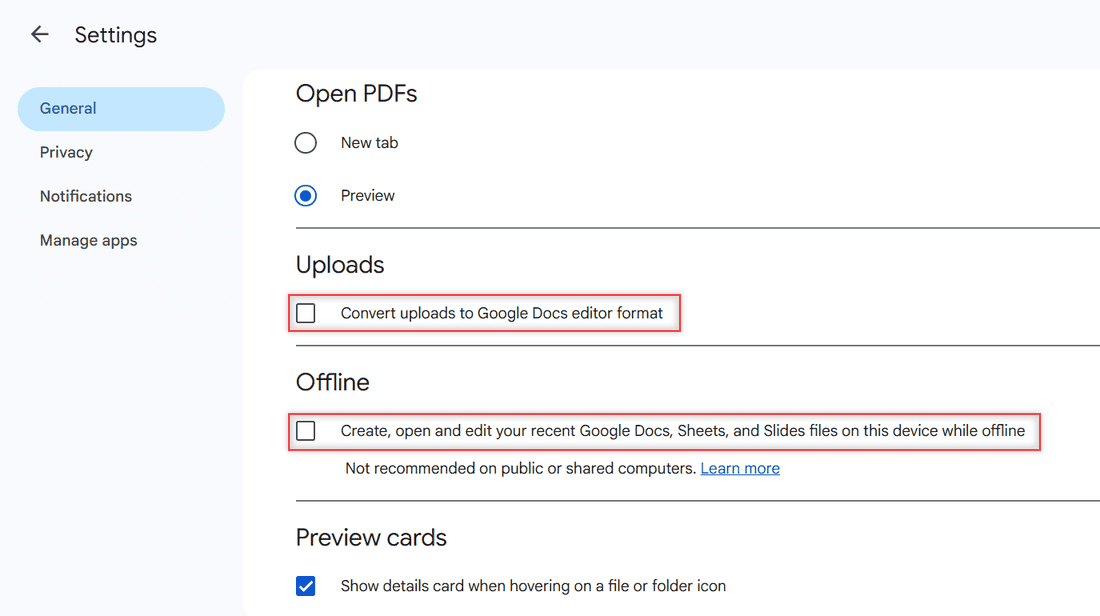
Google Drive web Settings General page with the Convert uploads and Offline checkboxes highlighted

Why is Google Drive so slow? Find the real cause of laggy pages, slow uploads, slow downloads and Drive for desktop slowing your PC, then fix it.
Error Creating Copy in Google Drive: How I Get Make a Copy Working Again

October 31, 2026November 25, 2023 by Carissa Gudino
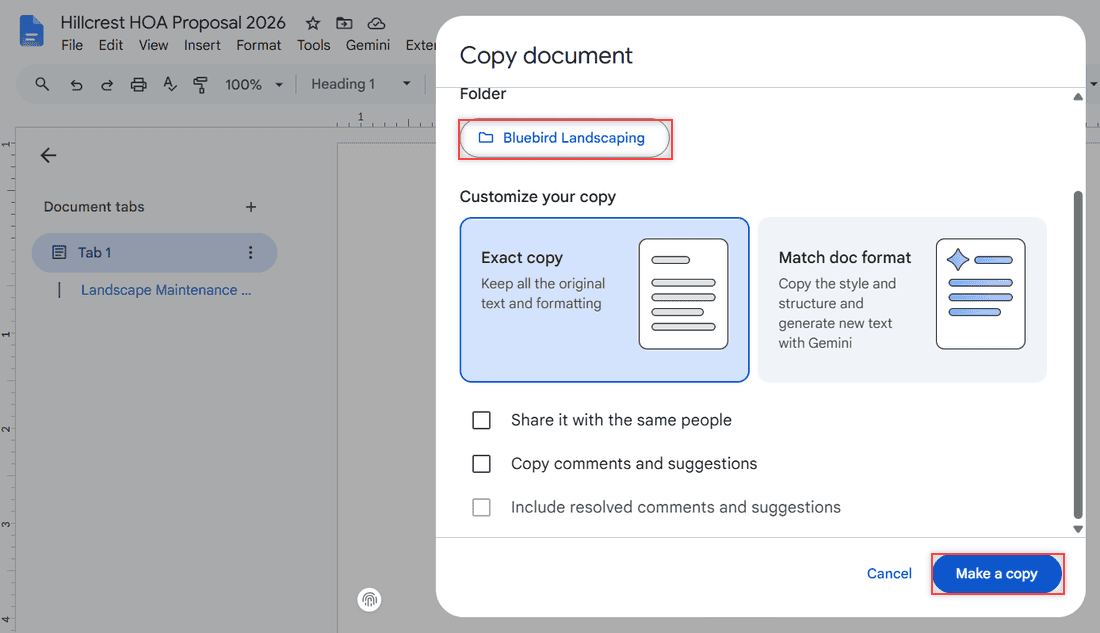
Google Docs Copy document dialog for Hillcrest HOA Proposal 2026 with the Bluebird Landscaping folder, Exact copy selected and the Make a copy button

Google Drive Make a copy failing with “Error creating file” or stuck on Working? Check status, storage, the 750 GB limit, cache and owner settings.
How to Change Your Profile Picture on Google Drive (Computer, Android, iPhone)

October 28, 2026November 24, 2023 by Carissa Gudino
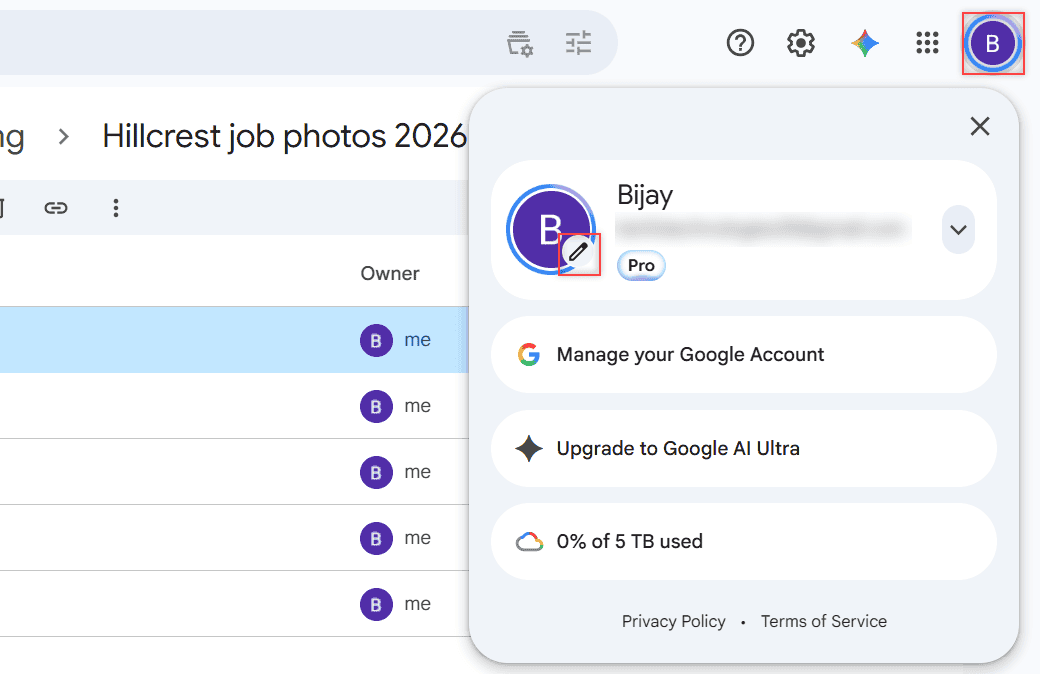
Google Drive account card with the pencil icon on the profile picture highlighted

Change your Drive profile picture in a few clicks: avatar, pencil icon, Profile picture. It updates your Google Account photo in Gmail and Drive, too.
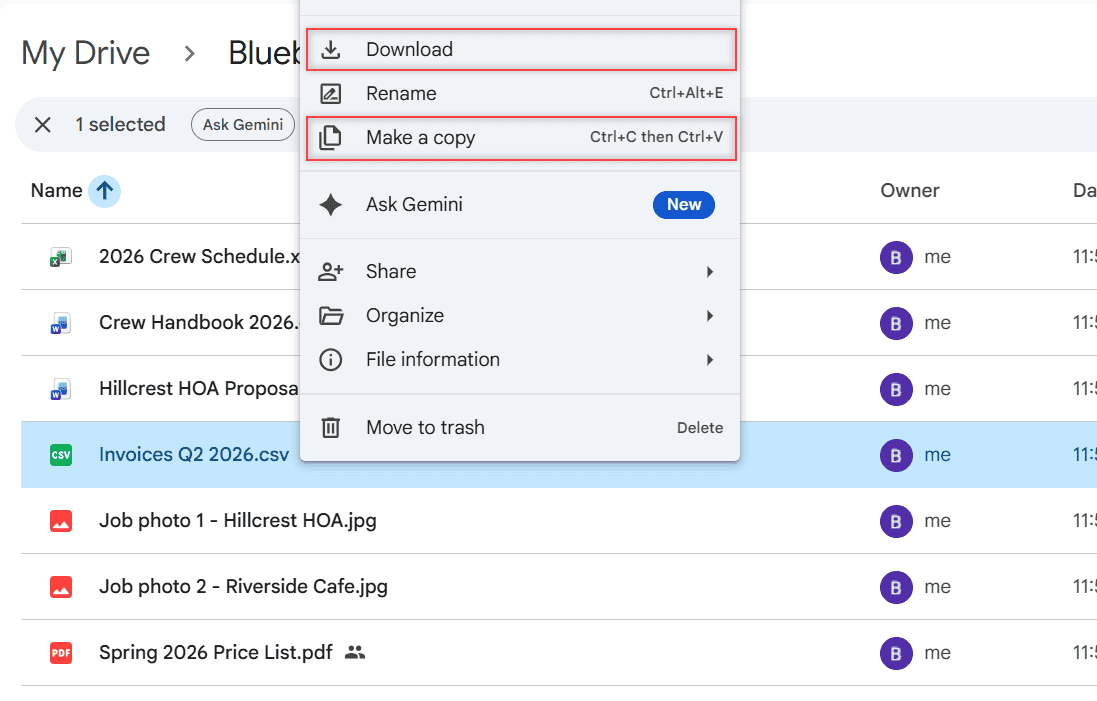
Can’t Download Files from Google Drive? Match Your Message to the Fix

October 24, 2026November 23, 2023 by Carissa Gudino
Google Drive right-click menu on Invoices Q2 2026.csv with Download and Make a copy highlighted

Can’t download files from Google Drive? Match what you see to the cause: owner limits, the 24-hour limit, blocked cookies, extensions, phone or outages.
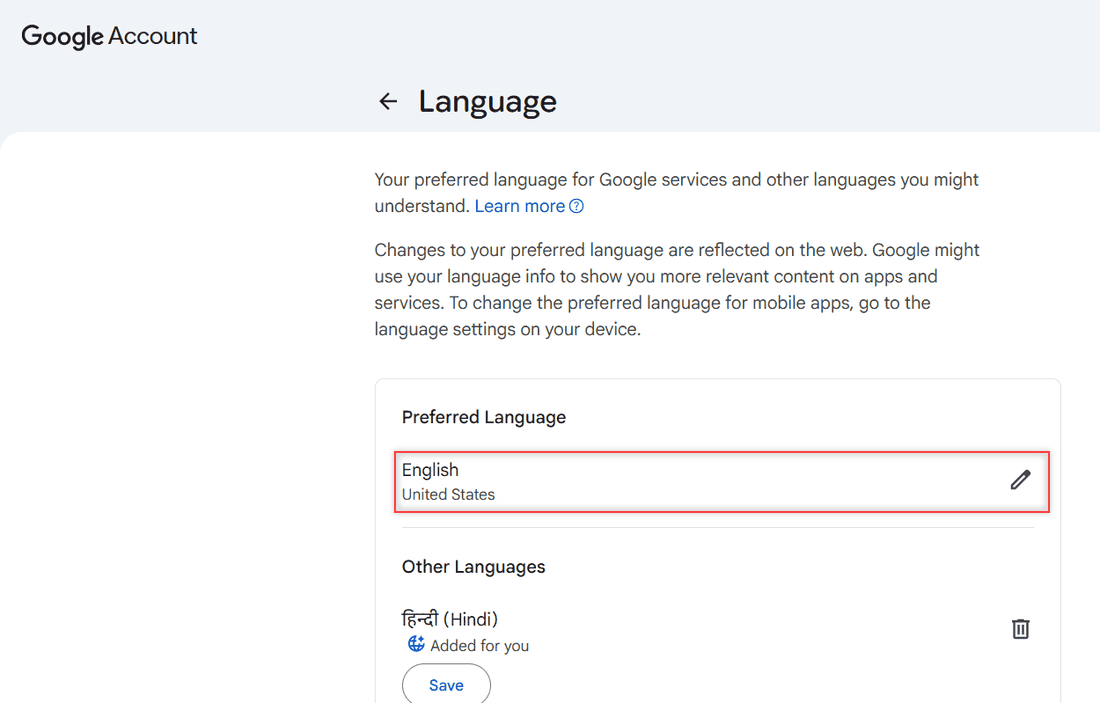
How to Change Google Drive Language on a Computer, Android, and iPhone

October 24, 2026November 22, 2023 by Carissa Gudino
Google Account Language page with Preferred Language English, United States and a pencil icon, plus Other Languages with Hindi added for you

Change Google Drive language from Settings > General > Language on a computer, or from your device settings on Android, iPhone, and iPad. Plus Google Docs.

Older posts
Newer posts
← Previous Page1 … Page6 Page7 Page8 … Page10 Next →

Recent Posts

  • How to Upload Files to Google Drive (Computer, Phone and Desktop App)
  • How to Delete Files From Google Drive (Computer and Phone)
  • How to Upload a Video to Google Drive (Computer, Phone and Big Folders)
  • How to Share a Google Drive Folder (Email, Link, and Phone)
  • How to Create an Email Group in Outlook (Contact List Step by Step)
  • About TechnologyDots.com
  • Contact
  • Privacy Policy
  • Sitemap
© 2026 Technology Dots