How to Delete Recent Activity on Google Drive (What Actually Works)
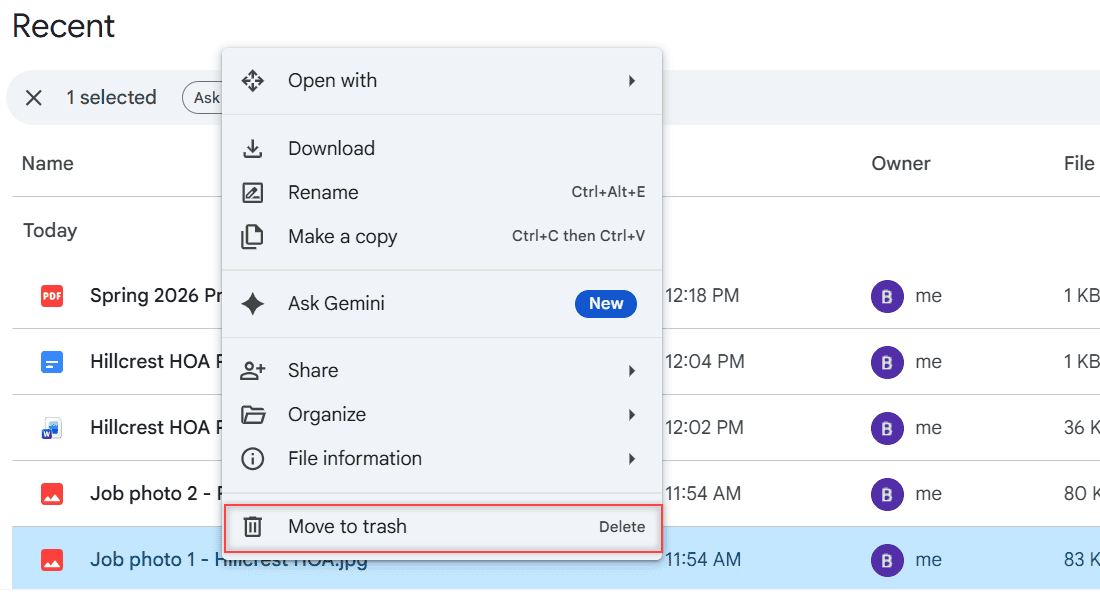
Google Drive has no Clear Recent button. Here’s what you can remove: files via Trash, your Drive search history, and your Docs view history.

Google Drive is a cloud storage service that allows users in the United States and worldwide to store, share, and access files from any device. Offering up to 15GB of free storage, Google Drive is integral for document collaboration, data backup, and file sharing. It supports various file types, such as documents, images, and videos. Check out all our practical and real-time Google Drive tutorials.
Google Drive has no Clear Recent button. Here’s what you can remove: files via Trash, your Drive search history, and your Docs view history.
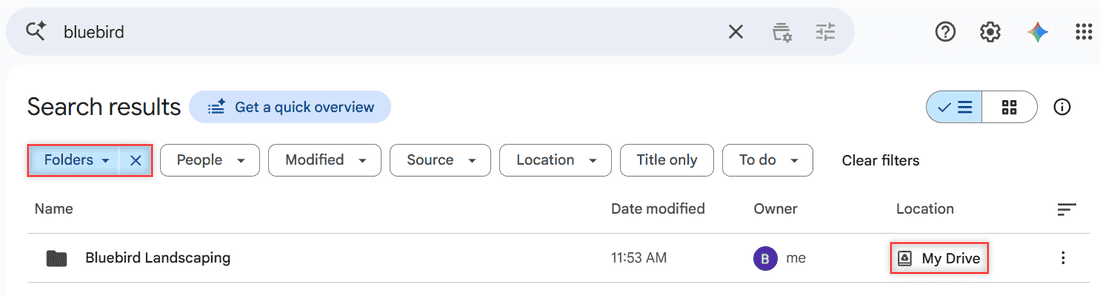
Lost a folder? Search by name, filter results to Folders only, narrow by location, see the folder’s path, and find folders others shared with you.
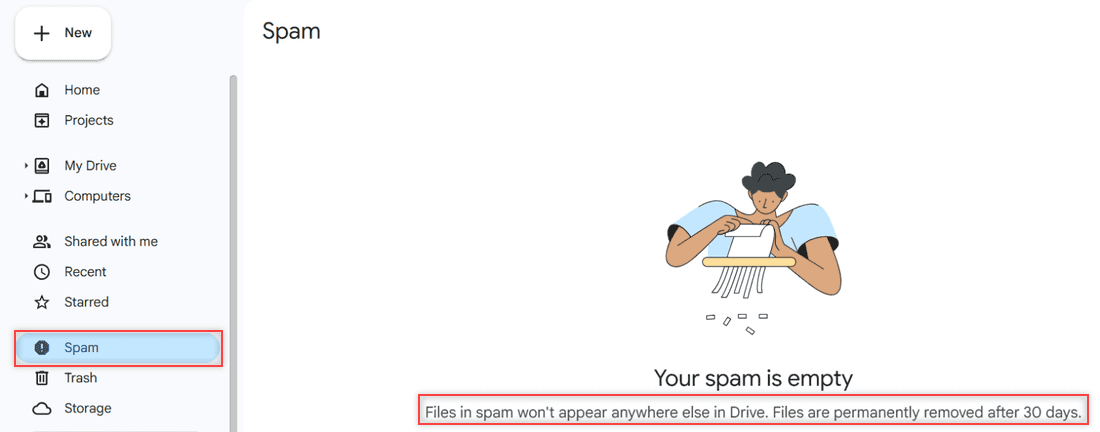
Yes, a Google Drive link can be dangerous. Here’s how to spot fake share emails, avoid risky downloads, report spam, and keep your own links safe.
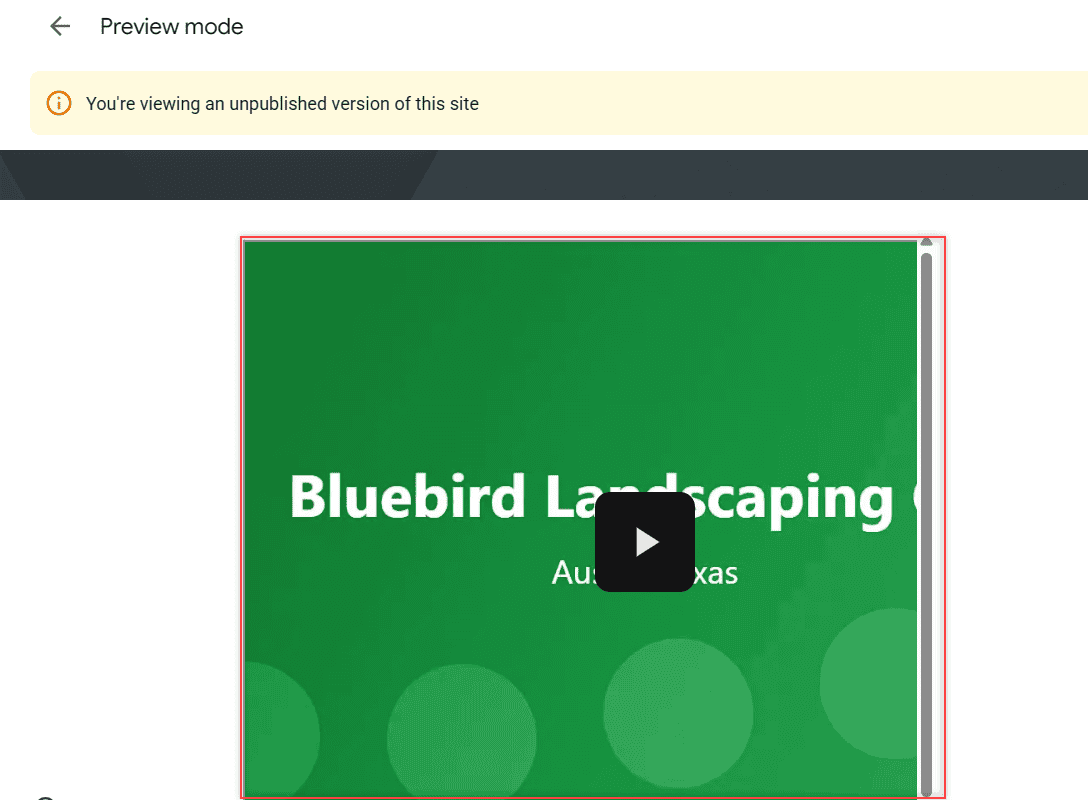
Get the Google Drive embed code for a video with File > Share > Get embed link, set sharing right, and paste the iframe into Google Sites or WordPress.

Apple offers several features for storing files in iCloud so that users can store their files securely. However, 5GB is not enough to store the files for the users. Instead of paying additional money for just file storage, you can switch your cloud storage with Google Drive. It also offers numerous handy tools along with … Read more >>
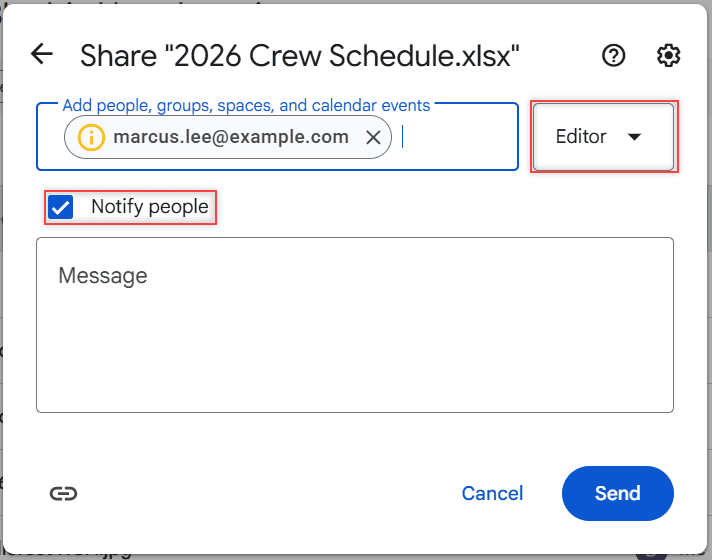
How Google Drive request access works: send a request from the “You need access” page, and as the owner approve it by email or from the Share button.
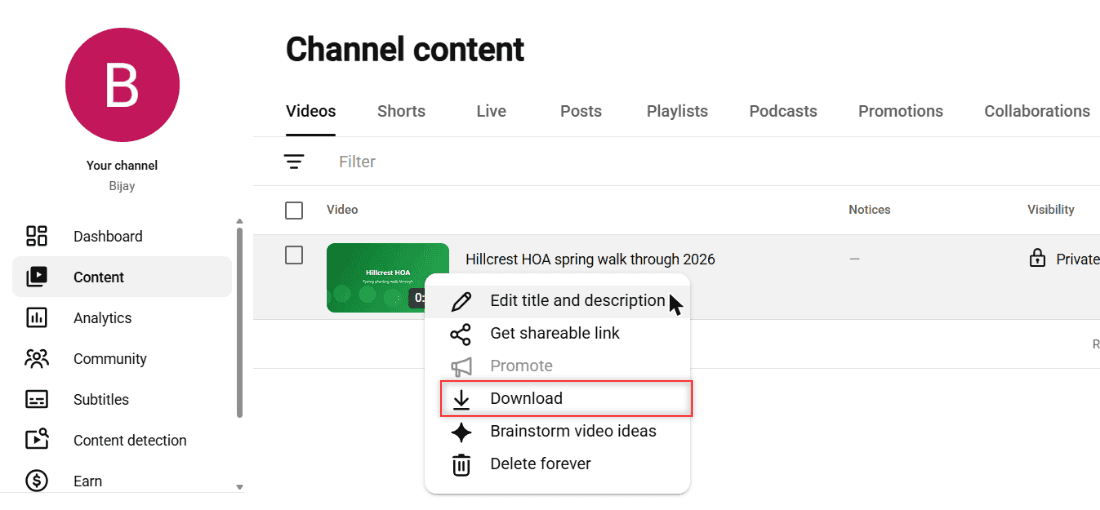
Download your own YouTube videos as MP4 from YouTube Studio, send all uploads to Drive with Google Takeout, and keep links to other videos.
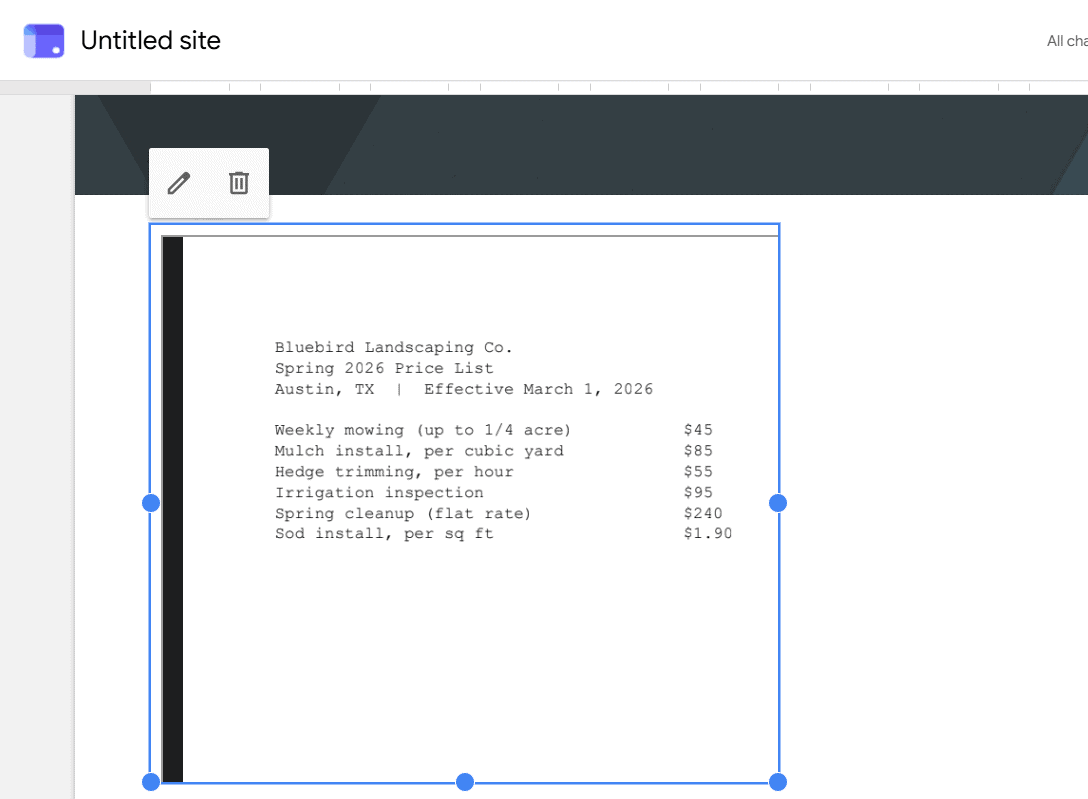
Embed PDFs from Google Drive with the viewer’s Get embed link code, set General access so visitors can see it, and add it to Google Sites or WordPress.
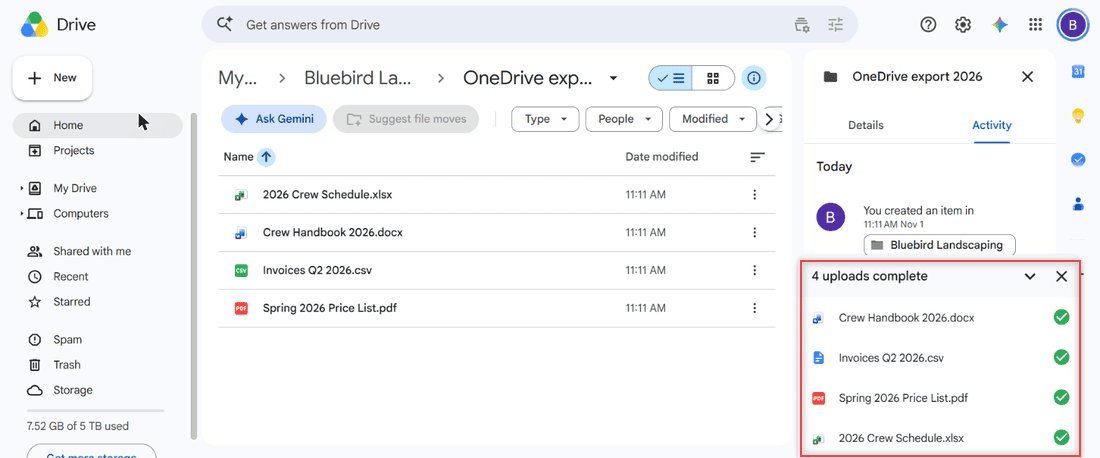
Move files from OneDrive to Google Drive by download and upload, with the desktop apps, or with the Workspace migration service. Real steps and limits.
There is no direct Google Drive to iCloud button. Download and upload, export with Google Takeout, copy on a computer, or use the iPhone Files app.