How to List Files in a Folder and Subfolder on Google Drive (3 Ways)
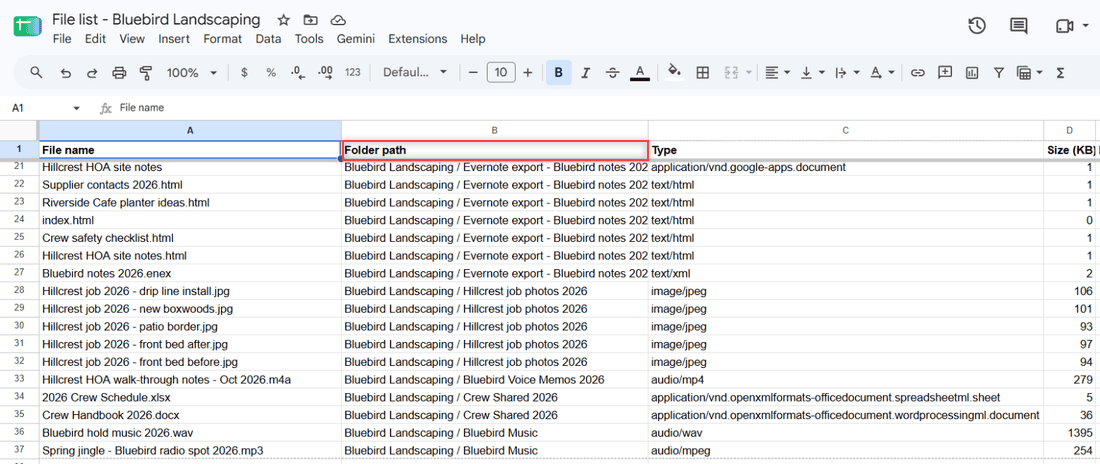
See every file in a Google Drive folder and its subfolders with Advanced search, or export the full list to a Google Sheet with a free Apps Script.

Google Drive is a cloud storage service that allows users in the United States and worldwide to store, share, and access files from any device. Offering up to 15GB of free storage, Google Drive is integral for document collaboration, data backup, and file sharing. It supports various file types, such as documents, images, and videos. Check out all our practical and real-time Google Drive tutorials.
See every file in a Google Drive folder and its subfolders with Advanced search, or export the full list to a Google Sheet with a free Apps Script.
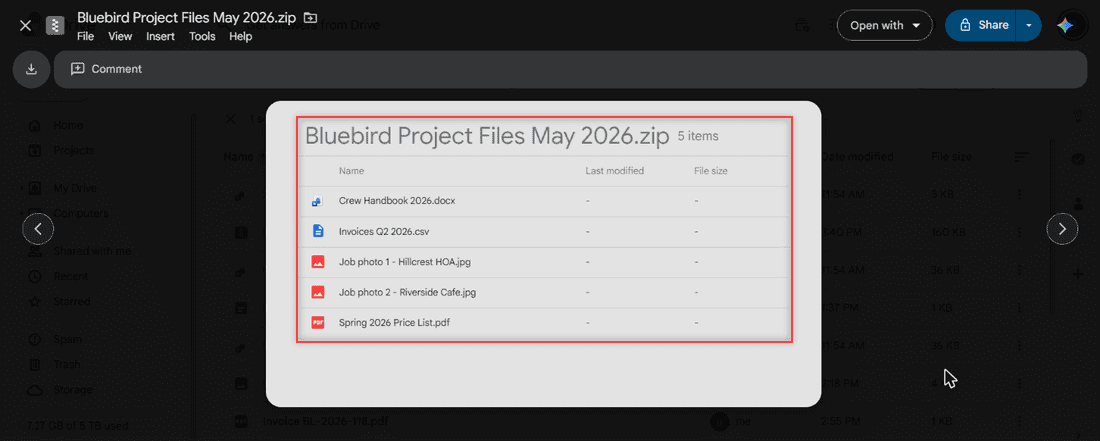
See what is inside a ZIP file in Google Drive, then unzip it with an extractor app, on your computer, or on Android and iPhone. Tested steps.
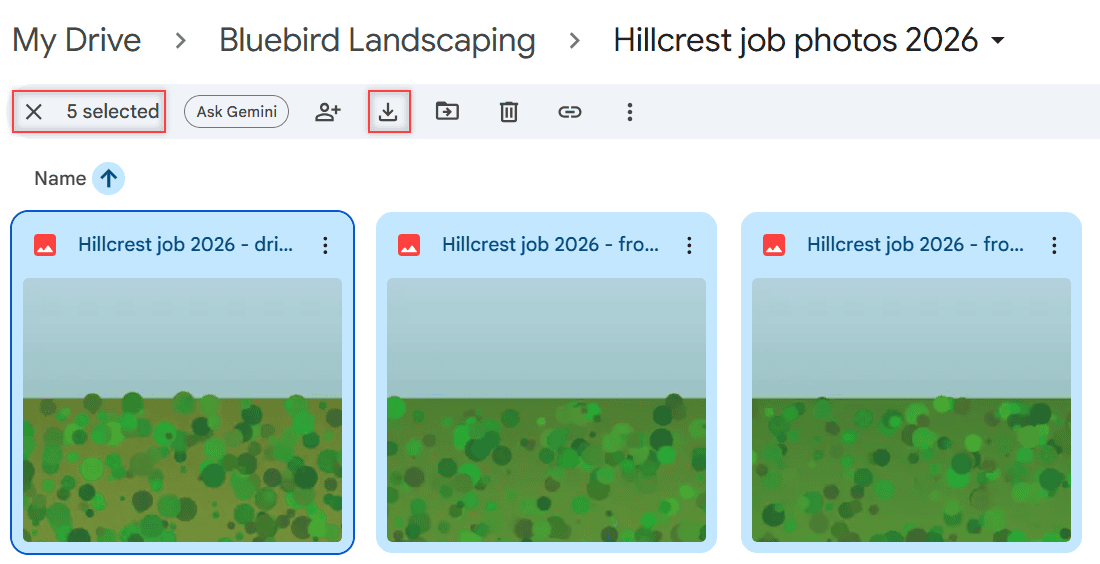
Save multiple photos from Google Drive to iPhone: one at a time in the Drive app, in a batch through the Files app, or as a ZIP from a computer.
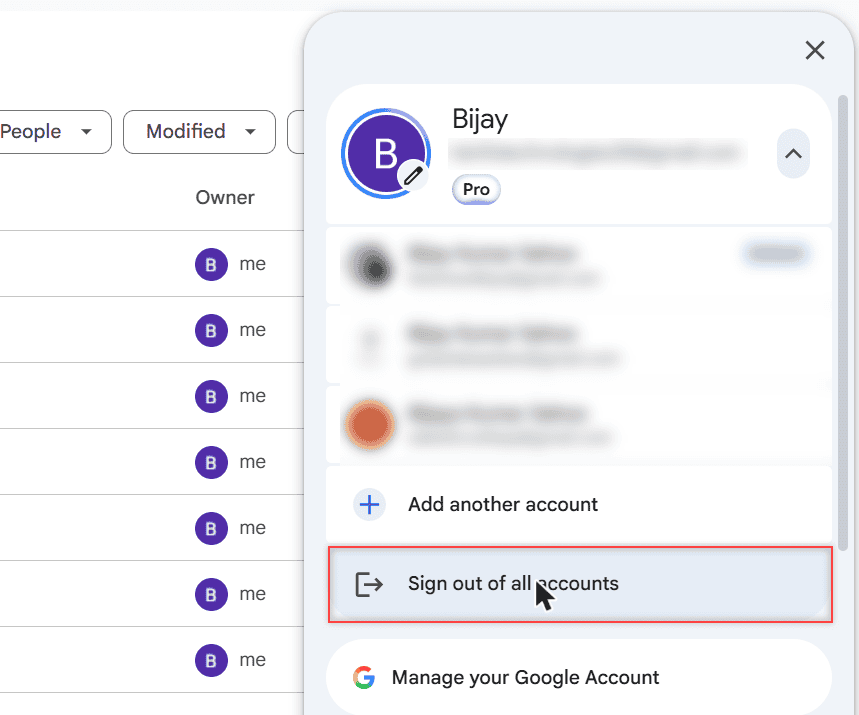
Sign out of the Google Drive app on iPhone or iPad: tap your profile picture, Manage accounts on this device, then Remove from this device.
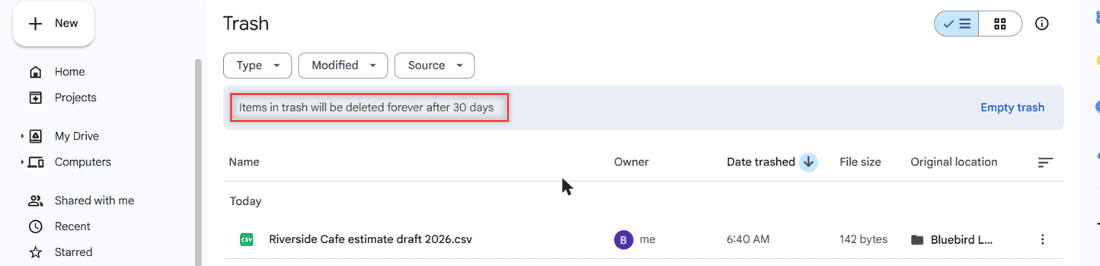
Google Drive keeps deleted files in Trash for 30 days, then deletes them forever. Here is how to restore them and what to try after the trash is emptied.
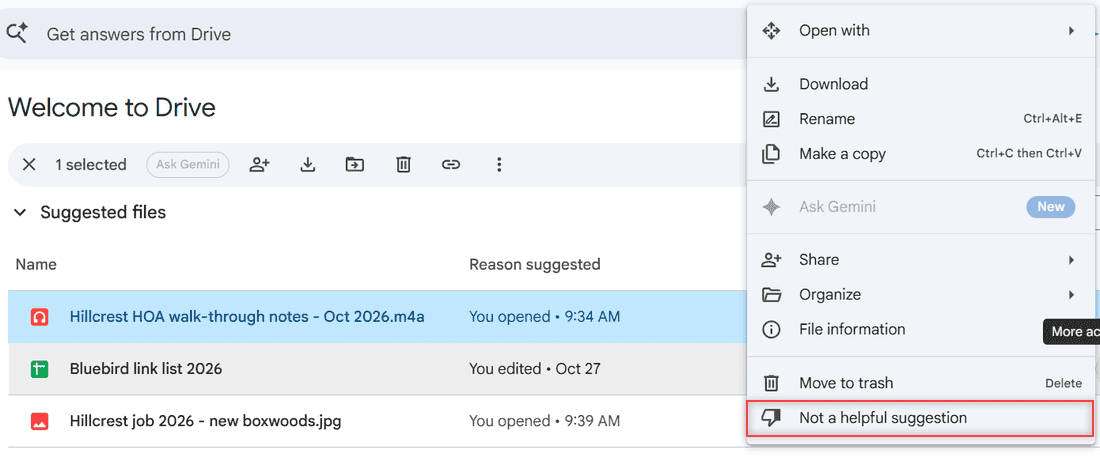
Google Drive has no single switch for suggested files anymore. Remove one, collapse the sections, open My Drive instead, or turn off smart features.
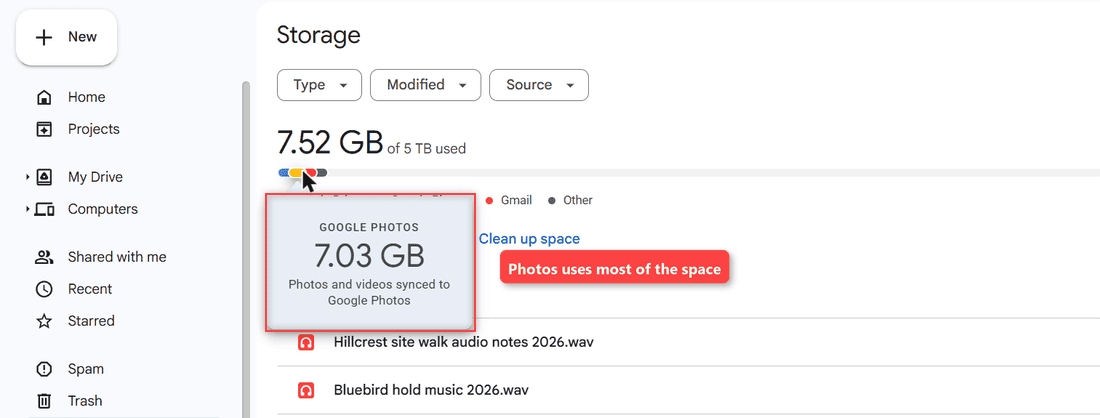
Google Drive says storage is full but My Drive is empty? Open the storage breakdown, then clear Photos, Gmail, Trash and hidden app data.
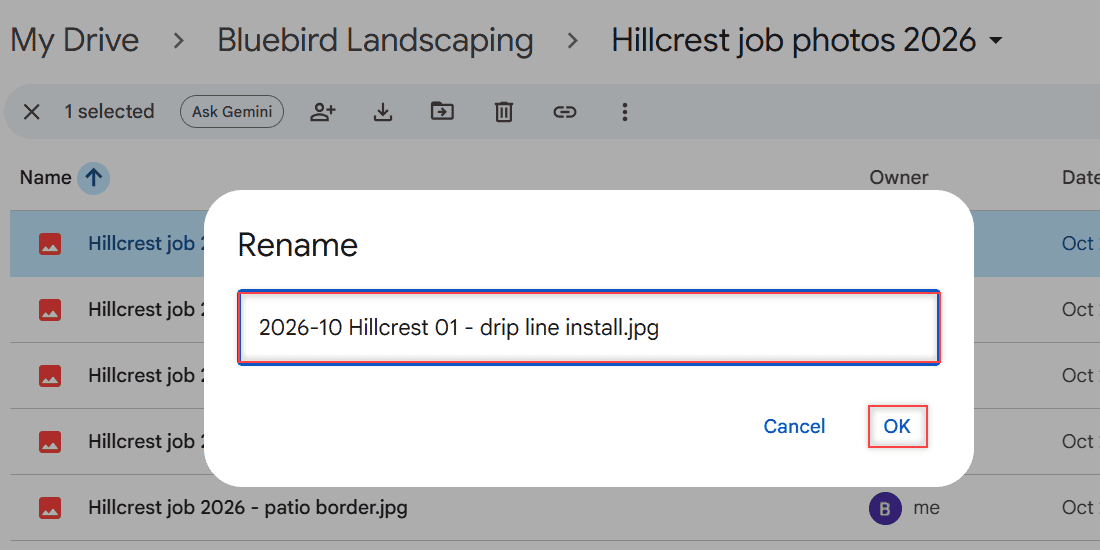
Google Drive renames one file at a time. Here are the real ways to rename multiple files in Google Drive: Drive for desktop, add-ons, and a naming plan.
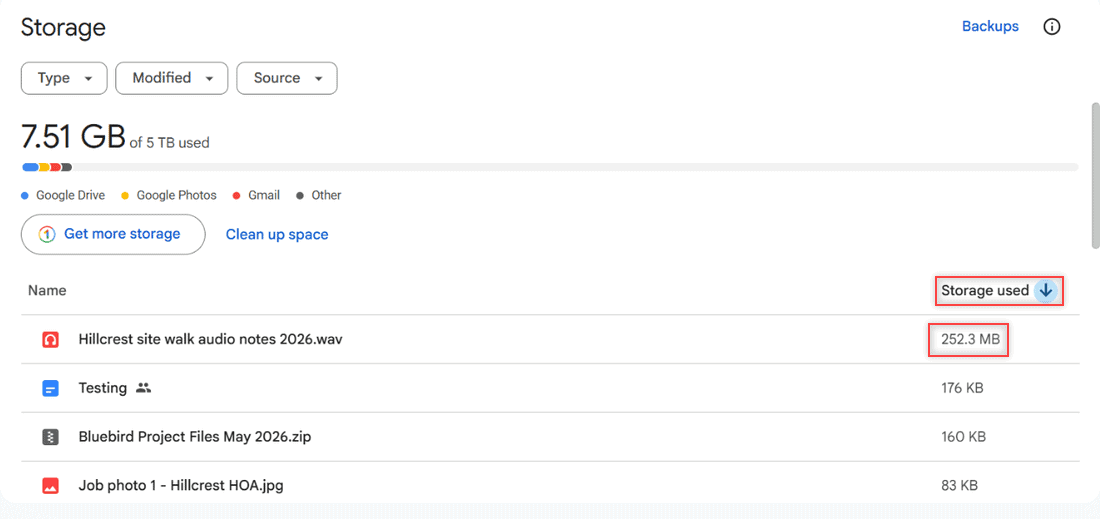
Google Drive can’t sort a folder by size, but the Storage page can. See every sort option, how to filter by file type, and how sorting works on mobile.
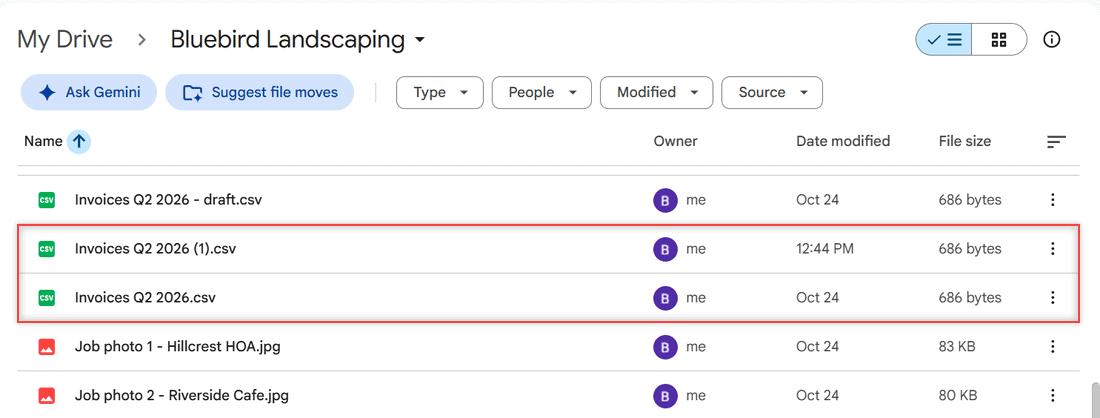
Stop Google Drive duplicates: pick Replace existing file on upload, clean up (1) copies, and fix or stop syncing folders in Drive for desktop.