Skip to content
TechnologyDots
TechnologyDots
  • Home
  • Google Drive
  • Outlook
  • Mac
  • Blogs

Google Drive

Google Drive is a cloud storage service that allows users in the United States and worldwide to store, share, and access files from any device. Offering up to 15GB of free storage, Google Drive is integral for document collaboration, data backup, and file sharing. It supports various file types, such as documents, images, and videos. Check out all our practical and real-time Google Drive tutorials.

Google Drive “Error Accessing Folder Contents”: How to Fix It
October 24, 2026April 22, 2024 by Carissa Gudino
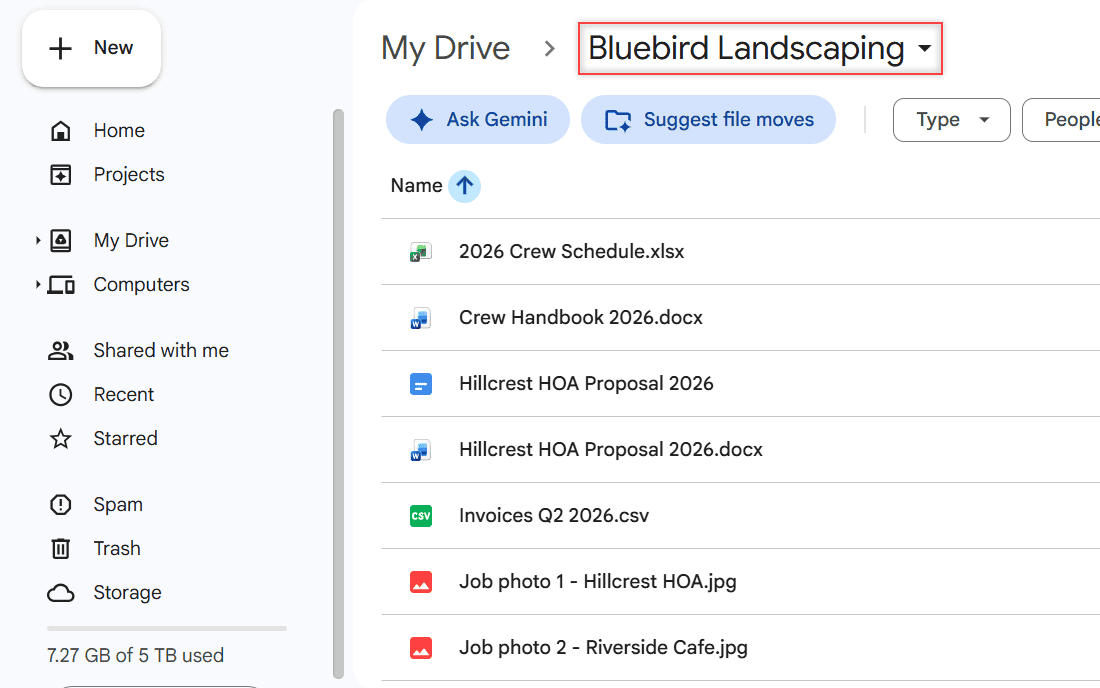
Google Drive on the web showing My Drive > Bluebird Landscaping with its files listed

Getting “Error accessing folder contents” in Google Drive for desktop? Here are the fixes Google documents, in the order most likely to work.

Google Drive Personal vs Business: What a Small Business Gains by Switching

October 24, 2026April 22, 2024 by Carissa Gudino
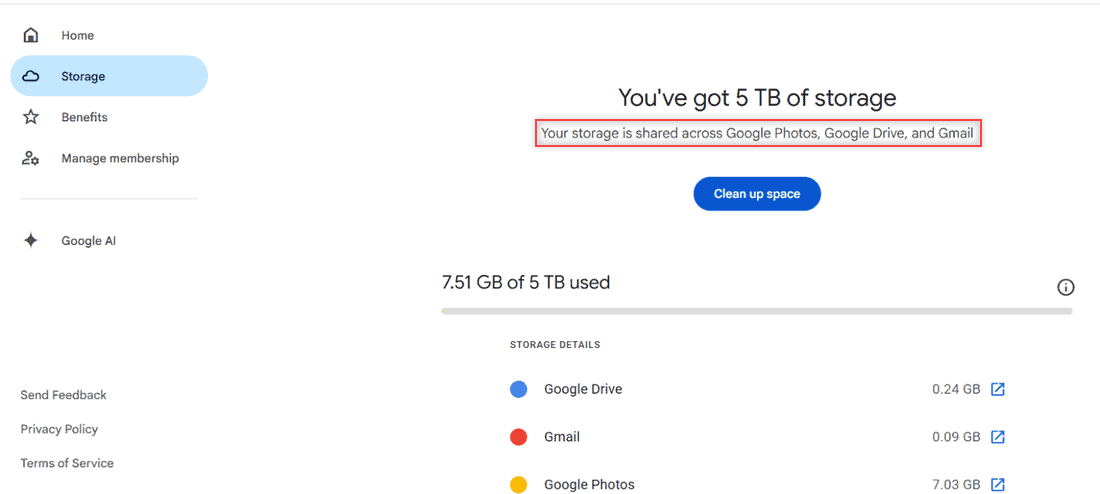
Google One Storage page showing You've got 5 TB of storage, shared across Google Photos, Google Drive, and Gmail, with 7.51 GB used

Personal Google Drive vs Google Workspace: storage, shared drives, business email, admin controls, sharing, and when a small business should switch.
How to Turn Off Google Drive Notifications (Email, Docs, Phone, and Chat)

October 24, 2026April 18, 2024 by Carissa Gudino
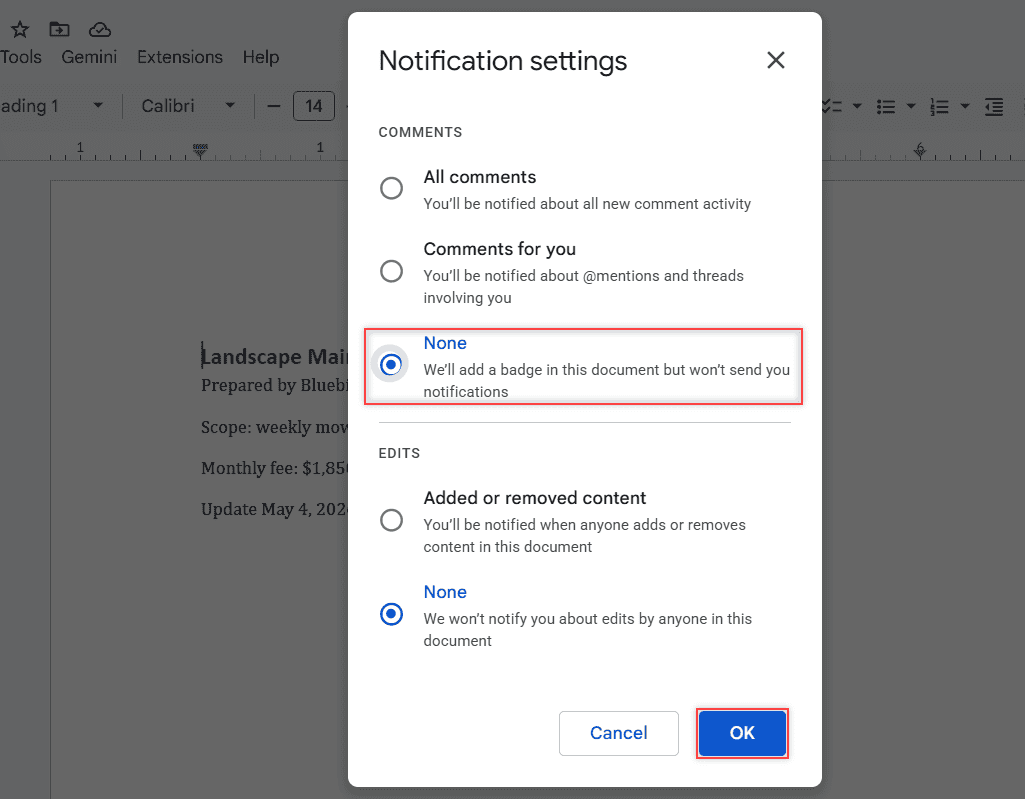
Notification settings dialog with Comments set to None and the OK button boxed

Turn off Google Drive notifications on a computer, mute comment emails for one Google Doc, and silence the Drive app on Android, iPhone, and Chat.
How to Save an Email to Google Drive (Attachment and Whole Message)

October 24, 2026April 18, 2024 by Carissa Gudino
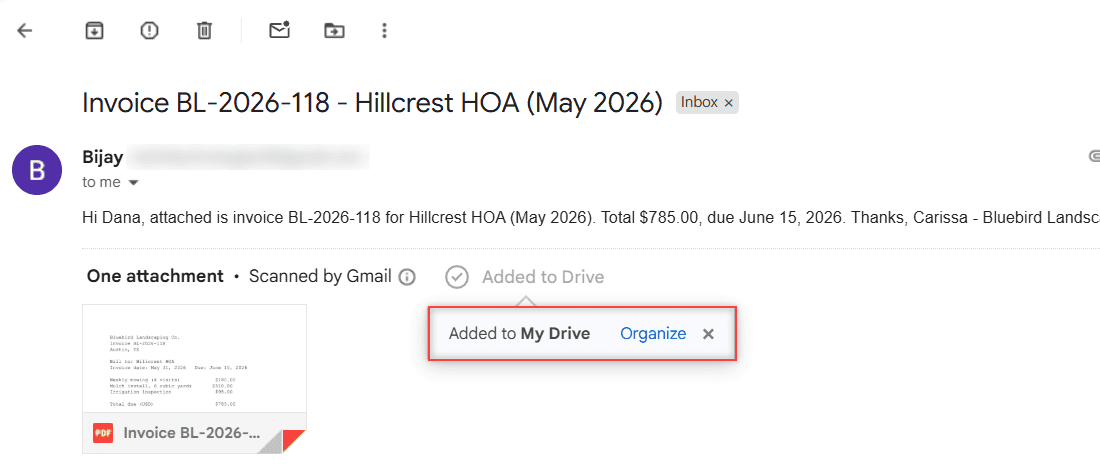
Gmail showing Added to Drive above the attachment and a popup saying Added to My Drive with an Organize link

Save a Gmail attachment to a Drive folder with Add to Drive, then keep the whole email as a PDF in the same folder. Phone steps and checks included.
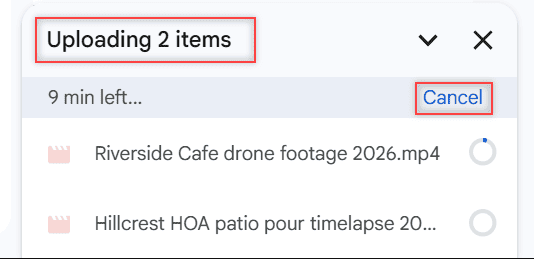
How to Stop a Google Drive Upload (and Why You Can’t Pause It)

October 28, 2026April 16, 2024 by Carissa Gudino
Google Drive upload panel showing Uploading 2 items, 9 min left and the blue Cancel link that cancels all uploads

Drive on the web has no Pause button. Here is how to cancel one upload or all of them, pause Drive for desktop, and stop uploads on Android or iPhone.
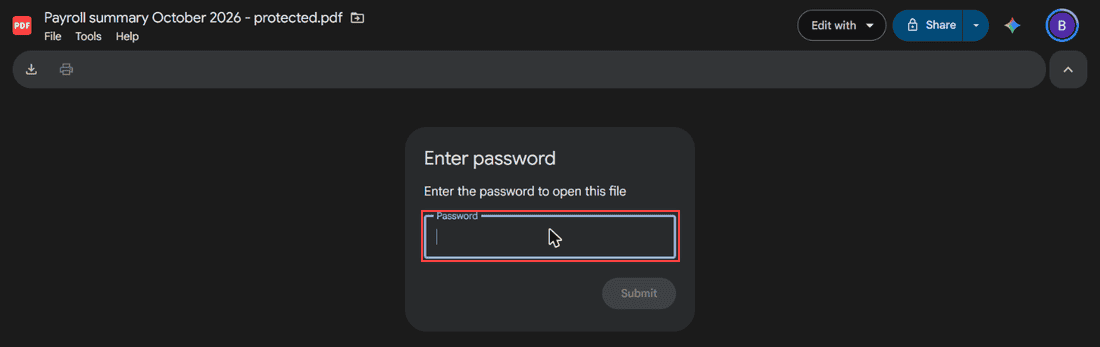
Can You Password Protect a Google Drive Folder? What Works Instead

November 1, 2026April 15, 2024 by Carissa Gudino
Google Drive PDF viewer showing an Enter password box with the message Enter the password to open this file, a Password field, and Submit

Google Drive has no folder password. Here’s what works instead: restricted sharing, password-protected PDFs and ZIPs, 2-Step Verification, and encryption.
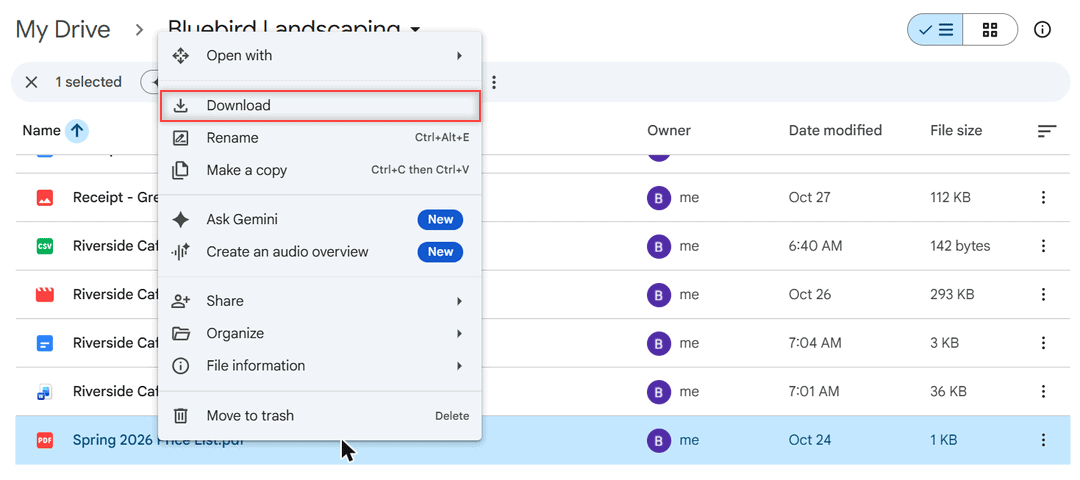
How to Save Files From Google Drive to Your Phone (Android and iPhone)

November 1, 2026April 12, 2024 by Carissa Gudino
Google Drive on the web: right-click menu on Spring 2026 Price List.pdf with Download highlighted

Save Google Drive files to an Android phone or iPhone with Download, Save to Files or Send a copy, and know when offline access is the better pick.
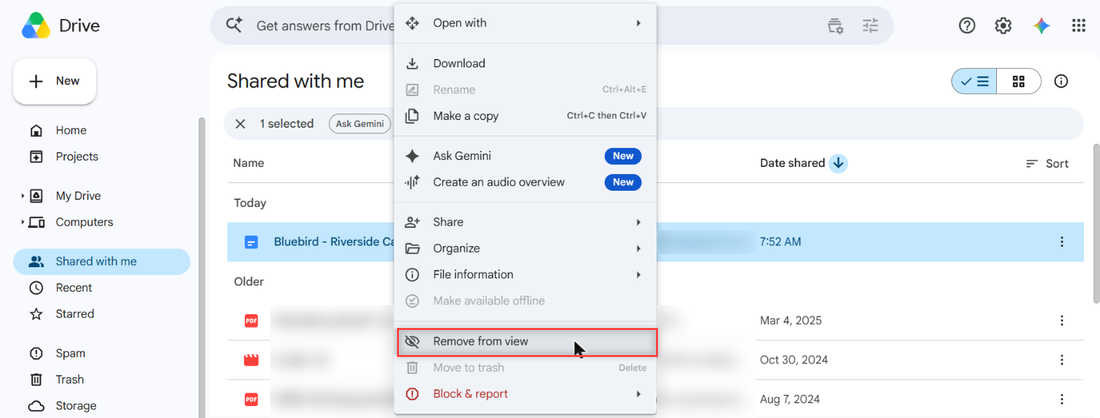
How to Remove Shared Files from Google Drive (and What Actually Happens)

October 24, 2026April 12, 2024 by Carissa Gudino
Right-click menu on the shared doc in Shared with me with Remove from view boxed, Move to trash greyed out, and Block & report below it

Remove from view hides a shared file only for you. See what it does, why you can’t trash it, how owners remove access, and how to block someone.
How to Save Word Docs to Google Drive (Computer, Phone, Desktop App)

November 1, 2026April 11, 2024 by Carissa Gudino
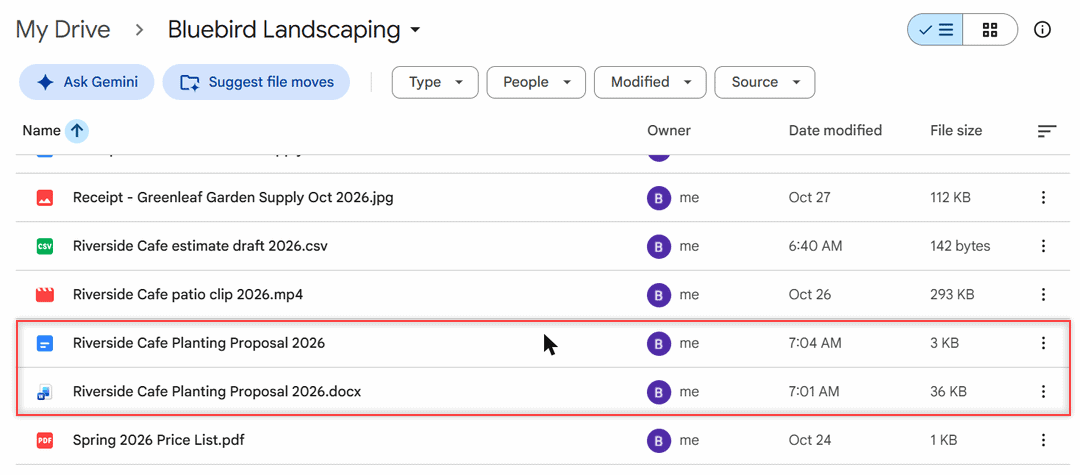
Drive folder listing both the Google Doc and the original .docx file

Save a Word document to Google Drive: upload the .docx, edit it in Docs, convert it to a Google Doc, or save from Word with Drive for desktop.
How to Share a Google Drive Link on WhatsApp (Files, Folders, and Docs)

October 29, 2026April 10, 2024 by Carissa Gudino
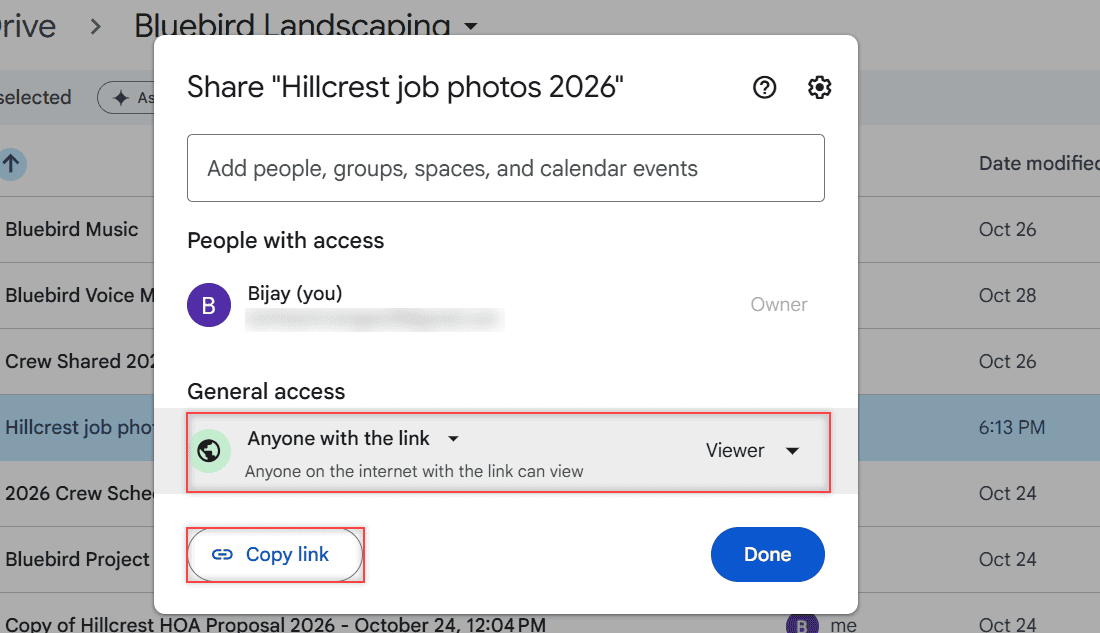
Share dialog with General access set to Anyone with the link, role Viewer, and the Copy link button

Share a Google Drive link on WhatsApp: set Anyone with the link, pick Viewer or Editor, copy the link, paste it in the chat, then turn it off later.

Older posts
Newer posts
← Previous Page1 Page2 Page3 … Page10 Next →

Recent Posts

  • How to Upload Files to Google Drive (Computer, Phone and Desktop App)
  • How to Delete Files From Google Drive (Computer and Phone)
  • How to Upload a Video to Google Drive (Computer, Phone and Big Folders)
  • How to Share a Google Drive Folder (Email, Link, and Phone)
  • How to Create an Email Group in Outlook (Contact List Step by Step)
  • About TechnologyDots.com
  • Contact
  • Privacy Policy
  • Sitemap
© 2026 Technology Dots