Skip to content
TechnologyDots
TechnologyDots
  • Home
  • Google Drive
  • Outlook
  • Mac
  • Blogs

How to List Files in a Folder and Subfolder on Google Drive (3 Ways)
Updated on October 30, 2026 by Carissa Gudino
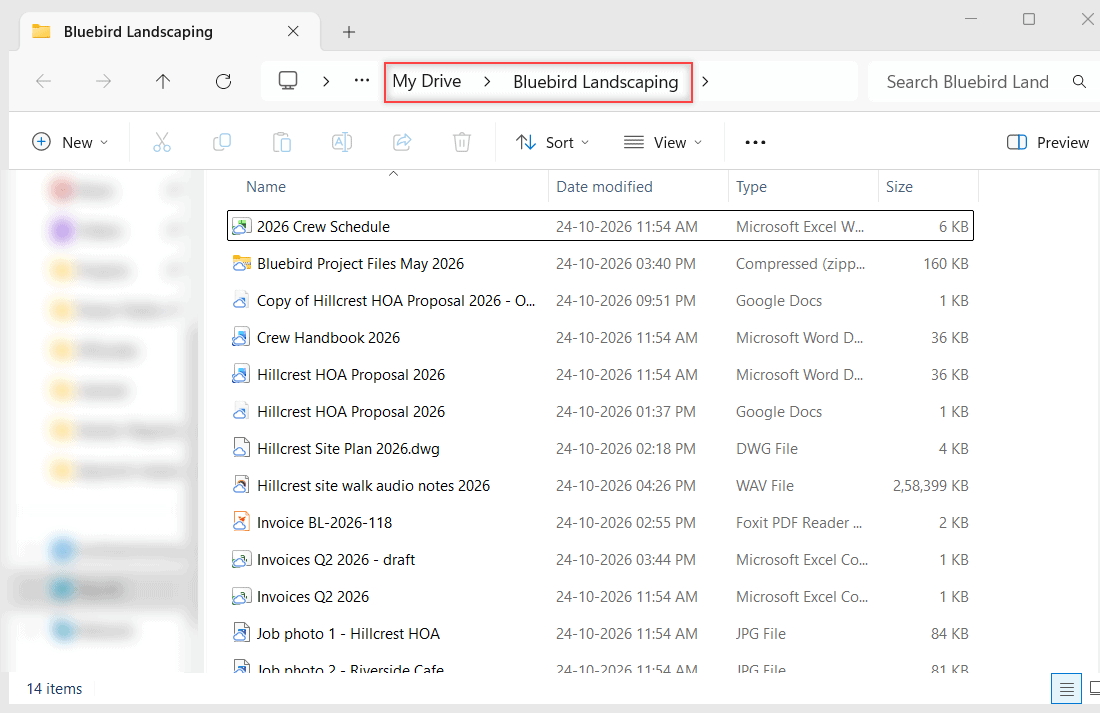
Google Sheet listing files with the Folder path column showing each subfolder under Bluebird Landscaping

See every file in a Google Drive folder and its subfolders with Advanced search, or export the full list to a Google Sheet with a free Apps Script.

How to Install (and Uninstall) Google Drive on Windows 10 and 11

Updated on October 30, 2026 by Carissa Gudino
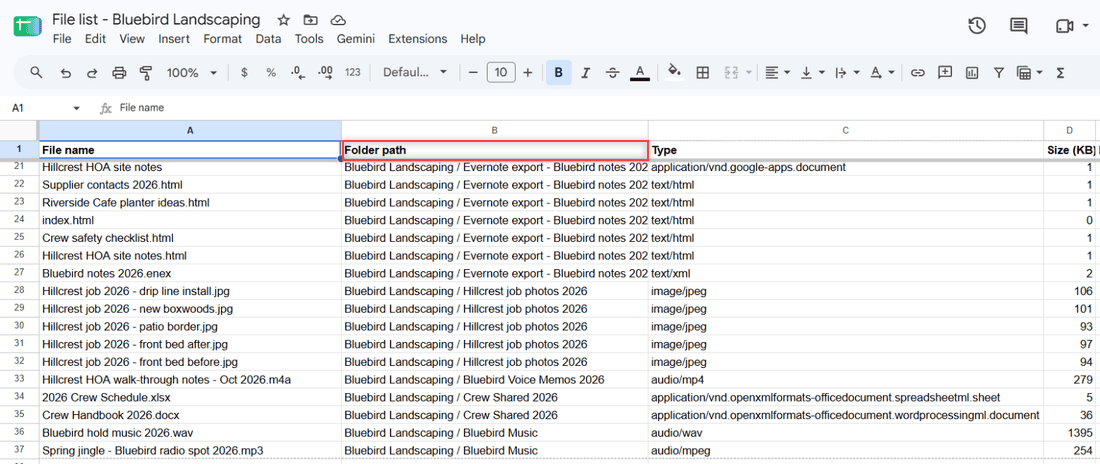
Windows File Explorer showing Google Drive (G:) open to My Drive with the Bluebird Landscaping folder

Download Google Drive for desktop, run GoogleDriveSetup.exe, sign in and pick Stream or Mirror. Plus how to uninstall it cleanly on Windows 10 and 11.
How to Embed PDFs from Google Drive on Any Website (6 Rules I Follow)

Updated on October 30, 2026 by Carissa Gudino
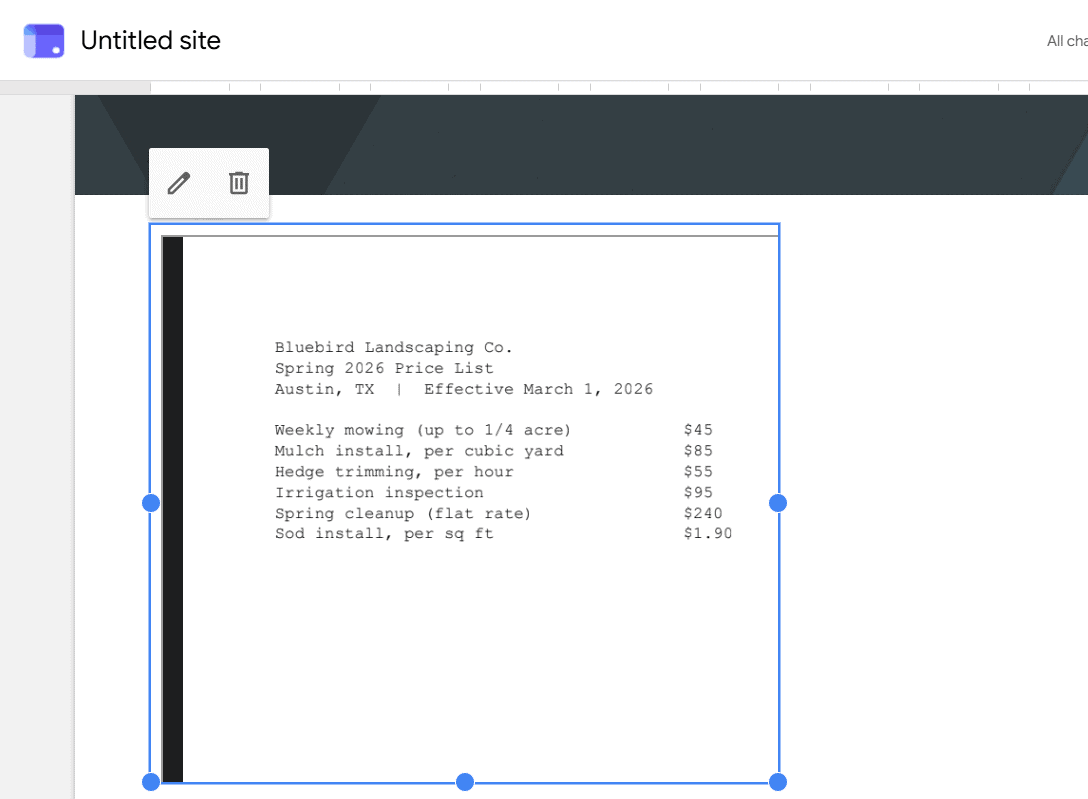
Spring 2026 Price List PDF embedded on a page in the Google Sites editor

Embed PDFs from Google Drive with the viewer’s Get embed link code, set General access so visitors can see it, and add it to Google Sites or WordPress.
How to Transfer Files from Google Drive to iCloud (4 Ways in 2026)

Updated on October 30, 2026 by Carissa Gudino
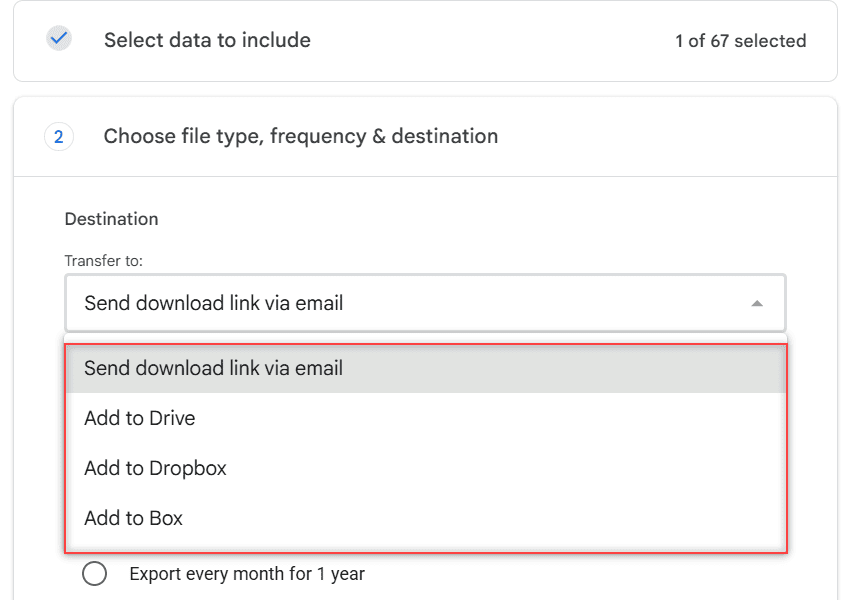
Google Takeout Transfer to list showing Send download link via email, Add to Drive, Add to Dropbox and Add to Box with no iCloud option

There is no direct Google Drive to iCloud button. Download and upload, export with Google Takeout, copy on a computer, or use the iPhone Files app.
Google Drive Keeps Going Offline? 8 Fixes for Web, Desktop and Mobile

Updated on October 30, 2026 by Carissa Gudino
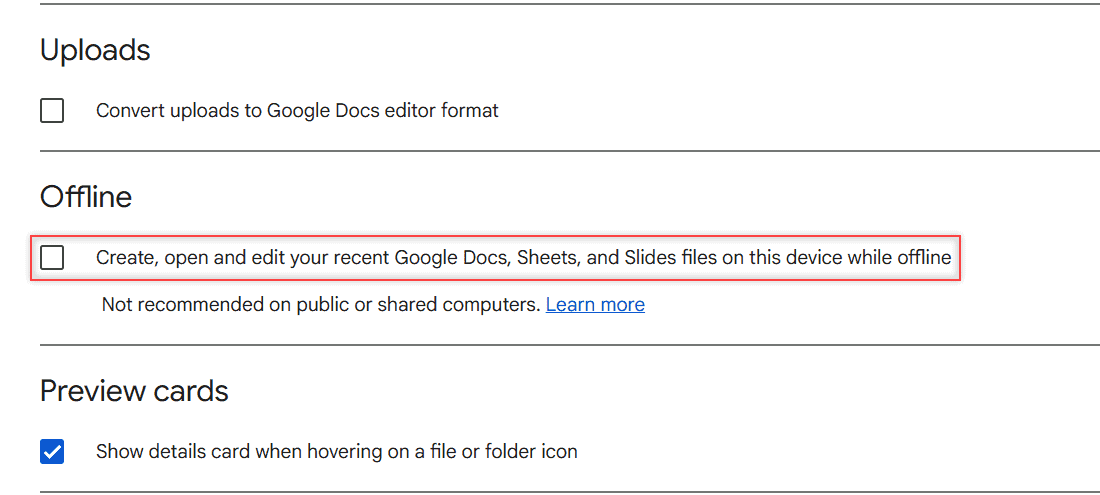
Google Drive Settings page with the Offline checkbox for recent Docs, Sheets, and Slides files highlighted

Google Drive says you are offline or keeps disconnecting? Fix it on the web, in Drive for desktop and in the mobile app, most likely fix first.
How to Stop Google Drive Spam (Block, Report and Clean Up Shared Files)

Updated on October 30, 2026 by Carissa Gudino
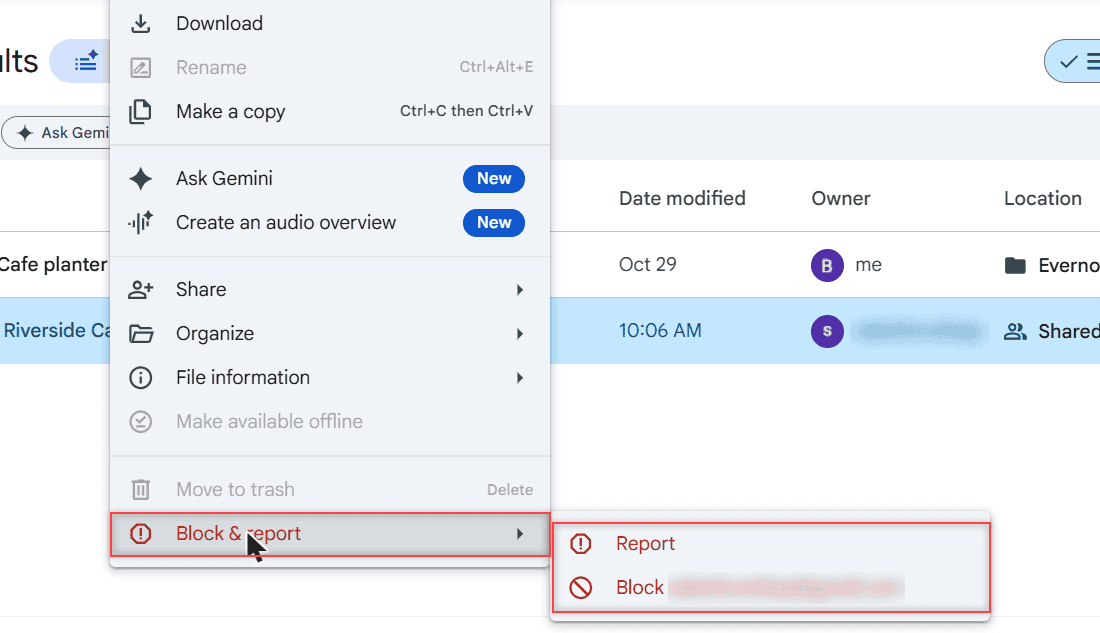
Google Drive right-click menu on a shared file with Block and report open, showing Report and Block options

Stop Google Drive spam in a minute: block the sender, report the file, use the Spam folder, and fix the share emails in Gmail. Web, Android and iPhone.
Backup to Google Drive Disabled by Admin: What It Means and What You Can Do

Updated on October 30, 2026 by Carissa Gudino
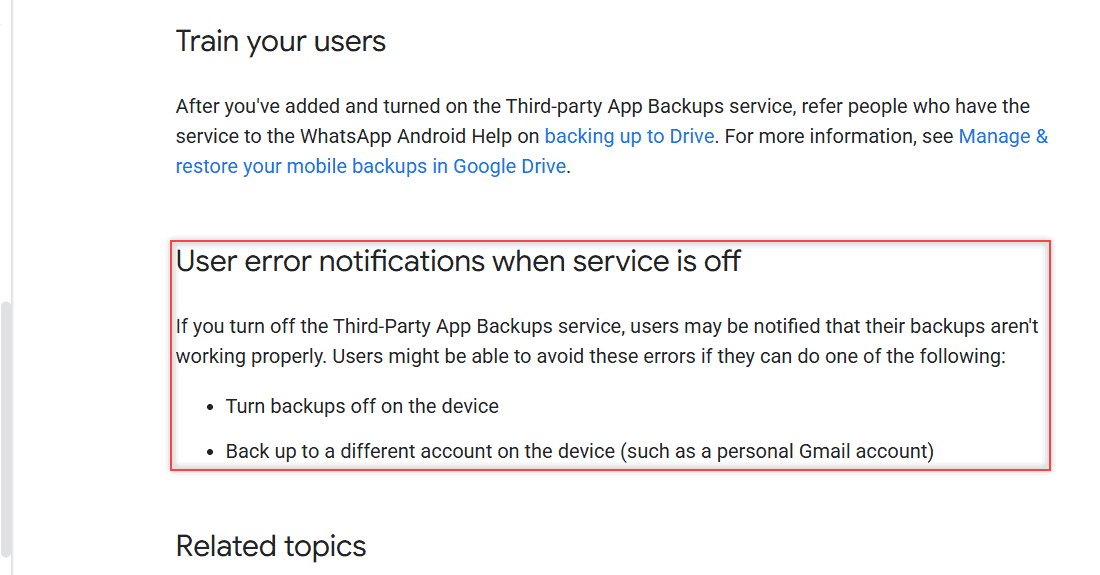
User error notifications when service is off section boxed, saying users can turn backups off or back up to a personal Gmail account

Seeing “Your admin has disabled backing up to Google Drive”? Learn who controls it, how admins turn it on, and the options Google lists for you.
How to Migrate from Evernote to Google Drive (and Turn Notes into Google Docs)

Updated on October 29, 2026 by Carissa Gudino
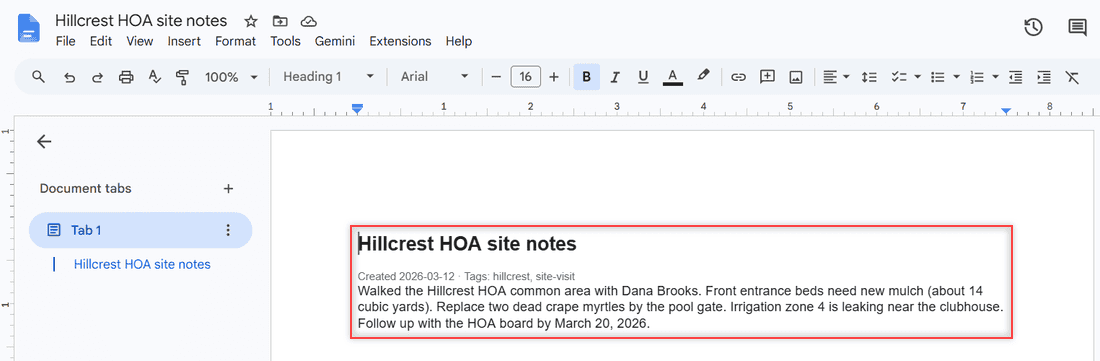
Google Doc Hillcrest HOA site notes created from an Evernote HTML export, with the heading, tags line and note text highlighted

Export Evernote notes as HTML or ENEX, upload them to Google Drive, and turn each note into an editable Google Doc. Tested steps, no paid tools.
How to Print from Google Drive on iPhone (Docs, Sheets, PDFs)

Updated on October 29, 2026 by Carissa Gudino
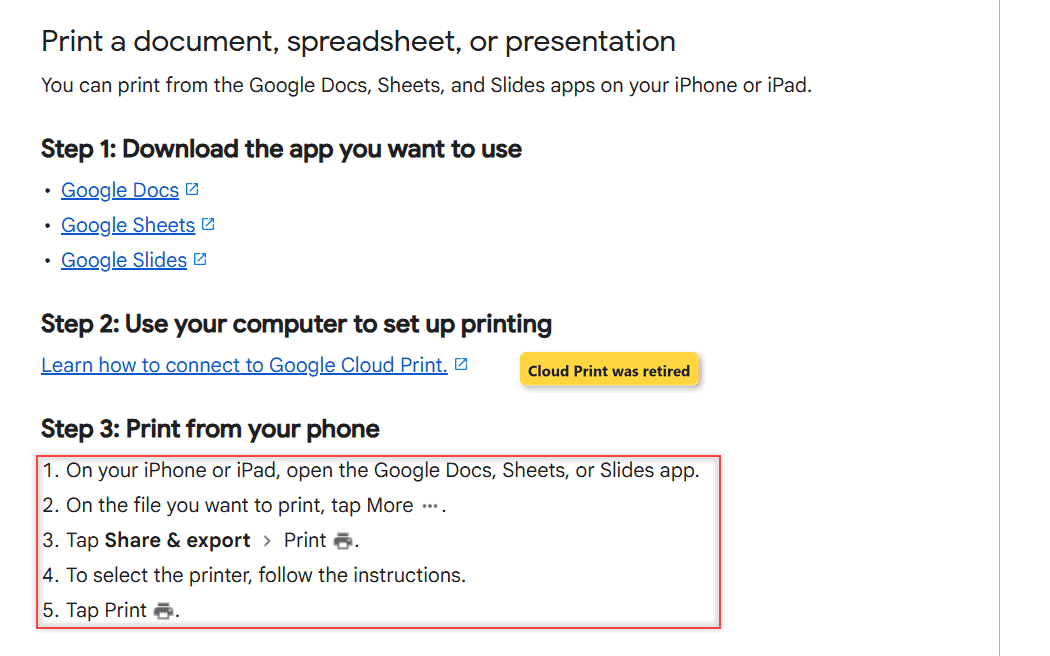
Google Docs Editors Help Print a file page for iPhone and iPad showing the three steps, with the Cloud Print link labeled as ended

Print Google Docs, Sheets, Slides, and PDFs from Google Drive on your iPhone with AirPrint, plus what to do when the owner turned printing off.
How to Clear Cache in Google Drive (Web, Android, iPhone and Desktop)

Updated on October 29, 2026 by Carissa Gudino
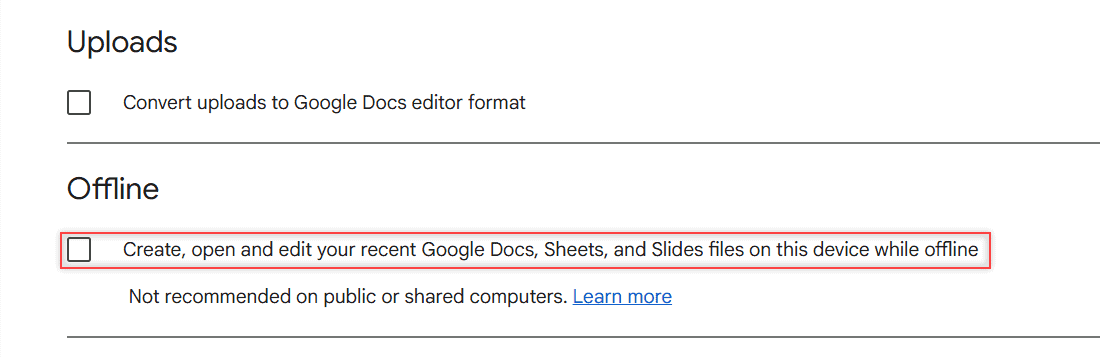
Google Drive web Settings General tab with the Offline checkbox highlighted below the Uploads setting

Clear cache in Google Drive the safe way: Chrome site data, the Android app, iPhone and Drive for desktop, plus the Offline toggle Google recommends.

Older posts
Newer posts
← Previous Page1 … Page6 Page7 Page8 … Page16 Next →

Recent Posts

  • What Is OneDrive and Do I Need It? A Plain-English Answer
  • How to Share a Folder in OneDrive (Web, PC and Phone)
  • How to Delete Files From OneDrive (Web, PC and Phone)
  • How to Manage Google Drive Storage (Find, Clean Up and Keep It Under Control)
  • How to Edit a PDF in Google Drive (and What Drive Can’t Do)
  • About TechnologyDots.com
  • Contact
  • Privacy Policy
  • Sitemap
© 2026 Technology Dots