How to Embed a Video from Google Drive (Websites, Google Sites, WordPress)
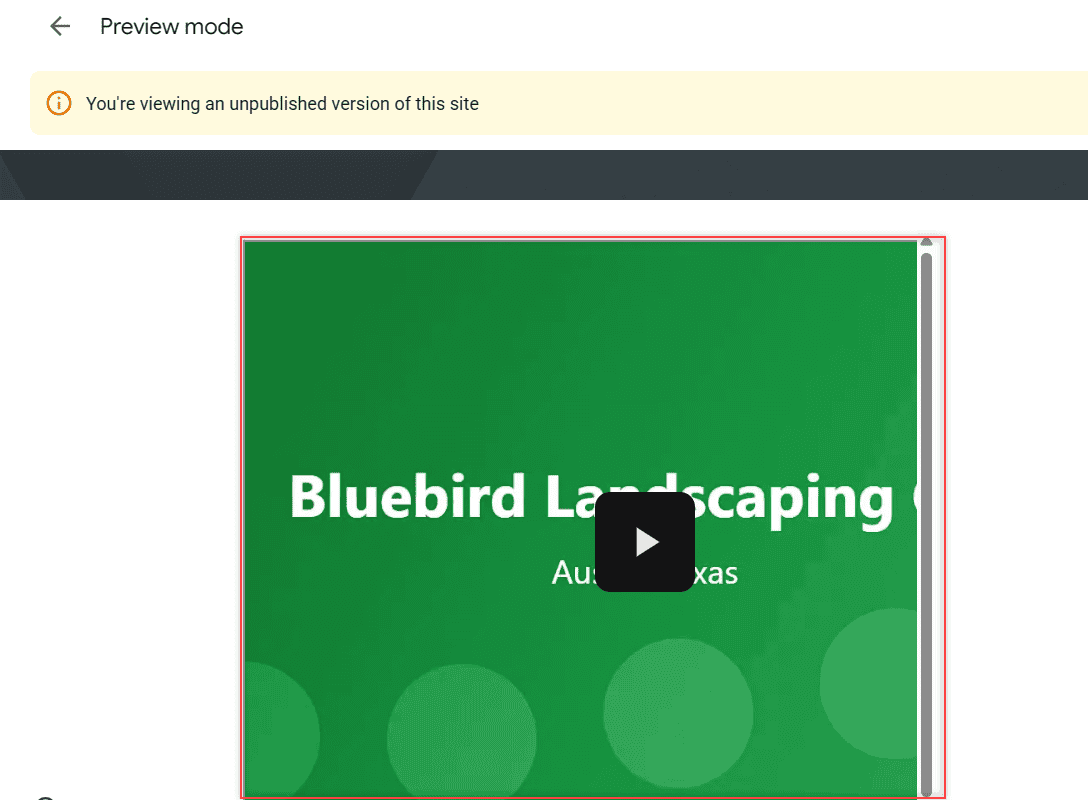
Get the Google Drive embed code for a video with File > Share > Get embed link, set sharing right, and paste the iframe into Google Sites or WordPress.

Get the Google Drive embed code for a video with File > Share > Get embed link, set sharing right, and paste the iframe into Google Sites or WordPress.
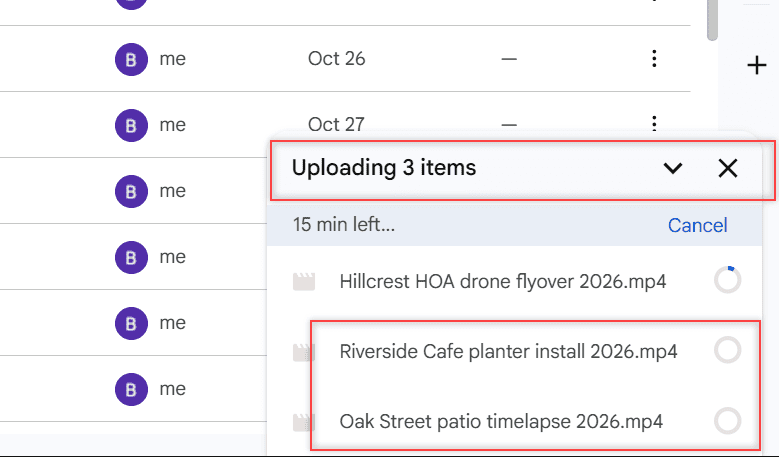
Files stuck on “Waiting to upload” in Google Drive? Here are 8 fixes for Android, iPhone, the web and Drive for desktop, in the order most likely to work.
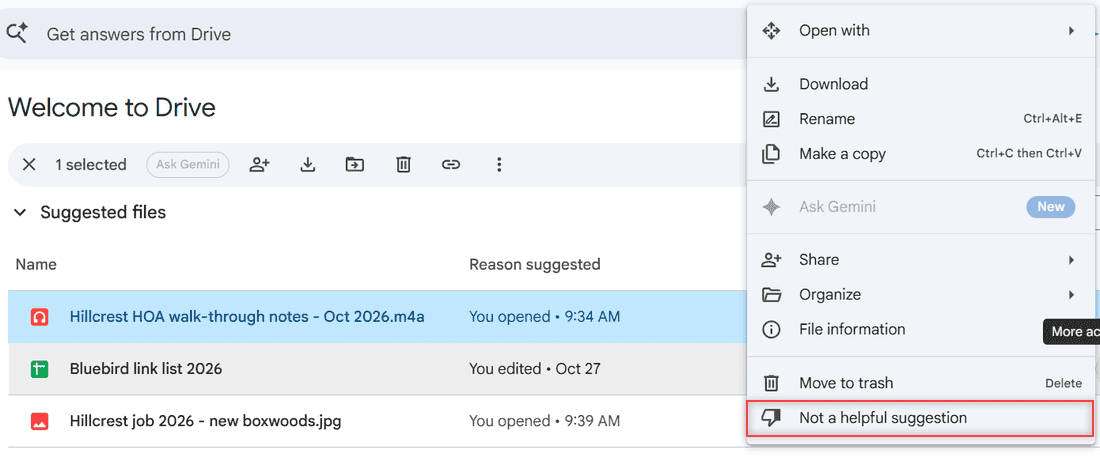
Google Drive has no single switch for suggested files anymore. Remove one, collapse the sections, open My Drive instead, or turn off smart features.
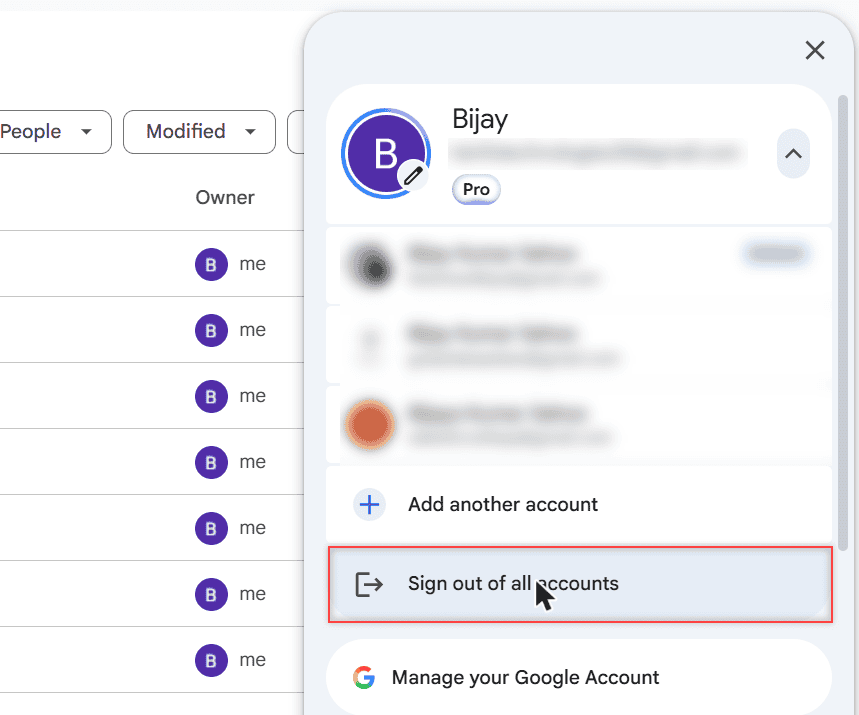
Sign out of the Google Drive app on iPhone or iPad: tap your profile picture, Manage accounts on this device, then Remove from this device.
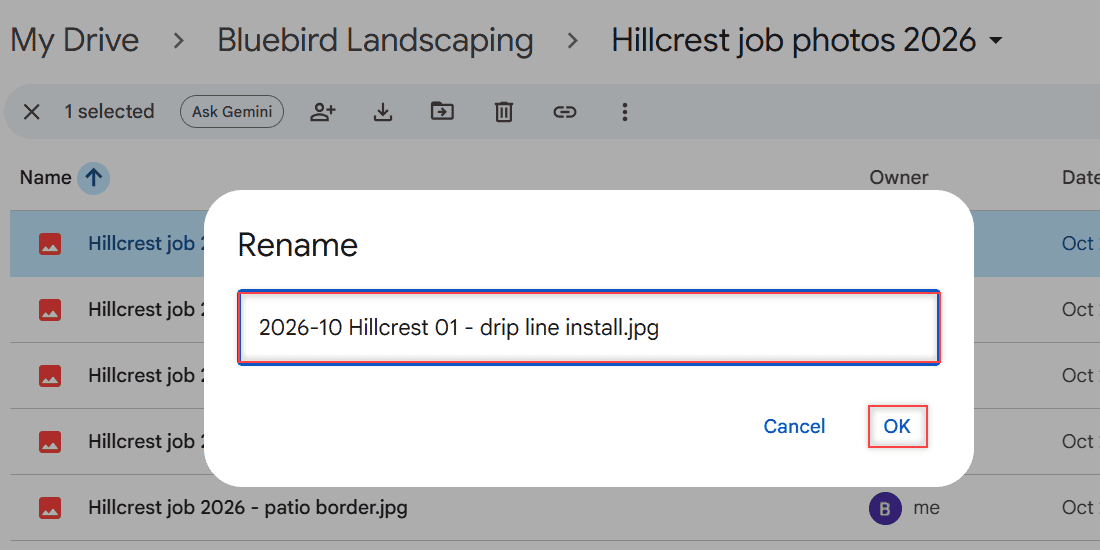
Google Drive renames one file at a time. Here are the real ways to rename multiple files in Google Drive: Drive for desktop, add-ons, and a naming plan.
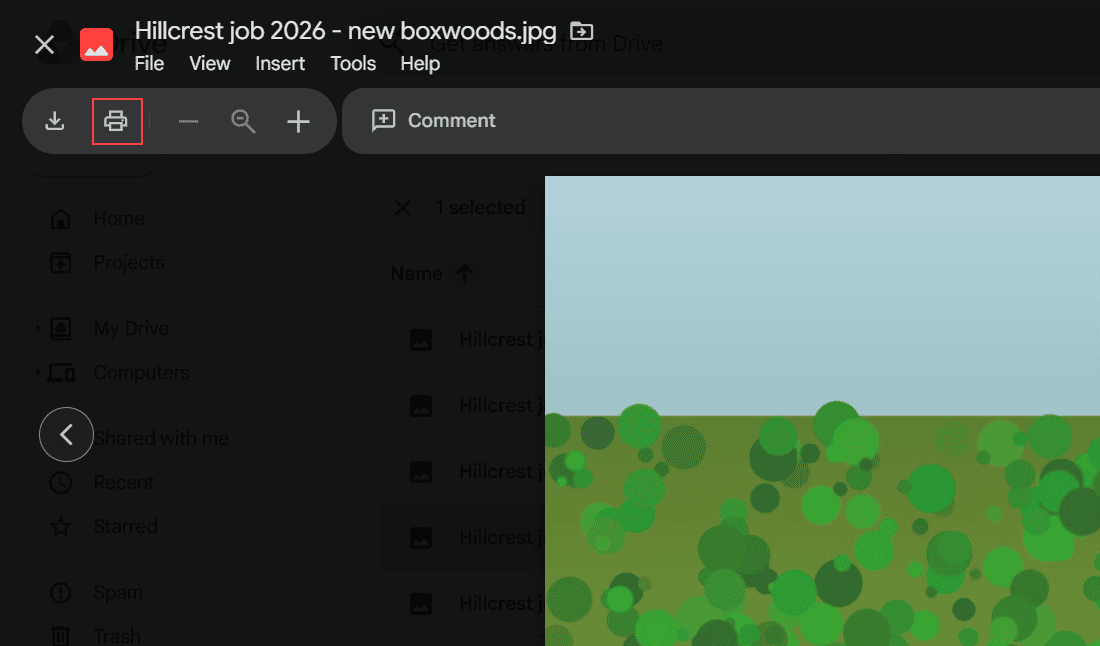
Google Drive has no Print option for folders. 3 ways to print an entire folder: download it as a ZIP, print from preview, or merge files into one Doc.
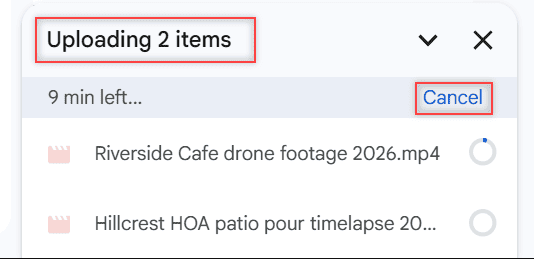
Drive on the web has no Pause button. Here is how to cancel one upload or all of them, pause Drive for desktop, and stop uploads on Android or iPhone.
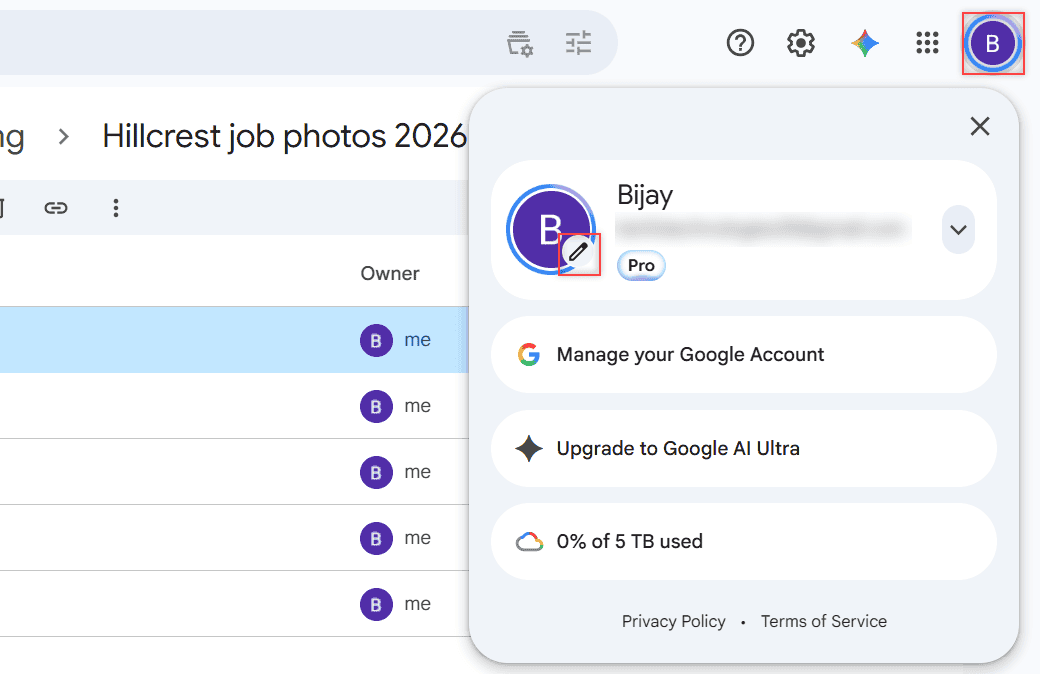
Change your Drive profile picture in a few clicks: avatar, pencil icon, Profile picture. It updates your Google Account photo in Gmail and Drive, too.
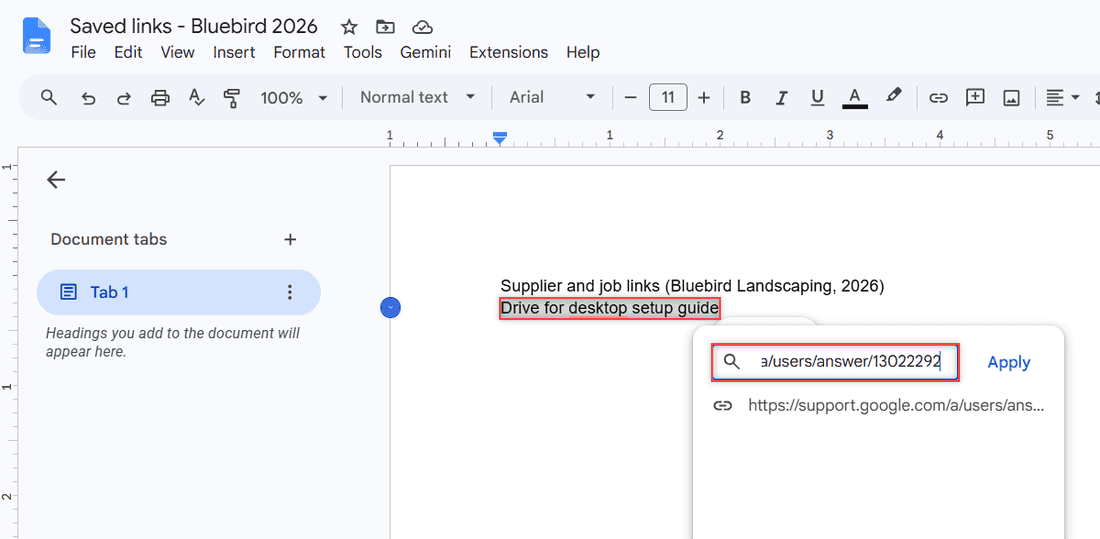
Google Drive has no bookmark file, so here is how to save a link to Google Drive in a Doc or Sheet, find it with search, and copy links to Drive files.
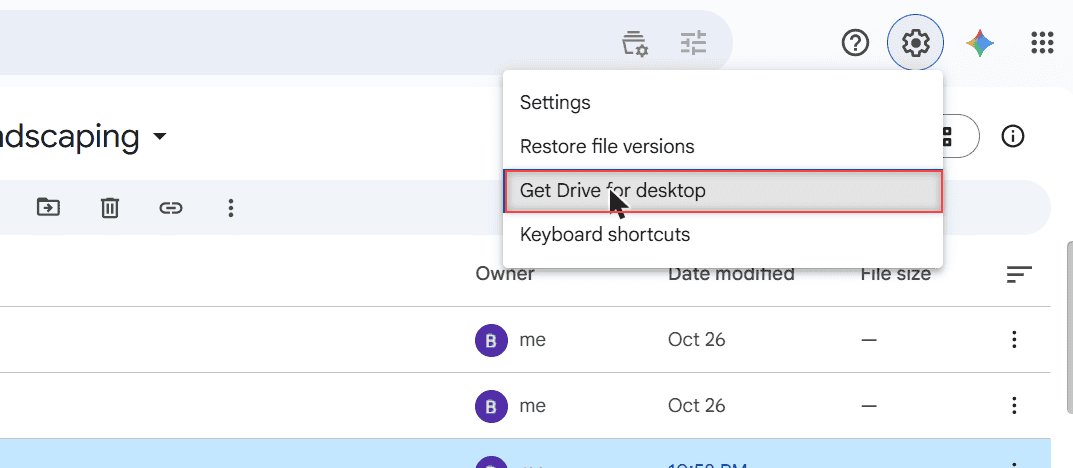
Get a Google Drive icon on your taskbar: install Drive as a Chrome app and pin it, or pin Drive for desktop. Works for Google Docs too, plus the Mac Dock.