Skip to content
TechnologyDots
TechnologyDots
  • Home
  • Google Drive
  • Outlook
  • Mac
  • Blogs

How to Add Music to Google Drive (Computer, Android, iPhone)
Updated on November 11, 2026 by Carissa Gudino
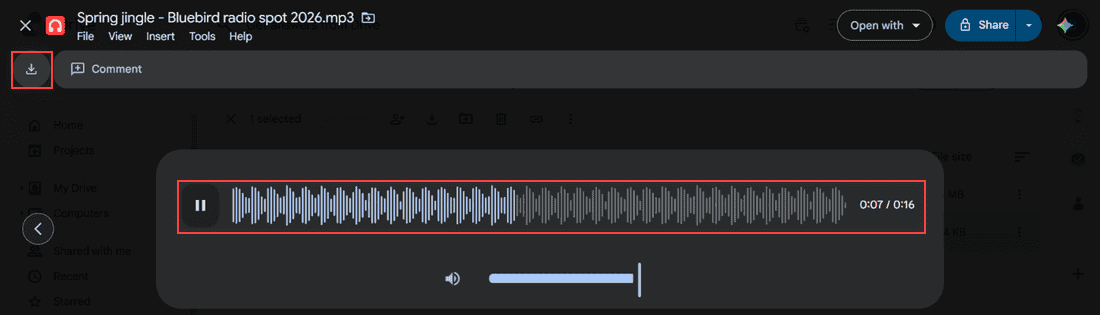
Google Drive audio preview playing Spring jingle - Bluebird radio spot 2026.mp3 with waveform, pause button, 0:07 of 0:16 and the Download icon highlighted

Upload songs and audio files to Google Drive from a computer, Android or iPhone, sync a music folder, play tracks in Drive, and download them back.

How to Manage Google Drive Storage (Find, Clean Up and Keep It Under Control)

Published on November 10, 2026 by Carissa Gudino
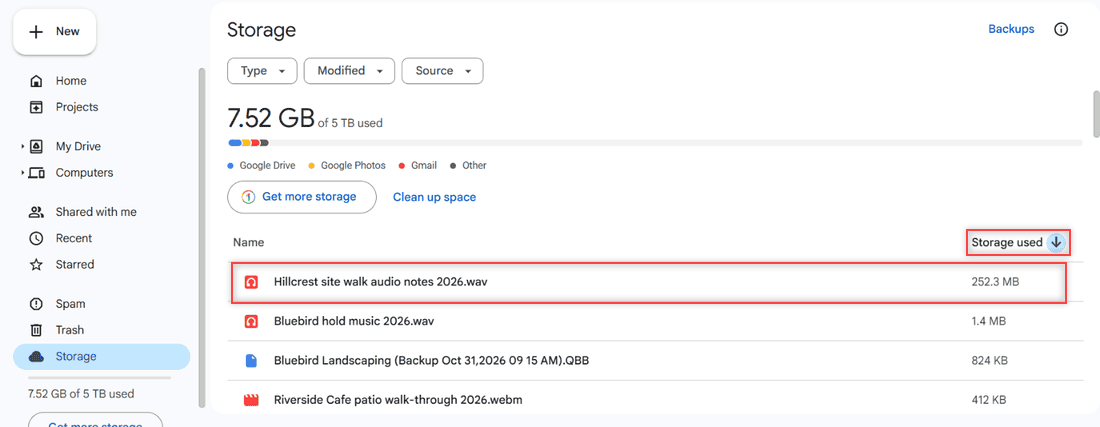
Google Drive Storage page sorted by Storage used with Hillcrest site walk audio notes 2026.wav at 252.3 MB highlighted at the top of the list

Manage Google Drive storage: see what uses your space, sort files by size, use Google One cleanup, empty Trash and learn what counts toward the limit.
How to Edit a PDF in Google Drive (and What Drive Can’t Do)

Published on November 10, 2026 by Carissa Gudino
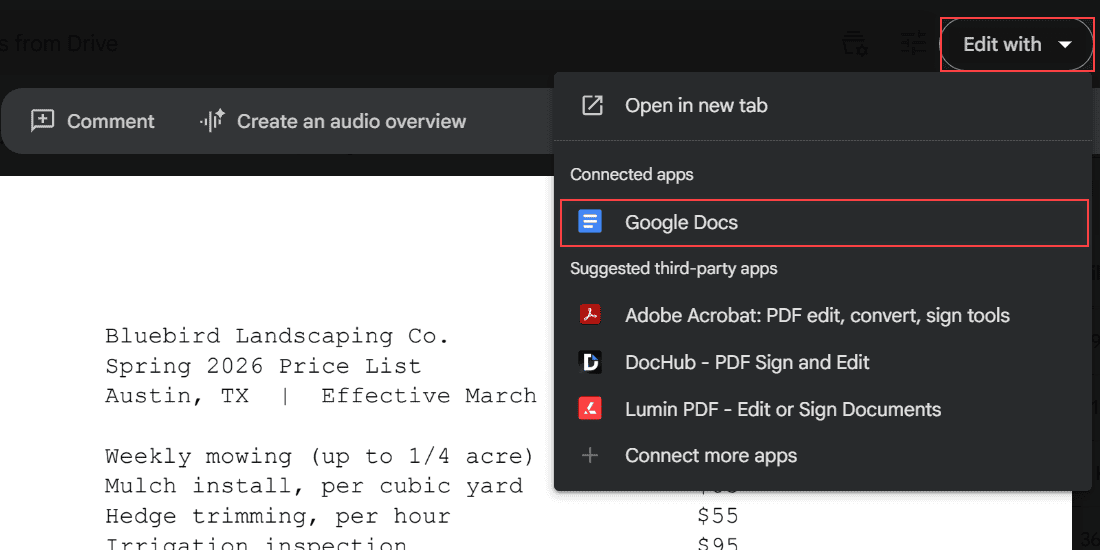
Spring 2026 Price List PDF in Google Drive preview with the Edit with dropdown open and Google Docs highlighted under Connected apps

Google Drive can’t change PDF text directly. Convert the PDF with Google Docs, fix the layout, download a new PDF, or add comments instead.
How to Add Photos to Google Drive From a Computer (Windows or Mac)

Published on November 9, 2026 by Carissa Gudino
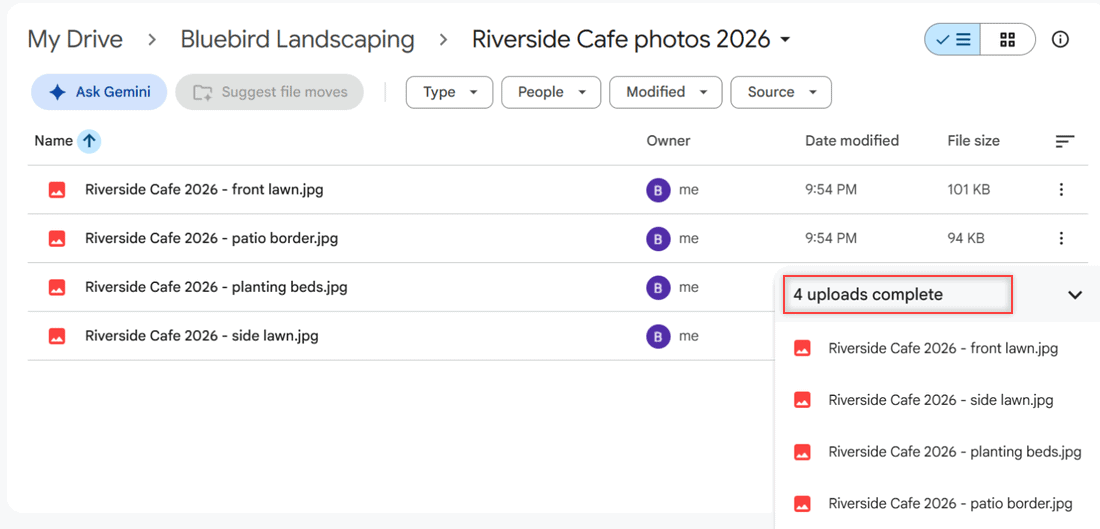
Google Drive folder with four uploaded JPG photos and the 4 uploads complete panel highlighted

Add photos to Google Drive from a Windows PC or Mac: upload single pictures, a whole photo folder or drag and drop, then check thumbnails. Tested in 2026.
How to Share a File on Google Drive (Step by Step, With Viewer Access)

Updated on November 9, 2026 by Carissa Gudino
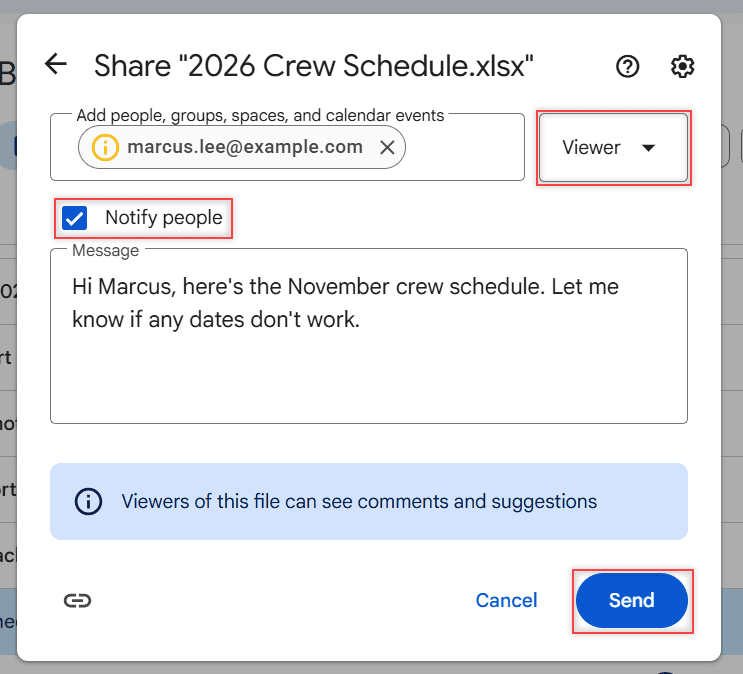
Share dialog with Viewer selected, Notify people checked, a message to Marcus and the Send button highlighted

Share a Google Drive file by email or link, pick Viewer, Commenter or Editor, block downloads, check who has access and stop sharing.
How to Send an HTML Email and Save It as a Template in Outlook Online

Updated on November 9, 2026 by Carissa Gudino
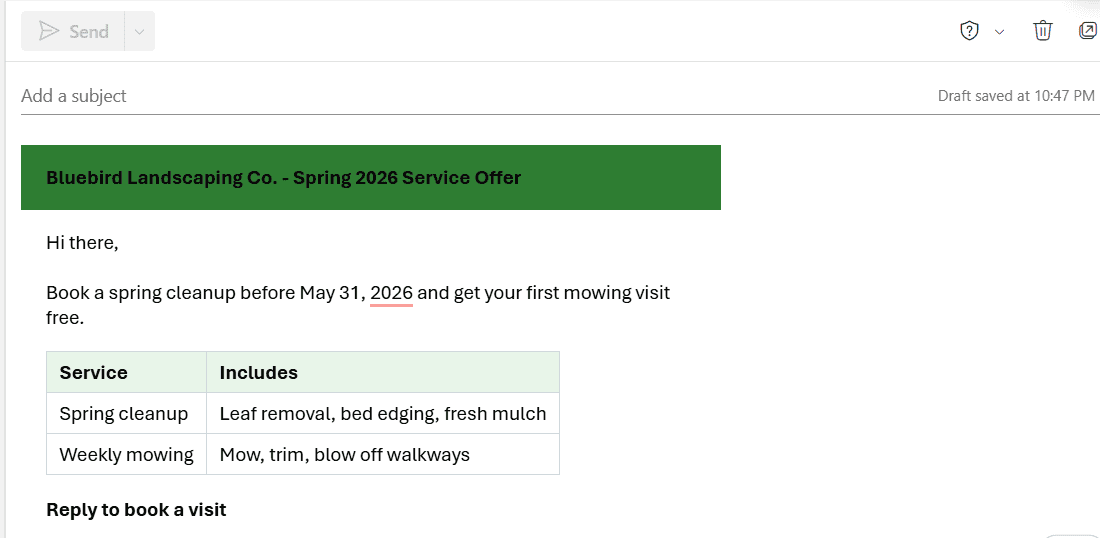
New Outlook message with the pasted HTML email showing a green header bar, the offer text, a Service and Includes table, and bold Reply to book a visit

Paste a styled HTML email into Outlook on the web, save it as a reusable template, and see which styles survive before you send it.
How to Show Email Address in Outlook on the Web: 5 Rules I Use

Updated on November 9, 2026 by Carissa Gudino
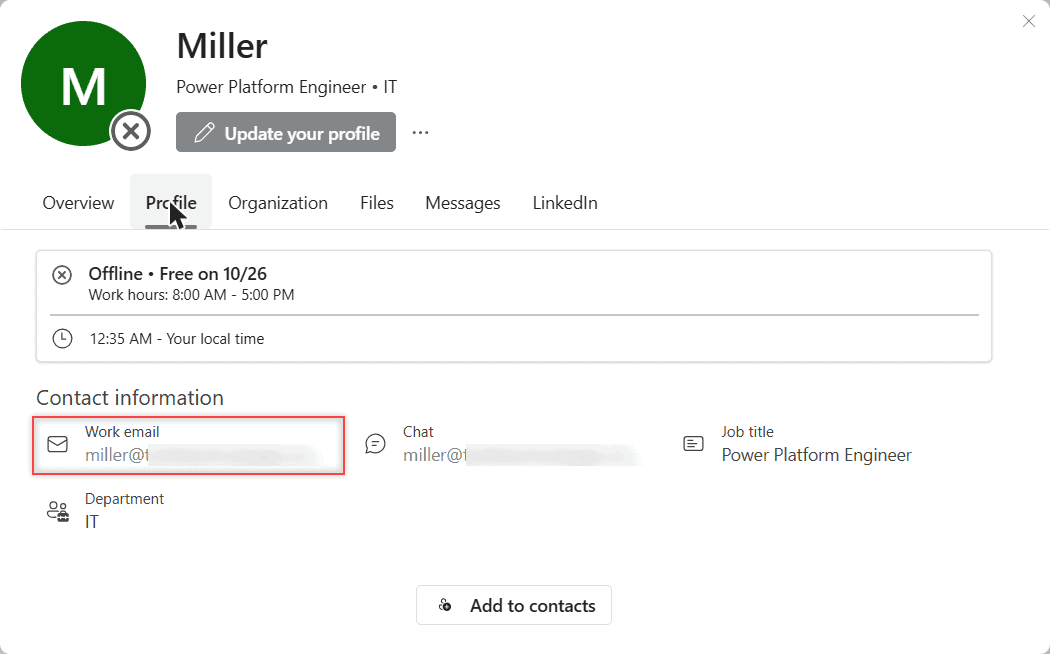
Full profile card in Outlook on the web with the Profile tab open and Work email under Contact information

Outlook shows only a name in the message header. Here’s how to see the full email address from the profile card, the To box, and what you can’t change.
How to Add Fonts to Outlook Online (and What Works Instead)

Updated on November 9, 2026 by Carissa Gudino
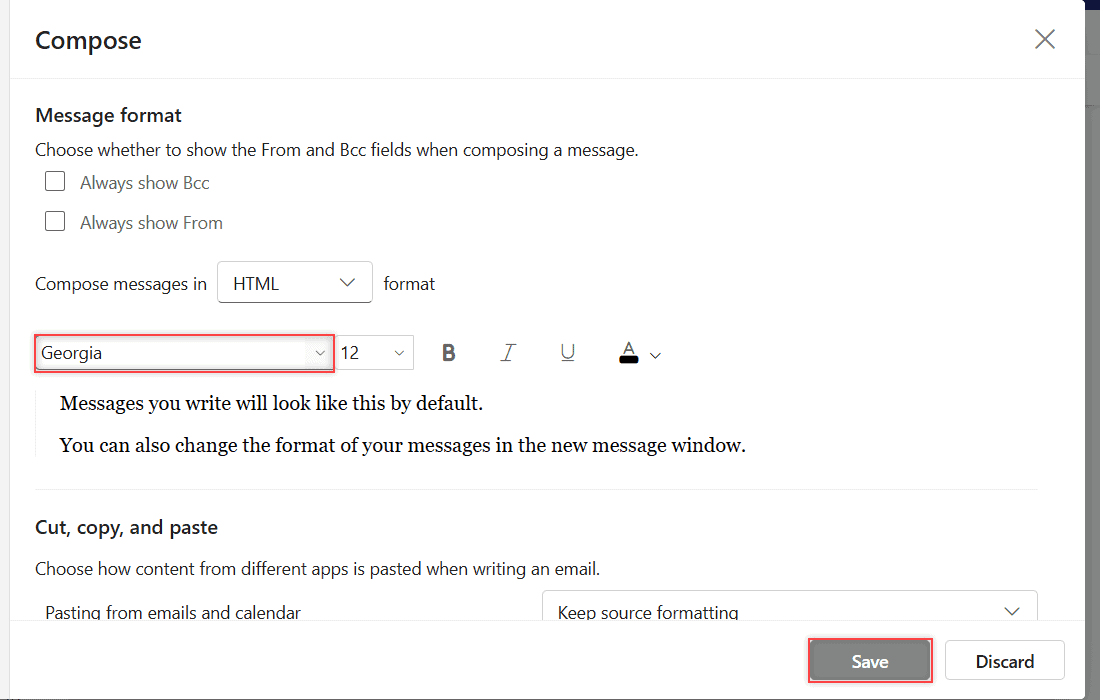
Outlook on the web Compose settings with Georgia chosen as the default font, the preview text in Georgia, and the Save and Discard buttons

Outlook on the web can’t add your own fonts. Here’s how to pick from its 73 built-in fonts, set a default, and where custom fonts do work.
How to Mark an Event as Private in Outlook (Web, New and Classic Outlook)

Updated on November 9, 2026 by Carissa Gudino
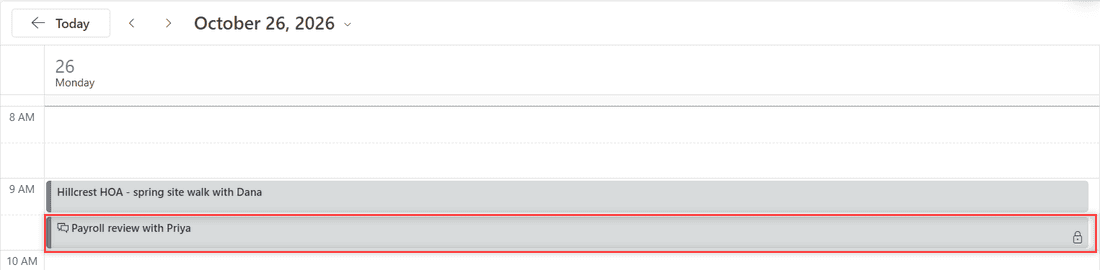
Outlook on the web Day view for Monday October 26 2026 with the Payroll review with Priya event showing a lock icon next to a regular Hillcrest HOA event

Mark an event as private in Outlook on the web with the lock button or a right-click, then see who can still view the details and how sharing fits in.
How to Stop Google Drive from Duplicating Files (Uploads and Drive for Desktop)

Updated on November 9, 2026 by Carissa Gudino
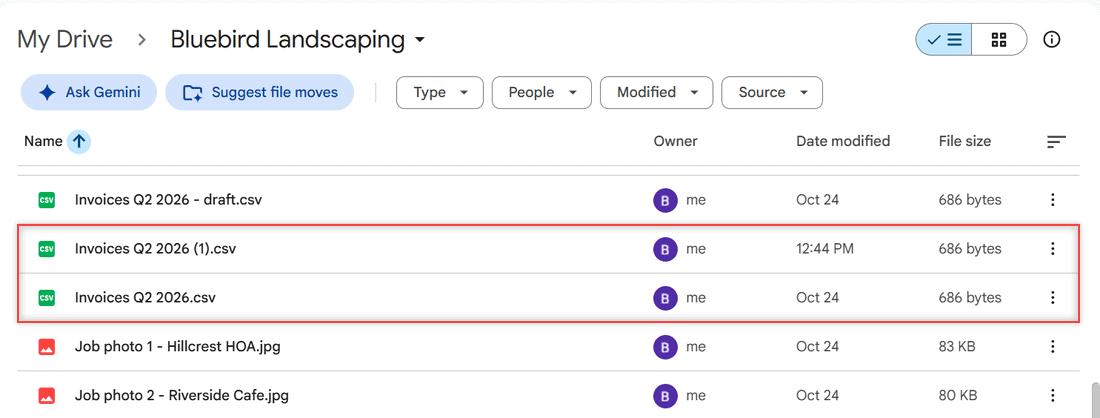
Google Drive folder showing Invoices Q2 2026 (1).csv next to Invoices Q2 2026.csv, both 686 bytes

Stop Google Drive duplicates: pick Replace existing file on upload, clean up (1) copies, and fix or stop syncing folders in Drive for desktop.

Older posts
Newer posts
← Previous Page1 Page2 Page3 … Page16 Next →

Recent Posts

  • How to Transfer Google Drive Files to Another Account (3 Ways)
  • How to Organize Google Drive: 8 Rules I Actually Follow
  • What Is OneDrive and Do I Need It? A Plain-English Answer
  • How to Share a Folder in OneDrive (Web, PC and Phone)
  • How to Delete Files From OneDrive (Web, PC and Phone)
  • About TechnologyDots.com
  • Contact
  • Privacy Policy
  • Sitemap
© 2026 Technology Dots