Skip to content
TechnologyDots
TechnologyDots
  • Home
  • Google Drive
  • Outlook
  • Mac
  • Blogs

Carissa Gudino

I am Carissa Gudinoa, a technology buff, and Office online and Apple expert with over 9 years of experience. I am passionate about helping others get the most out of their Apple devices. I have written extensively about Apple products and technologies. I am committed to providing my clients with the best possible service and am always up-to-date on the latest Apple products and features. I also write extensively on other software available for use at minimal cost or free. This includes Word Online, Outlook Online, Excel Online, and other Office online programs... Check out more.

How to Remove Suggested Files in Google Drive (4 Ways That Work in 2026)
October 28, 2026January 31, 2024 by Carissa Gudino
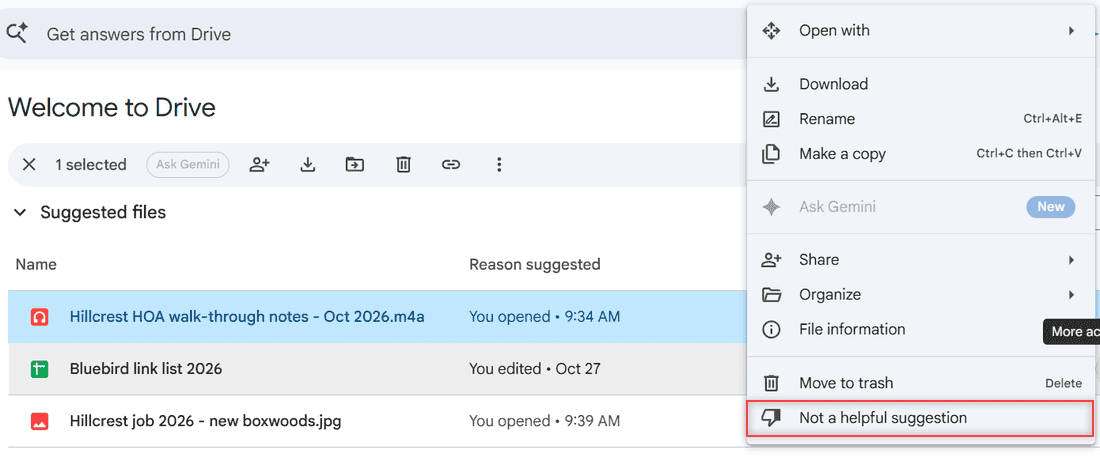
More actions menu on a suggested file in Google Drive with Not a helpful suggestion highlighted

Google Drive has no single switch for suggested files anymore. Remove one, collapse the sections, open My Drive instead, or turn off smart features.

Google Drive Storage Is Full but No Files? Here Is What Is Using the Space

November 1, 2026January 31, 2024 by Carissa Gudino
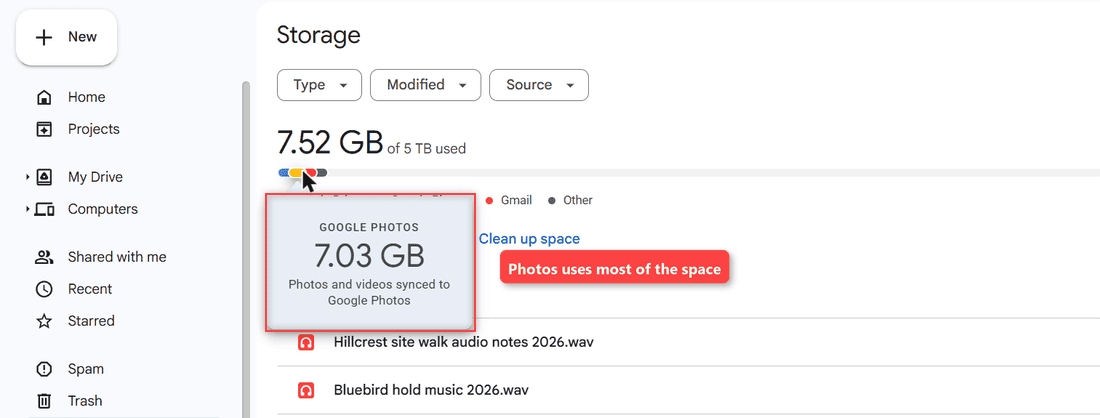
Google Drive Storage bar with the Google Photos tooltip showing 7.03 GB, labeled Photos uses most of the space

Google Drive says storage is full but My Drive is empty? Open the storage breakdown, then clear Photos, Gmail, Trash and hidden app data.
How to Rename Multiple Files in Google Drive (What Works and What Doesn’t)

October 28, 2026January 29, 2024 by Carissa Gudino
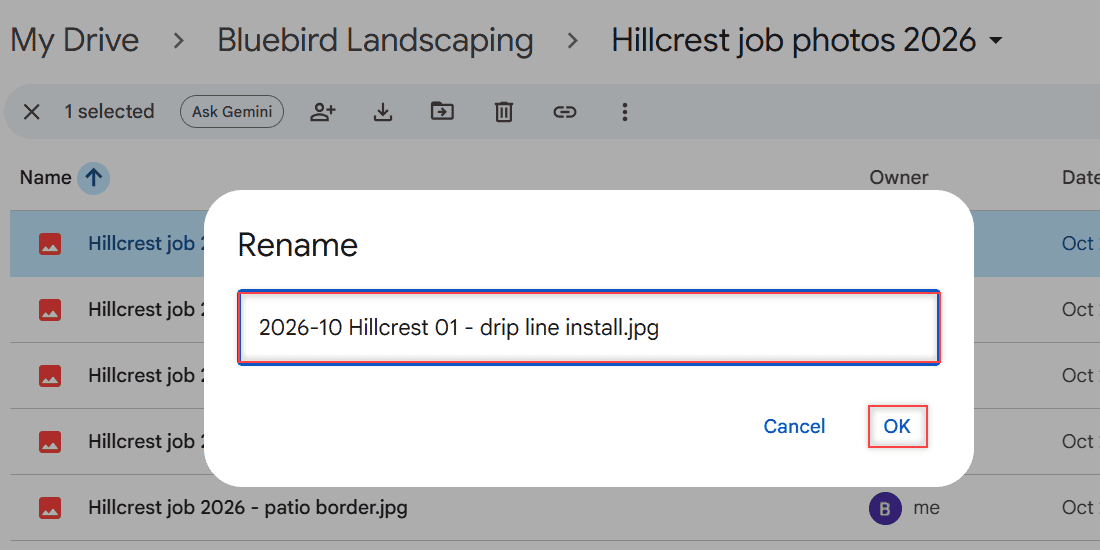
Google Drive Rename dialog with the new file name typed and the OK button highlighted

Google Drive renames one file at a time. Here are the real ways to rename multiple files in Google Drive: Drive for desktop, add-ons, and a naming plan.
How to Sort Files in Google Drive by Size, Type, Name, and Date

October 24, 2026January 25, 2024 by Carissa Gudino
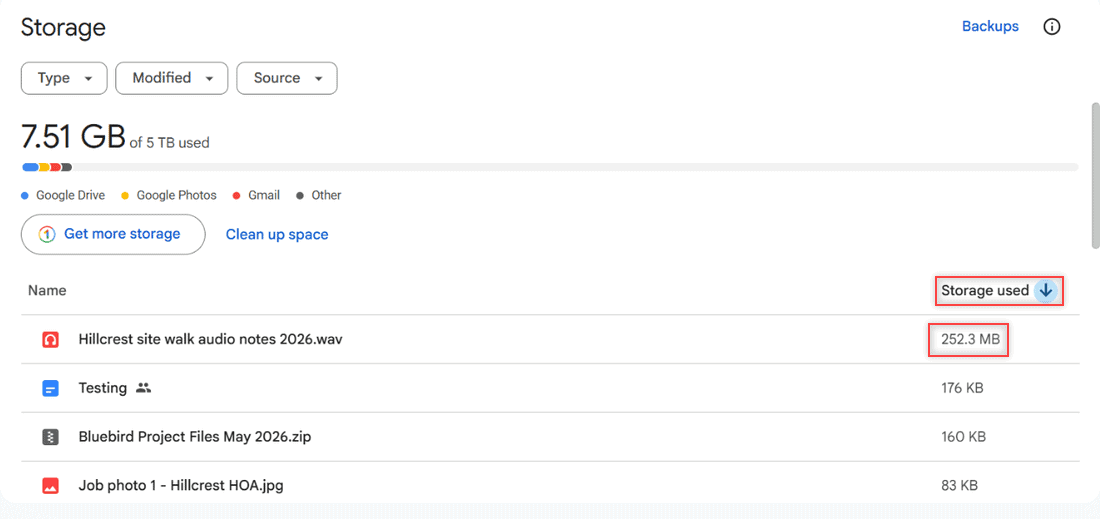
Google Drive Storage page showing 7.51 GB of 5 TB used and files sorted by Storage used, largest first at 252.3 MB

Google Drive can’t sort a folder by size, but the Storage page can. See every sort option, how to filter by file type, and how sorting works on mobile.
How to Stop Google Drive from Duplicating Files (Uploads and Drive for Desktop)

November 9, 2026January 23, 2024 by Carissa Gudino
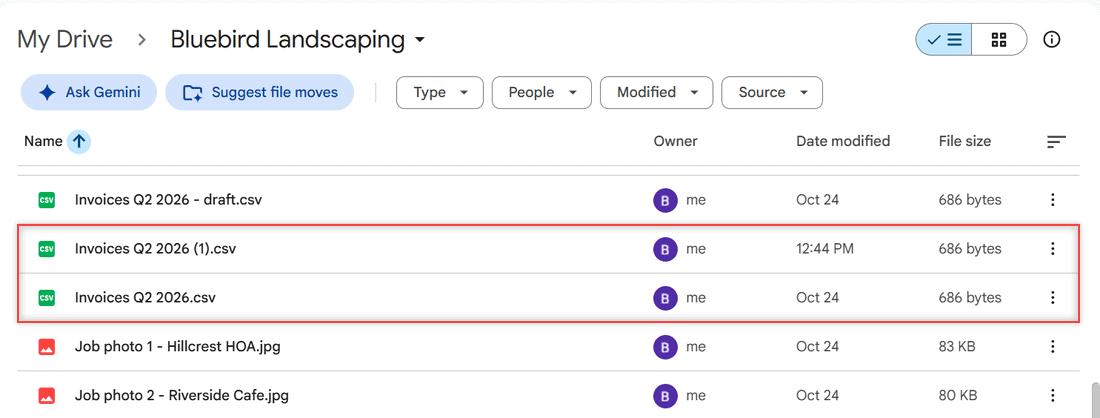
Google Drive folder showing Invoices Q2 2026 (1).csv next to Invoices Q2 2026.csv, both 686 bytes

Stop Google Drive duplicates: pick Replace existing file on upload, clean up (1) copies, and fix or stop syncing folders in Drive for desktop.
Google Drive Upload Failure 38: 8 Fixes That Actually Work

October 24, 2026January 18, 2024 by Carissa Gudino
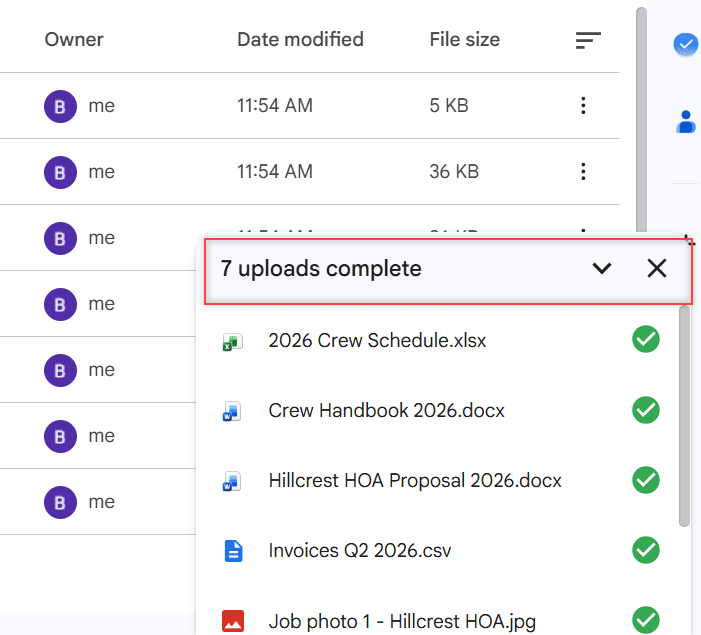
Google Drive upload progress panel at the bottom right listing Bluebird Landscaping sample files

Seeing “Upload failure 38” in Google Drive? Here is what Google does and does not say about it, plus 8 tested fixes in the order most likely to work.
How to Convert an Image (JPG) to PDF in Google Drive

November 11, 2026January 18, 2024 by Carissa Gudino
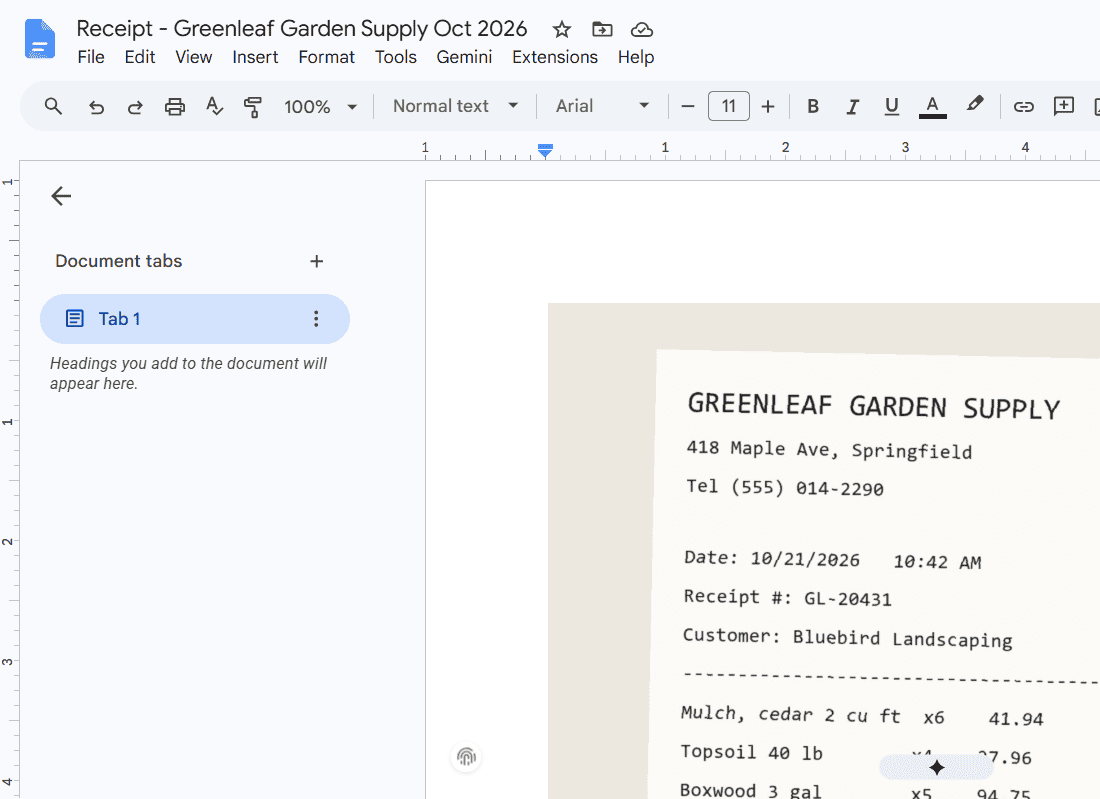
New Google Doc named Receipt - Greenleaf Garden Supply Oct 2026 with the receipt image on page 1

Convert a JPG or other image to PDF in Google Drive with Google Docs: insert it, fit the page, download as PDF, plus the phone scan option.
Can’t Launch Drive for Desktop? 6 Fixes That Get Google Drive Opening Again

November 1, 2026January 17, 2024 by Carissa Gudino
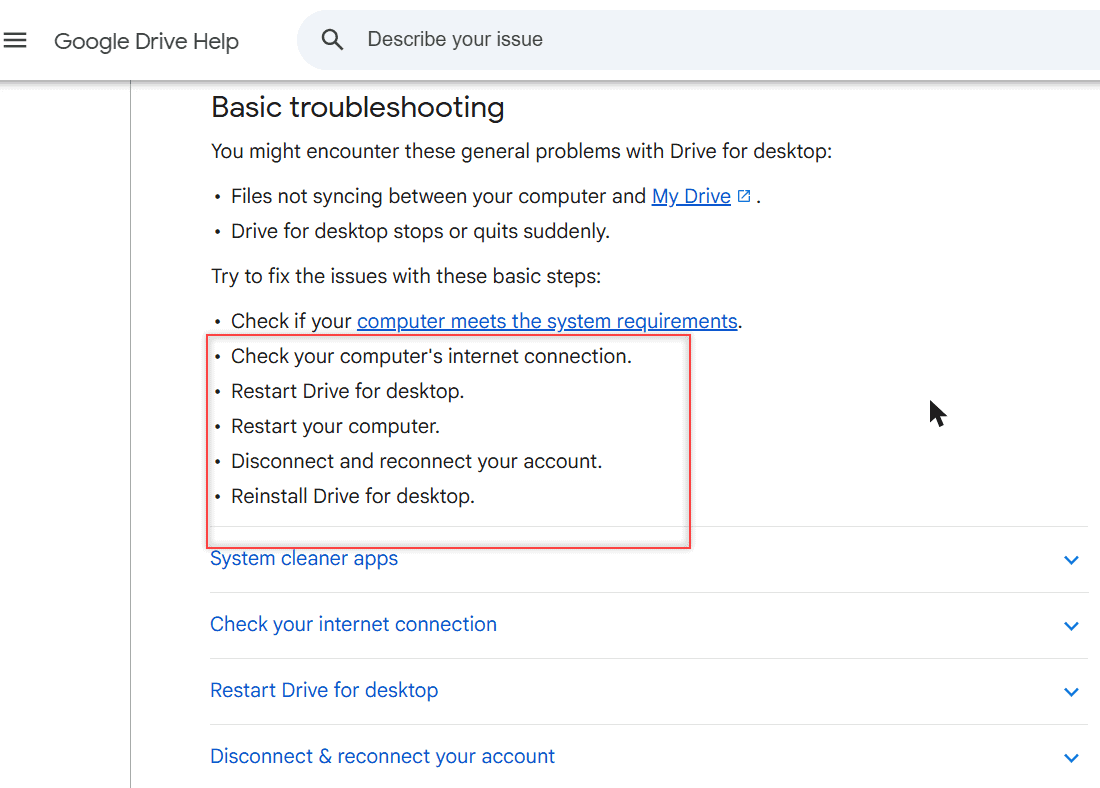
Google Drive Help page showing the basic troubleshooting steps for Drive for desktop

Can’t launch Drive for desktop? Quit and reopen it, check proxy, antivirus, cleaner apps and folder permissions, or reinstall. Windows and Mac steps.
How to Stop Google Drive Spam (Block, Report and Clean Up Shared Files)

October 30, 2026January 17, 2024 by Carissa Gudino
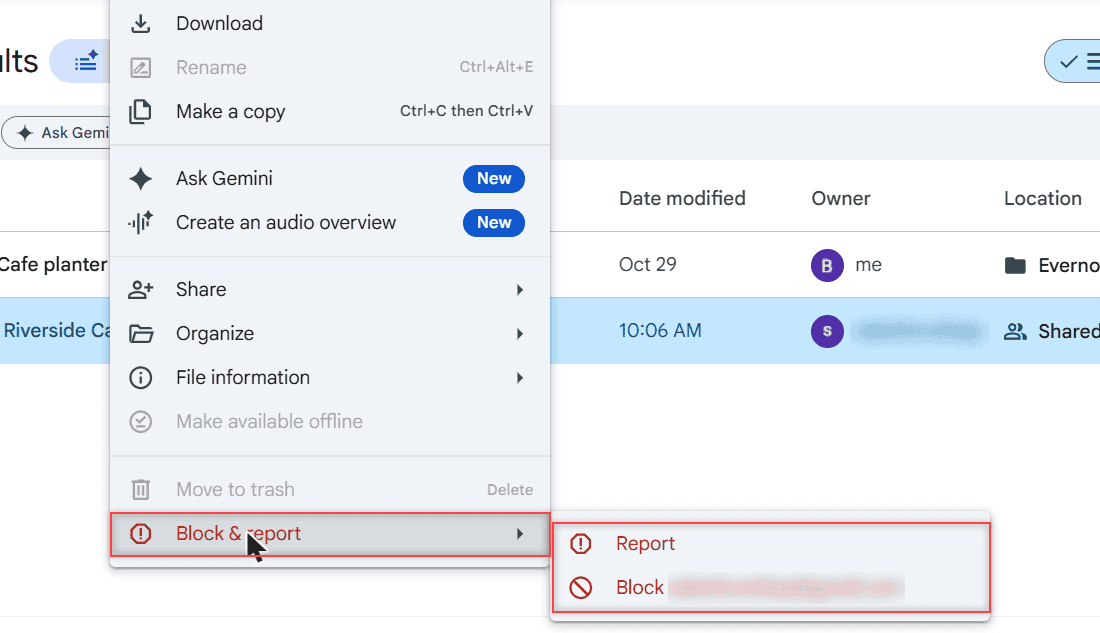
Google Drive right-click menu on a shared file with Block and report open, showing Report and Block options

Stop Google Drive spam in a minute: block the sender, report the file, use the Spam folder, and fix the share emails in Gmail. Web, Android and iPhone.
How to Disable the Download Option in Google Drive (3 Ways)

November 1, 2026January 16, 2024 by Carissa Gudino
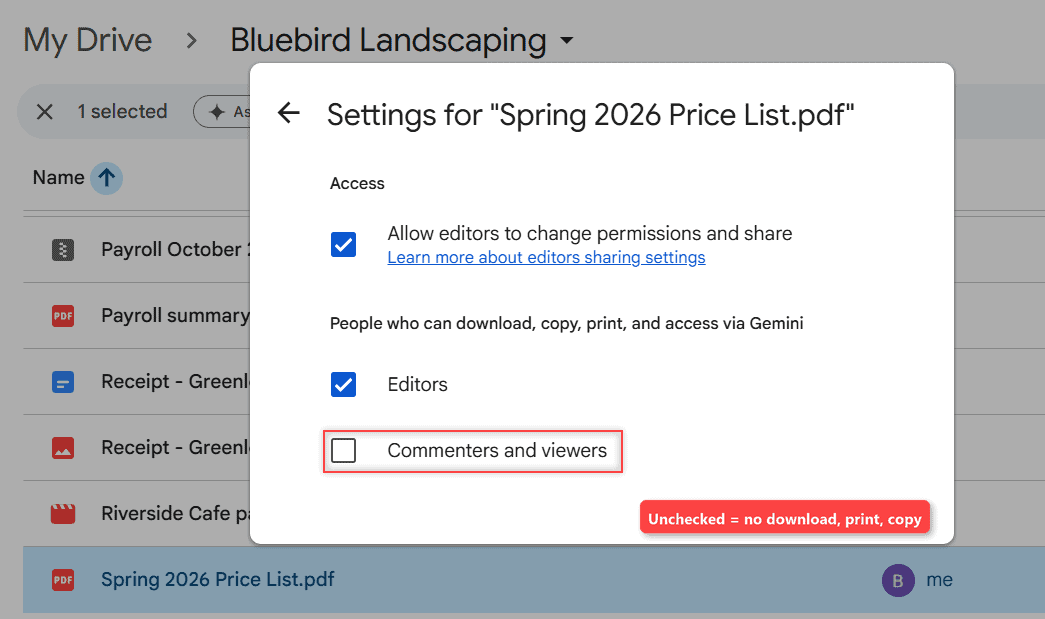
Google Drive Settings for Spring 2026 Price List.pdf with Commenters and viewers unchecked under People who can download, copy, print, and access via Gemini

Stop viewers and commenters from downloading, printing or copying a Drive file, stop editors from re-sharing it, and see why folders work differently.

Older posts
Newer posts
← Previous Page1 … Page5 Page6 Page7 … Page16 Next →

Recent Posts

  • How to Transfer Google Drive Files to Another Account (3 Ways)
  • How to Organize Google Drive: 8 Rules I Actually Follow
  • What Is OneDrive and Do I Need It? A Plain-English Answer
  • How to Share a Folder in OneDrive (Web, PC and Phone)
  • How to Delete Files From OneDrive (Web, PC and Phone)
  • About TechnologyDots.com
  • Contact
  • Privacy Policy
  • Sitemap
© 2026 Technology Dots