Skip to content
TechnologyDots
TechnologyDots
  • Home
  • Google Drive
  • Outlook
  • Mac
  • Blogs

Carissa Gudino

I am Carissa Gudinoa, a technology buff, and Office online and Apple expert with over 9 years of experience. I am passionate about helping others get the most out of their Apple devices. I have written extensively about Apple products and technologies. I am committed to providing my clients with the best possible service and am always up-to-date on the latest Apple products and features. I also write extensively on other software available for use at minimal cost or free. This includes Word Online, Outlook Online, Excel Online, and other Office online programs... Check out more.

Printing Is Disabled for This File on Google Drive: How to Fix It
October 24, 2026January 15, 2024 by Carissa Gudino
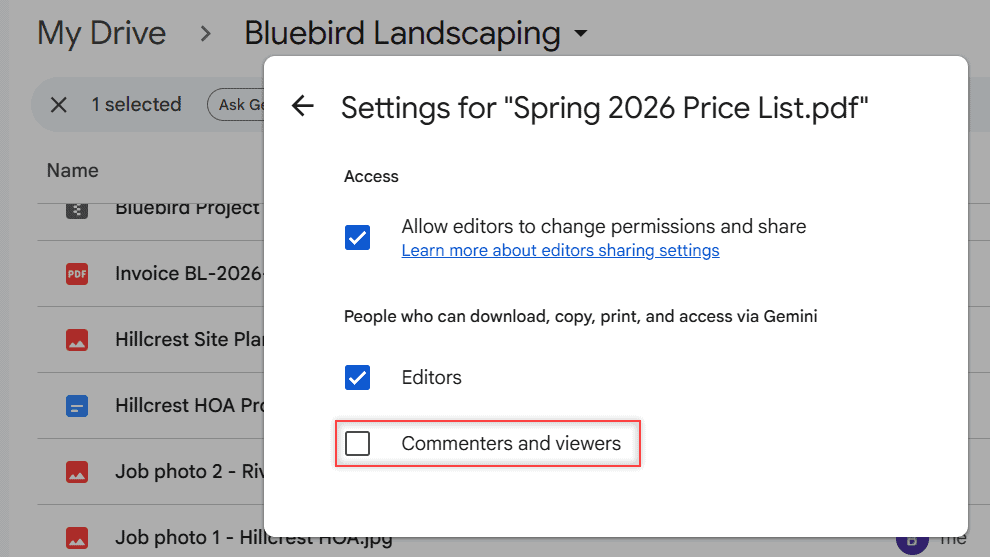
Settings for Spring 2026 Price List.pdf with Commenters and viewers unchecked under People who can download, copy, print, and access via Gemini

Seeing “Printing is disabled for this file” in Google Drive? Here’s why it happens, how the owner turns printing on, and what a viewer can do.

How to Open Unsupported Files on Google Drive (What Works and What Doesn’t)

October 24, 2026January 15, 2024 by Carissa Gudino
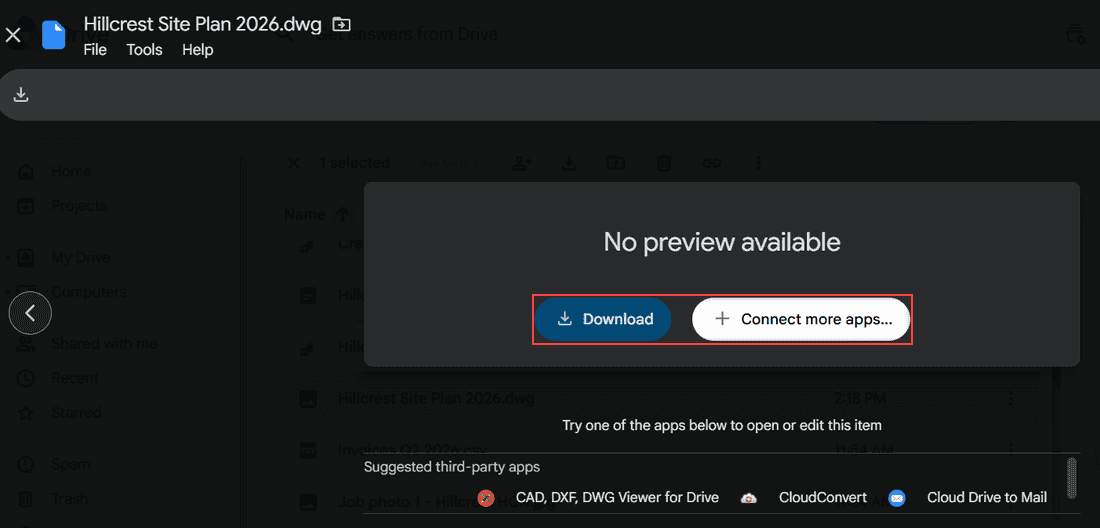
Hillcrest Site Plan 2026.dwg preview showing No preview available with the Download and Connect more apps buttons boxed and a row of suggested third-party apps

Google Drive stores any file but only previews some. See which types open, why you get “No preview available,” and how to open, convert, or play the rest.
Google Drive Error List and “Retry All”: How to Clear It for Good

October 24, 2026January 12, 2024 by Carissa Gudino
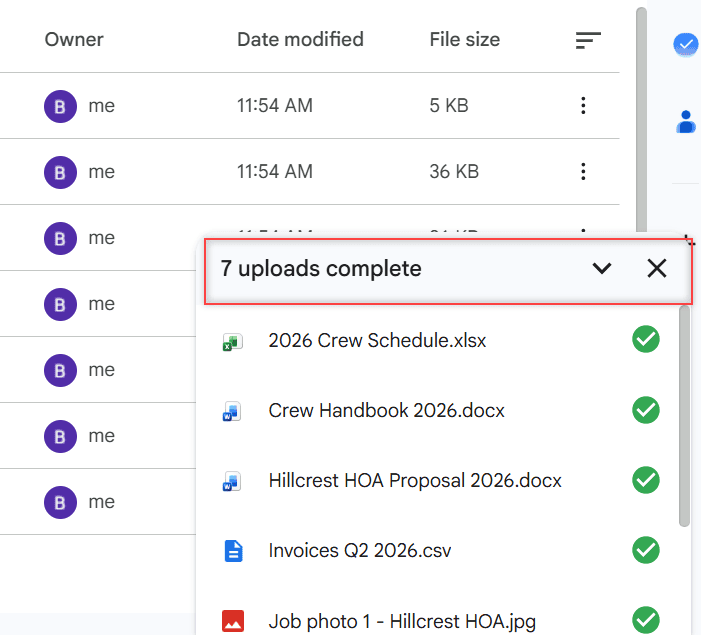
Google Drive upload panel showing 7 uploads complete with green checks next to Bluebird Landscaping files

Google Drive showing an error list with Retry all? See what it means and how I fix it in Drive for desktop, the browser and the phone app.
Failed Server Error in Google Drive: How I Fix Uploads and Downloads

October 24, 2026January 12, 2024 by Carissa Gudino
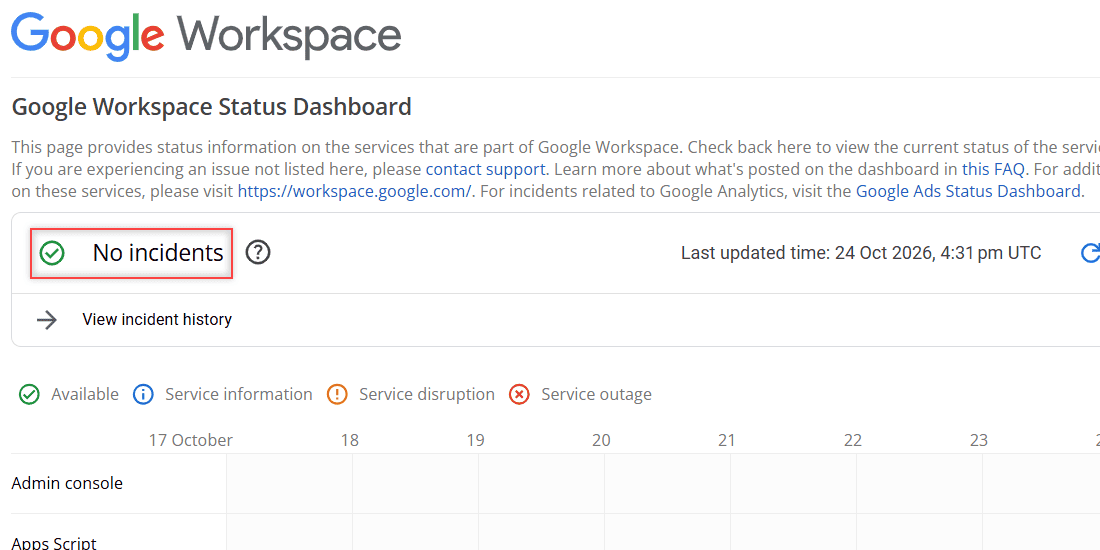
Google Workspace Status Dashboard showing No incidents, last updated 24 Oct 2026, with service rows from 17 to 24 October

Google Drive upload or download failed with a server error or “Failed – Forbidden”? Check the status, storage, cookies and access with these fixes.
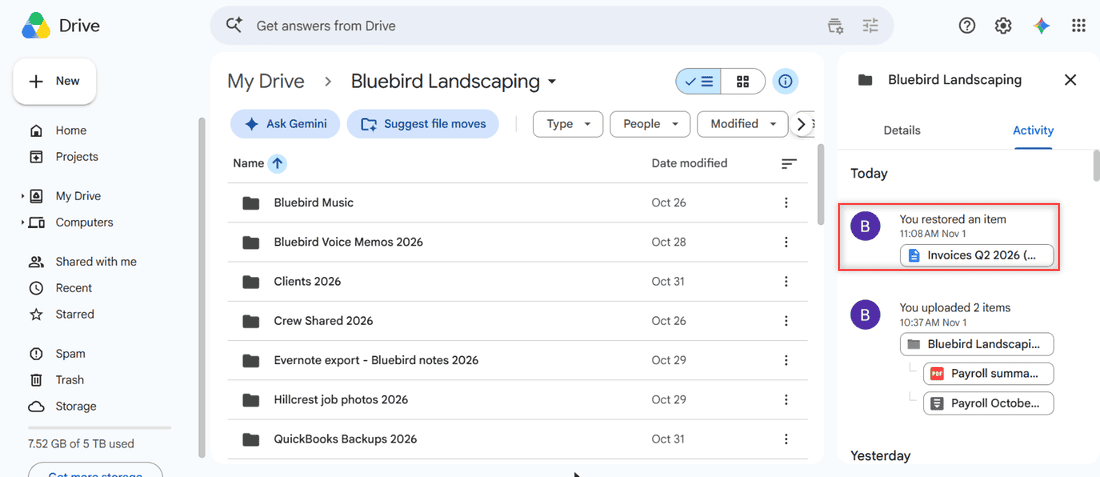
Google Drive Files Missing? 8 Ways to Find and Restore Them

November 1, 2026January 10, 2024 by Carissa Gudino
Google Drive details panel Activity tab for the Bluebird Landscaping folder showing You restored an item at 11:08 AM Nov 1 highlighted

Find missing Google Drive files with search, Trash, Activity and is:unorganized, fix lost shared files and sync gaps, and see when an admin can restore.
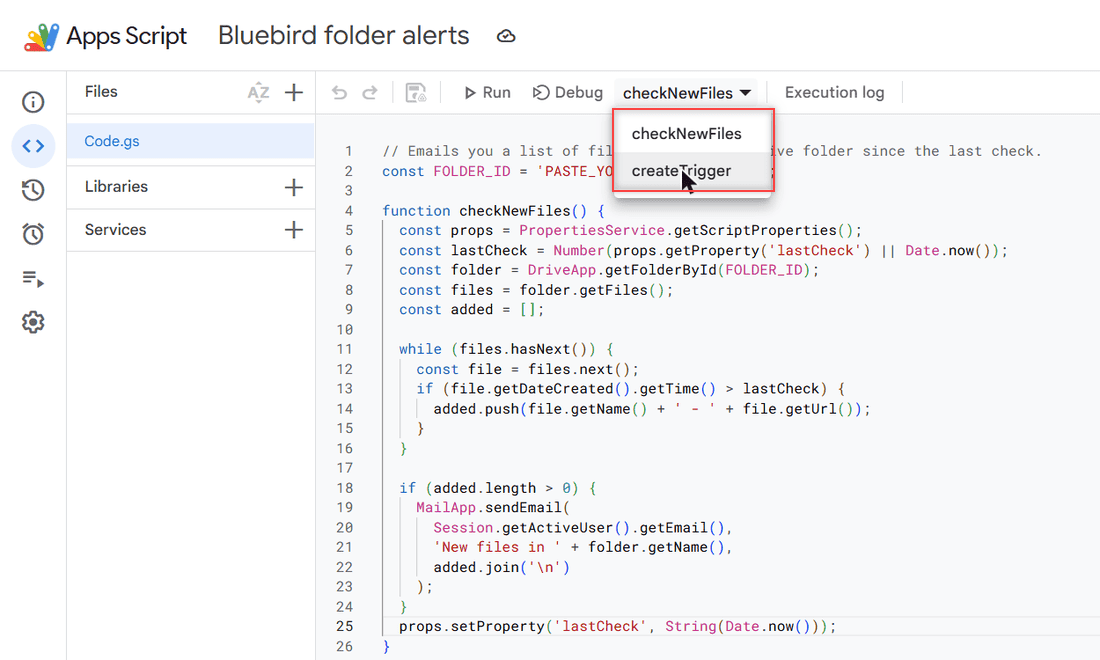
Google Drive Notification When a File Is Added to a Folder: What Actually Works

October 24, 2026January 9, 2024 by Carissa Gudino
Apps Script project Bluebird folder alerts with Code.gs and the function picker showing checkNewFiles and createTrigger boxed

Google Drive has no built-in alert for new files in a folder. See what it does notify you about, how to check Activity, and a free Apps Script alert.
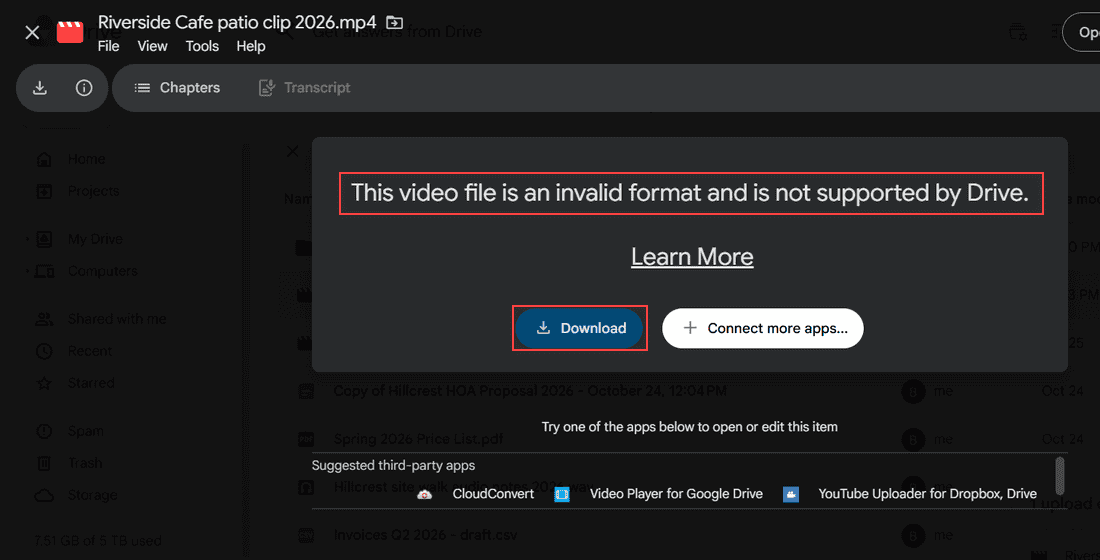
This Video Cannot Be Played in Google Drive: 7 Fixes I Use

October 26, 2026January 9, 2024 by Carissa Gudino
Google Drive preview of Riverside Cafe patio clip 2026.mp4 showing This video file is an invalid format and is not supported by Drive, with Download highlighted

Google Drive video won’t play? Check processing, format, cookies, extensions, cache and quality with these 7 fixes, in the order I try them.
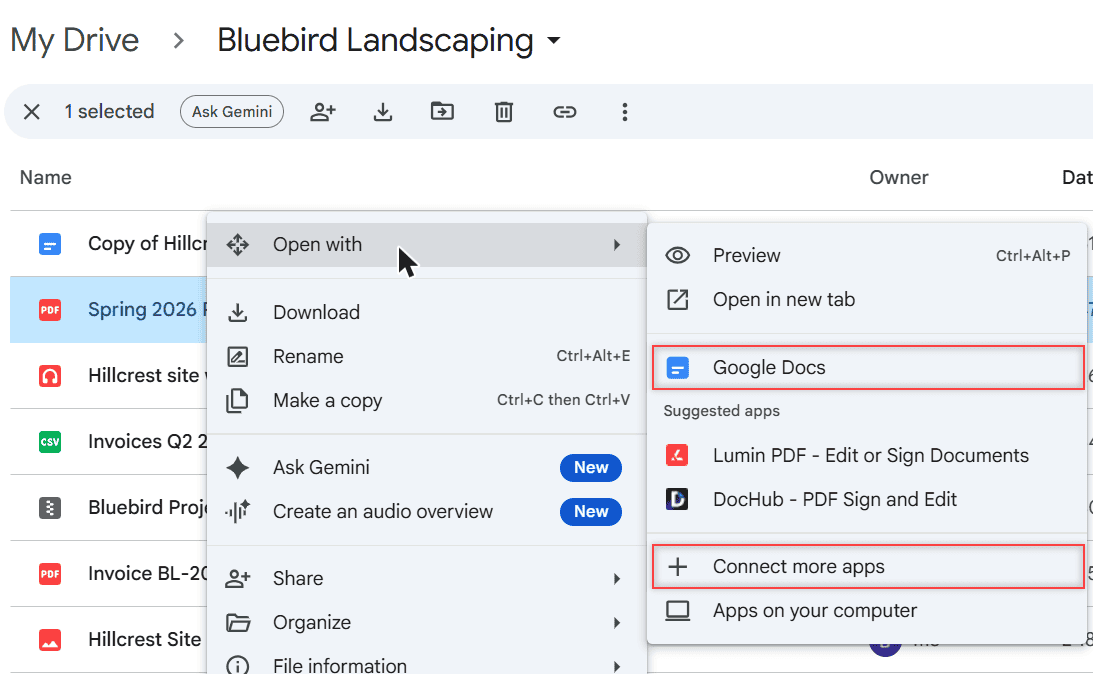
Google Drive vs Koofr: Which Cloud Storage Fits You Better?

October 24, 2026January 6, 2024 by Carissa Gudino
Google Drive Open with menu for Spring 2026 Price List.pdf showing Google Docs, suggested apps Lumin PDF and DocHub, and Connect more apps

Google Drive vs Koofr: free storage, EU privacy, sharing limits, version history, apps, and which cloud storage fits the way you work in 2026.
How to Create Subfolders in Google Drive (Computer, Android and iPhone)

October 31, 2026January 5, 2024 by Carissa Gudino
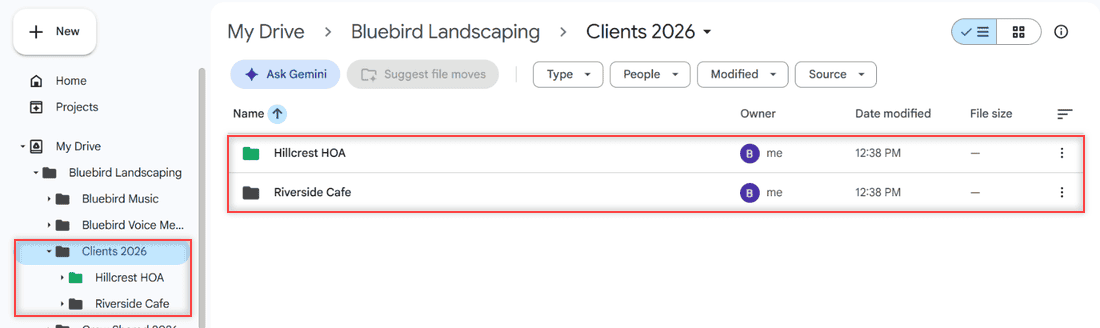
Clients 2026 folder in Google Drive with the Hillcrest HOA and Riverside Cafe subfolders, also nested in the left folder tree

Make a folder inside a folder in Google Drive with the New button, a right-click, or the phone app, then color-code your subfolders so they stand out.
How to Save a Link to Google Drive (3 Methods That Work)

October 27, 2026January 4, 2024 by Carissa Gudino
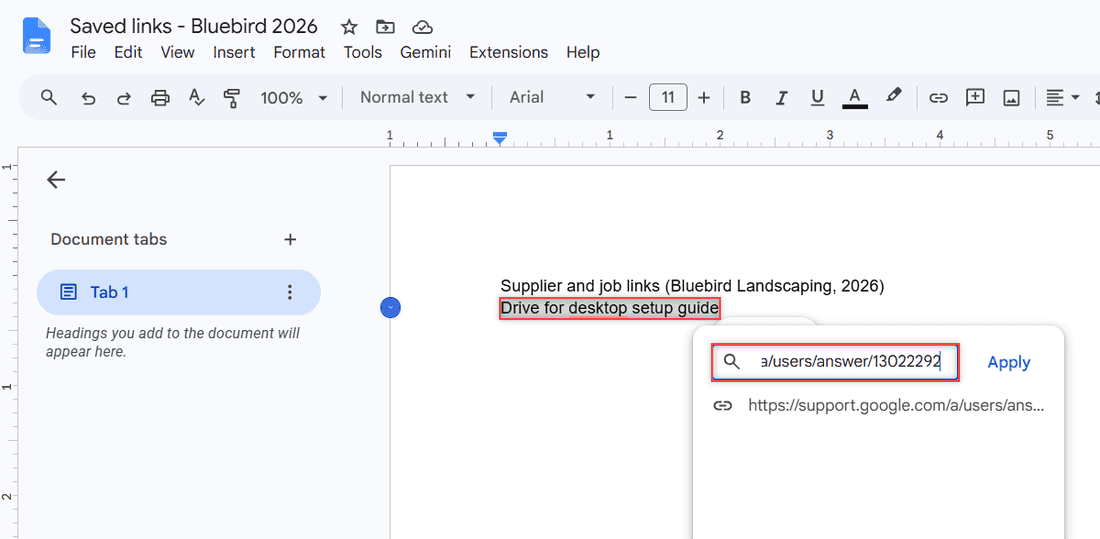
Google Docs link box with the selected text Drive for desktop setup guide and a pasted support.google.com URL ready to apply

Google Drive has no bookmark file, so here is how to save a link to Google Drive in a Doc or Sheet, find it with search, and copy links to Drive files.

Older posts
Newer posts
← Previous Page1 … Page6 Page7 Page8 … Page16 Next →

Recent Posts

  • How to Transfer Google Drive Files to Another Account (3 Ways)
  • How to Organize Google Drive: 8 Rules I Actually Follow
  • What Is OneDrive and Do I Need It? A Plain-English Answer
  • How to Share a Folder in OneDrive (Web, PC and Phone)
  • How to Delete Files From OneDrive (Web, PC and Phone)
  • About TechnologyDots.com
  • Contact
  • Privacy Policy
  • Sitemap
© 2026 Technology Dots