How to See Folder Size in Google Drive (4 Ways That Work)
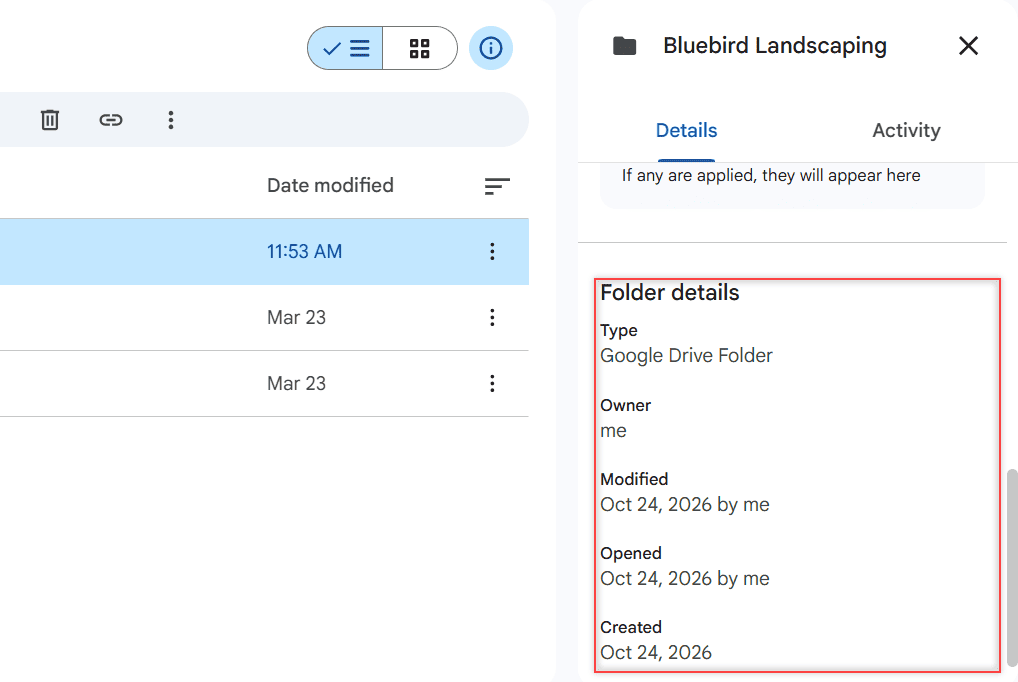
Google Drive doesn’t show a folder’s size on the web. Here are 4 ways that work: file sizes, the Storage page, a download, and Drive for desktop.

 Carissa Gudino
Google Drive doesn’t show a folder’s size on the web. Here are 4 ways that work: file sizes, the Storage page, a download, and Drive for desktop.
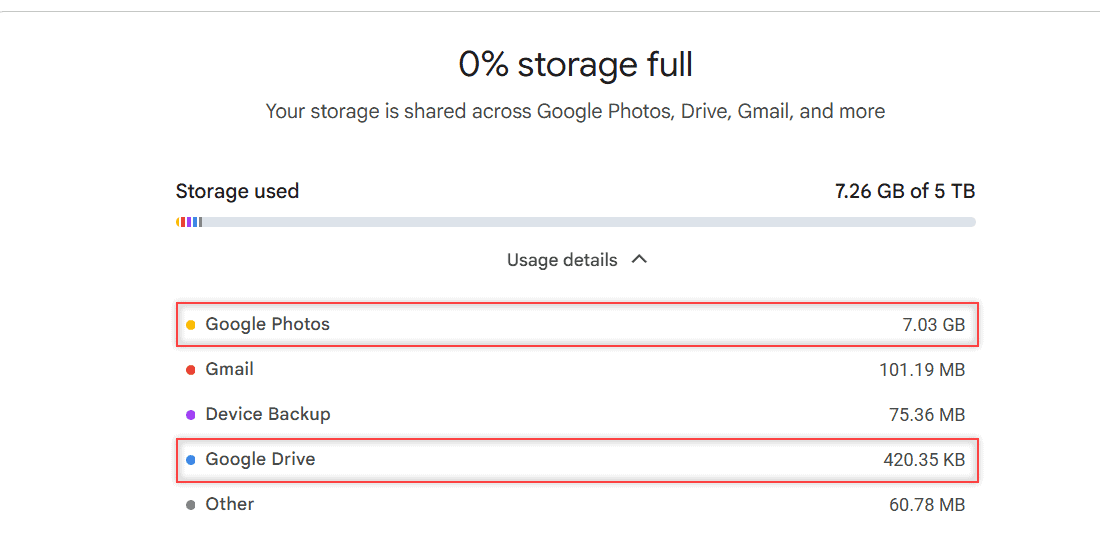
Google Drive has no compress button. Here’s how to find your biggest files, convert Office files, clean up storage, and shrink files before you upload.
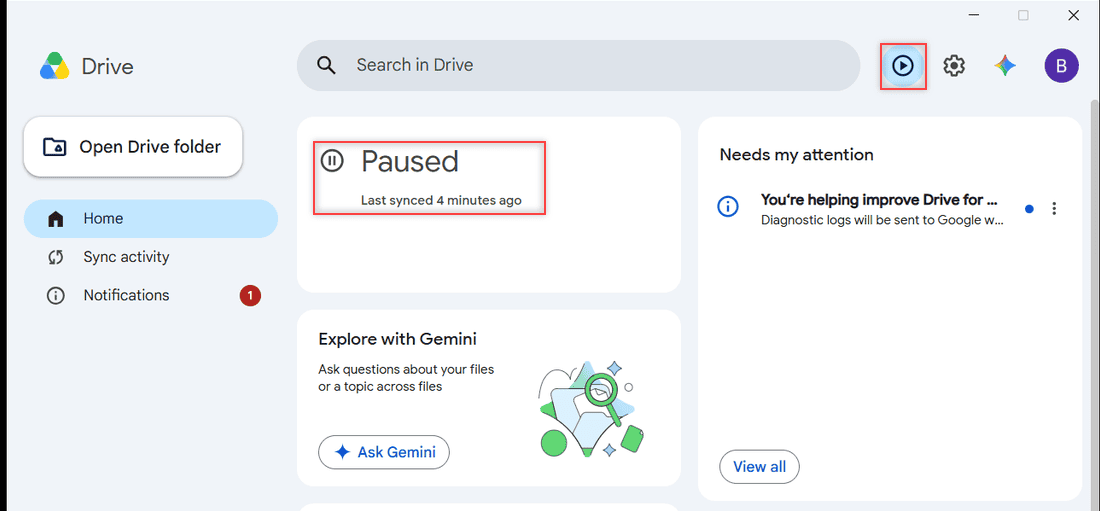
Stop Google Drive from syncing: pause it from the Drive for desktop window, quit the app, disconnect your account, or uninstall. Tested on Windows 11.
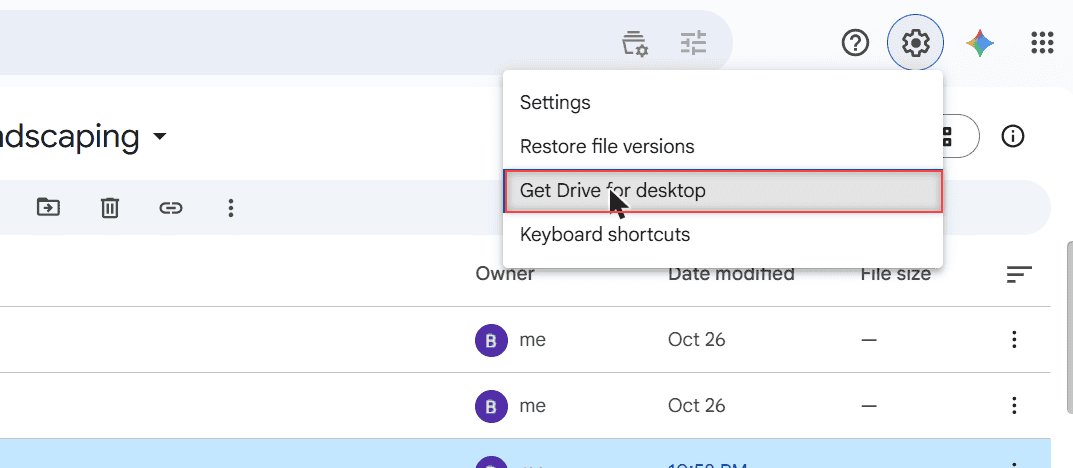
Get a Google Drive icon on your taskbar: install Drive as a Chrome app and pin it, or pin Drive for desktop. Works for Google Docs too, plus the Mac Dock.
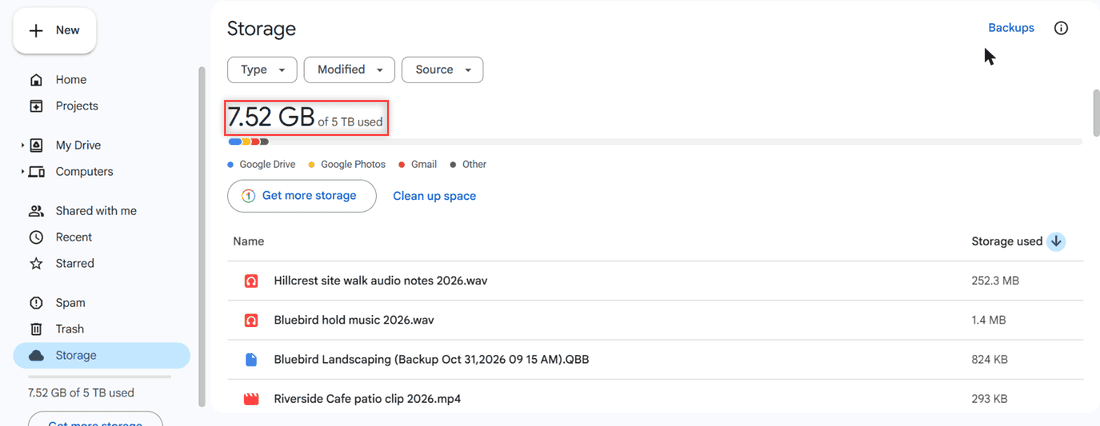
Google Drive vs Dropbox compared: free storage, plans, sharing, version history, offline use and device limits, plus who should pick each one.
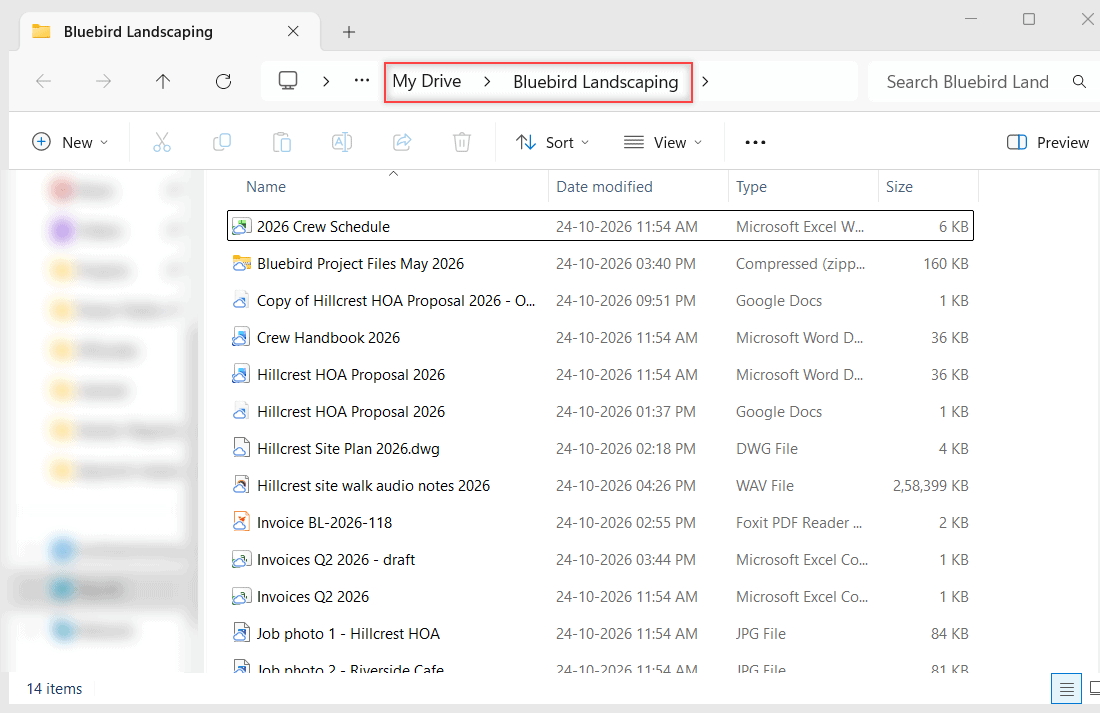
Download Google Drive for desktop, run GoogleDriveSetup.exe, sign in and pick Stream or Mirror. Plus how to uninstall it cleanly on Windows 10 and 11.
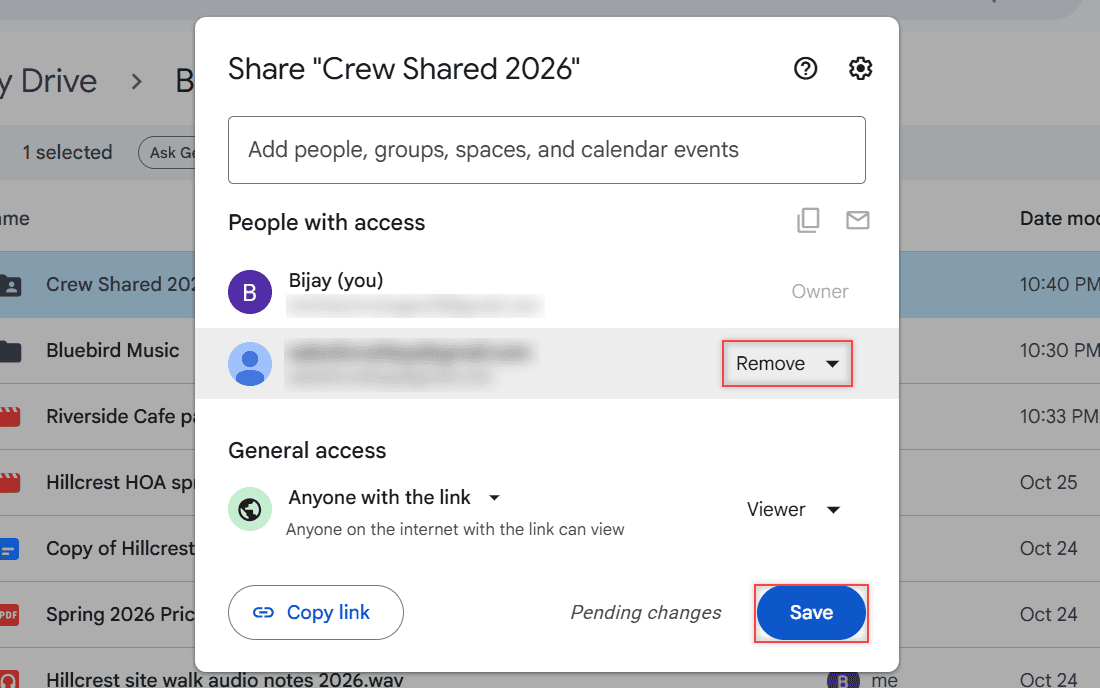
Unshare a folder in Google Drive: remove a person, save, switch the link to Restricted, and do the same for one Doc, several files, or the phone app.
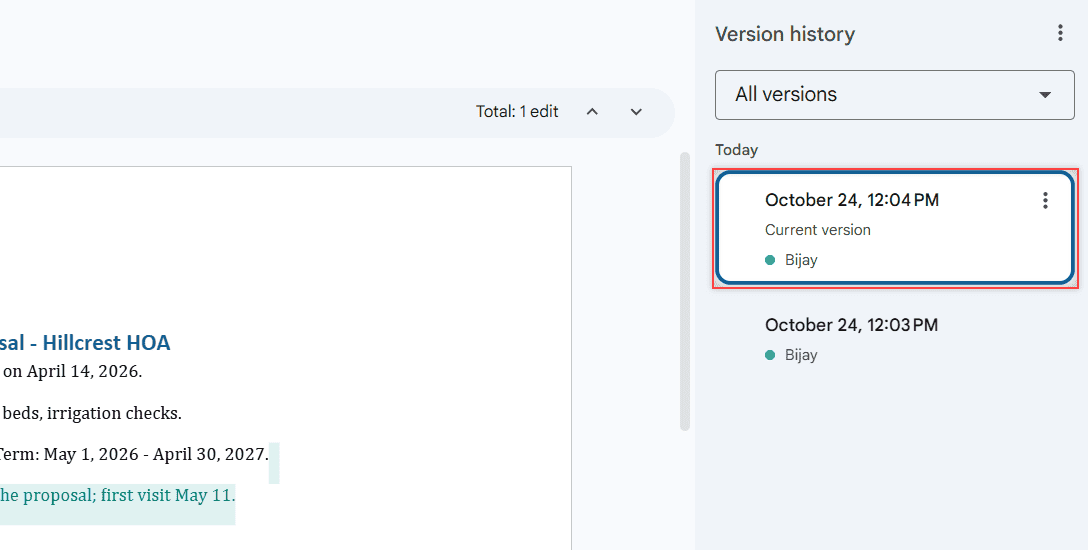
See who has viewed a Google Doc with the Activity dashboard, what a personal Gmail account can’t see, and how to check edits, shares, and access instead.
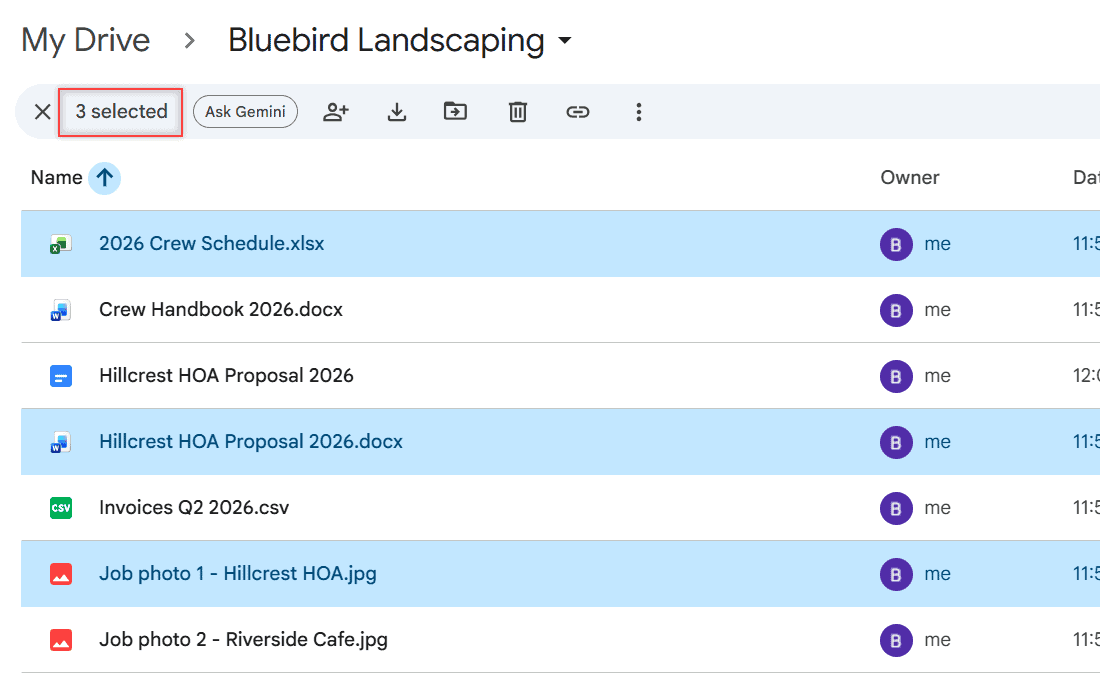
Hold Ctrl (Command on Mac) and click, Shift+click a range, or press Ctrl+A to select all. Then move, share, download, or trash them at once.
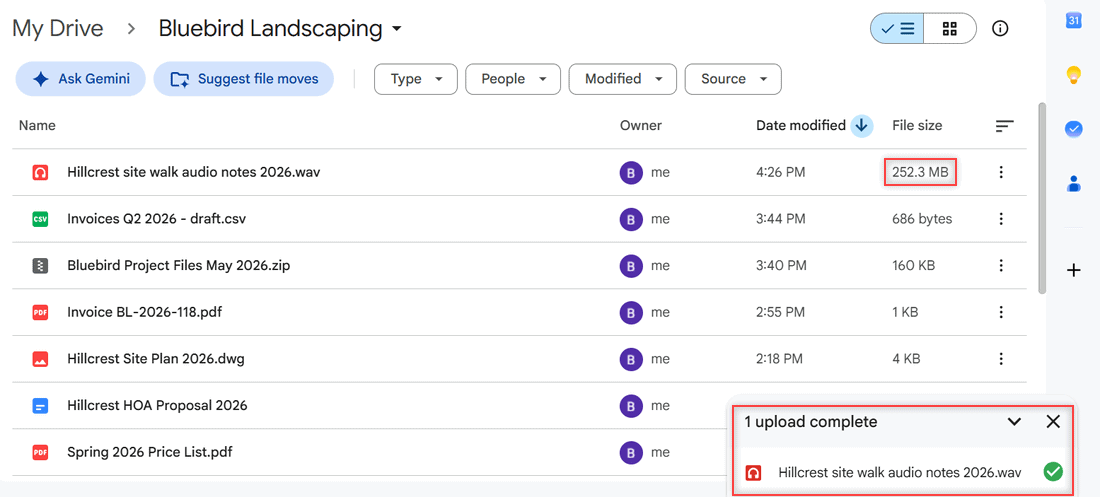
Upload large files and big videos to Google Drive from a browser, Drive for desktop, or your phone, plus the 5 TB file limit and 750 GB daily cap.