How to Use Stock Images in Outlook (Web and Desktop)
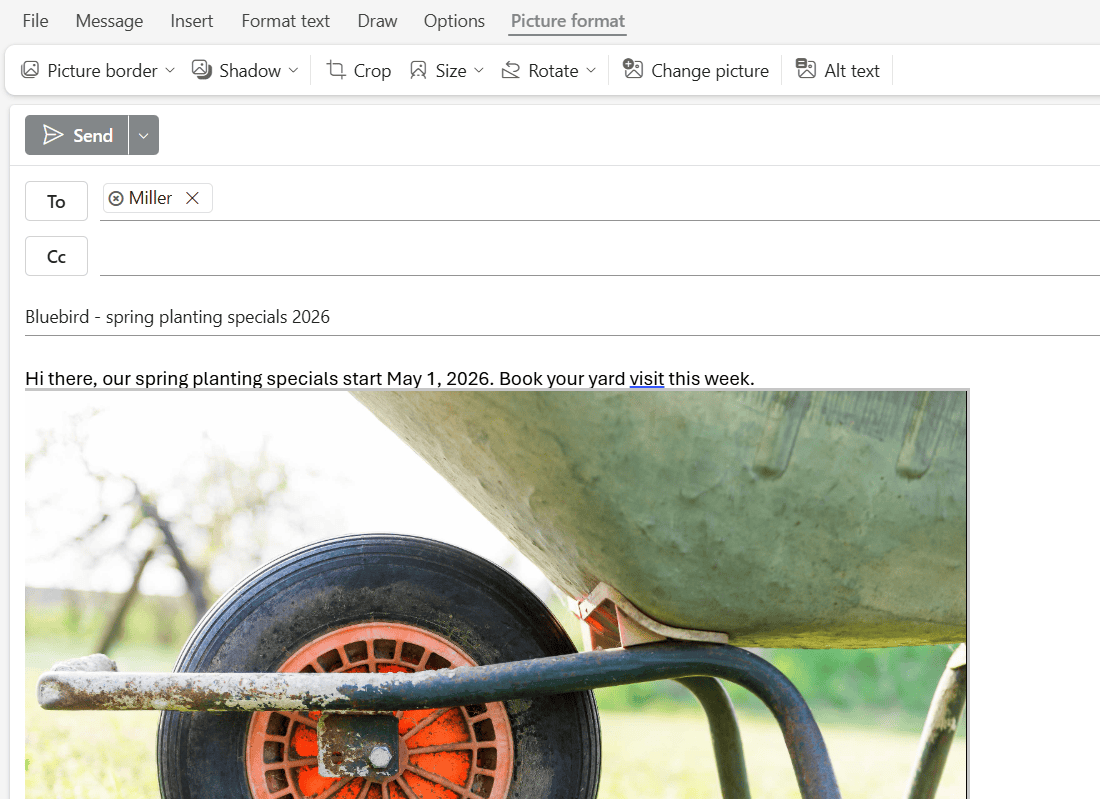
Add free stock images to an Outlook email from Insert > Graphics, search the library, resize the photo, and check its alt text. Tested on the web.

 Carissa Gudino
Add free stock images to an Outlook email from Insert > Graphics, search the library, resize the photo, and check its alt text. Tested on the web.
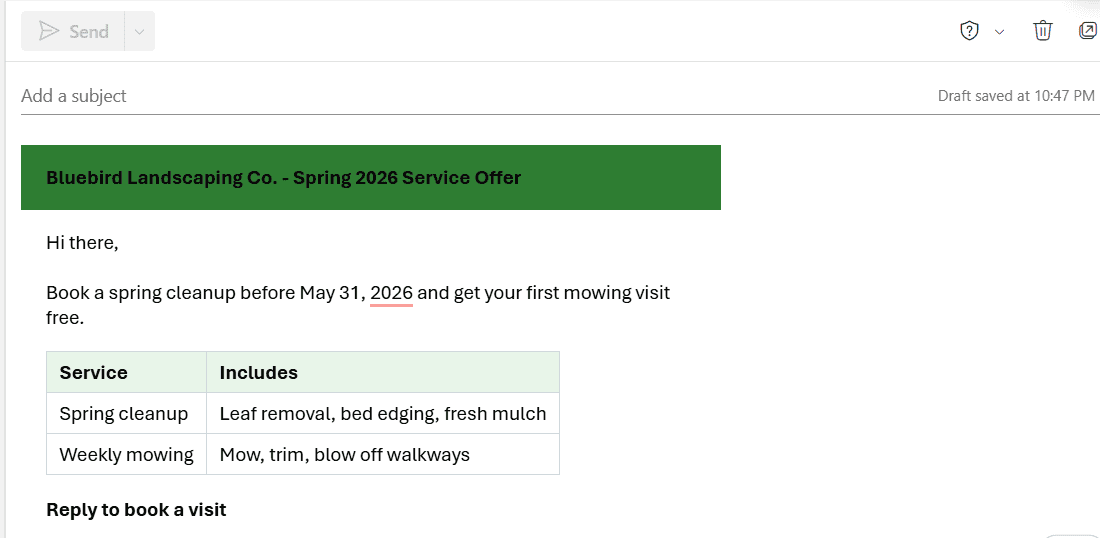
Paste a styled HTML email into Outlook on the web, save it as a reusable template, and see which styles survive before you send it.
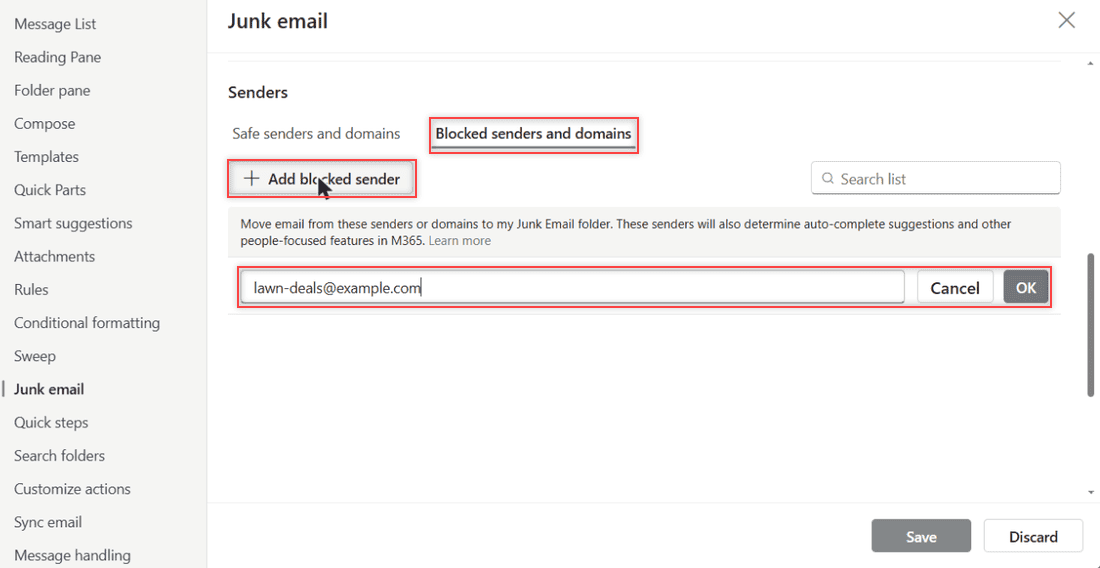
Block a sender in Outlook online from the message’s More actions menu or from Junk email settings, block whole domains, and unblock someone later.
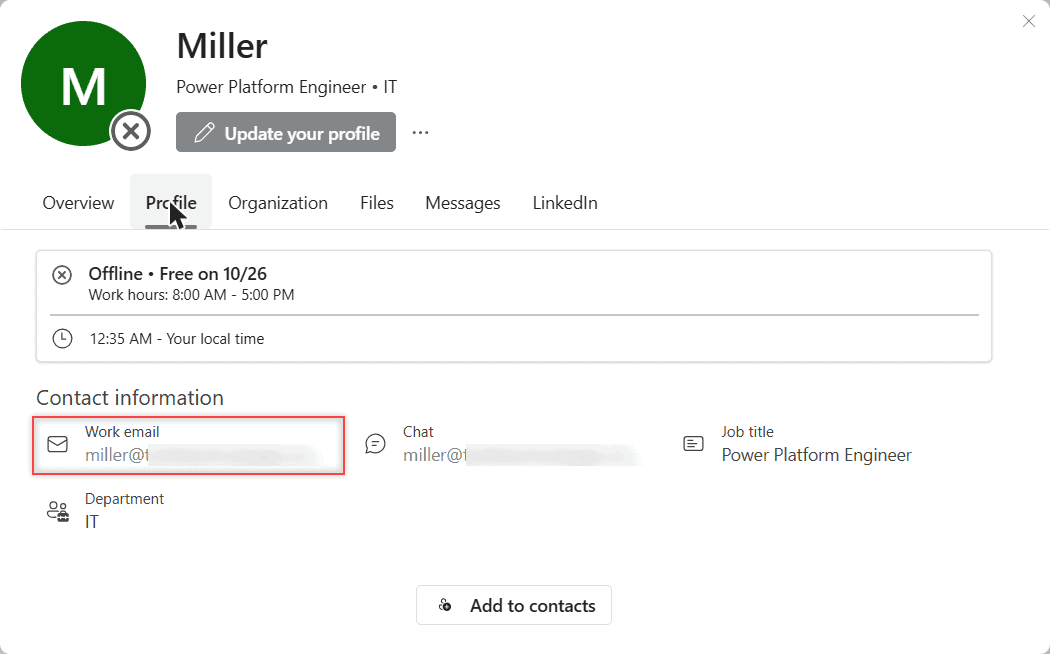
Outlook shows only a name in the message header. Here’s how to see the full email address from the profile card, the To box, and what you can’t change.
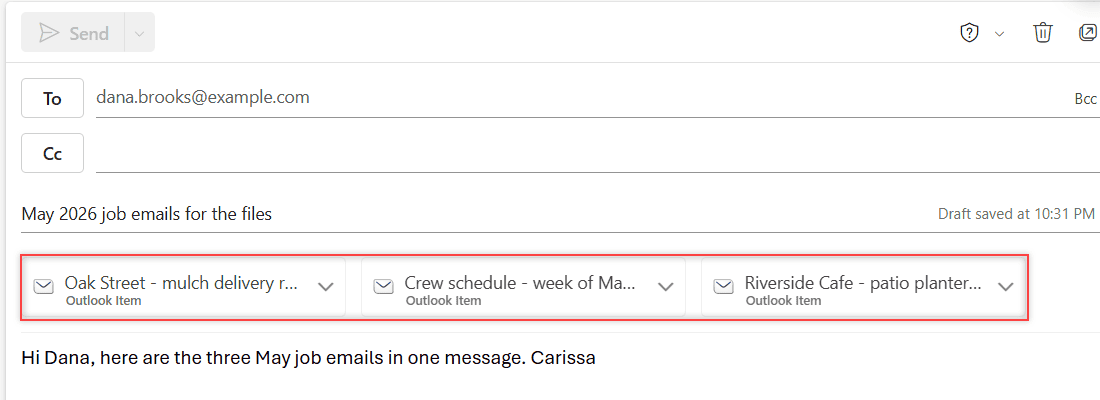
Select several emails with Ctrl+click, then click Forward: Outlook puts them all in one new message as attachments. Tested in Outlook on the web.
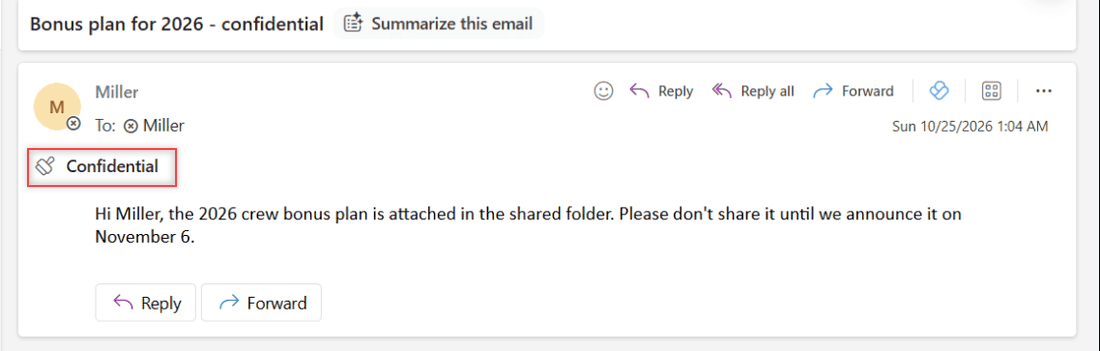
Marking an Outlook email Confidential is only a notice. Here’s how to set it, and when to use Encrypt or Do Not Forward to actually stop forwarding.
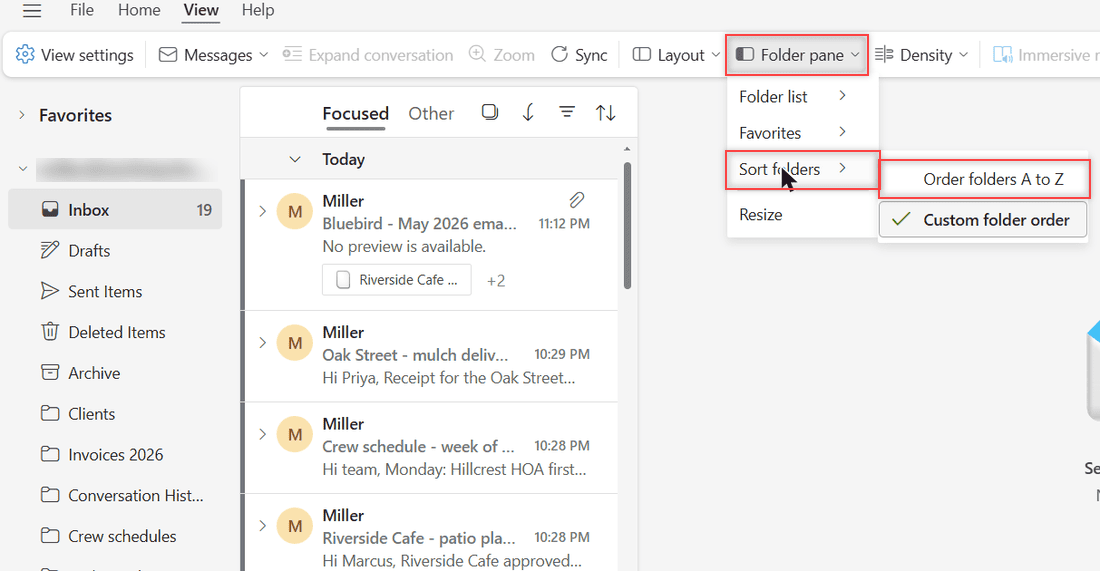
Yes, you can sort folders in Outlook on the web: View > Folder pane > Sort folders > Order folders A to Z, or use Custom folder order with Move up.
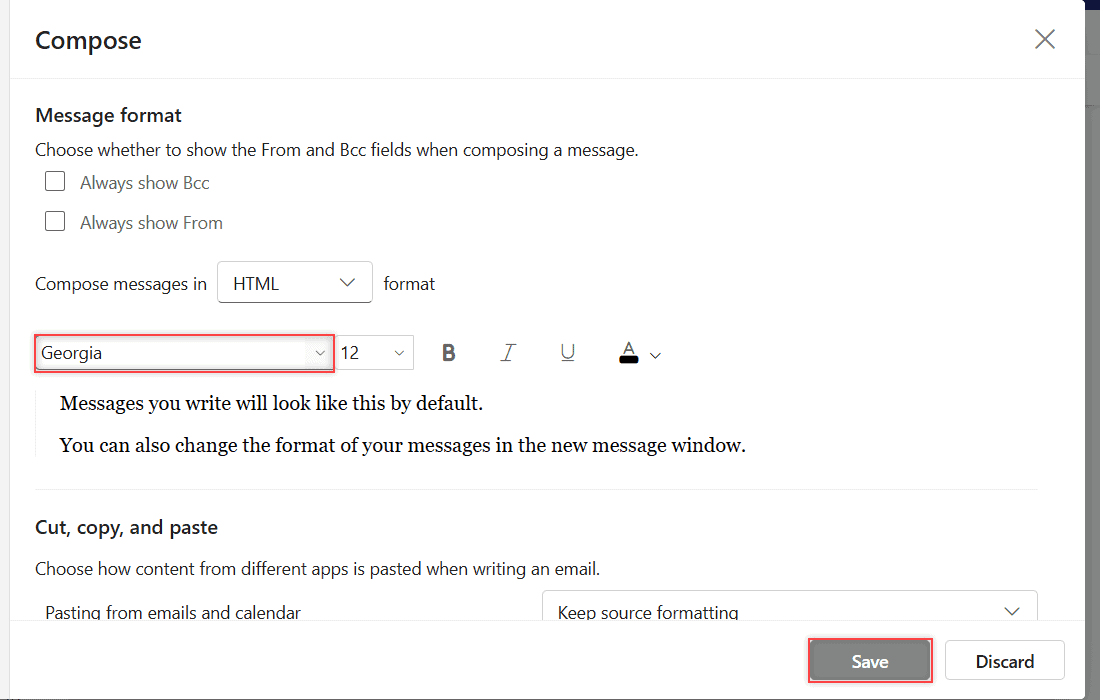
Outlook on the web can’t add your own fonts. Here’s how to pick from its 73 built-in fonts, set a default, and where custom fonts do work.
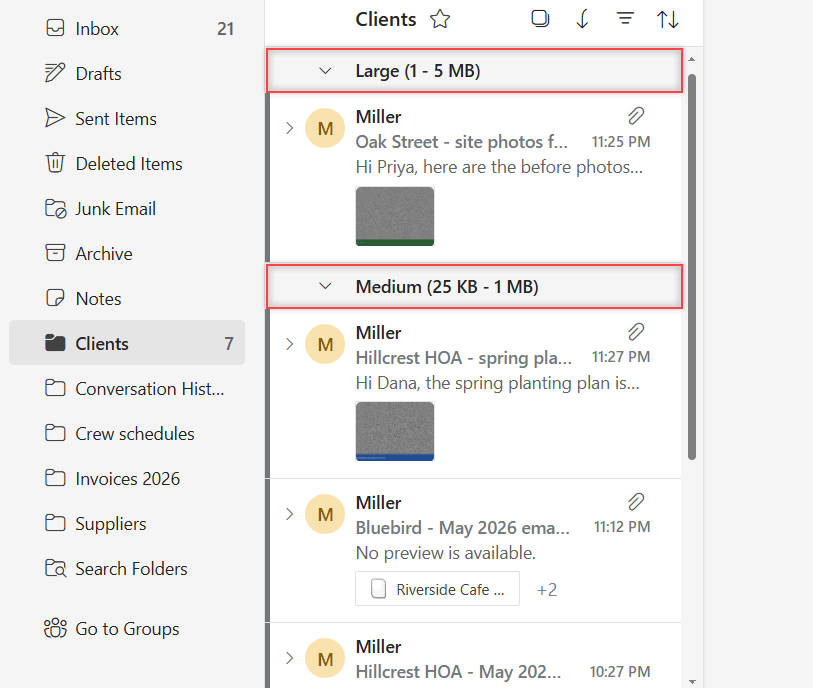
Sort emails by size in Outlook on the web, flip between largest and smallest on top, and filter to emails with files to find what eats your storage.
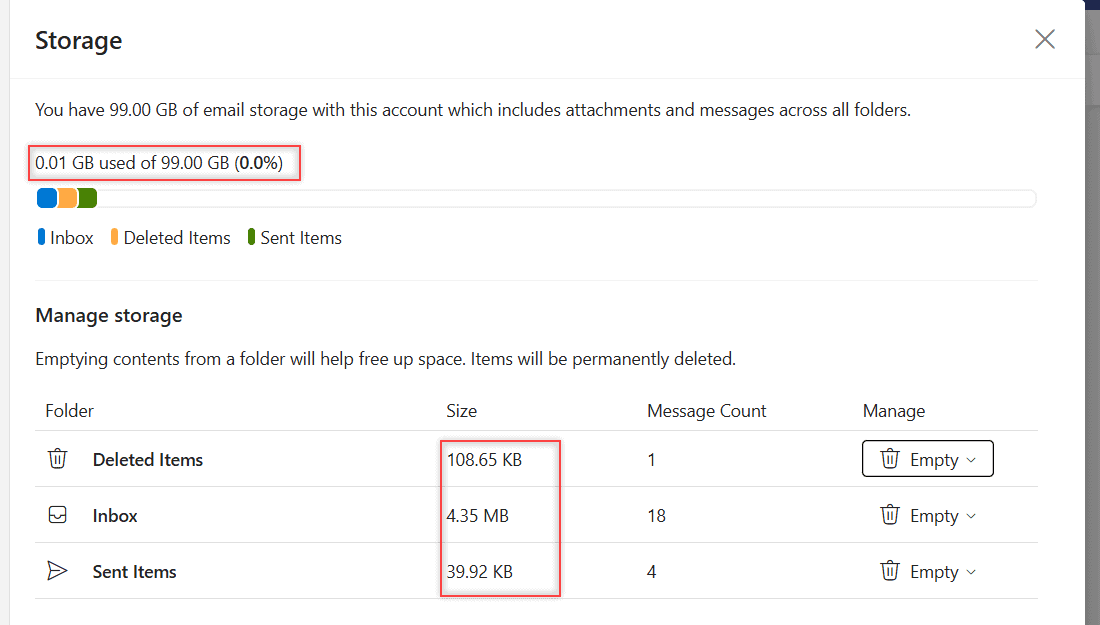
Open Settings > Account > Storage to see how much Outlook storage you use, which folders take the most space, and how to empty them safely.