Why Is Google Drive So Slow? 8 Fixes I Use for Lag, Uploads and Sync
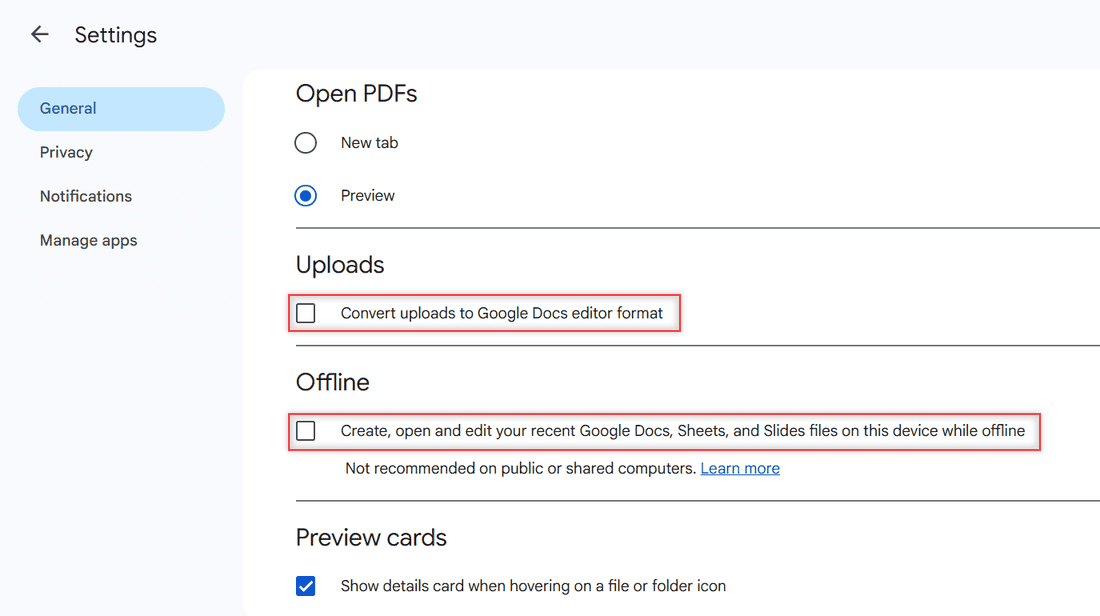
Why is Google Drive so slow? Find the real cause of laggy pages, slow uploads, slow downloads and Drive for desktop slowing your PC, then fix it.

 Carissa Gudino
Why is Google Drive so slow? Find the real cause of laggy pages, slow uploads, slow downloads and Drive for desktop slowing your PC, then fix it.
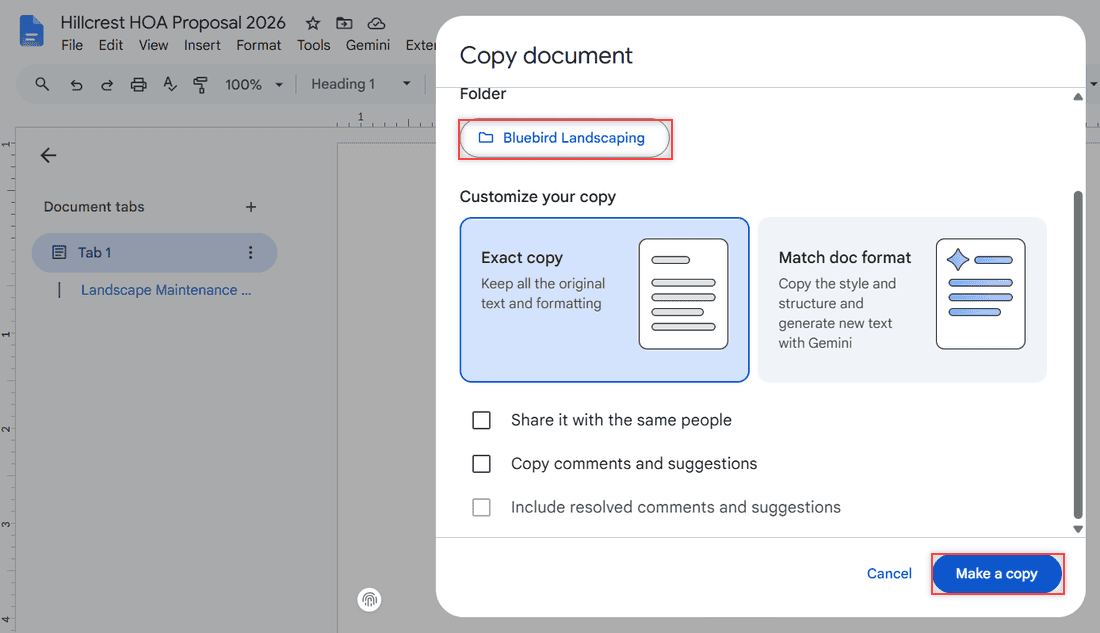
Google Drive Make a copy failing with “Error creating file” or stuck on Working? Check status, storage, the 750 GB limit, cache and owner settings.
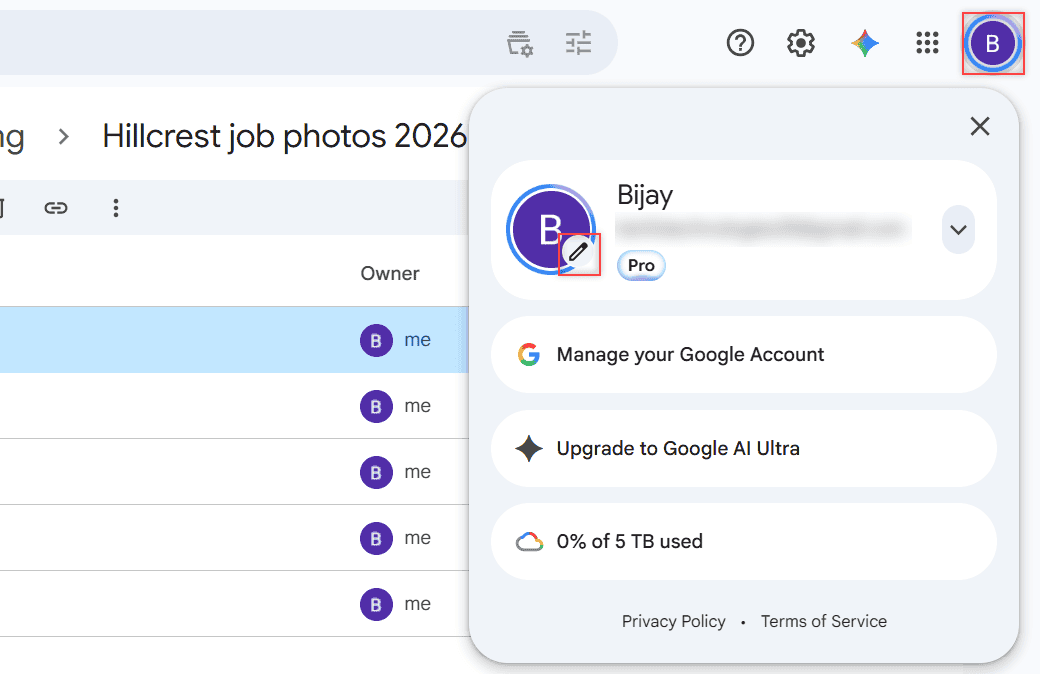
Change your Drive profile picture in a few clicks: avatar, pencil icon, Profile picture. It updates your Google Account photo in Gmail and Drive, too.
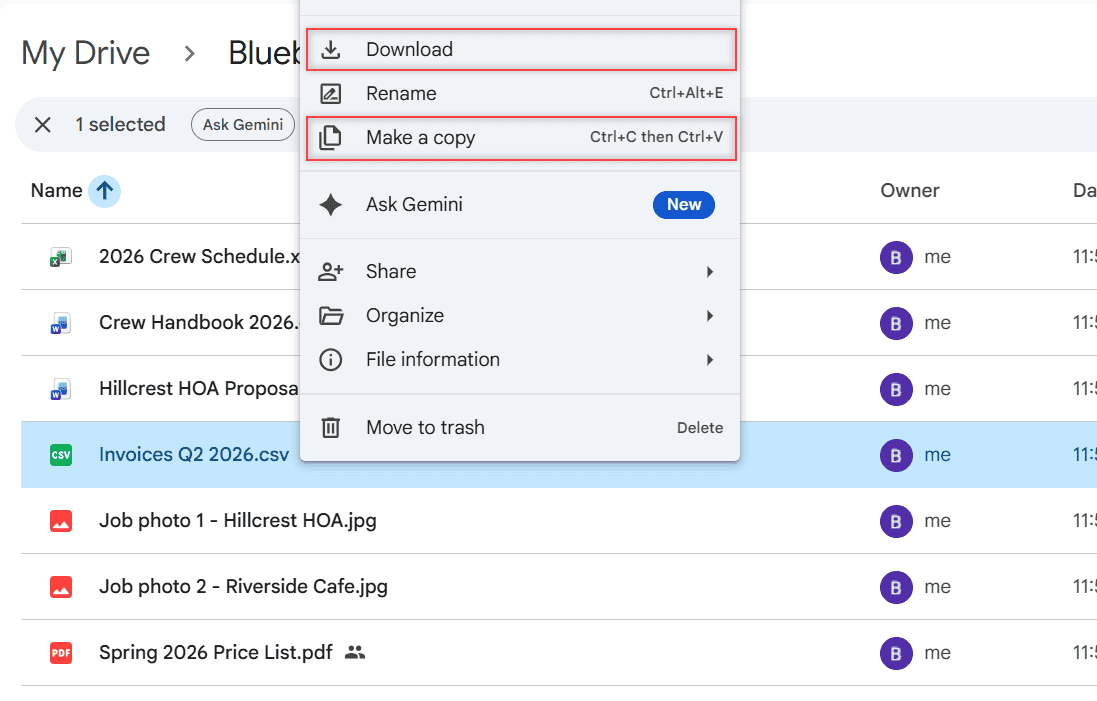
Can’t download files from Google Drive? Match what you see to the cause: owner limits, the 24-hour limit, blocked cookies, extensions, phone or outages.
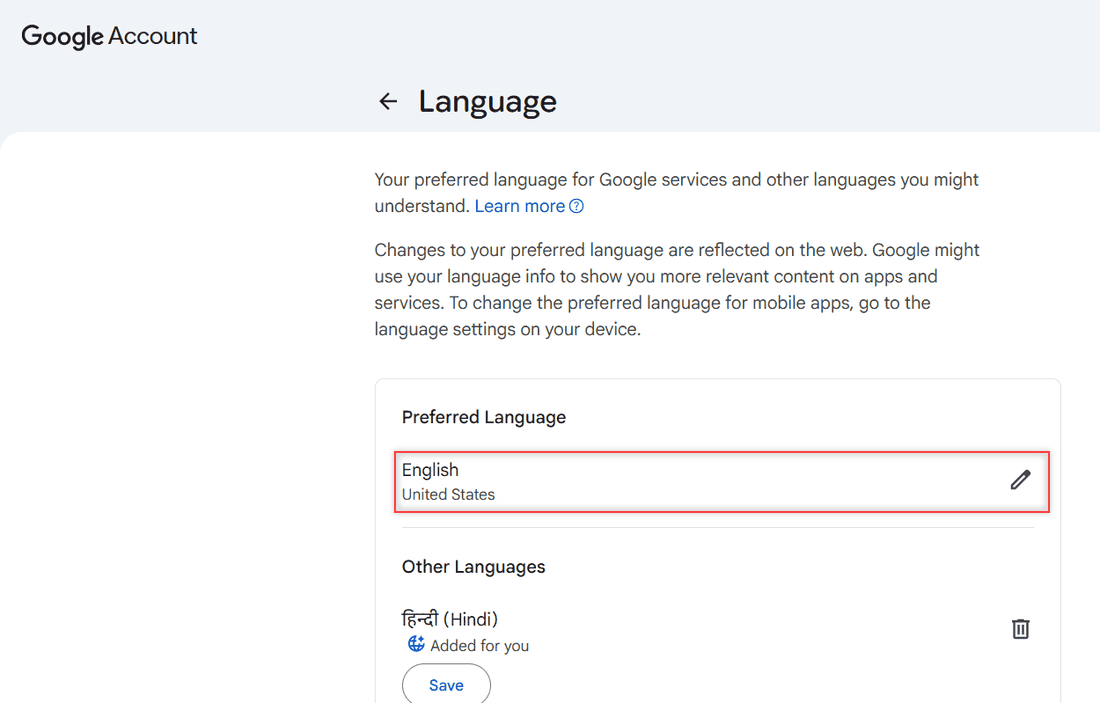
Change Google Drive language from Settings > General > Language on a computer, or from your device settings on Android, iPhone, and iPad. Plus Google Docs.
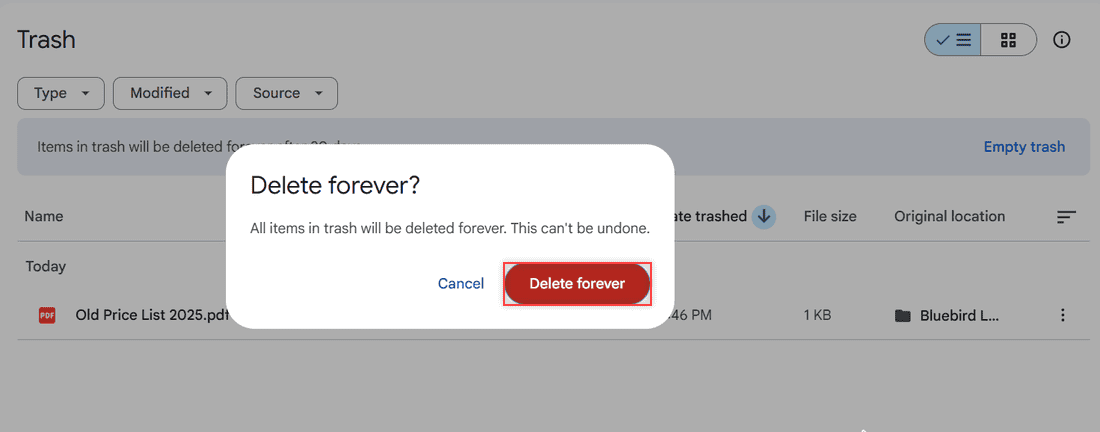
Empty your Google Drive trash in a few clicks: open Trash, click Empty trash, then Delete forever. Plus phone steps and what happens to shared files.
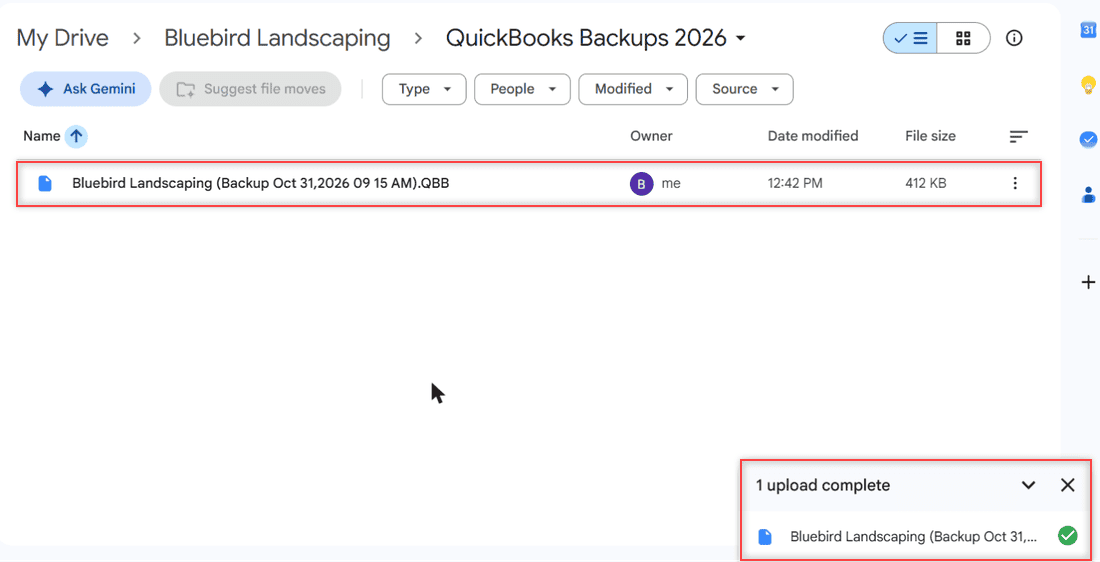
Save a QuickBooks .QBB backup, upload it to a private Google Drive folder, handle versions, auto-sync with Drive for desktop and restore it safely.
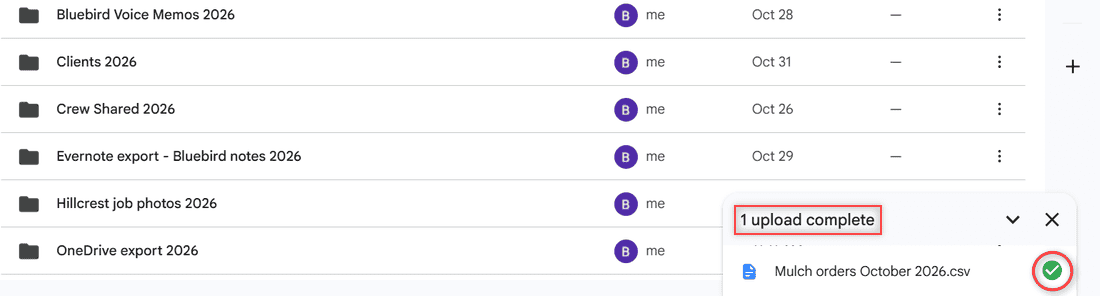
The green checkmark on Google Drive means a file is available offline in Drive for desktop. See every Drive check icon and how to add or remove it.
Google Drive vs OneDrive compared: free storage, paid plans, Office apps, syncing, sharing, security, and which one fits your devices and your work.
Google Drive stores and shares any file; Google Docs is the word processor inside it. See how they fit together, the limits, and which to open when.