How to Upload Files to Google Drive (Computer, Phone and Desktop App)
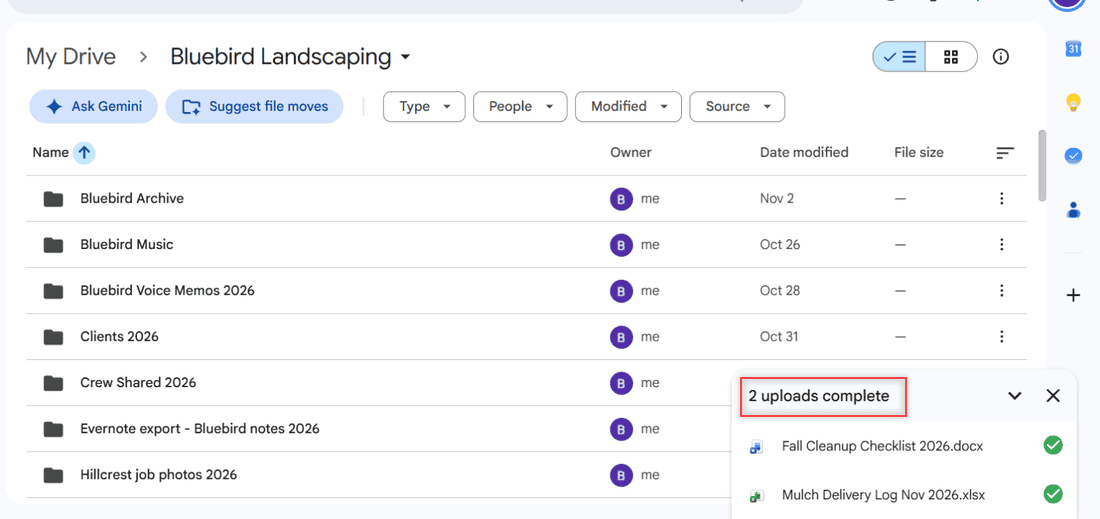
Upload files and folders to Google Drive from a browser, drag and drop, Android, iPhone or Drive for desktop, plus size limits and the convert setting.

Upload files and folders to Google Drive from a browser, drag and drop, Android, iPhone or Drive for desktop, plus size limits and the convert setting.
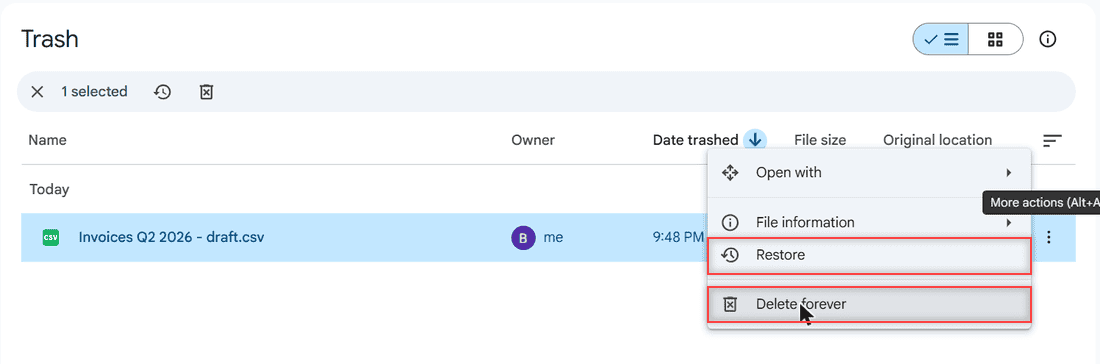
Delete files from Google Drive on a computer or phone, remove several at once, delete forever from Trash and free up storage. Tested in 2026.
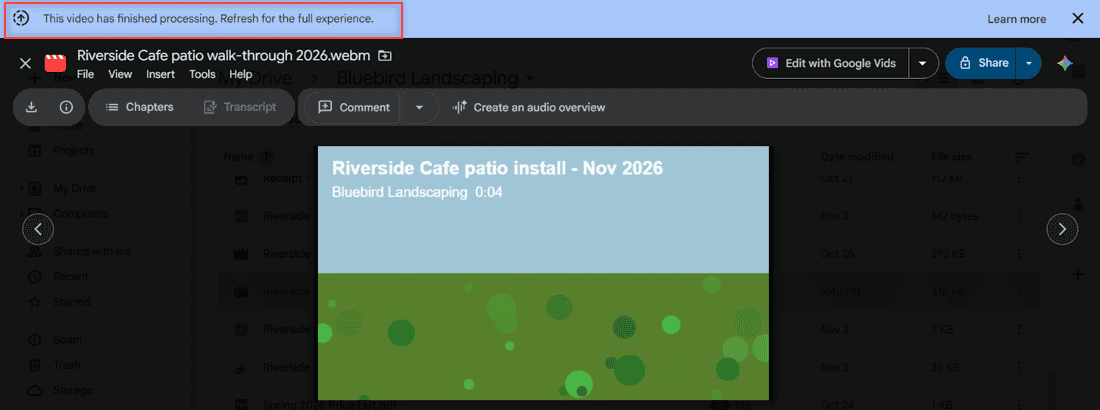
Upload a video to Google Drive from a computer, phone or Drive for desktop, plus supported formats, size limits, processing time and playback fixes.
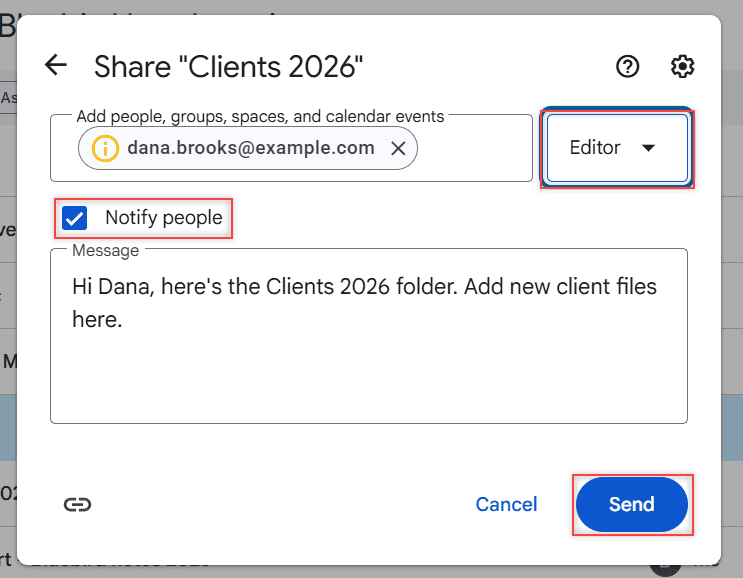
Share a Google Drive folder by email or link, pick Viewer, Commenter or Editor, see what each role can do, limit access and stop sharing later.
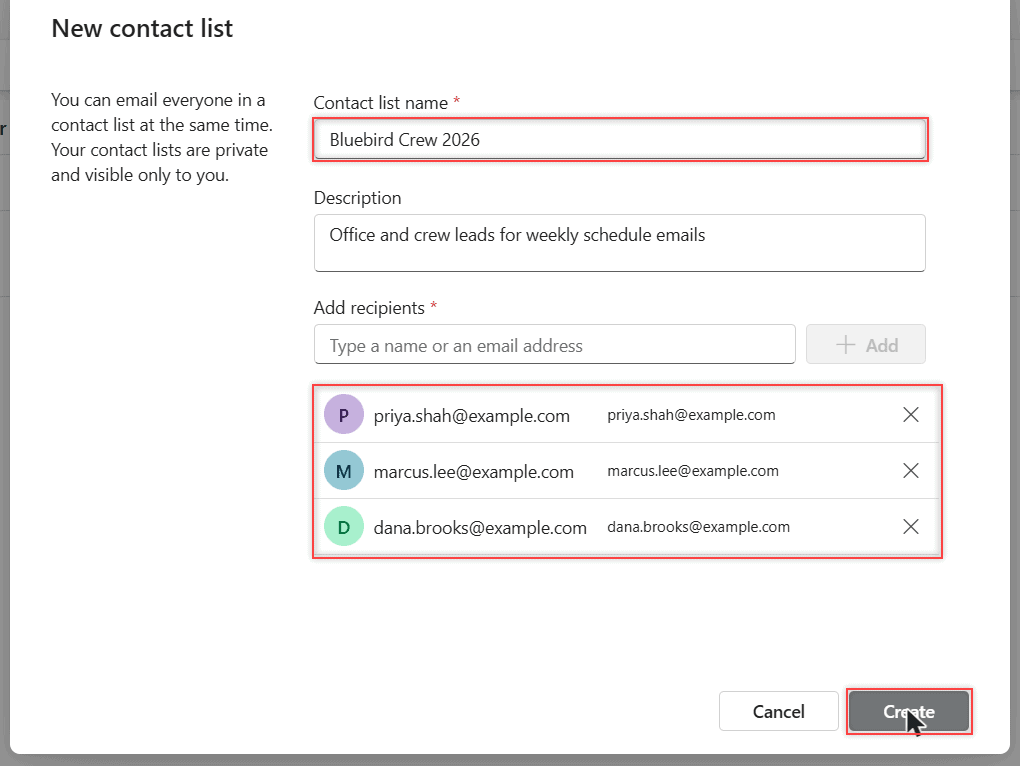
Create an email group (contact list) in new Outlook, Outlook on the web and classic Outlook, send to it, edit members and delete it.
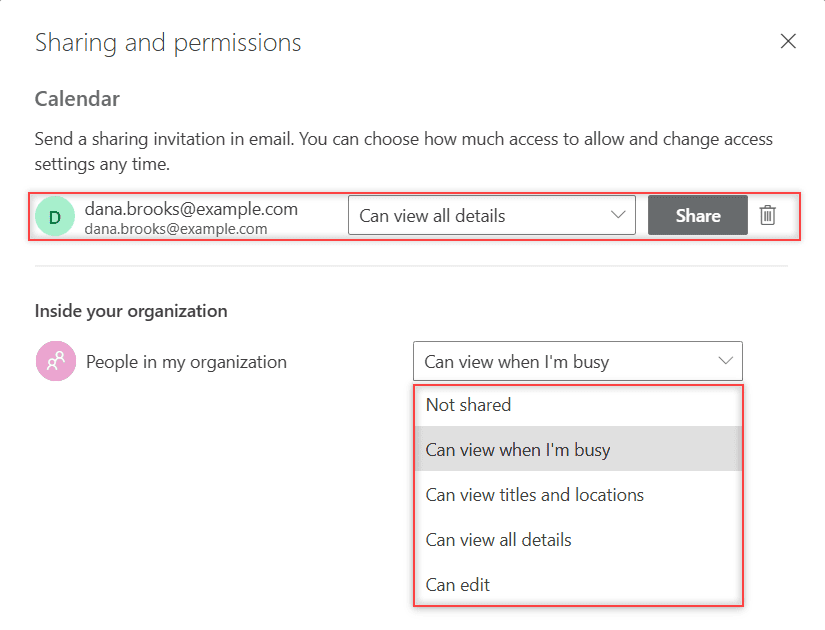
How to share your Outlook calendar on the web: the Share button, what each permission level shows, outside people, delegates, and HTML or ICS links.
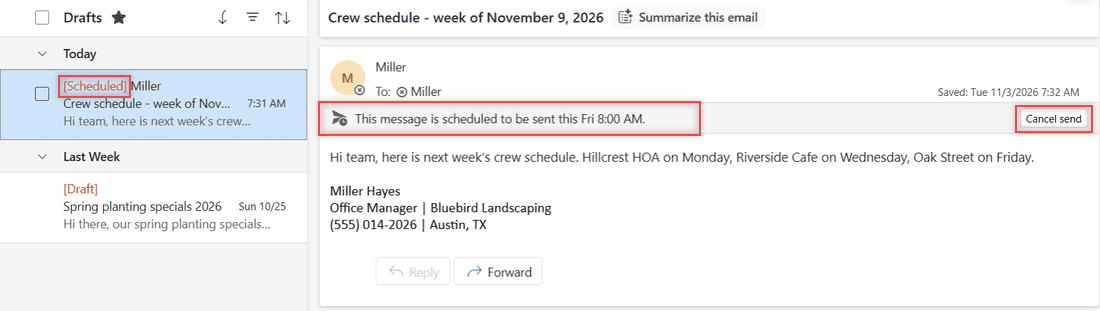
Schedule an email in Outlook with Schedule send or a custom time, find it in Drafts, send it early, and use Do not deliver before in classic Outlook.
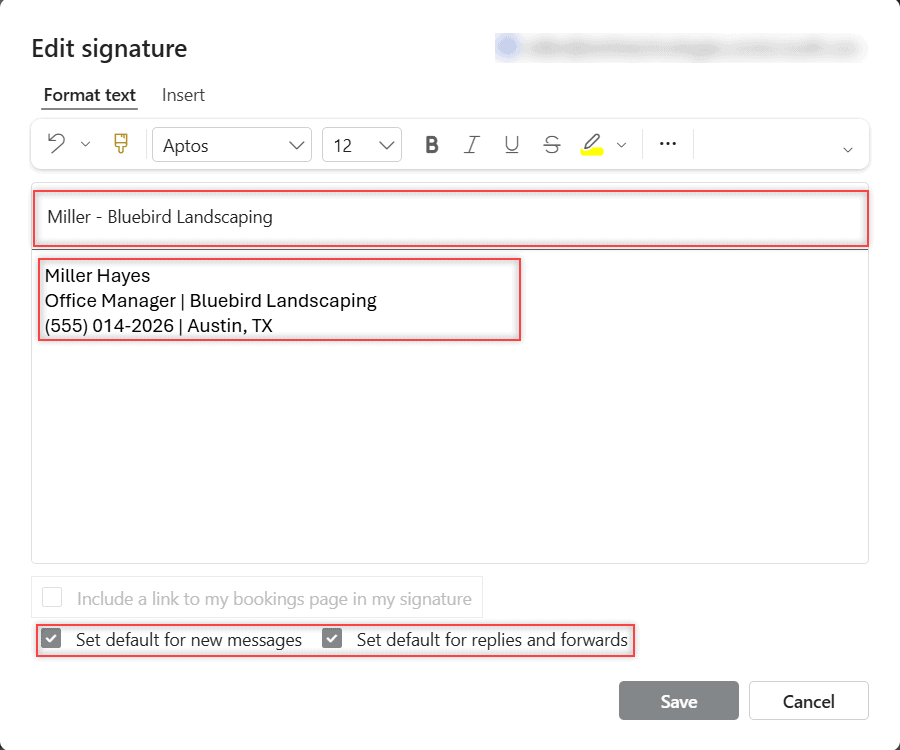
Change your signature in Outlook: add or edit it in Settings > Account > Signatures, set defaults for new mail and replies, plus classic Outlook and Mac.
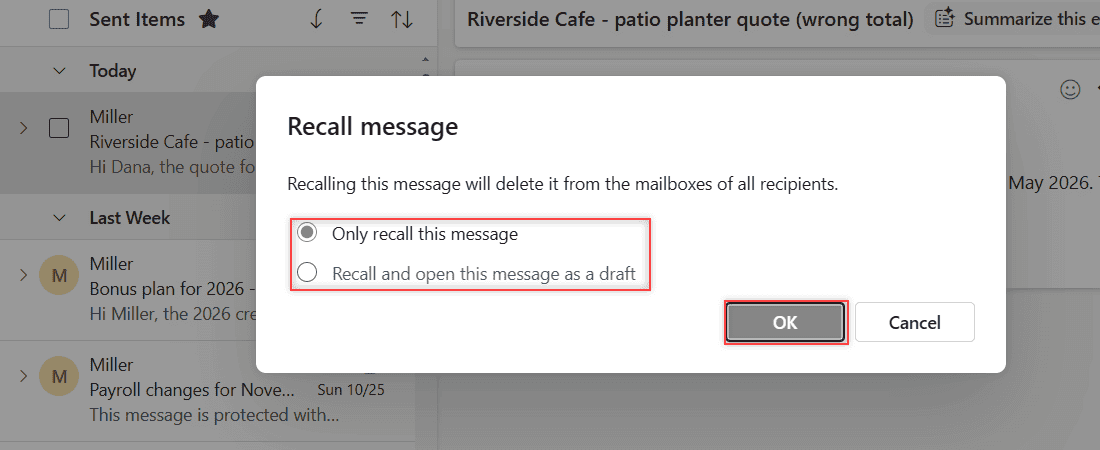
Recall or replace a sent email in Outlook on the web, new Outlook and classic Outlook, read the recall report, and turn on Undo send.
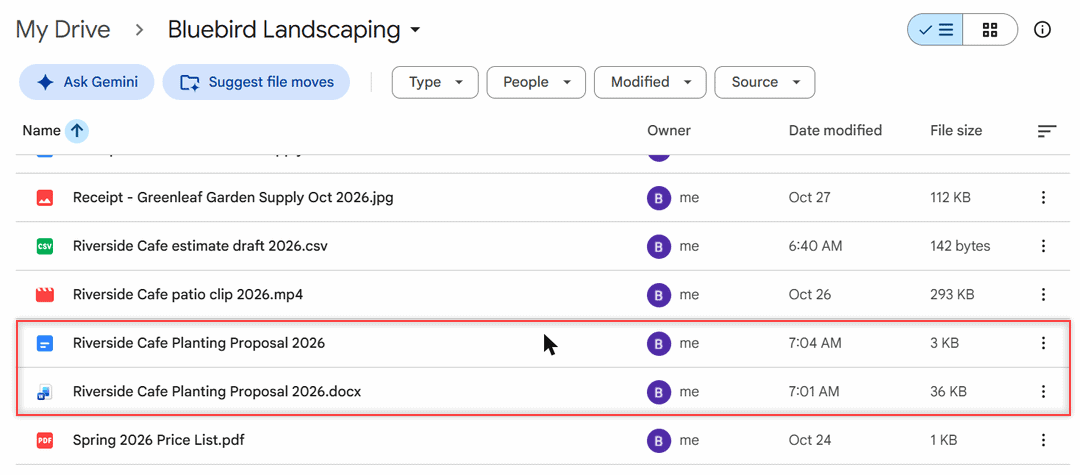
Save a Word document to Google Drive: upload the .docx, edit it in Docs, convert it to a Google Doc, or save from Word with Drive for desktop.