Skip to content
TechnologyDots
TechnologyDots
  • Home
  • Google Drive
  • Outlook
  • Mac
  • Blogs

Carissa Gudino

I am Carissa Gudinoa, a technology buff, and Office online and Apple expert with over 9 years of experience. I am passionate about helping others get the most out of their Apple devices. I have written extensively about Apple products and technologies. I am committed to providing my clients with the best possible service and am always up-to-date on the latest Apple products and features. I also write extensively on other software available for use at minimal cost or free. This includes Word Online, Outlook Online, Excel Online, and other Office online programs... Check out more.

Why won’t my Airpods Connect to my Mac? [Reasons and Solutions]

October 24, 2026May 18, 2022 by Carissa Gudino
Why won't my Airpods Connect to my Mac

It can be a little annoying at times when your AirPods won’t connect to your Mac or any other Apple device. Most of the time, it is a common issue that can easily be fixed within a few minutes. Here we will see the reason and fixes for Why won’t my Airpods Connect to my Mac? … Read more >>
How to Print an Entire Folder in Google Drive (3 Methods That Work)

October 28, 2026May 5, 2022 by Carissa Gudino
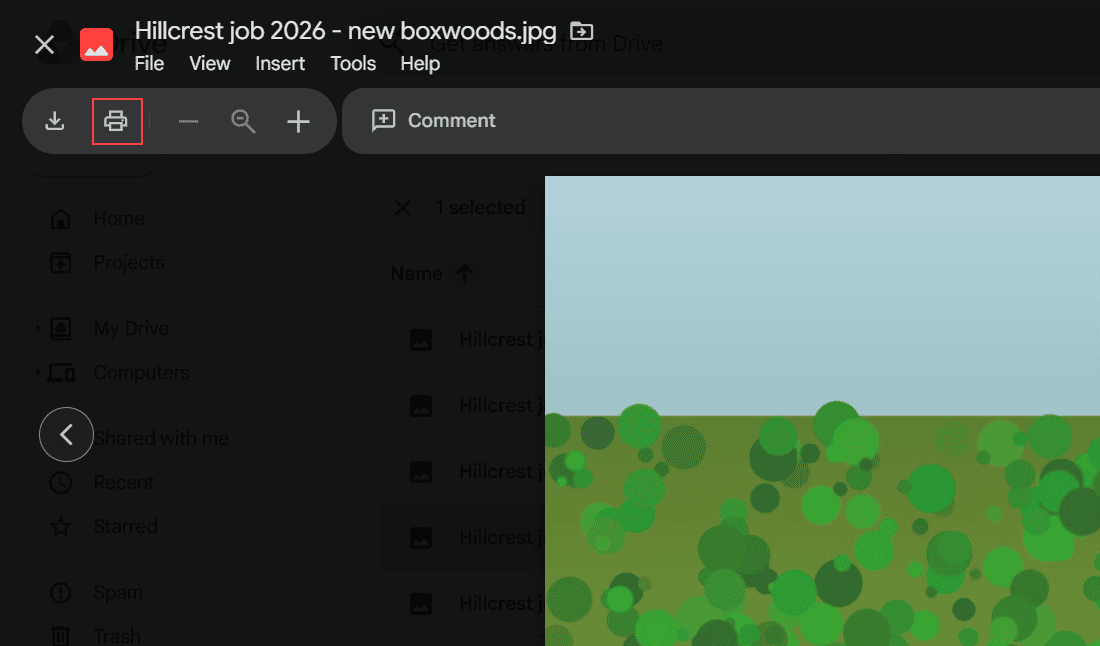
Google Drive image preview of Hillcrest job 2026 - new boxwoods.jpg with the print icon highlighted in the toolbar

Google Drive has no Print option for folders. 3 ways to print an entire folder: download it as a ZIP, print from preview, or merge files into one Doc.

“Unable to Access Document” in Google Drive: How I Fix It

October 24, 2026May 5, 2022 by Carissa Gudino
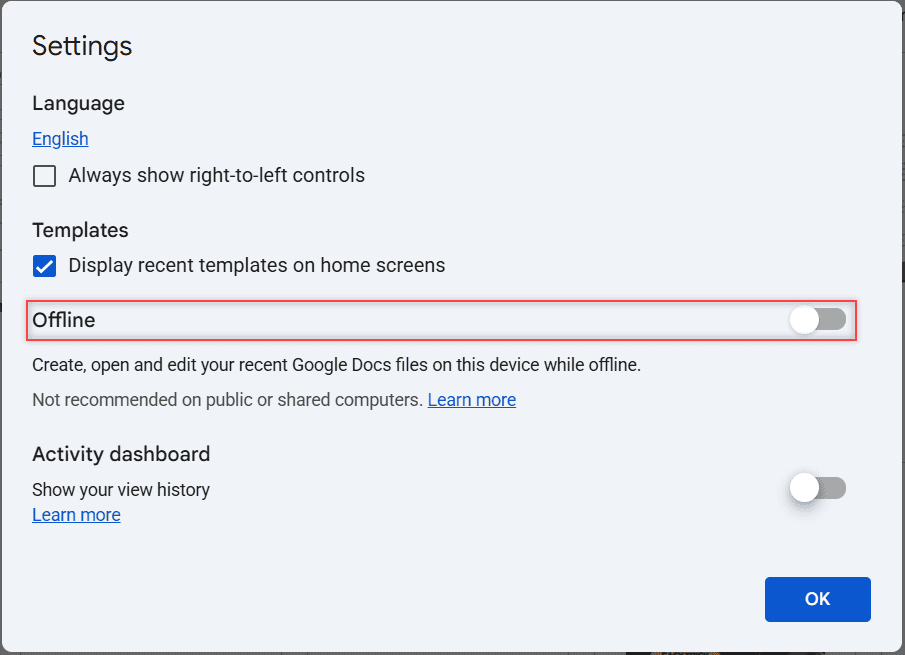
Google Docs Settings dialog with the Offline toggle row boxed and switched off

Getting “Unable to access document” in Google Drive or Docs? Find out which version you have, then try 8 fixes in order, from connection to offline mode.

Backup to Google Drive Disabled by Admin: What It Means and What You Can Do

October 30, 2026April 28, 2022 by Carissa Gudino
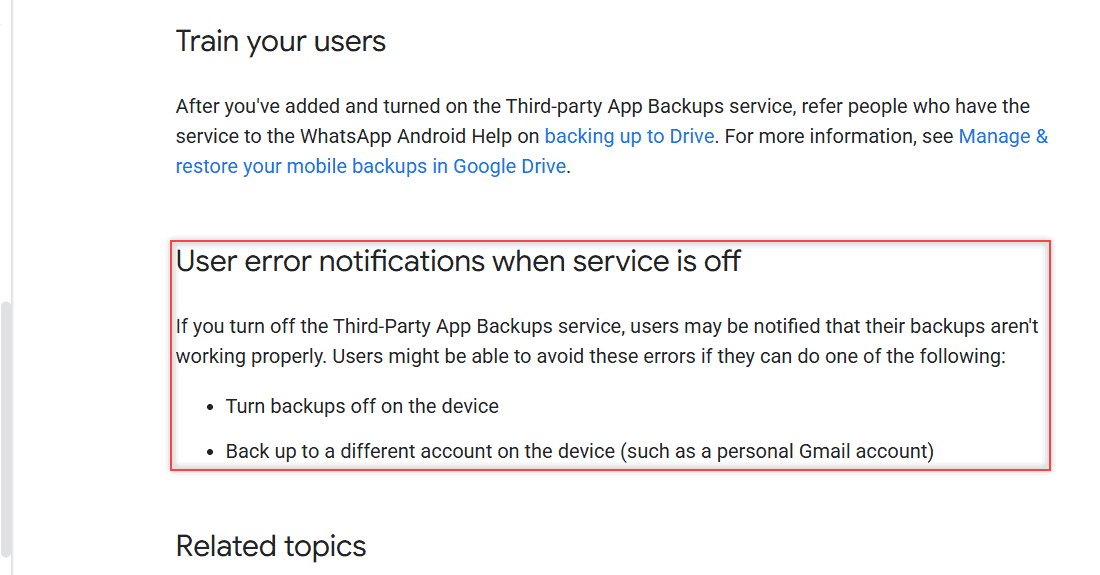
User error notifications when service is off section boxed, saying users can turn backups off or back up to a personal Gmail account

Seeing “Your admin has disabled backing up to Google Drive”? Learn who controls it, how admins turn it on, and the options Google lists for you.

How to Hide a Folder in Google Drive (What Works in 2026)

November 1, 2026April 18, 2022 by Carissa Gudino
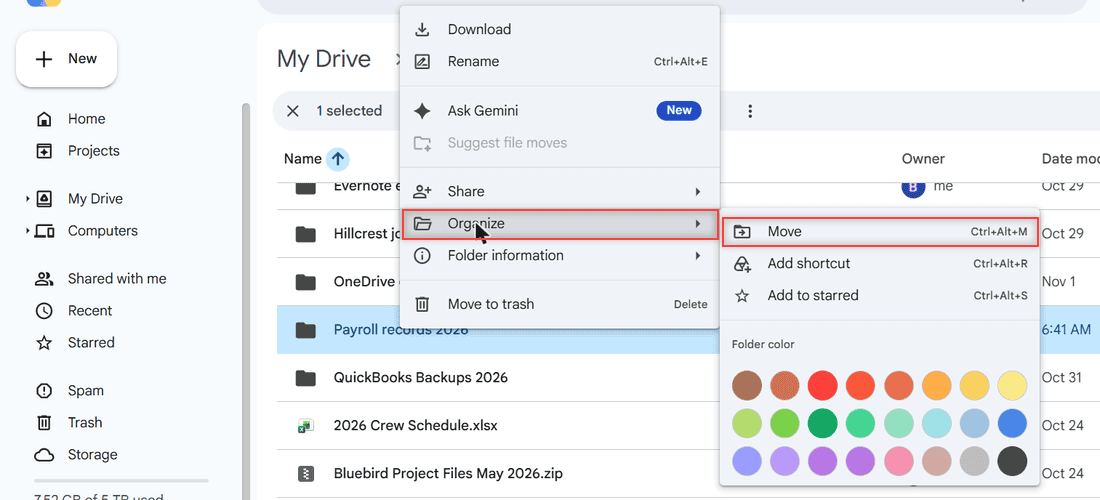
Right-click menu on a Google Drive folder with Organize and Move highlighted and no Hide option

Google Drive has no hide button. Here are 4 tested ways to keep a folder out of sight: move it, restrict sharing, clear Home and remove shared items.

Can’t Download a File from Version History in Google Drive? Here’s How

October 24, 2026March 29, 2022 by Carissa Gudino
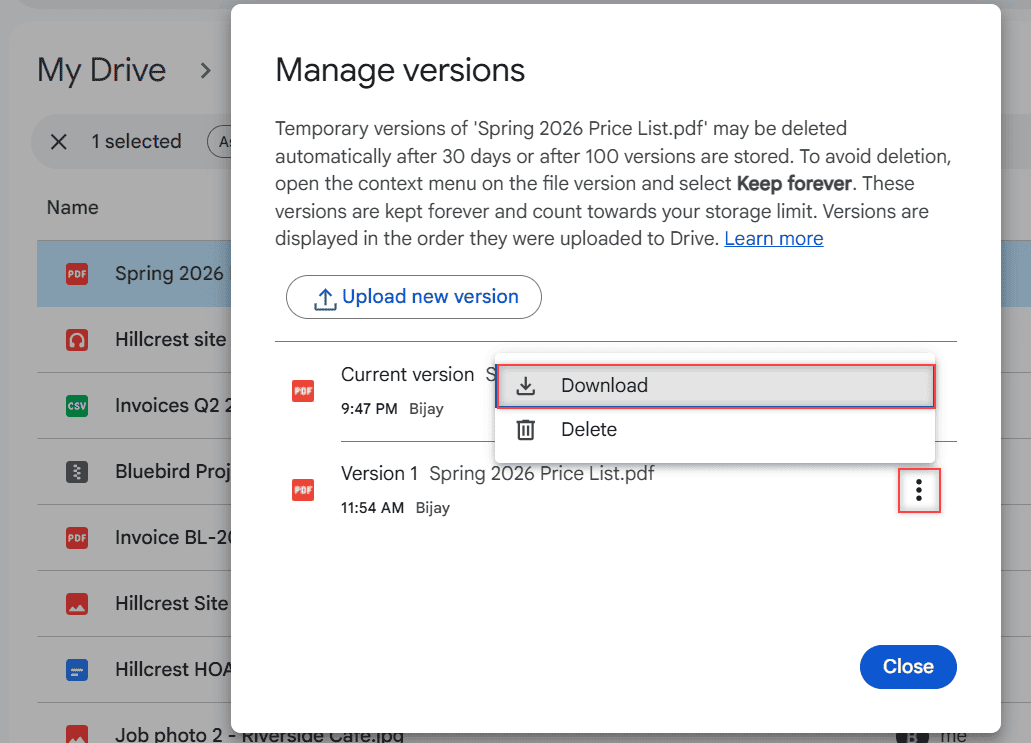
Manage versions dialog for Spring 2026 Price List.pdf with the three-dot menu of Version 1 open, showing Download and Delete, with Download highlighted

Can’t find Download in Google Drive version history? Here’s how to download older PDF or Word versions and save an old Google Docs version as a copy.

Google Drive Not Uploading From Your Phone? Fixes for Android and iPhone

November 1, 2026March 21, 2022 by Carissa Gudino
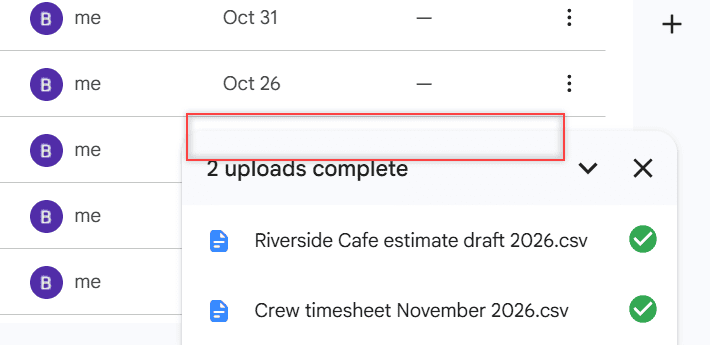
Google Drive upload panel showing 2 uploads complete with green checks next to two CSV files

Google Drive not uploading from your Android phone or iPhone? Here are the fixes that work most often, from mobile data settings to full storage.

Google Drive Stuck on “Waiting to Upload”? 8 Fixes That Work

October 28, 2026March 5, 2022 by Carissa Gudino
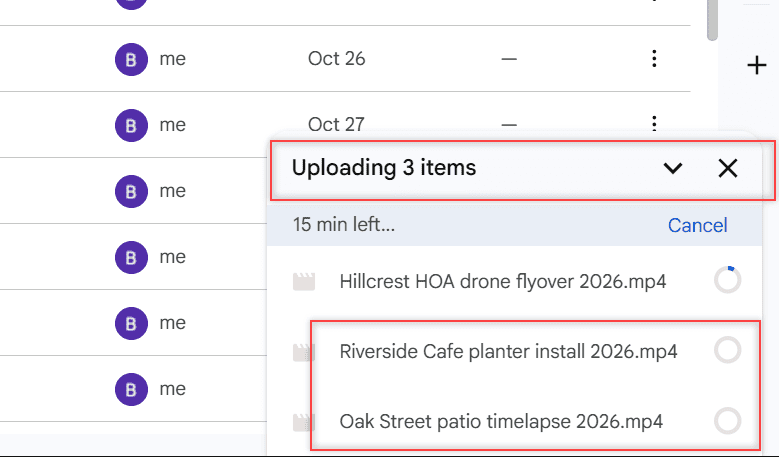
Google Drive upload panel showing Uploading 3 items with one video uploading and two waiting in the queue

Files stuck on “Waiting to upload” in Google Drive? Here are 8 fixes for Android, iPhone, the web and Drive for desktop, in the order most likely to work.

How to Upload Voice Memos to Google Drive (iPhone, Mac, Computer)

November 9, 2026February 26, 2022 by Carissa Gudino
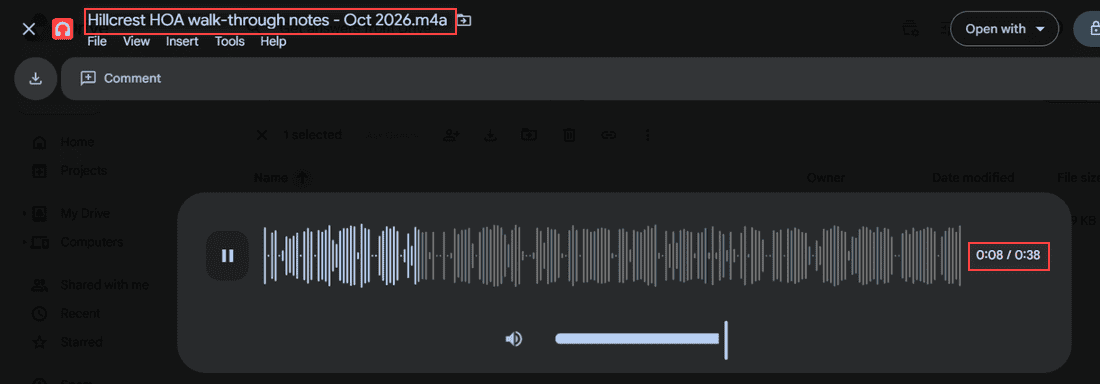
Google Drive audio preview playing the Hillcrest HOA voice memo at 0:08 of 0:38

Upload voice memos to Google Drive from an iPhone, a Mac or any computer, then play the .m4a file right in Drive and find every recording fast.

How to Download From Google Drive Without Zipping (4 Ways)

November 1, 2026December 20, 2021 by Carissa Gudino
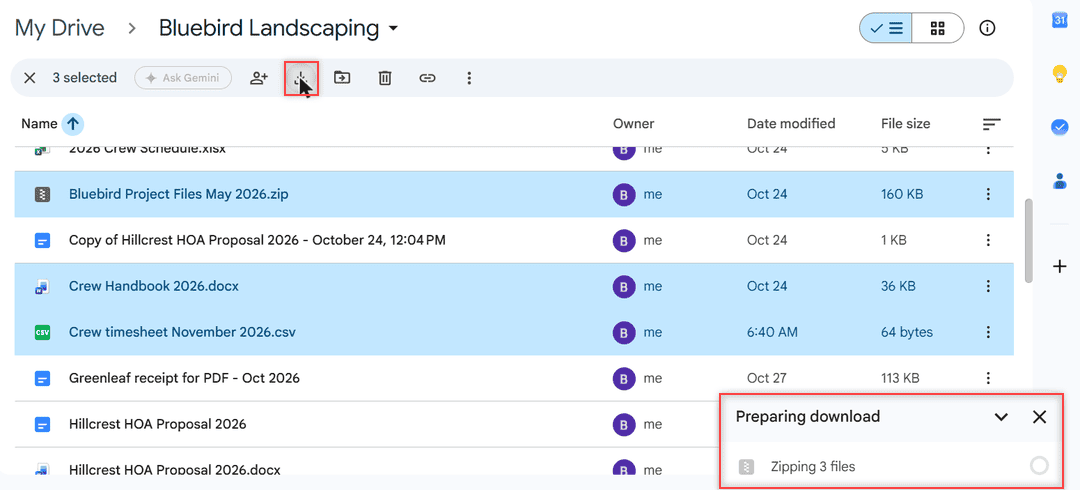
Google Drive Preparing download panel saying Zipping 3 files after clicking the toolbar Download icon

Google Drive zips multiple files and every folder. Here are 4 tested ways to download without zipping, from single files to Drive for desktop.

Older posts
Newer posts
← Previous Page1 … Page14 Page15 Page16 Next →

Recent Posts

  • How to Transfer Google Drive Files to Another Account (3 Ways)
  • How to Organize Google Drive: 8 Rules I Actually Follow
  • What Is OneDrive and Do I Need It? A Plain-English Answer
  • How to Share a Folder in OneDrive (Web, PC and Phone)
  • How to Delete Files From OneDrive (Web, PC and Phone)
  • About TechnologyDots.com
  • Contact
  • Privacy Policy
  • Sitemap
© 2026 Technology Dots