Skip to content
TechnologyDots
TechnologyDots
  • Home
  • Google Drive
  • Outlook
  • Mac
  • Blogs

Carissa Gudino

I am Carissa Gudinoa, a technology buff, and Office online and Apple expert with over 9 years of experience. I am passionate about helping others get the most out of their Apple devices. I have written extensively about Apple products and technologies. I am committed to providing my clients with the best possible service and am always up-to-date on the latest Apple products and features. I also write extensively on other software available for use at minimal cost or free. This includes Word Online, Outlook Online, Excel Online, and other Office online programs... Check out more.

How to Upload Files to Google Drive (Computer, Phone and Desktop App)
November 8, 2026 by Carissa Gudino
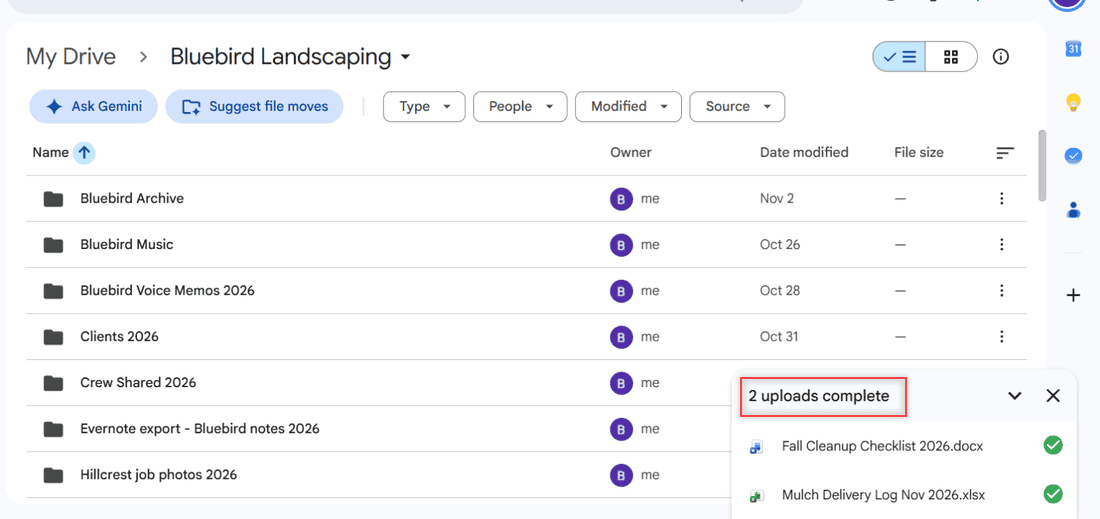
Google Drive panel at the bottom right showing 2 uploads complete with green checks next to a docx and an xlsx file

Upload files and folders to Google Drive from a browser, drag and drop, Android, iPhone or Drive for desktop, plus size limits and the convert setting.

How to Delete Files From Google Drive (Computer and Phone)

November 7, 2026 by Carissa Gudino
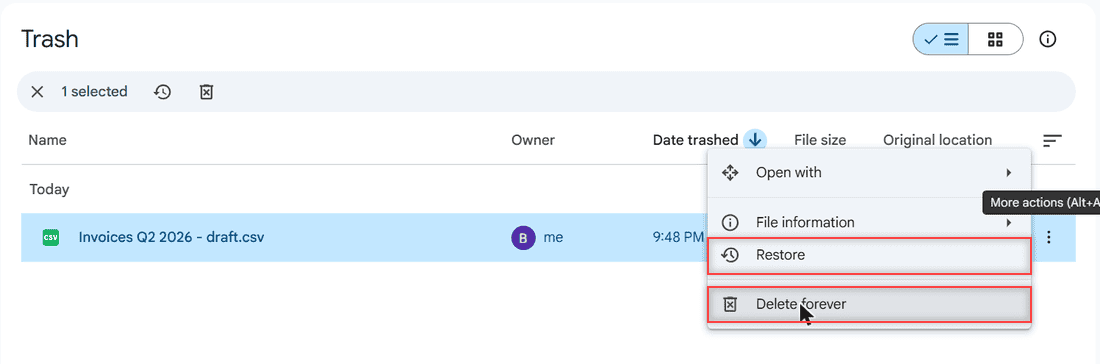
Menu on a trashed file in Google Drive with Restore and Delete forever highlighted

Delete files from Google Drive on a computer or phone, remove several at once, delete forever from Trash and free up storage. Tested in 2026.
How to Upload a Video to Google Drive (Computer, Phone and Big Folders)

November 7, 2026 by Carissa Gudino
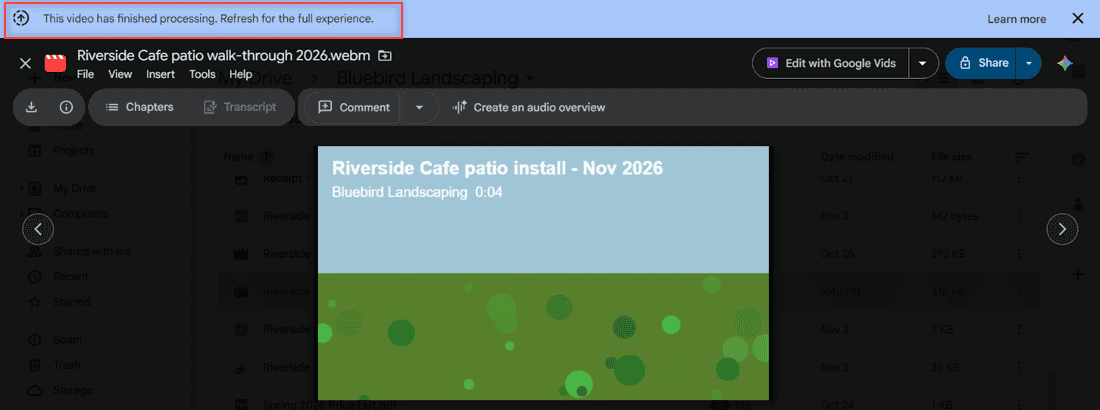
Google Drive video preview with the blue banner This video has finished processing. Refresh for the full experience highlighted

Upload a video to Google Drive from a computer, phone or Drive for desktop, plus supported formats, size limits, processing time and playback fixes.
How to Share a Google Drive Folder (Email, Link, and Phone)

November 6, 2026 by Carissa Gudino
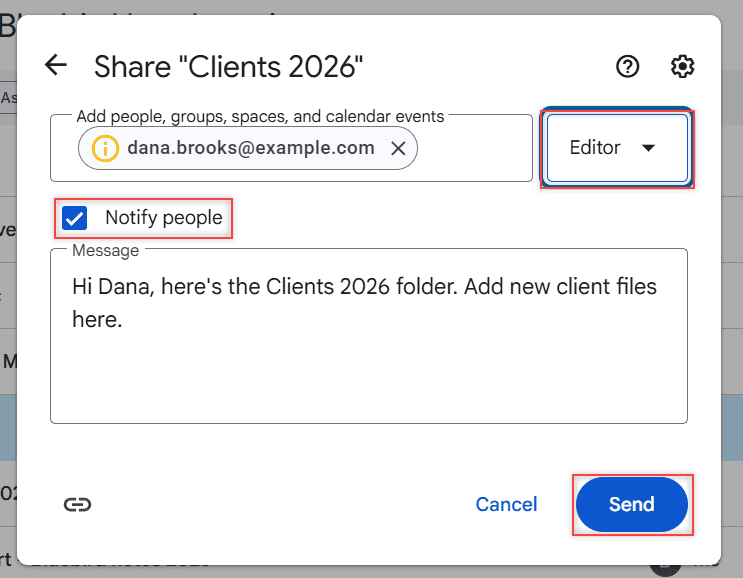
Share dialog with Editor selected, Notify people checked, a message to Dana and the Send button highlighted

Share a Google Drive folder by email or link, pick Viewer, Commenter or Editor, see what each role can do, limit access and stop sharing later.
How to Create an Email Group in Outlook (Contact List Step by Step)

November 6, 2026 by Carissa Gudino
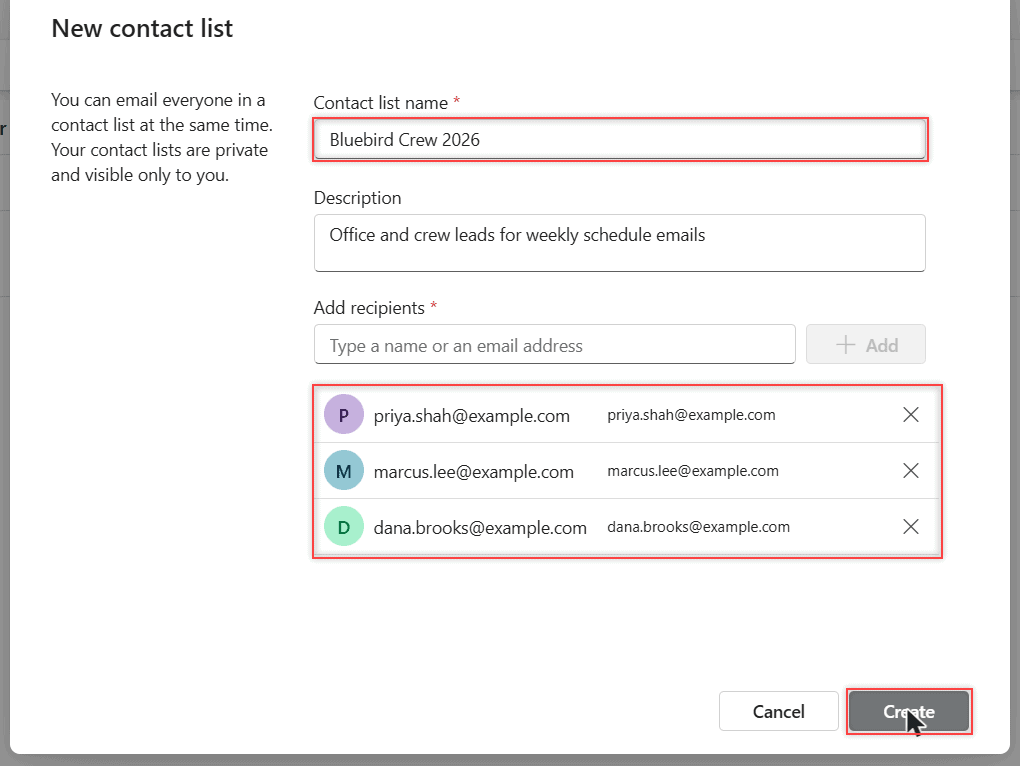
New contact list dialog with the name Bluebird Crew 2026, a description and three added recipients

Create an email group (contact list) in new Outlook, Outlook on the web and classic Outlook, send to it, edit members and delete it.
How to Share Outlook Calendar: 7 Rules I Follow Before I Click Share

November 5, 2026 by Carissa Gudino
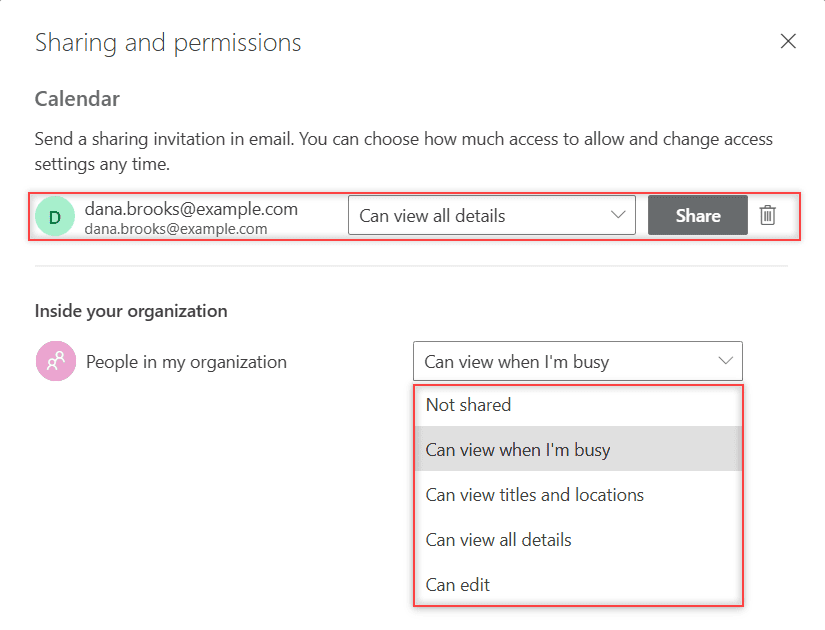
Sharing and permissions dialog for Calendar with an outside contact added and the organization dropdown listing every permission level

How to share your Outlook calendar on the web: the Share button, what each permission level shows, outside people, delegates, and HTML or ICS links.
How to Schedule an Email in Outlook (Web, New and Classic Outlook)

November 5, 2026 by Carissa Gudino
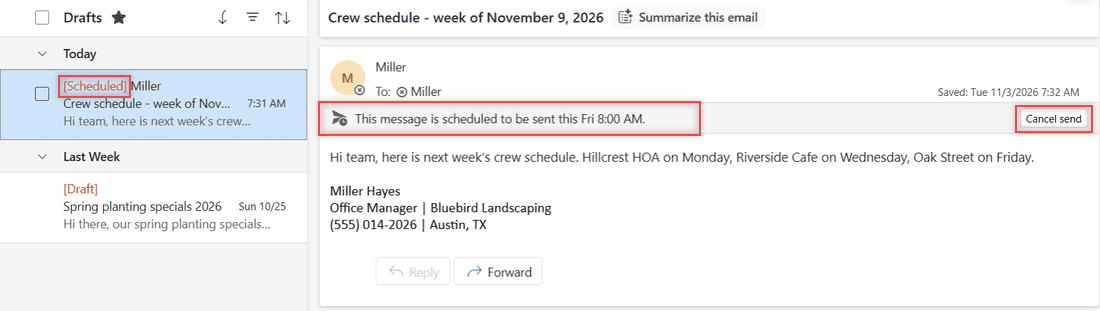
Scheduled email in Outlook Drafts with the red Scheduled tag, the scheduled-send bar and Cancel send boxed

Schedule an email in Outlook with Schedule send or a custom time, find it in Drafts, send it early, and use Do not deliver before in classic Outlook.
How to Change Your Signature in Outlook (Add, Edit, and Set a Default)

November 4, 2026 by Carissa Gudino
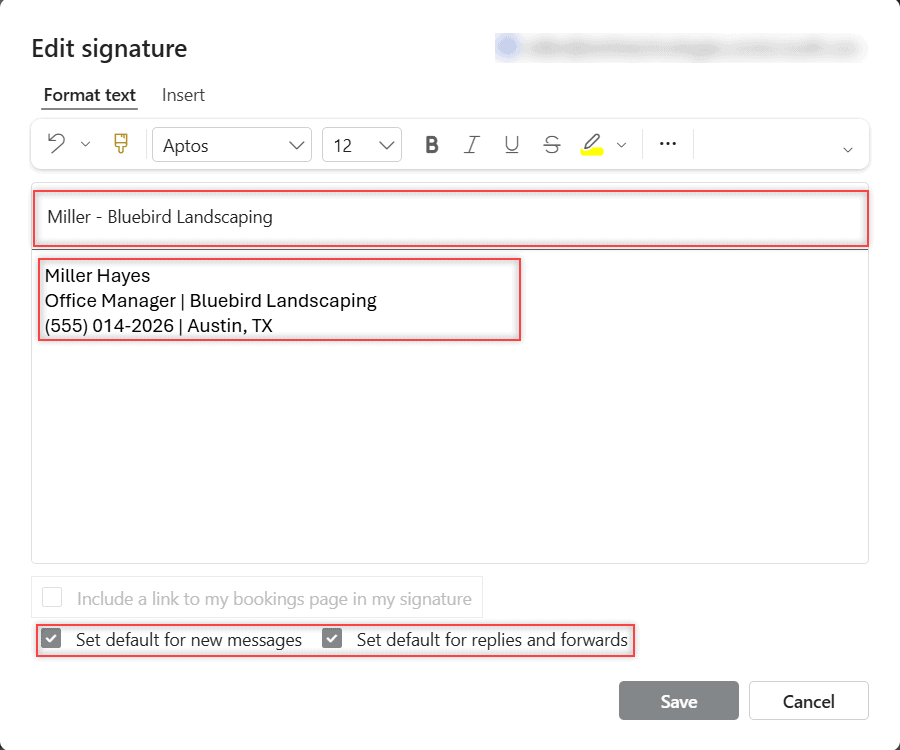
Edit signature dialog with the signature name, three-line signature text, and both default checkboxes boxed

Change your signature in Outlook: add or edit it in Settings > Account > Signatures, set defaults for new mail and replies, plus classic Outlook and Mac.
How to Recall an Email in Outlook (Web, New Outlook, and Classic)

November 4, 2026 by Carissa Gudino
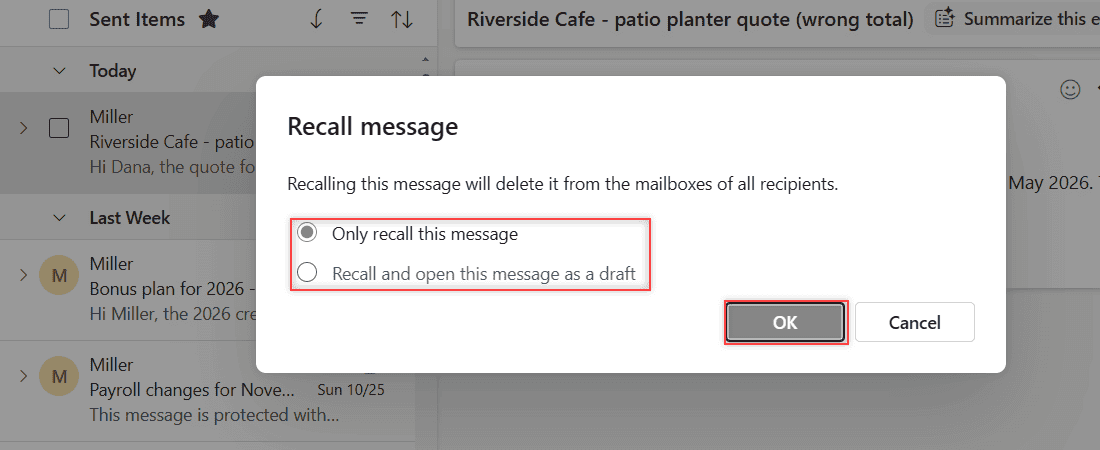
Recall message dialog with Only recall this message and Recall and open this message as a draft options and the OK button

Recall or replace a sent email in Outlook on the web, new Outlook and classic Outlook, read the recall report, and turn on Undo send.
Google Drive vs Google Photos: Which One Should Hold Your Pictures?

November 11, 2026November 3, 2026 by Carissa Gudino
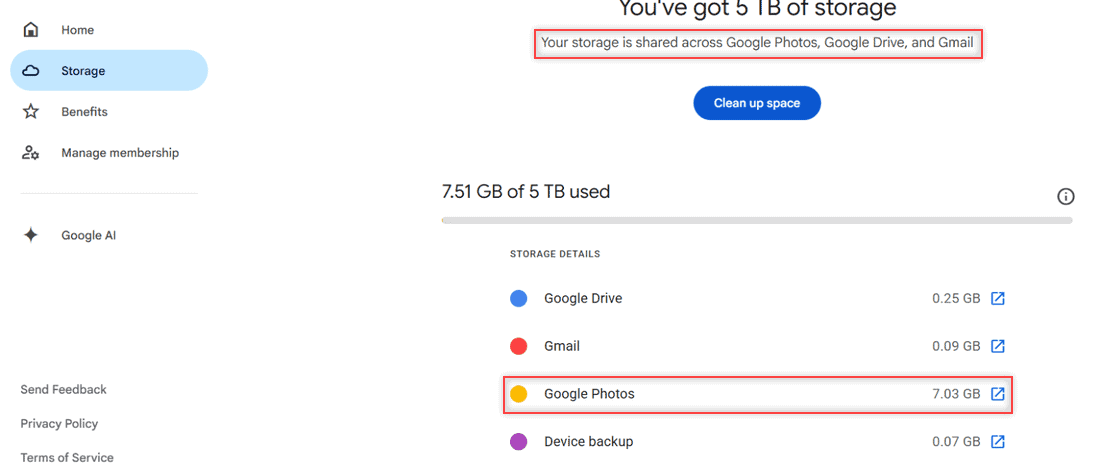
Google One storage page showing storage shared across Google Photos, Google Drive and Gmail with Google Photos using 7.03 GB

Google Drive vs Google Photos compared: storage they share, backup quality, organizing, sharing and phone backup, plus which one to use for your pictures.

Older posts
Newer posts
← Previous Page1 Page2 Page3 … Page16 Next →

Recent Posts

  • How to Transfer Google Drive Files to Another Account (3 Ways)
  • How to Organize Google Drive: 8 Rules I Actually Follow
  • What Is OneDrive and Do I Need It? A Plain-English Answer
  • How to Share a Folder in OneDrive (Web, PC and Phone)
  • How to Delete Files From OneDrive (Web, PC and Phone)
  • About TechnologyDots.com
  • Contact
  • Privacy Policy
  • Sitemap
© 2026 Technology Dots