How to Set Automatic Replies in Outlook Online (Out of Office)
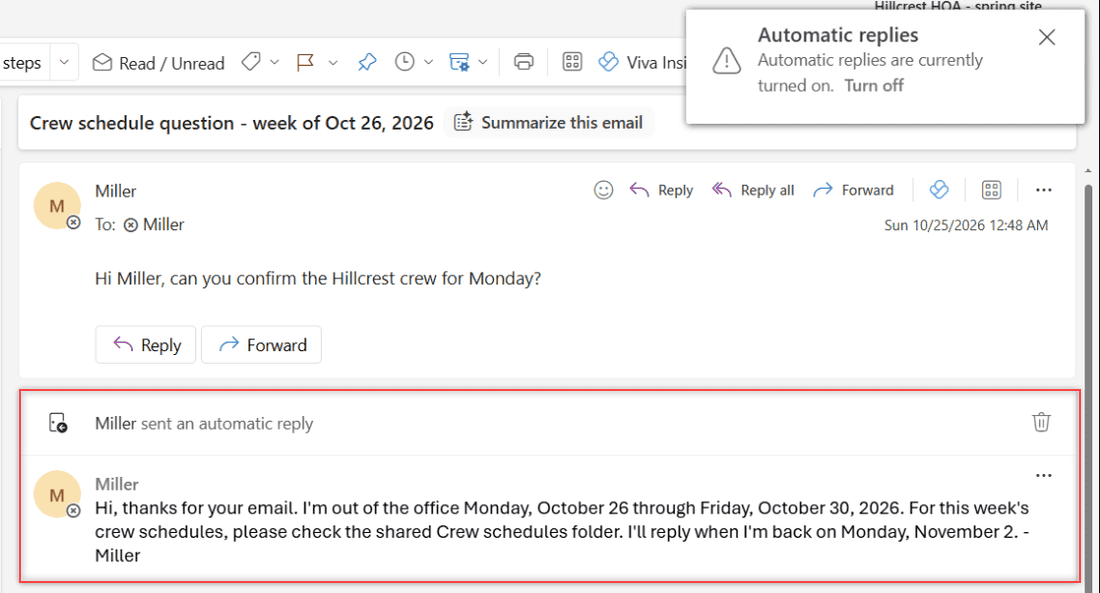
Turn on automatic replies in Outlook on the web, schedule your dates, write inside and outside messages, test the reply, and turn it off when you are back.

Outlook Online is Microsoft’s web-based email client, serving as a hub for email management, calendars, and contacts for users in the United States and globally. Known for its clean interface and robust features, it’s a core component of the Microsoft Office 365 suite. Outlook Online offers advanced email sorting, search functions, and integrates seamlessly with other Microsoft services like OneDrive and Teams. Ideal for both personal and professional use, Outlook Online provides a comprehensive solution for digital communication and scheduling.
Turn on automatic replies in Outlook on the web, schedule your dates, write inside and outside messages, test the reply, and turn it off when you are back.
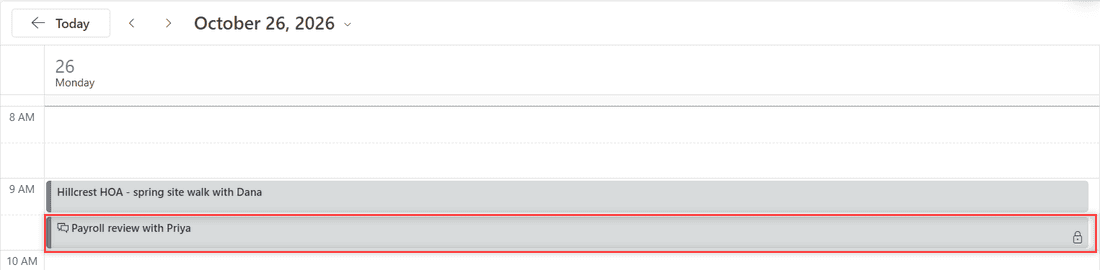
Mark an event as private in Outlook on the web with the lock button or a right-click, then see who can still view the details and how sharing fits in.
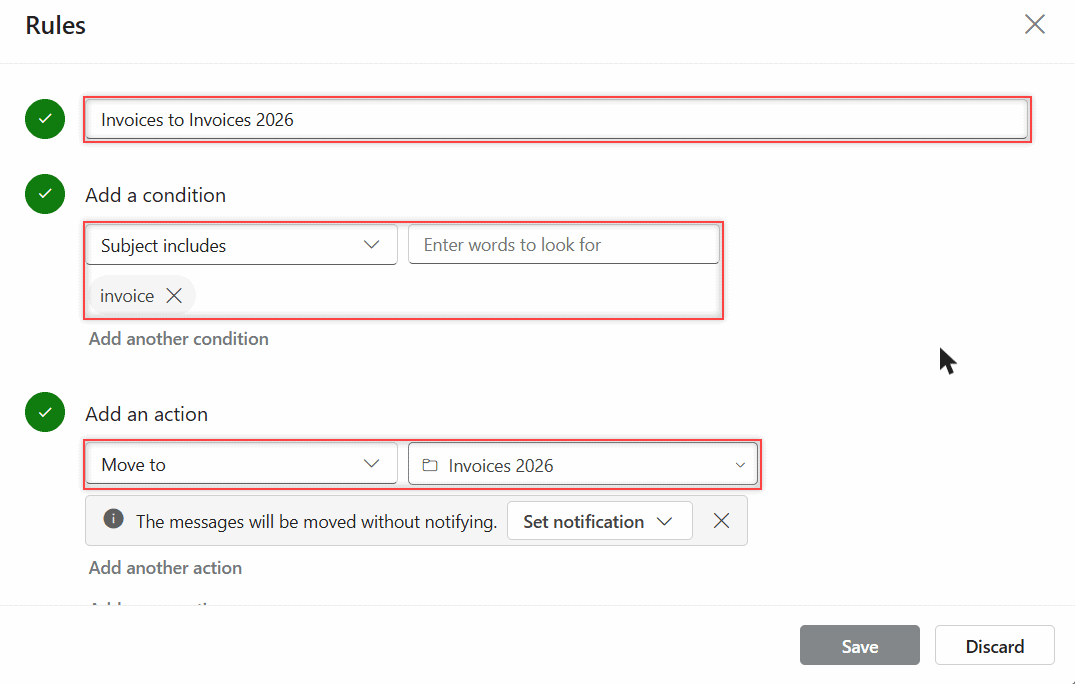
Create inbox rules in Outlook on the web: name the rule, pick a condition and action, run it on mail you already have, then edit, pause, or reorder it.
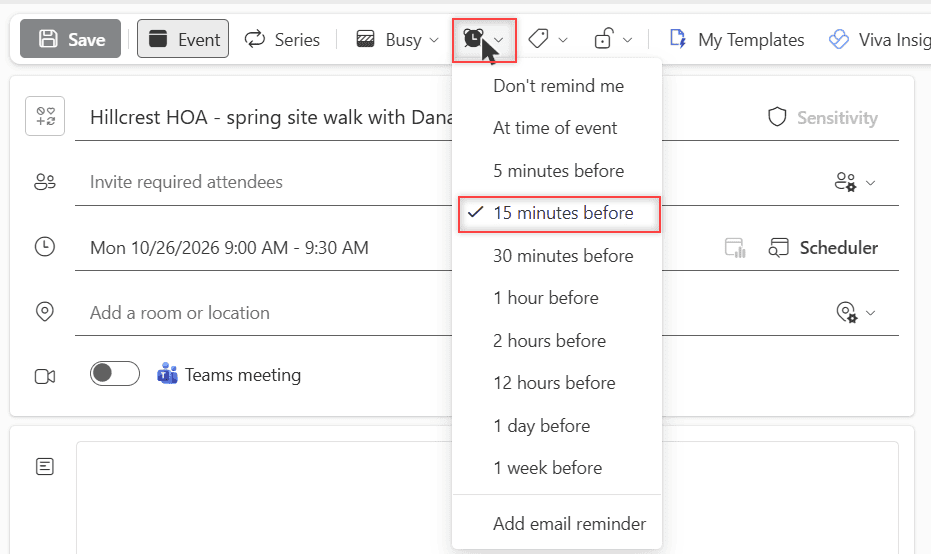
Set a reminder on one Outlook event, add an email reminder, change the default, and control the pop-up. Tested in Outlook on the web for Microsoft 365.